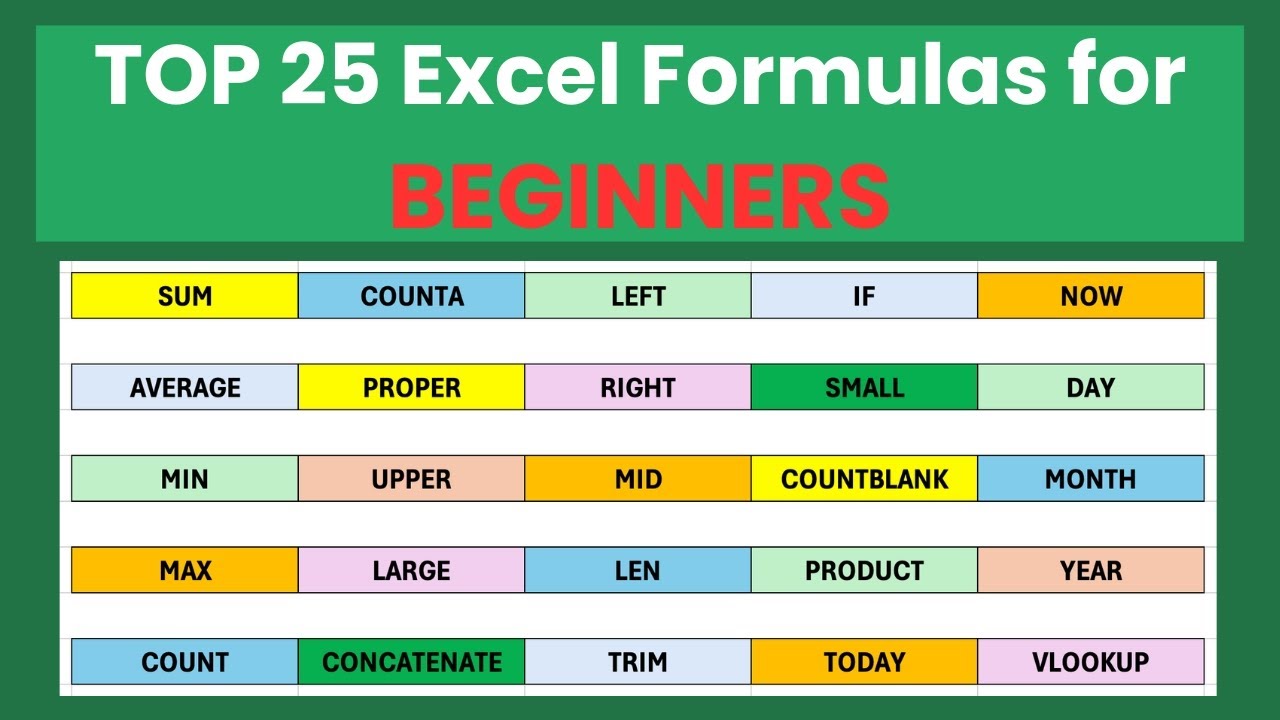
Tired of staring blankly at spreadsheets, unsure how to unlock their true analytical power? In 2025, mastering Excel formulas and functions is no longer a luxury, it's a necessity for anyone looking to excel in their career.
Key Takeaways
- 1Curated YouTube videos to master Excel formulas and functions.
- 2Go from beginner to confident spreadsheet user.
- 3Learn VLOOKUP, logical functions, and data entry tricks.
- 4Transform raw data into actionable insights.
- 5Boost productivity and data analysis skills.
Who this is for
- If you're struggling to extract specific data from large spreadsheets
- If you're a student or office worker needing to present data clearly
- If you're looking to move beyond basic Excel operations into advanced analysis
Start Learning with AI-Powered Video Summaries
Get instant summaries, ask questions, and turn any video into an interactive study session.
Try Querivo Free →Mastering VLOOKUP: Your First Step to Effortless Data Retrieval
Understanding how to pull specific pieces of information from vast spreadsheets is a fundamental skill for anyone working with data. This video is your perfect starting point for mastering the VLOOKUP function. It breaks down this incredibly powerful tool, explaining not just what it is, but how to use it effectively. You'll get a clear grasp of its syntax, the different arguments you need to provide, and most importantly, how it applies in real-world scenarios. Honestly, if you're going to learn one Excel function, VLOOKUP is a seriously solid choice.
The tutorial goes deep into the practicalities. You'll learn to pinpoint the exact lookup value, define your table array precisely, and determine the correct column index number. Plus, it covers the crucial difference between exact and approximate matches, which can be a game-changer for getting accurate results. And for those who like their spreadsheets to stay updated automatically? You'll discover how to leverage Excel Tables to ensure your formulas are always dynamic and pointing to the right places. This is definitely an indispensable skill for anyone serious about data retrieval in Excel.

- Understand the core purpose and syntax of the VLOOKUP function.
- Try using VLOOKUP on your own dataset to pull specific information.
Study This Video Deeper
Get an AI summary and ask questions about confusing parts in real-time.
Open in Querivo →Building Your Excel Foundation: From Absolute Beginner to Spreadsheet Savvy
If the thought of spreadsheets feels intimidating, this video is exactly what you need. It’s designed for folks who are completely new to the world of Excel, laying down all the essential groundwork. We’re talking about understanding what a spreadsheet actually is, how it's structured with worksheets and cells, and how to navigate all of it. It’s about making Excel feel less like a mystery and more like a helpful tool.
You'll learn how to get data into your spreadsheet – not just typing it in, but entering and formatting it so it's actually readable. This tutorial covers creating a simple, effective spreadsheet, which is surprisingly useful for managing anything from contacts to small project lists. Plus, you'll pick up on basic formatting techniques that make a huge difference in presentation and clarity. And as a bonus, there's a crucial shortcut for saving your work that you'll definitely want to remember. Seriously, this is the best place to start your Excel journey.

- Get a clear introduction to Microsoft Excel and its applications.
- Learn to create a simple spreadsheet and master basic formatting.
Advanced Excel Formulas: Unlocking Powerful Data Manipulation Techniques
Ready to move past the basics and dive into some really sophisticated stuff? This section explores advanced formulas and functions that let you do some pretty incredible things with your data. It's all about equipping you with the tools to tackle complex calculations and dig deeper into the insights hidden within your spreadsheets. If you're looking to really impress with your data analysis skills, this is where you'll find them.
This video delves into powerful text manipulation, letting you work with strings of data like never before. You’ll also get a solid understanding of logical functions – think IF, AND, OR – which are essential for conditional analysis. And then there are array formulas, which sound complicated but are super effective for performing calculations across multiple data points simultaneously. We're also covering date and time functions, vital for time-series analysis, and wrapping it all up with practical examples that show how these advanced formulas solve real-world business problems. It's a packed session, but seriously worth your time.

- Explore powerful formulas for text, logic, and array operations.
- Understand how these advanced functions solve real-world business challenges.
Excel Data Entry Tips & Tricks for Speed and Accuracy
Let's be honest, how efficiently and accurately you enter data directly impacts the reliability of any analysis you do. This video is all about streamlining that process. It’s packed with practical tips and tricks designed to speed up your data entry workflow, minimize those pesky errors, and just make working in Excel a whole lot smoother. Who doesn't want to get things done faster and with fewer mistakes?
You’ll master keyboard shortcuts that will have you zipping around your spreadsheets in no time. Plus, you'll learn how to use Data Validation to keep your entries consistent and error-free, which is a total lifesaver. Ever heard of Flash Fill? This tutorial shows you its magic for intelligent pattern recognition and data population. And of course, we touch on the power of AutoSum and other quick calculation features, plus best practices for organizing and cleaning your data. If data entry is a chore for you, this video will definitely change your perspective.
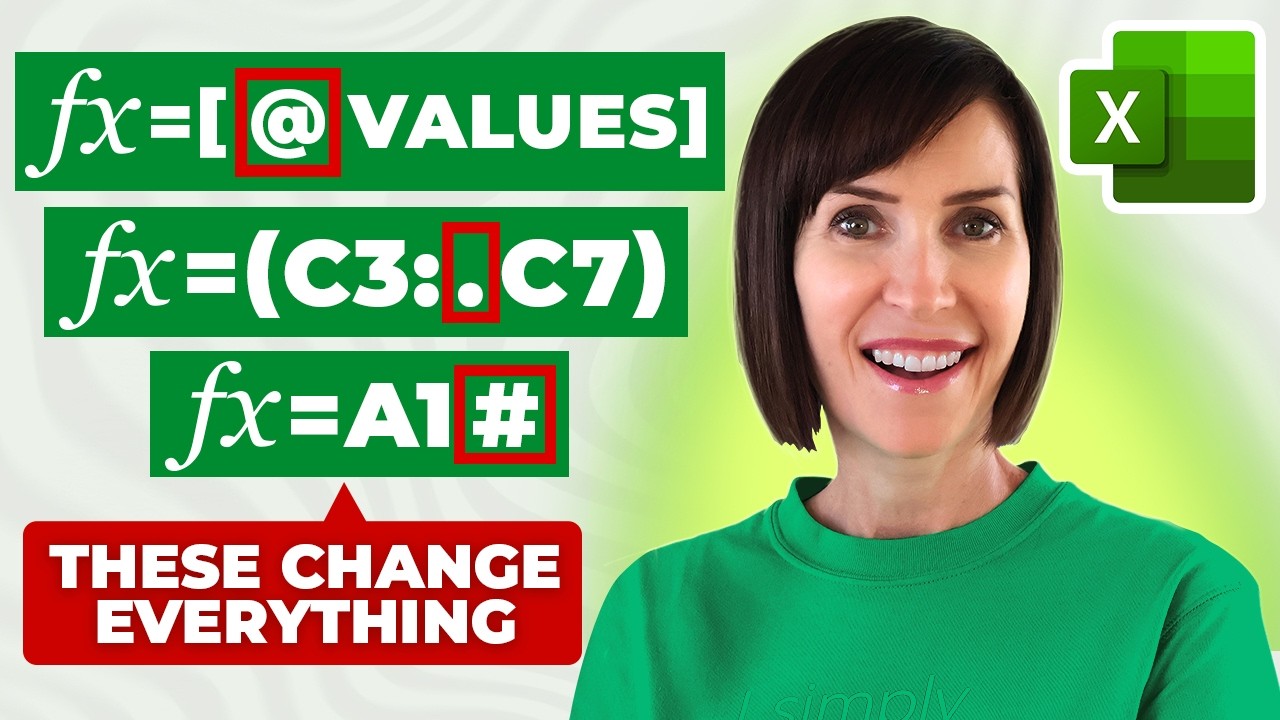
- Master keyboard shortcuts and Data Validation for efficiency.
- Learn about Flash Fill and AutoSum for faster data population and calculation.
Your Next Steps
By diving into these curated YouTube tutorials, you've got a fantastic roadmap to mastering essential Excel formulas and functions. From the foundational VLOOKUP and basic spreadsheet management to advanced techniques and super-efficient data entry practices, these skills are your ticket to unlocking Excel's full analytical potential. Don't just watch; actively engage with the material.
Your Action Items
- ☐Pick one video from above and watch it on Querivo
- ☐Ask questions and check summaries while watching without breaking your flow
- ☐Use the AI chat to clarify confusing parts and deepen understanding
- ☐Come back for more curated videos on topics you want to master
Seriously, start your Excel learning journey today by checking out the videos we've highlighted. The best way to solidify this knowledge is to put it into practice with your own spreadsheets and data sets. You might find that with a little focused learning, those daunting spreadsheets become your playground for uncovering valuable insights.
Turn Any YouTube Video into an Interactive Lesson
Paste any video link, get an instant AI summary, and ask questions in real-time.
Try Querivo Free →Related Videos You Might Enjoy
Looking for more perspectives on this topic? Here are some additional videos worth checking out: