Struggling to keep up with lectures, meetings, or your own brilliant ideas? In 2025, the way we take notes is evolving, and the most effective strategies are readily available on YouTube.
Key Takeaways
- 1Elevate your note-taking game with top YouTube guides.
- 2Master digital tools and analog methods for better learning.
- 3Capture and retain information more effectively.
- 4Boost productivity in studies and work.
- 5Unlock your full learning potential.
Who this is for
- If you're drowning in information and can't seem to retain it
- If you're looking for structured ways to improve your learning process
- If you're ready to transform your note-taking from a chore into a superpower
Start Learning with AI-Powered Video Summaries
Get instant summaries, ask questions, and turn any video into an interactive study session.
Try Querivo Free →Master Digital Note-Taking with Notability on iPad
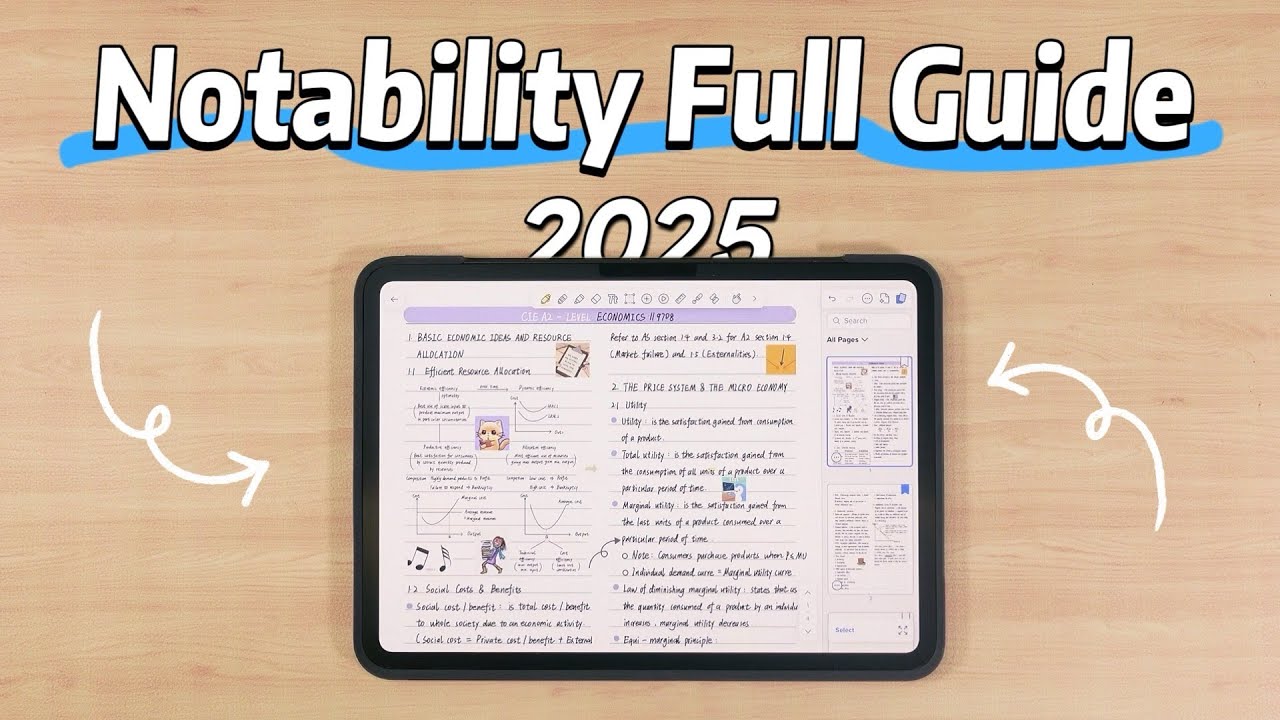
Digital note-taking offers incredible flexibility, and this video dives deep into one of the most powerful tools available: Notability on the iPad. Forget messy, disorganized notes; this tutorial is your key to unlocking a structured, efficient, and dynamic digital notebook. You'll learn how to build a robust organization system using Subjects and Dividers, making it easy to find exactly what you need, when you need it. Plus, the advanced writing tools, including shape recognition for perfect lines and the lasso tool for effortless editing, seriously speed up your workflow. It’s about creating notes that are not just legible but truly functional for study and work.
We're talking about boosting productivity too, with features that allow for seamless multitasking and integration of media like recordings and GIFs. Imagine capturing every detail of a lecture, complete with audio notes you can revisit later. This video really shows how to tailor your digital notebook to your specific needs by customizing templates or importing your own. It’s a game-changer for anyone who relies on their iPad for academic or professional tasks. If you're looking to get the most out of your iPad for note-taking, this is definitely a must-watch.
- Build a powerful organizational system in Notability.
- Use advanced editing tools to perfect your digital notes.
The 'One-Page' Method for Deeper Understanding and Faster Revision
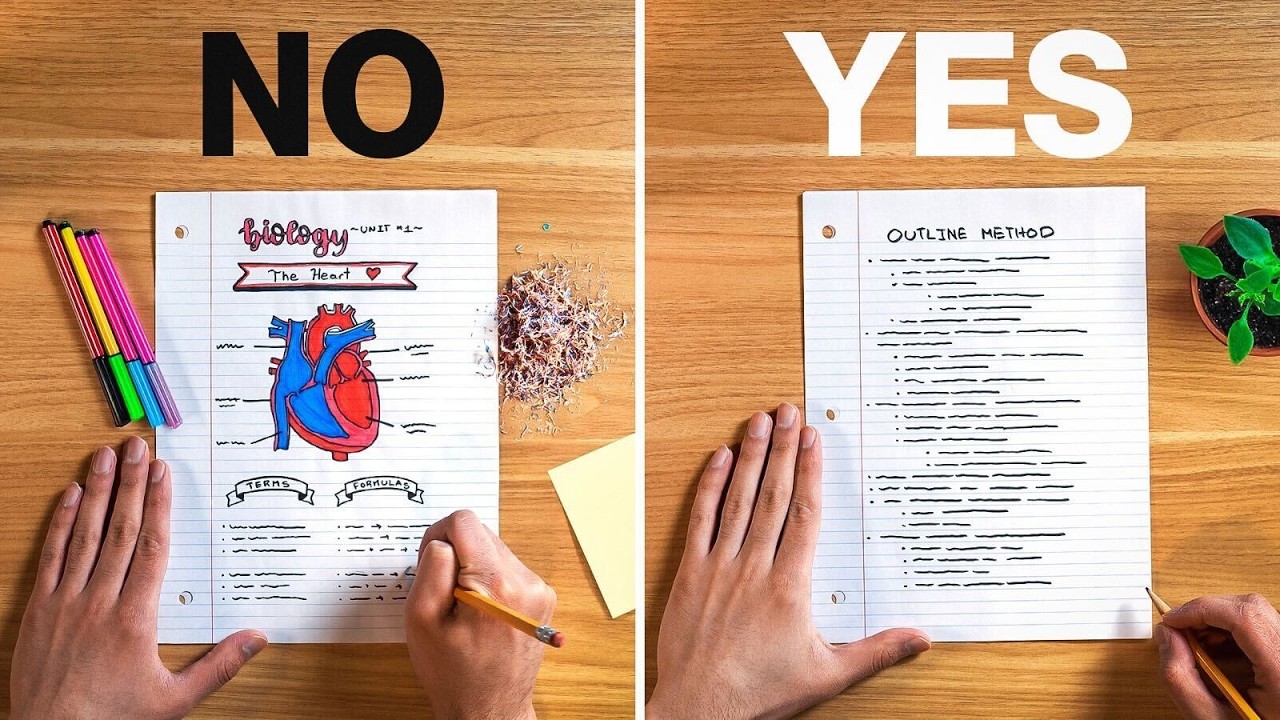
Sometimes, the most effective learning techniques aren't the flashiest. This video introduces a concept that sounds simple but is surprisingly profound: the 'One-Page' method. It's designed to help you get more out of your notes by moving beyond simple transcription. Instead of just writing things down, you're encouraged to actively engage with the material. This approach focuses on creating a hierarchical structure, much like a tree, with a main trunk of information, branching out into supporting details and leaves.
Learning to group, relate, and analyze concepts in this layered way can seriously boost your memorization and critical thinking. It’s about turning passive note-taking into an active knowledge-creation process. This makes revision much faster and more effective because all the key connections are laid out clearly. For students preparing for exams or professionals needing to grasp complex subjects quickly, this method could be a real advantage. You’ll definitely want to give this a try to see how it impacts your learning retention.
- Structure information hierarchically for better understanding.
- Transform note-taking into active knowledge creation.
Unlocking the Full Potential of Apple Notes for Enhanced Productivity
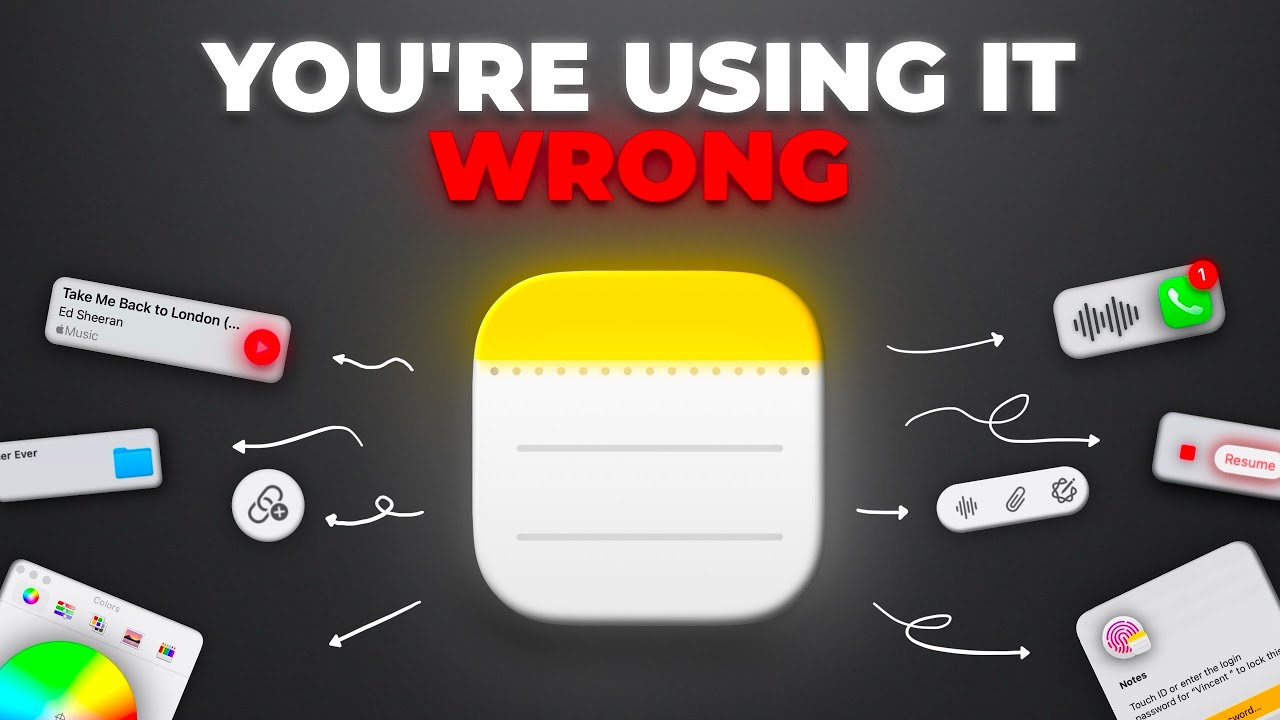
You might already have a powerful note-taking tool right at your fingertips, especially if you're in the Apple ecosystem. This video reveals the often-overlooked capabilities of Apple Notes, turning it into a much more robust and productive application than many realize. It highlights how features like Quick Notes and drag-and-drop integration make capturing ideas incredibly seamless. Seriously, you can jot down thoughts or sketch something in seconds without even opening the main app.
The tutorial also shines a light on the advanced handwriting recognition and text conversion features, which are surprisingly accurate and helpful for iPad and Apple Pencil users. Plus, there are tips on streamlining document management using advanced scanning, which is perfect for digitizing physical notes or important papers. Organizing your notes effectively and using linking to create interconnected information hubs is also covered. If you're an Apple user and haven't explored these advanced features, you're probably missing out on a ton of productivity.
- Leverage Quick Notes and drag-and-drop for instant capture.
- Utilize advanced scanning and organizational features in Apple Notes.
Study This Video Deeper
Get an AI summary and ask questions about confusing parts in real-time.
Open in Querivo →Your iPad's Built-in Notes App: A Free Powerhouse
Let's be honest, many of us overlook the built-in apps on our devices, assuming they’re too basic for serious use. This video makes a strong case for Apple Notes being a superior, and importantly, free note-taking solution. It’s not just about jotting down quick thoughts anymore; the app is packed with speed, integration, and advanced features that can genuinely enhance your productivity. You’ll discover how to master quick note capture across all your Apple devices, ensuring no idea slips through the cracks.
The organizational tools are surprisingly versatile too, with folders, smart folders, and tags that help keep your information tidy and easily retrievable. And for those who love to doodle or sketch, the handwriting and stylus integration is fantastic, complete with auto-refinement and even math note conversion. This video shows you how to harness these capabilities to their fullest. It's a pretty solid reminder that sometimes, the best tools are the ones you already have. Definitely worth checking out if you want to maximize your iPad's potential without spending extra cash.
- Utilize flexible formatting and organizational tools in Apple Notes.
- Master handwriting and stylus integration for enhanced input.
Your Next Steps
By integrating these YouTube-powered strategies, you can transform your note-taking from a passive task into an active learning and productivity engine. From mastering digital tools like Notability to adopting systematic analog methods and unlocking the full potential of your existing apps, significant improvements are within reach.
Your Action Items
- ☐Pick one video from above and watch it on Querivo
- ☐Ask questions and check summaries while watching without breaking your flow
- ☐Use the AI chat to clarify confusing parts and deepen understanding
- ☐Come back for more curated videos on topics you want to master
Start watching these incredible YouTube tutorials today and elevate your note-taking skills for success in 2025! Experiment with the featured techniques and apps, practice regularly, and find the note-taking system that best fits your personal workflow and learning style.
Turn Any YouTube Video into an Interactive Lesson
Paste any video link, get an instant AI summary, and ask questions in real-time.
Try Querivo Free →Related Videos You Might Enjoy
Looking for more perspectives on this topic? Here are some additional videos worth checking out:
the only Note-Making Method that actually works | Study Less, Score More
This video teaches an effective one-page note-making method designed for deep understanding and quick revision, moving beyond simple copying to a process-oriented approach. It emphasizes simplifying complex information through layering, grouping, relating, and analyzing concepts for better memorization and critical thinking.

The Ultimate iPad Note-Taking System (That Actually Works)
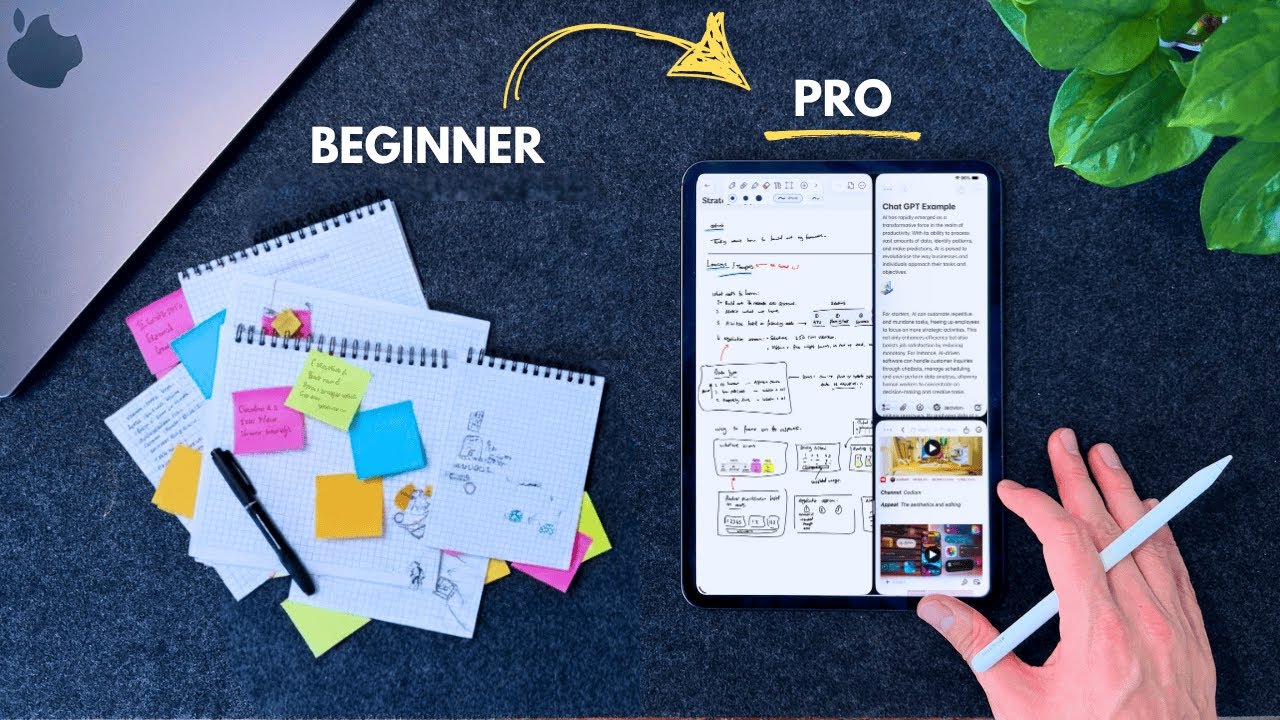
This video debunks the myth that a perfect app is key to mastering note-taking, instead advocating for a structured system. It presents a three-stage system for note organization (Inbox, Projects, Areas, Archive) and a five-section note-taking methodology (Context, Learnings, Extract, Actions, Reflect), enhanced by iPad-specific features.
Apple Notes Is All You Need — Here’s Why
This video argues that Apple Notes is a powerful and underutilized free note-taking application. It highlights its speed, integration across Apple devices, and features like quick note capture, organizational tools (including smart folders), flexible formatting, advanced handwriting capabilities, and audio transcription.