Unleash your creativity and transform your ideas into scalable, professional-quality artwork. In the dynamic world of digital design, vector graphics reign supreme, offering unparalleled flexibility and crispness. But how do you master the art of creating them?
Key Takeaways
- 1Master vector creation with top Illustrator tutorials
- 2Learn character illustration and logo design basics
- 3Unlock advanced techniques for complex artwork
- 4Optimize your workflow with designer shortcuts
- 5Create stunning graphics for any project
Who this is for
- If you're looking to dive into vector art but don't know where to start
- If you're a designer needing to upskill in Adobe Illustrator for branding or illustration
- If you're a beginner wanting practical, step-by-step guidance on creating vector graphics
Start Learning with AI-Powered Video Summaries
Get instant summaries, ask questions, and turn any video into an interactive study session.
Try Querivo Free →Effortlessly Illustrate Characters with Illustrator's Tracing Power
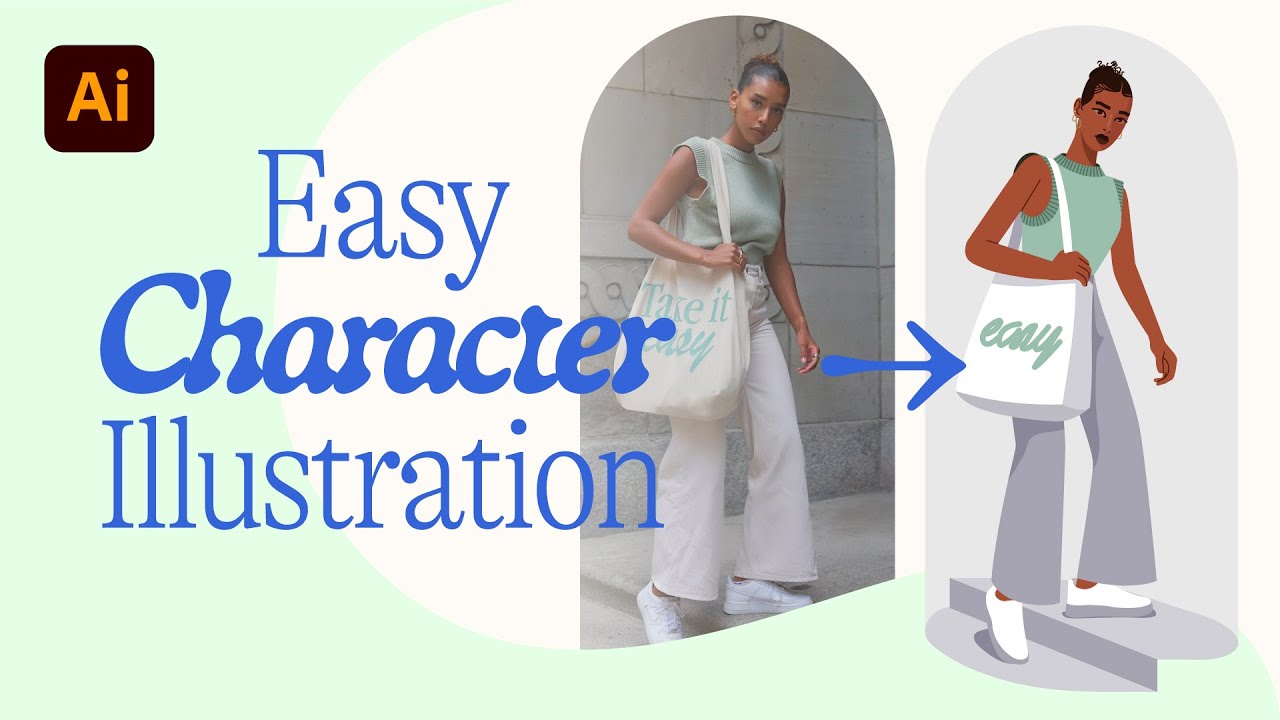
Ever wanted to bring a character concept to life in crisp vector form? This video is a fantastic starting point for anyone new to character illustration in Adobe Illustrator. It walks you through using a sketch as a reference, showing how to leverage Illustrator's powerful tools to convert that initial drawing into clean, stylized vector art. You'll discover how to achieve a polished look without needing complex techniques right away.
The creator emphasizes a smart workflow, focusing on getting a stylized outcome efficiently. You'll learn to use basic shapes and the ever-reliable Pen Tool to build your illustration. It's a great way to see how simple vector elements can combine to create something quite appealing. If you've ever felt intimidated by drawing digitally, this video offers a really encouraging approach.
This tutorial demonstrates the magic of tracing reference images. It’s perfect for visual learners who benefit from seeing the process unfold step-by-step. You'll definitely get a feel for how to translate a 2D sketch into scalable vector artwork, making it a solid foundation for creating your own characters or illustrations.
- Trace sketches to create stylized vector characters.
- Use basic shapes and the Pen Tool for efficiency.
Build Your First Vector Logo: A Step-by-Step Illustrator Guide
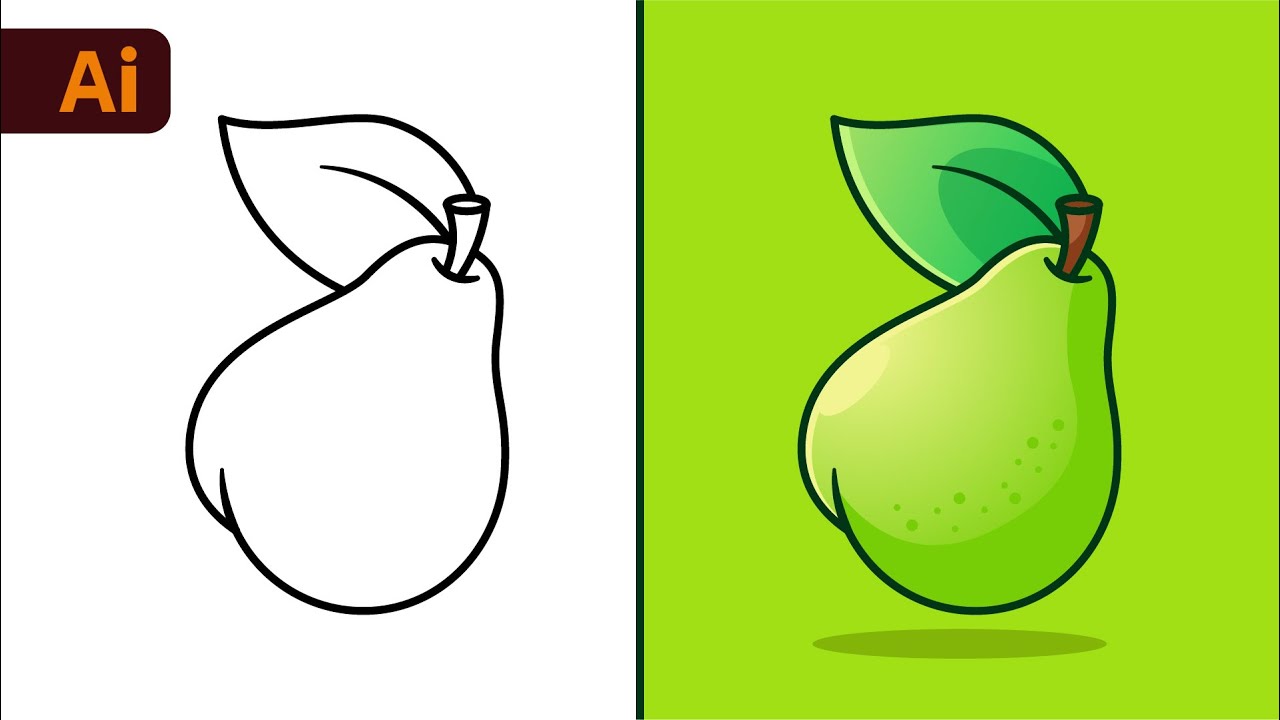
Creating a logo that truly represents a brand is an art form. This video breaks down the foundational principles of logo design specifically within Adobe Illustrator, making it incredibly accessible. Whether you're a budding graphic designer or a small business owner looking to refine your visual identity, understanding these basics is crucial. You'll learn not just how to draw shapes, but why certain design choices matter for impact.
We found the emphasis on core tools and essential considerations for creating effective brand marks particularly helpful. The video guides you through using Illustrator's shape and path tools precisely, which is absolutely vital for professional-looking logos. Plus, it touches upon the important aspects of color theory and typography – elements that can seriously make or break a logo's success.
If you've been wondering how to translate abstract brand ideas into a tangible visual symbol, this is the video for you. It covers the entire process, from initial concept development using Illustrator's tools to preparing your final logo for different uses. It’s a comprehensive, yet concise, guide that helps you create impactful designs.
- Grasp essential logo design principles for branding.
- Use Illustrator's tools for precise and impactful logo elements.
Study This Video Deeper
Get an AI summary and ask questions about confusing parts in real-time.
Open in Querivo →Unlock Advanced Illustrator Techniques for Complex Vector Art
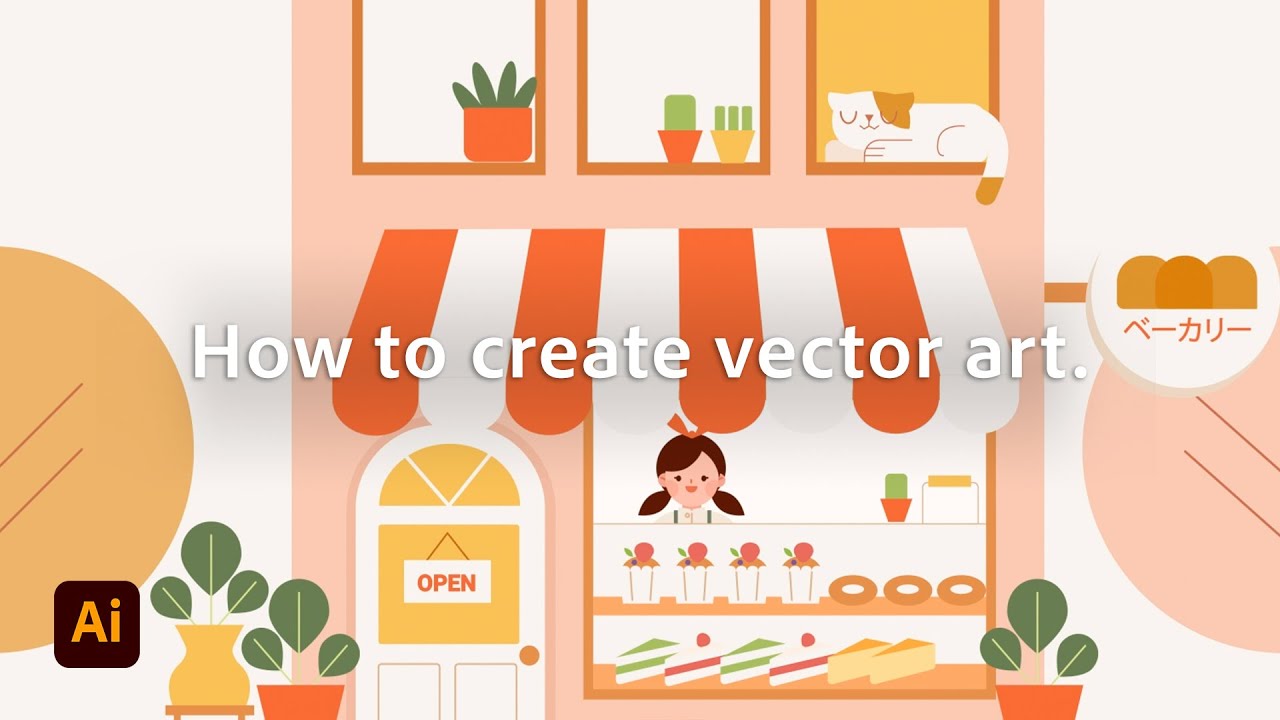
Ready to move beyond the basics and tackle more intricate vector projects? This video dives deep into the advanced features of Adobe Illustrator, equipping you with the skills to create truly complex and professional-level vector illustrations. It’s a must-watch if you're looking to push your creative boundaries and achieve sophisticated results in your designs. You'll discover techniques that can transform simple shapes into dynamic compositions.
The creator explores advanced Pathfinder operations, which are incredibly powerful for merging, subtracting, and combining shapes in intricate ways. You'll also get a handle on gradients and mesh tools, essential for adding realistic shading and subtle textures to your artwork – something that really elevates a design from flat to dimensional. Plus, there are insights into using brushes and effects for unique vector styles.
This tutorial is surprisingly good for understanding how to manage complex artwork. Strategies for organizing your layers and artboards effectively are covered, which is a game-changer when dealing with detailed projects. If you're aiming to create illustrations with depth, realism, or highly stylized aesthetics, these advanced techniques will definitely give you the edge.
- Master advanced shape manipulation with Pathfinder.
- Add depth and realism using gradients and mesh tools.
Streamline Your Workflow: Illustrator Shortcuts and Tips for Designers
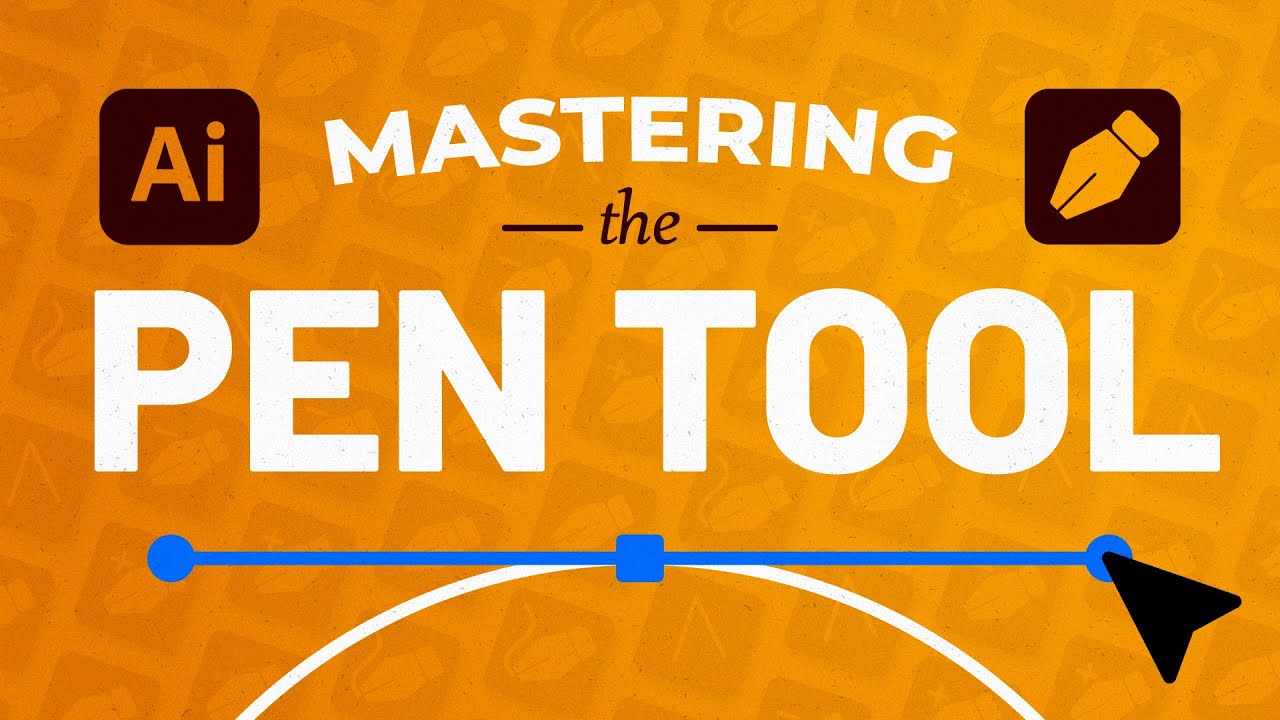
As any seasoned designer knows, efficiency is key. This video is a treasure trove of essential keyboard shortcuts and workflow optimizations designed to speed up your Adobe Illustrator process significantly. If you find yourself performing the same repetitive tasks or wish you could navigate the software more fluidly, paying attention to these tips will be incredibly valuable. It’s about working smarter, not harder.
The creator highlights truly essential shortcuts that can shave minutes off common tasks, which adds up quickly over a project. You'll learn how to efficiently manage layers and artboards, keeping your workspace clean and organized – a critical factor for productivity. Plus, leveraging smart guides and alignment tools ensures precision without tedious manual adjustments.
Honestly, this is the kind of practical advice that makes a real difference in day-to-day design work. Discovering how to create custom workspaces and save presets can also tailor Illustrator to your specific needs, making your favorite tools and panels readily available. It's an unexpectedly helpful guide for anyone serious about mastering Illustrator and producing work faster.
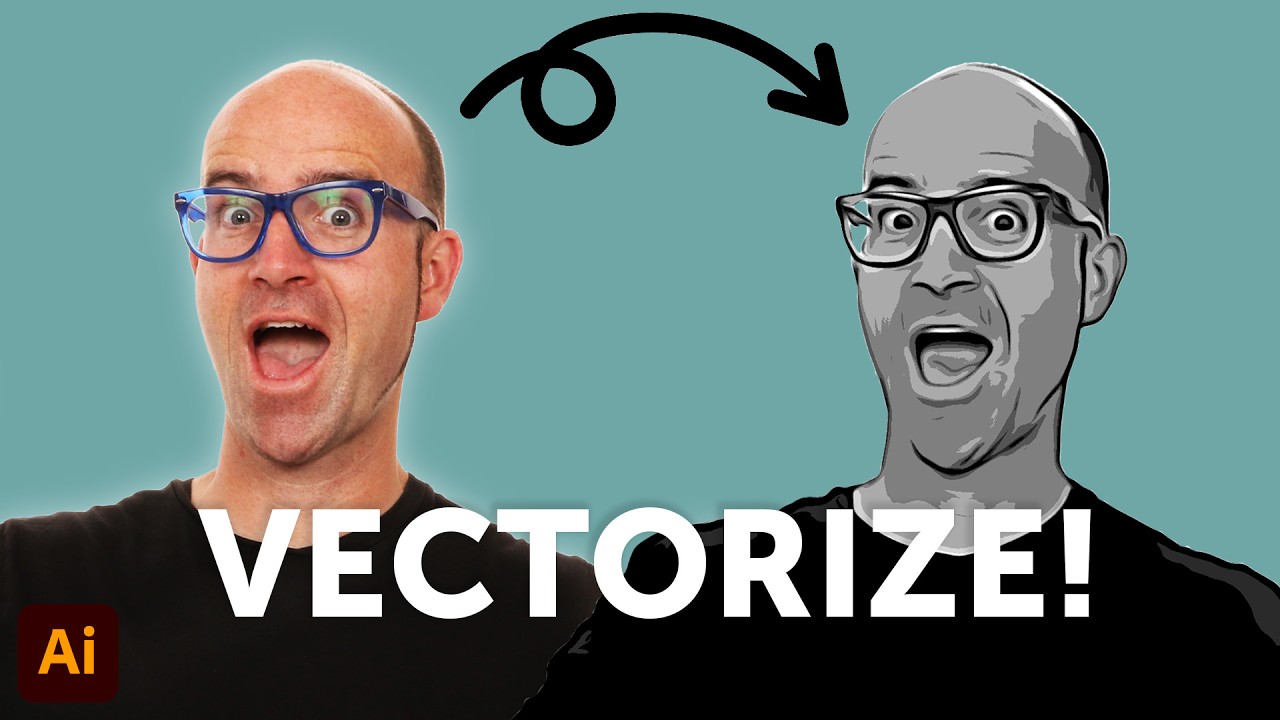
- Discover essential keyboard shortcuts for speed.
- Optimize workspace management with smart guides and alignment.
Your Next Steps
By following these curated YouTube tutorials, you've gained a solid foundation in creating vector graphics with Adobe Illustrator. You've learned beginner-friendly character illustration, the essentials of logo design, advanced techniques for complex art, and crucial workflow optimizations. This collection offers a clear path to mastering vector creation.
Your Action Items
- ☐Pick one video from above and watch it on Querivo
- ☐Ask questions and check summaries while watching without breaking your flow
- ☐Use the AI chat to clarify confusing parts and deepen understanding
- ☐Come back for more curated videos on topics you want to master
Ready to bring your creative visions to life? Start practicing these techniques today and elevate your design skills with Illustrator! Continue exploring the 'Related Videos' section for further insights and inspiration. Experiment with different tools and styles, and don't hesitate to challenge yourself with new projects.
Turn Any YouTube Video into an Interactive Lesson
Paste any video link, get an instant AI summary, and ask questions in real-time.
Try Querivo Free →Related Videos You Might Enjoy
Looking for more perspectives on this topic? Here are some additional videos worth checking out:
Adobe Illustrator for Beginners: Get Started in 10 Minutes
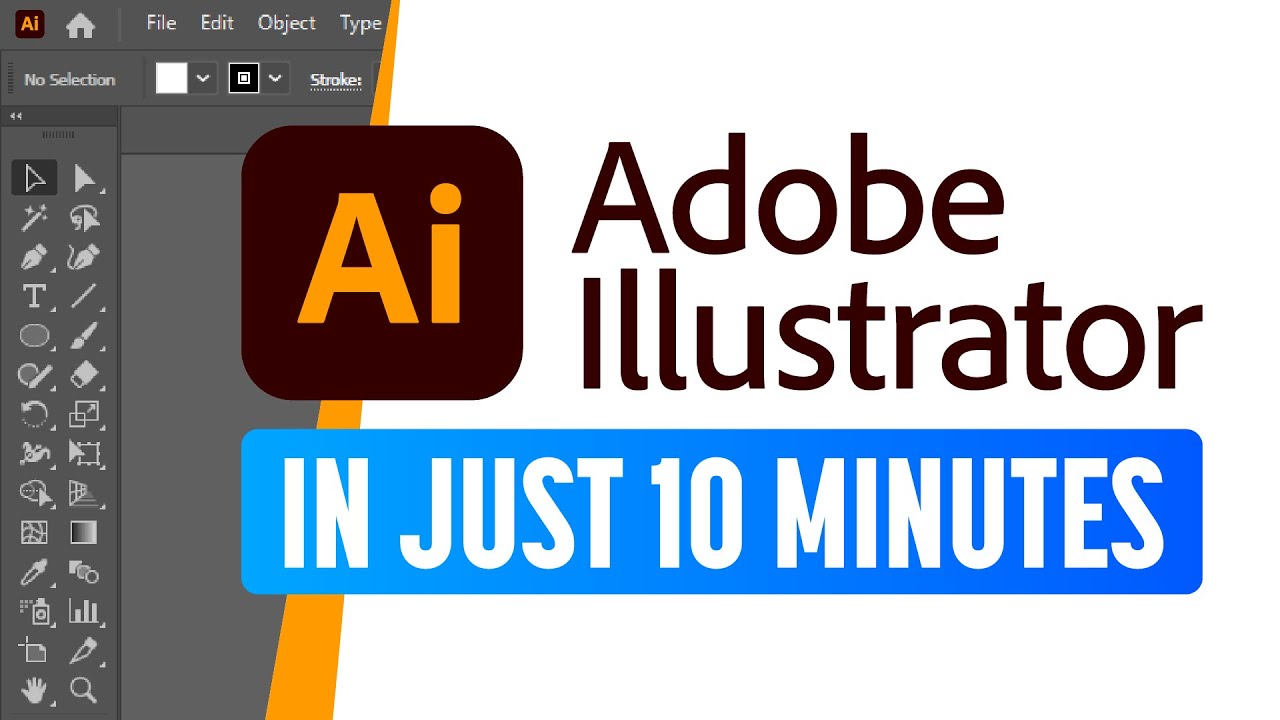
How To Make Vector Art in Adobe Fresco! From Sketch to Finished Products.
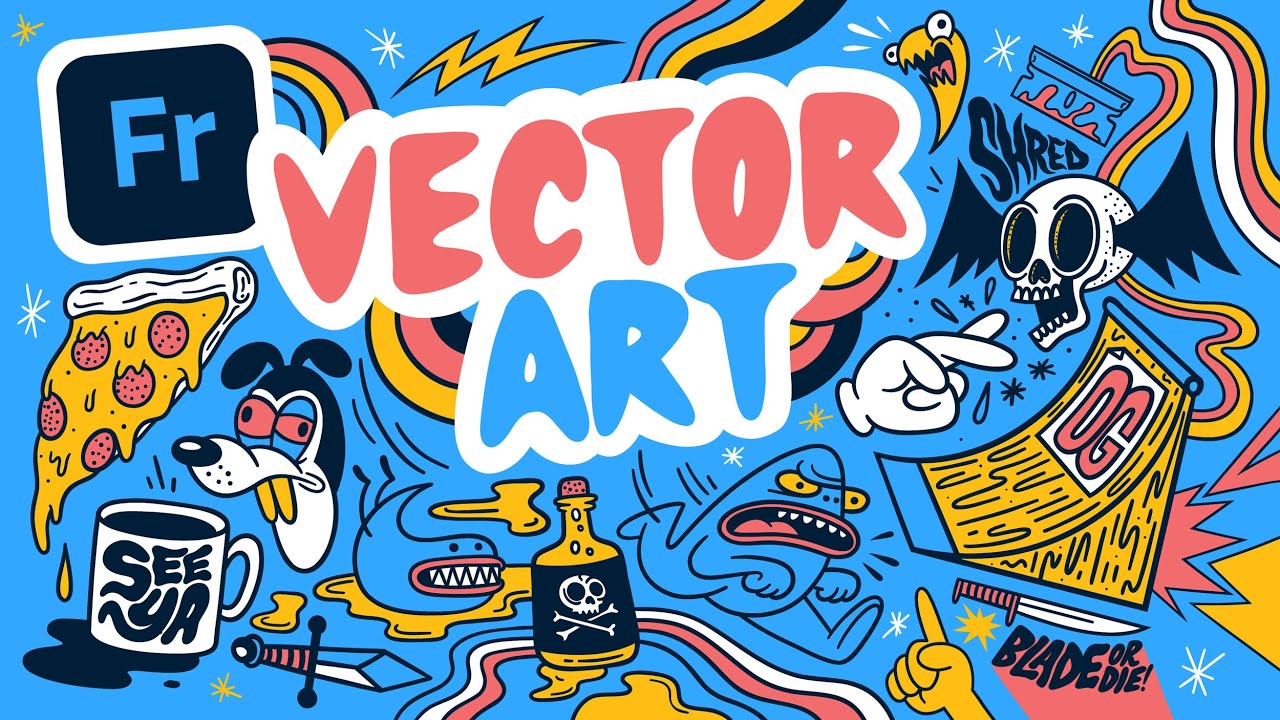
Convert Any Photo Into Vector Graphics! (Photoshop & Illustrator Tutorial)
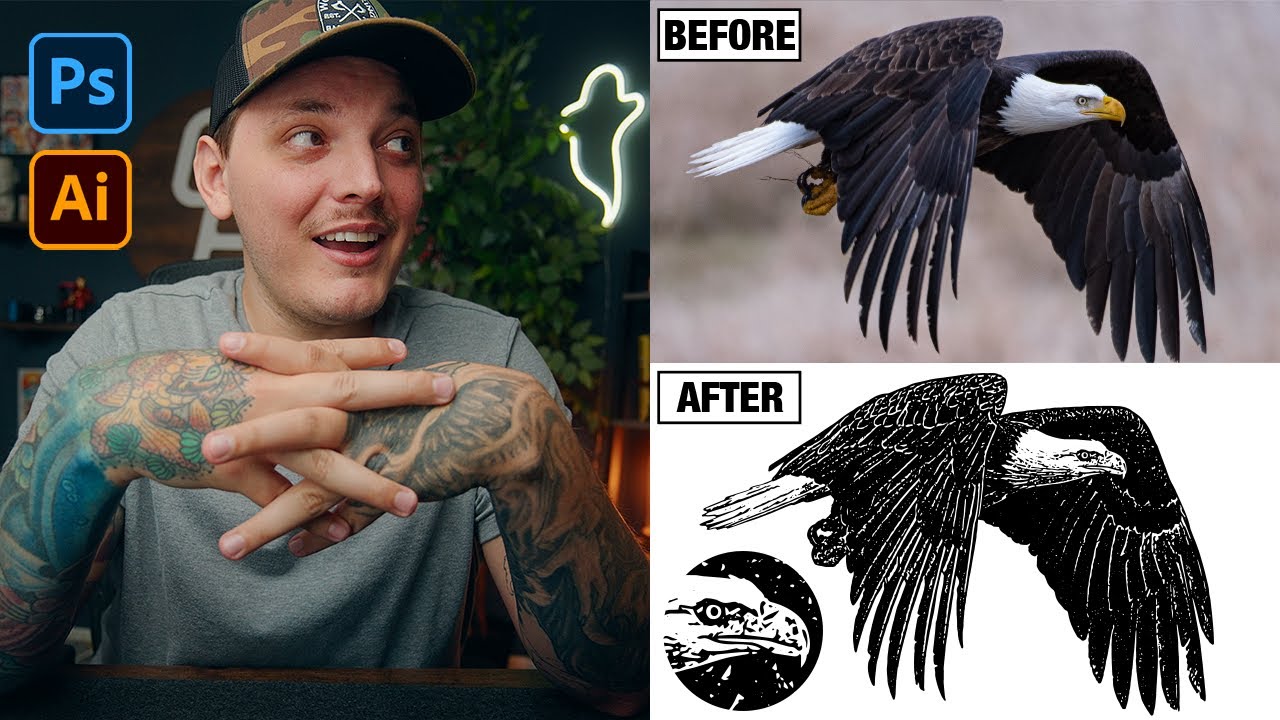
EASY Character Illustration in Adobe Illustrator! 🎨 #illustrator #digitalart #illustration
This tutorial provides a beginner-friendly method for creating simple vector character illustrations in Adobe Illustrator by tracing a reference photo. It emphasizes using minimal shapes and the pen tool, offering tips for efficient workflow and subtle refinements to achieve a stylized look.