Tired of spending hours on repetitive data entry or manual updates in Google Sheets? Imagine reclaiming that time for more strategic work. Automating tasks in Google Sheets isn't just a dream; it's an achievable reality that can significantly boost your efficiency. We'll guide you through how to leverage powerful video tutorials to master this skill, transforming your spreadsheet workflows from tedious chores into streamlined processes.
Key Takeaways
- 1Master Google Sheets automation with App Script.
- 2Automate data entry, manipulation, and cleaning.
- 3Streamline reporting and get custom notifications.
- 4Tackle complex workflows and integrate Google services.
- 5Boost your productivity and efficiency significantly.
Who this is for
- If you're an office worker drowning in manual spreadsheet tasks
- If you're a small business owner looking to streamline operations
- If you're a data entry specialist seeking to minimize tedious work
Get Started with Google Apps Script: Your First Automation Wins
So, you're looking to automate tasks in Google Sheets, huh? That's a smart move, especially if you're tired of the daily grind. The video "Google Apps Script for Beginners: Start Automating Google Sheets" by Analytics with Adam is a fantastic starting point, demystifying Google Apps Script for absolute beginners. This resource walks you through the basics of the script editor, which is conveniently located right within Google Sheets itself. You'll learn how to actually write and then run your very first script – think simple things like formatting cells consistently or copying data from one place to another. Plus, it covers the essentials of debugging, so you won't get totally stuck if something goes a bit awry. It's surprisingly straightforward once you see it in action, making those initial steps into automation less intimidating.
- Understand the Google Apps Script editor inside Sheets.
- Write and execute your first basic automation script.
- Learn essential debugging techniques for your scripts.
Study This Video Deeper
Get an AI summary and ask questions about confusing parts in real-time.
Open in Querivo →Effortless Data Entry and Smarter Data Handling
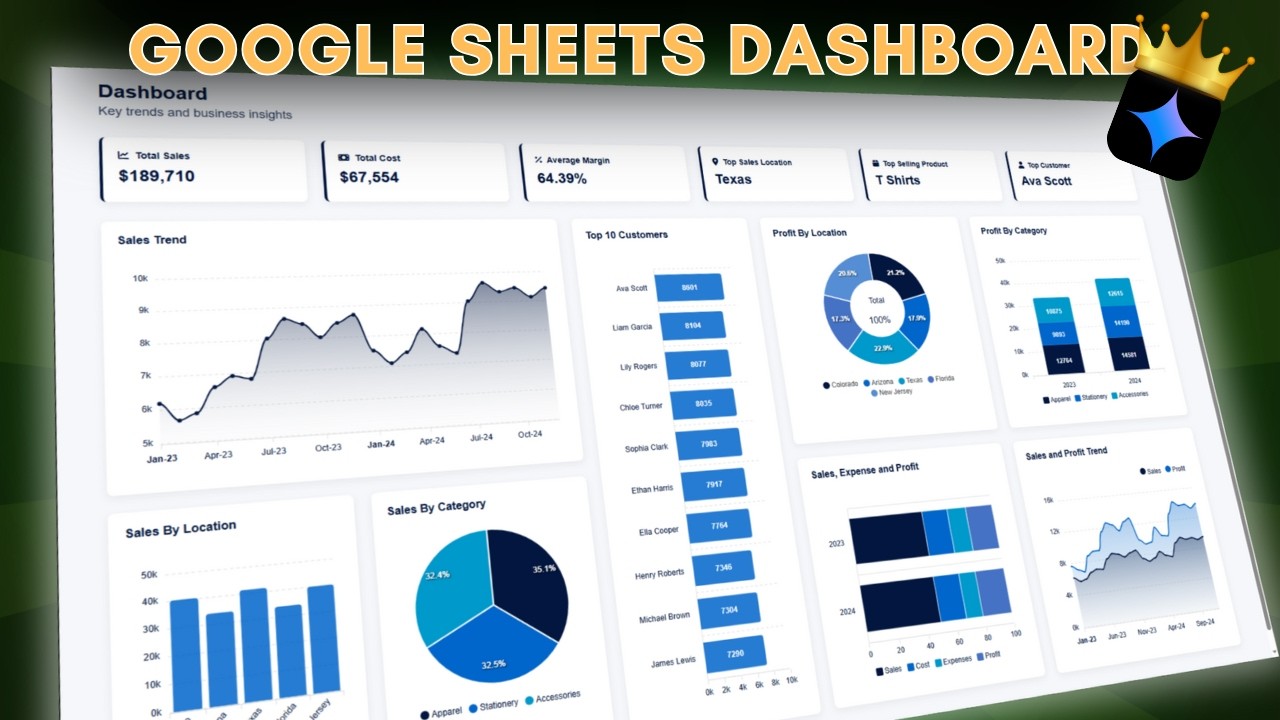
Manual data entry can be a real time sink, and let's be honest, it's prone to errors. The video "10 INCREDIBLE things Google Sheets can do Right Now!" by Jeff Su really shines a light on how Google Apps Script can take over those repetitive data manipulation and organization tasks, freeing you up considerably. You'll discover how to script imports, bringing data in from other sheets or even external sources without you lifting a finger. Plus, it dives into automating those tedious cleaning and transformation processes – think standardizing formats or removing duplicates. And for those repeated calculations? This tutorial shows you how to build custom functions that you can reuse endlessly, seriously cutting down on calculation time. It’s a game-changer for anyone dealing with bulk data and highlights the sheer potential within Google Sheets itself when you tap into its automation capabilities.

- Automate data imports from various sources.
- Streamline data cleaning and transformation processes.
- Create custom functions for recurring calculations.
Smarter Reporting and Timely Notifications
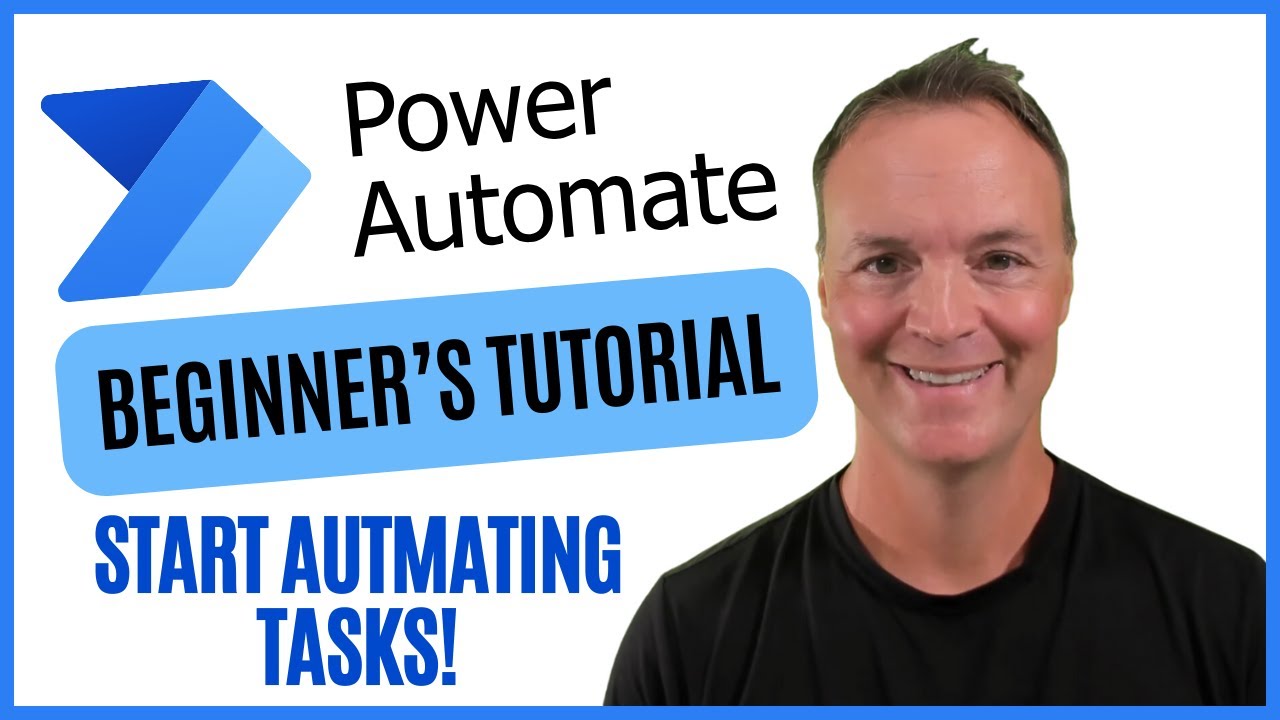
Keeping stakeholders informed and getting timely alerts is crucial for any business. The video "Microsoft Power Automate for Beginners: Start Automating Today!" by Teacher's Tech, while focusing on a different platform, offers valuable conceptual understanding of how automation can be applied to reporting and notifications. By drawing parallels, you can envision how similar principles apply to Google Sheets via Apps Script. Imagine getting an email alert only when a specific metric crosses a threshold, or having a detailed report automatically generated at the end of each week. Understanding the flow of data and trigger-based actions from this resource can inspire similar approaches within Google Sheets. You can learn to automate the process of pulling raw data and turning it into digestible summaries, and set up email notifications that trigger based on specific conditions within your sheets, ensuring you’re always in the loop. And if you need to visualize data, you can explore how to generate charts and graphs programmatically, making your reports pop.

- Automate the generation of summary reports from raw data.
- Set up custom email notifications based on sheet conditions.
- Learn to generate charts and graphs programmatically.
Tackling Complex Workflows with Advanced Automation
Ready to move beyond the basics? This section explores some really powerful automation techniques. The video "Zapier AI Tutorial for Beginners: Automation Made Simple 🟧" by Kevin Stratvert, while using Zapier, provides excellent insight into connecting different applications to automate workflows. You can apply the concepts of trigger-action sequences to your Google Sheets automation. Think about automatically populating a Google Form based on sheet data, or syncing events between your Sheets and Google Calendar. This type of integration can be achieved with Google Apps Script and time-driven triggers, which means you can schedule your automations to run at specific times – say, every night or every Monday morning. And for a more polished user experience, you can get a look at building custom menus and dialog boxes directly within your Sheets, making your automated tools even more user-friendly. It’s definitely a step up, but incredibly rewarding when you connect your spreadsheets to other services.
- Integrate Google Sheets automation with other services like Forms and Calendar.
- Utilize time-driven triggers for scheduled automation.
- Build custom menus and dialog boxes for enhanced user interaction.
Your Next Steps
By watching these valuable video resources, you've gained a comprehensive understanding of how to harness the power of automation within Google Sheets. You've learned about the foundational tool, Google Apps Script, and seen how it can be applied to everything from basic data entry to sophisticated reporting and cross-service integrations. These aren't just theoretical concepts; they're practical skills you can apply immediately to make your work life so much easier. This curated list offers a clear path to mastering Google Sheets automation through targeted YouTube tutorials.
Your Action Items
- ☐Pick one video from above and watch it on Querivo
- ☐Ask questions and check summaries while watching without breaking your flow
- ☐Use the AI chat to clarify confusing parts and deepen understanding
- ☐Come back for more curated videos on topics you want to master
Turn Any YouTube Video into an Interactive Lesson
Paste any video link, get an instant AI summary, and ask questions in real-time.
Try Querivo Free →Related Videos You Might Enjoy
Looking for more perspectives on this topic? Here are some additional videos worth checking out: