Feeling overwhelmed by repetitive data tasks in Google Sheets and Excel? Imagine reclaiming hours each week by automating your spreadsheets. You don't need to be a coding wizard to achieve powerful automation.
Key Takeaways
- 1Master spreadsheet automation for massive time savings.
- 2Learn practical Excel macro recording techniques.
- 3Explore modern, no-code data entry solutions.
- 4Harness AI to simplify complex spreadsheet tasks.
- 5Discover ways to monetize your spreadsheet expertise.
Who this is for
- If you're drowning in manual data entry and reporting
- If you're looking to boost your workplace productivity
- If you're a beginner eager to learn advanced spreadsheet skills
Start Learning with AI-Powered Video Summaries
Get instant summaries, ask questions, and turn any video into an interactive study session.
Try Querivo Free →Automate Your Excel Reporting with Macros and Charts
Repetitive tasks are the bane of many professionals' existence, eating up valuable time that could be spent on more strategic work. This video, "Use This Trick to Automate Any Excel Task (Better Than Macros)," from Kenji Explains, introduces a fantastic starting point for anyone looking to break free from those chains. It dives straight into the core of Excel automation: macros. You'll learn how to enable the Developer tab, a crucial first step often overlooked, and then how to record macros for those mundane formatting jobs that you do over and over. Plus, it touches on automating chart creation, which can be a real game-changer for reports. And if you've ever tried recording a macro and ended up with something wonky, don't worry – the creator also shows you how to fix common errors in the VBA editor. It's a solid foundation for understanding how to make Excel work for you.
Practical Tip: Before you start recording, plan out the exact steps you want to automate. This will help you create cleaner, more efficient macros.
- Learn to record macros for automating formatting tasks.
- Discover how to automate chart creation directly from data.
- Find essential techniques for fixing common macro errors.
Monetize Your Spreadsheet Skills: From Freelancing to Templates
Ever thought your Excel skills could be worth more than just saving yourself time? This video, by the creator of "Use This Trick to Automate Any Excel Task (Better Than Macros)," opens up a whole new world of possibilities. It’s not just about getting better at spreadsheets for your current job; it's about turning that expertise into income. You'll explore how to create and sell Excel templates – imagine a passive income stream from something you already know how to build! And if you're more hands-on, the video discusses offering freelancing services, building custom Excel solutions for clients who really need them. There's also a mention of subscription-based support, which is a pretty smart way to build recurring revenue. It's a great perspective shift, showing you how to leverage your spreadsheet knowledge in practical, profitable ways.
Practical Tip: Identify common pain points in your workplace or industry that can be solved with a well-designed spreadsheet template.
- Explore strategies for selling pre-made Excel templates.
- Understand how to offer custom Excel freelancing services.
- Learn about providing subscription-based support.
Supercharge Your Excel Workflow with Microsoft Copilot
This is where things get seriously futuristic. If you have a Microsoft 365 subscription, you absolutely need to see what Microsoft Copilot can do in Excel, as demonstrated in the video "NEW Excel COPILOT Function Will Replace Half of What You Do" by MyOnlineTrainingHub. Forget painstakingly building complex formulas yourself. The video demonstrates how you can simply prompt Copilot to generate them – think XLOOKUPs and more, all from a natural language request. And data cleaning? It’s a breeze. Copilot can help with formatting, filling in missing values, and generally making your datasets much more manageable. It’s like having an incredibly knowledgeable assistant right there in your spreadsheet. We found the explanation of prerequisites pretty helpful, too; you’ll want to make sure your files are saved to the cloud for Copilot to work its magic. This video is a genuine glimpse into the future of spreadsheet management.
Context: Microsoft Copilot is an AI-powered assistant that integrates with Microsoft 365 applications to help users work more efficiently. Its ability to understand natural language queries significantly lowers the barrier to entry for complex spreadsheet operations.

- Discover Copilot's ability to generate complex formulas from prompts.
- Learn to use Copilot for efficient data cleaning and filling missing values.
- Understand the prerequisites for using Copilot effectively.
Rethink Data Entry with Modern Tools
Gone are the days when complex VBA code was the only way to create custom data entry forms in Excel. The video "EASIEST Excel Data Entry Form in 2025 | No VBA Required" by MyOnlineTrainingHub provides a modern, no-code solution for creating robust data entry forms. This approach leverages Microsoft Forms, overcoming the limitations of older VBA-based methods. The advantage here is seamless, real-time data integration, meaning your entries are captured and updated instantly without needing to manually run scripts or deal with potential compatibility issues. This is a game-changer for anyone who needs to collect data efficiently and accurately, without needing to dive into programming.
Practical Tip: Explore integrating Microsoft Forms with other tools in your workflow, such as Power Automate, for even more advanced automation possibilities.

- Learn to create data entry forms without VBA using Microsoft Forms.
- Understand the benefits of real-time data integration.
- Overcome limitations of older VBA-based data entry methods.
Simplify Complex Tasks with AI Spreadsheets
For those who find traditional Excel formulas daunting, there's a revolutionary new approach. The video "Stop Learning Excel—Meet the AI Spreadsheet" by Kevin Stratvert highlights a specific AI spreadsheet tool called Bricks. This innovative solution fundamentally changes how we interact with data by replacing complex Excel formulas with natural language commands. Imagine simply telling your spreadsheet what you want to achieve, and it does it! This offers a practical and accessible alternative for everyday data tasks, making powerful spreadsheet functionality available to a much wider audience. It’s a testament to how AI is making advanced tools more user-friendly.
Background: The evolution of spreadsheet software has always been about making data analysis more accessible. AI-powered tools like Bricks represent the next leap in this journey, focusing on intuitive interaction rather than intricate syntax.
- Discover how AI spreadsheet tools can replace complex formulas.
- Learn to use natural language commands for data manipulation.
- Understand the benefits of an accessible alternative to traditional Excel.
Your Next Steps
By exploring these top YouTube tutorials, you've seen how to automate Excel reporting with macros, generate income from your spreadsheet skills, harness the power of AI tools like Microsoft Copilot and ChatGPT for unprecedented efficiency, and even discover modern, no-code solutions for data entry and AI-driven spreadsheet interaction. The journey to spreadsheet mastery is more accessible than ever.
Your Action Items
- ☐Pick one video from above and watch it on Querivo
- ☐Ask questions and check summaries while watching without breaking your flow
- ☐Use the AI chat to clarify confusing parts and deepen understanding
- ☐Come back for more curated videos on topics you want to master
Ready to transform your productivity? Start by choosing one of the featured videos and applying its techniques to your daily tasks.
Turn Any YouTube Video into an Interactive Lesson
Paste any video link, get an instant AI summary, and ask questions in real-time.
Try Querivo Free →Related Videos You Might Enjoy
Looking for more perspectives on this topic? Here are some additional videos worth checking out:
Automate Excel Reports in 2025 (Real World Examples)
This video teaches how to automate Excel reporting by creating and using macros. It covers enabling the Developer tab, recording macros for formatting headers and tables, and generating charts, with a special tip on fixing common macro errors.
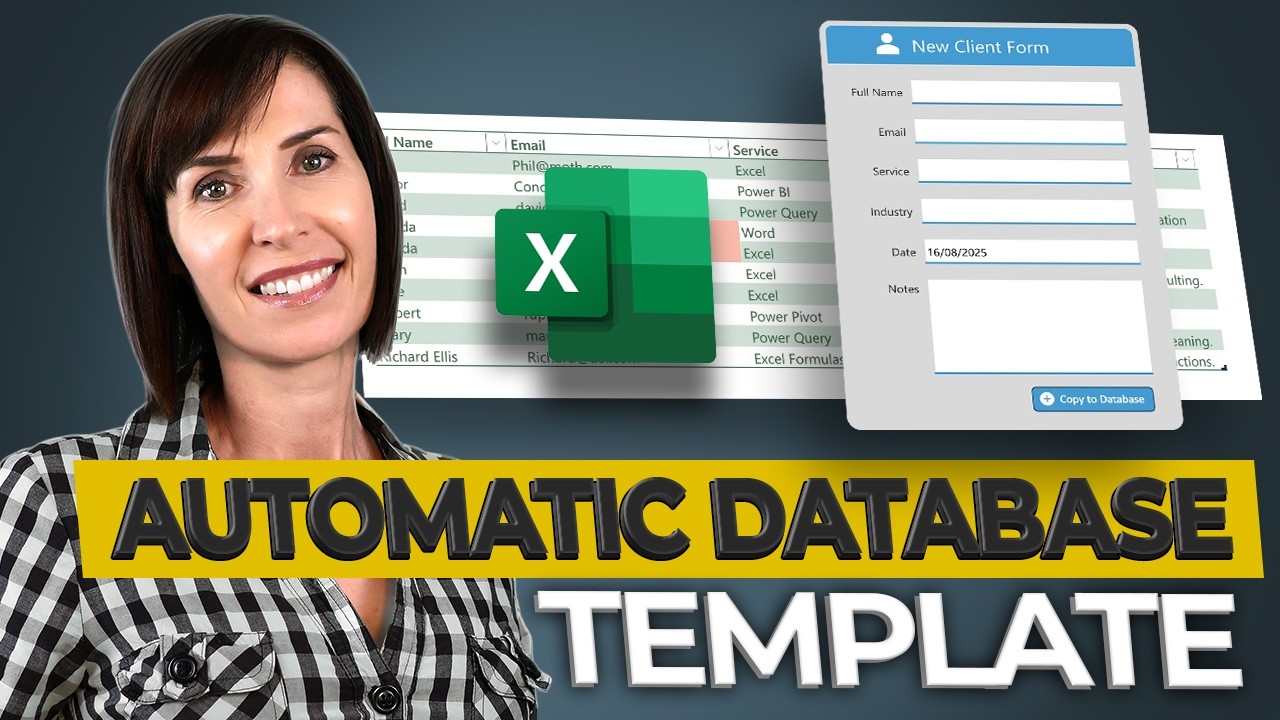
The Automated Database in Excel You’ll Actually Use (Free Template)
This video demonstrates how to build a free, automated Excel database system using a simple data entry form. Viewers will learn to create a structured and searchable database that can be used for various tasks, reducing errors and saving time, with the ability to connect it to automatic reports for data insights.
Realistic Ways to Make Extra Income with Excel in 2025 (+Free Guide)
This video demonstrates practical ways to earn extra income using Excel skills, focusing on offering services or selling products like templates. It outlines how to leverage basic to intermediate Excel knowledge for freelancing, creating passive income streams through template sales, and offering subscription-based support to businesses.

Copilot Excel Tutorial - Excel’s Biggest Upgrade Ever
This video introduces Microsoft Copilot in Excel, demonstrating how this AI assistant can significantly simplify tasks like formula creation and data cleaning. It highlights the requirement of a Microsoft 365 subscription and saving files to the cloud to utilize Copilot's full potential.