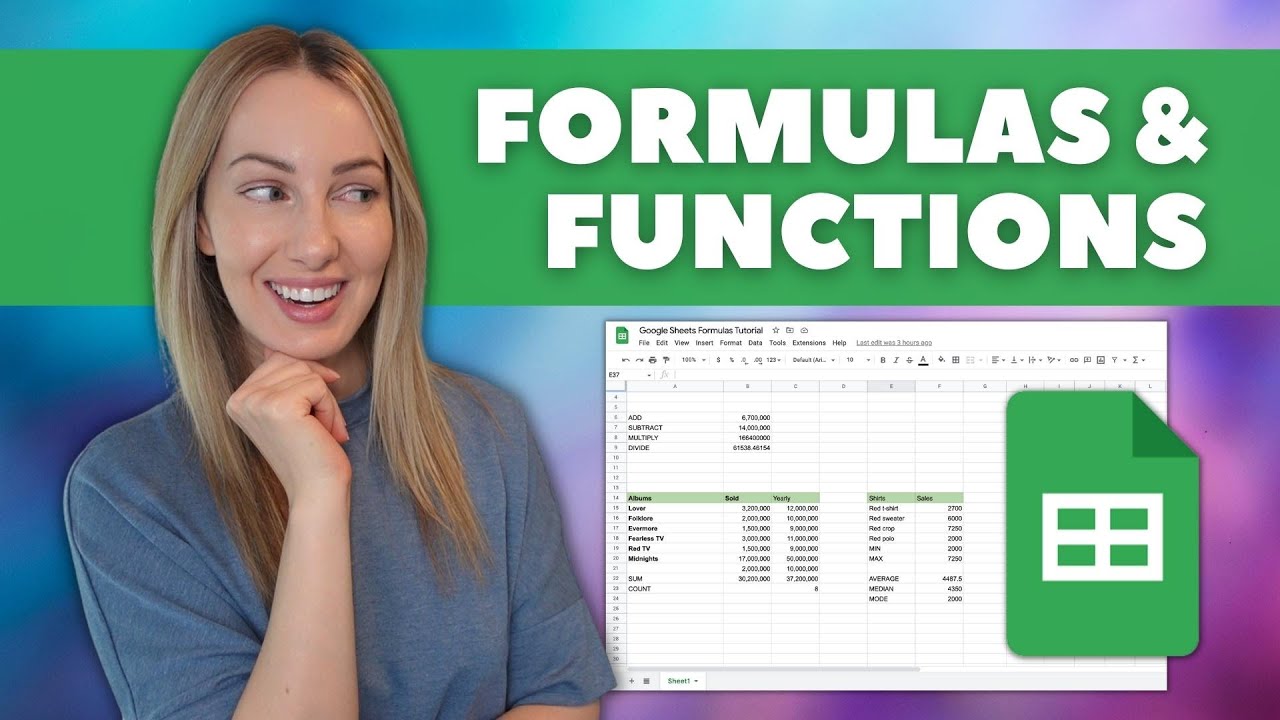
Tired of staring at a blank spreadsheet, wondering how to make your data work for you? Google Sheets formulas are your secret weapon, and learning them is easier than you think!
Key Takeaways
- 1Your guide to essential Google Sheets formulas.
- 2Learn basic calculations and essential functions.
- 3Organize and visualize your data effectively.
- 4Automate tasks and gain deeper insights.
- 5Transform spreadsheets into dynamic tools.
Who this is for
- If you're a student crunching numbers for a project and need clarity.
- If you're a small business owner tracking expenses and want efficiency.
- If you're a beginner looking to organize personal finances with confidence.
Start Learning with AI-Powered Video Summaries
Get instant summaries, ask questions, and turn any video into an interactive study session.
Try Querivo Free →Organize Data Like a Pro with Google Sheets Tables
Ever feel like your spreadsheet data is just a jumbled mess? This video dives into a foundational concept that’ll change how you manage your information: tables. Seriously, they're a game-changer! You'll discover how to create and name tables, making your data much more organized. Plus, the magic of tables means your formulas automatically update as you add new information – no more manual adjustments!
This tutorial emphasizes structured referencing, which makes your formulas more readable and dynamic. It’s like giving your spreadsheet a clear address book, so everything knows where it belongs. This structured approach also simplifies data validation and boosts formula accuracy. It's a surprisingly simple way to elevate your spreadsheet game.
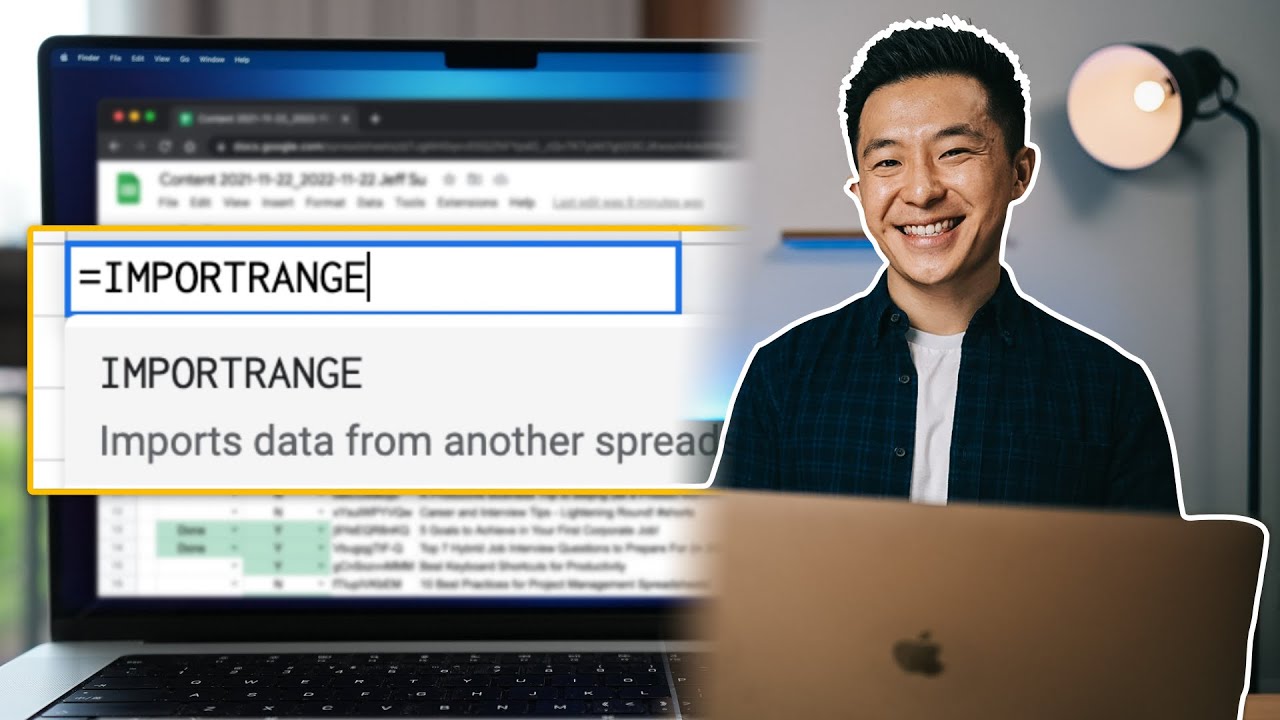
- Learn to create and name tables for superior data organization.
- Understand how tables automatically update formulas.
- Try creating your first named table in a sample sheet.
Master Essential Calculations: SUM, AVERAGE, and COUNT
Ready to actually do something with those numbers? This video is your starting point for the absolute workhorses of Google Sheets: SUM, AVERAGE, and COUNT. We’re talking about the functions you'll probably use every single day. Learning these will let you quickly add up entire columns of figures, find the average of your data sets, and simply count how many entries you have.
The creator walks you through practical, everyday examples, so you’ll see exactly how these core functions can be applied to your own spreadsheets right away. Whether you’re calculating total sales, finding the average score, or just tallying participants, these functions are essential. They're surprisingly straightforward and unlock a huge amount of analytical power.
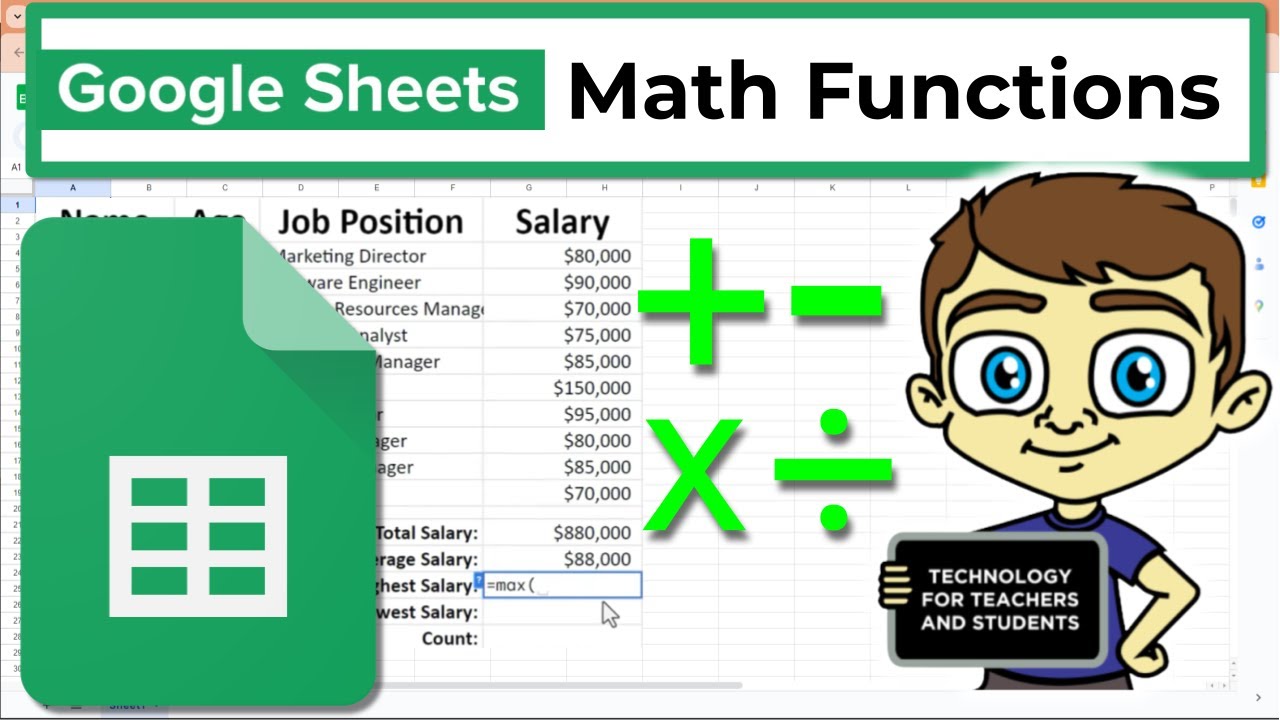
- Master the SUM function to add up numbers instantly.
- Learn AVERAGE to calculate the mean of your data sets.
- Use COUNT to tally your entries efficiently.
- Apply these core functions to your own financial data.
Highlight Key Data with Conditional Formatting Magic
Sometimes, just seeing the numbers isn't enough. You need to see what they mean. This is where conditional formatting shines! This video shows you how to make your spreadsheets visually intelligent. You’ll learn to set up rules that automatically change the look of cells based on specific criteria. Imagine your spreadsheet highlighting all sales figures above a certain target in green, or flagging overdue tasks in red.
This tutorial covers how to automatically highlight cells that meet your defined conditions – think "greater than," "less than," or "equal to." You’ll also explore using color scales to visualize data ranges, making it super easy to spot trends or outliers at a glance. It's a visually compelling way to improve data readability and quickly draw attention to what matters most.

- Set up basic conditional formatting rules to highlight data.
- Automatically flag cells meeting specific criteria.
- Use color scales to visualize data trends quickly.
- Practice highlighting your expense categories.
Beyond Basic Math: Essential Google Sheets Functions for Beginners
We've covered the basics, but Google Sheets has so much more to offer! This video expands your toolkit by introducing functions that go beyond simple arithmetic. You'll explore the incredibly useful IF function, which allows your formulas to make logical decisions. Think of it like teaching your spreadsheet to respond differently based on whether a condition is met – super powerful for automating processes.
Plus, you’ll get a solid introduction to VLOOKUP, a function that’s essential for searching and retrieving specific data from other tables within your sheet or even from different sheets. It’s a huge time-saver! The creator also touches on other beneficial functions for beginners, helping you automate tasks and gain deeper insights. This is where your spreadsheets really start to feel intelligent.
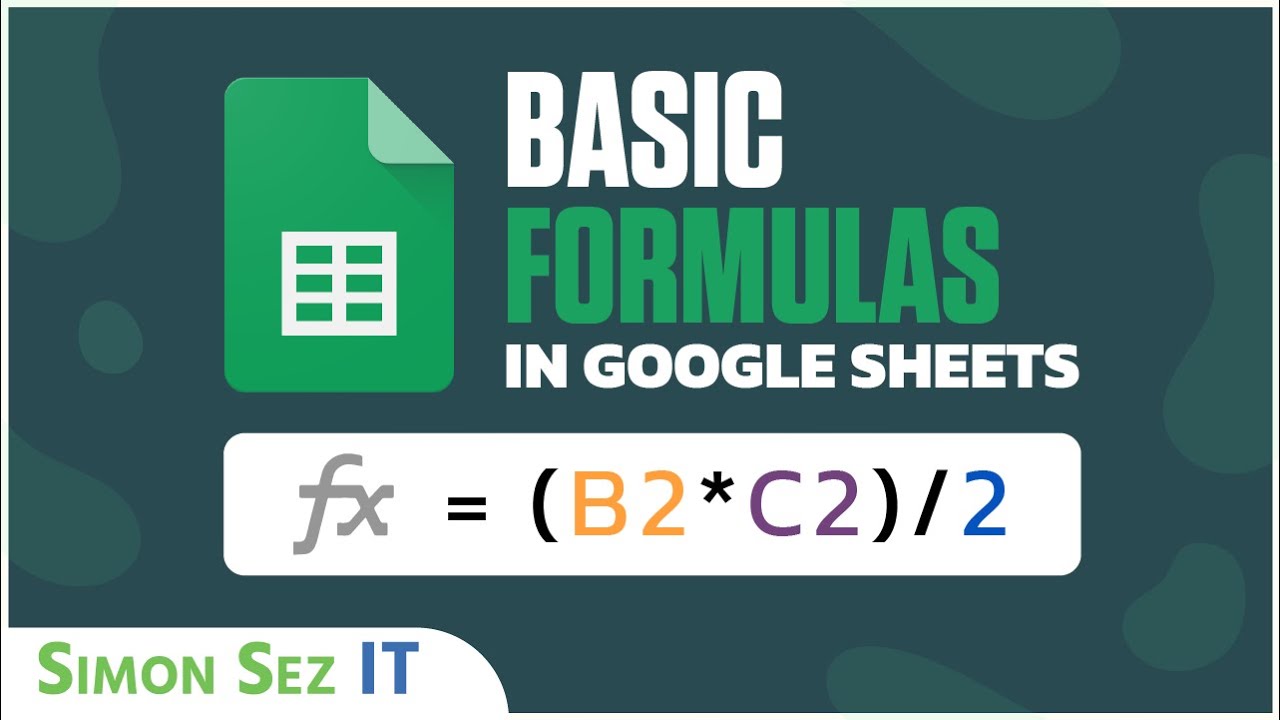
- Explore the IF function for logical decision-making in formulas.
- Learn VLOOKUP to efficiently search and retrieve data.
- Understand how these functions automate tasks and add insight.
- Try using an IF function to categorize your data.
Your Next Steps
You've taken your first steps into the world of Google Sheets formulas, from organizing data with tables to performing essential calculations and adding visual cues with conditional formatting. These fundamental skills are the building blocks for unlocking the full potential of your spreadsheets. Now, it's time to put this knowledge into action!
Your Action Items
- ☐Pick one video from above and watch it on Querivo
- ☐Ask questions and check summaries while watching without breaking your flow
- ☐Use the AI chat to clarify confusing parts and deepen understanding
- ☐Come back for more curated videos on topics you want to master
Ready to put your new skills into practice? Start by applying these formulas to your own spreadsheets and experiment with different data sets! Continue your learning journey by exploring more advanced functions, diving into Google Sheets templates, and practicing regularly. The more you use these tools, the more confident and efficient you'll become.
Turn Any YouTube Video into an Interactive Lesson
Paste any video link, get an instant AI summary, and ask questions in real-time.
Try Querivo Free →Related Videos You Might Enjoy
Looking for more perspectives on this topic? Here are some additional videos worth checking out: