Tired of manual data entry and struggling to make sense of your spreadsheets? Google Sheets offers a powerful suite of formulas that can transform your data management game.
Key Takeaways
- 1Master Google Sheets formulas for better data management.
- 2Learn VLOOKUP, QUERY, SUM, AVERAGE, and more.
- 3Transform raw data into actionable insights efficiently.
- 4Improve accuracy and save valuable time on tasks.
- 5Unlock the full power of your spreadsheets today.
Who this is for
- If you're drowning in spreadsheets and need faster ways to find information
- If you're looking to automate repetitive data tasks and reduce errors
- If you're a beginner to intermediate Google Sheets user wanting to level up your skills
Start Learning with AI-Powered Video Summaries
Get instant summaries, ask questions, and turn any video into an interactive study session.
Try Querivo Free →Unlock Efficiency with 15 Essential Google Sheets Formulas for Professionals
Are you looking to boost your productivity in Google Sheets, especially in a professional setting? This video is a fantastic starting point, diving into a curated list of 15 formulas that seasoned professionals rely on. It’s not just about knowing the syntax; it’s about understanding when and why to use them. You'll discover practical applications for finding specific data, managing dates dynamically, and bringing information together from different sources.
The creator walks you through powerful functions like VLOOKUP, showing you how to perform both exact matches and wildcard searches – a real game-changer for data retrieval. Plus, you'll learn about the TODAY formula for keeping your date calculations fresh and automatic, and IMPORTRANGE, which is surprisingly simple yet incredibly effective for consolidating data across multiple sheets. For anyone wrestling with text data, functions like SPLIT, LEFT, RIGHT, and SUBSTITUTE will be incredibly helpful in cleaning and organizing your information. This video is especially useful if you're in consulting or marketing and need to work with data efficiently.
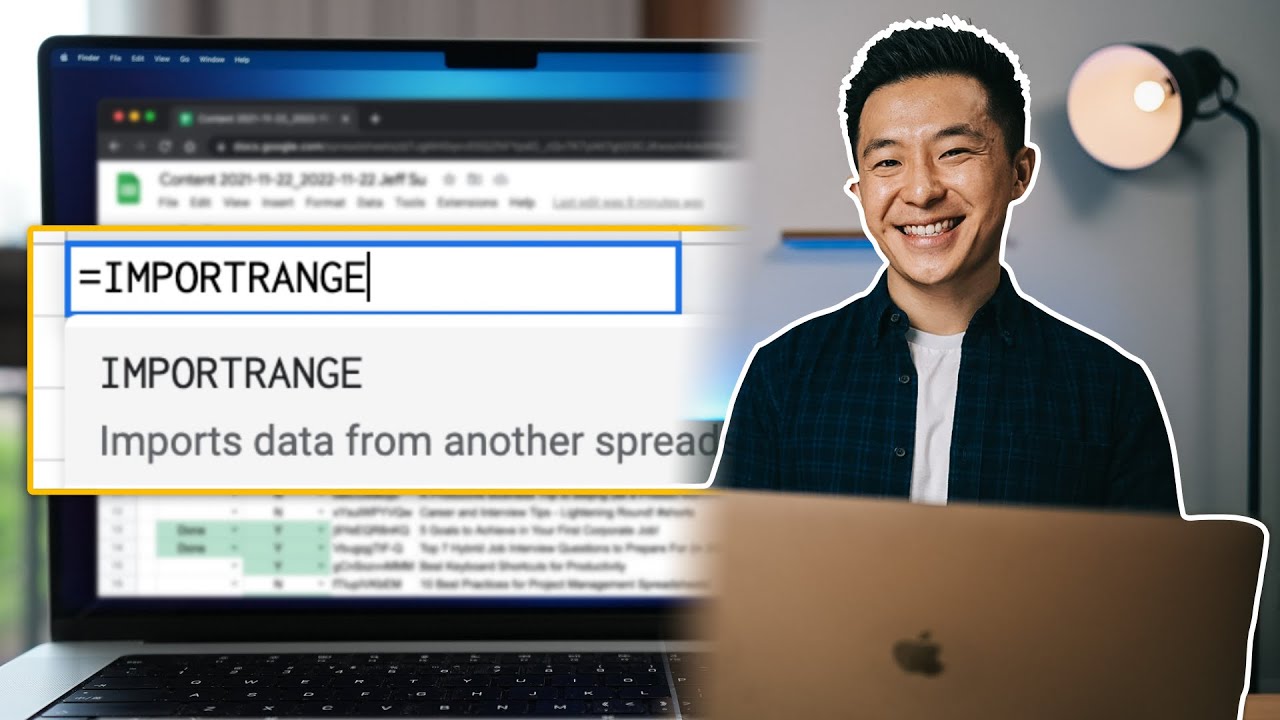
- Master practical formulas like VLOOKUP and IMPORTRANGE for professional efficiency.
- Try implementing the TODAY formula to keep your dates updated automatically.
Study This Video Deeper
Get an AI summary and ask questions about confusing parts in real-time.
Open in Querivo →Conquer Complex Data with the Power of the QUERY Function
When you've outgrown basic formulas and need to perform more advanced data manipulation, the QUERY function in Google Sheets is your best friend. This video dives deep into what makes it so powerful – its SQL-like syntax. You'll learn how to select precisely the columns you need, filter out irrelevant data, and sort your results in a way that makes sense for your analysis. It's like having a mini-database engine right inside your spreadsheet.
Seriously, understanding QUERY can transform how you approach data analysis. Instead of manually sifting through rows, you can write a simple query to pull exactly what you're looking for. We found the explanations here to be really clear, making a complex function feel much more accessible. If you're dealing with large datasets and need to extract specific insights, this is definitely a must-watch. It's a skill that will definitely save you a ton of time.

- Learn the SQL-like syntax of the QUERY function for advanced data filtering and selection.
- Use the SELECT and WHERE clauses to extract and refine your data with precision.
Build a Strong Foundation with Essential Math and Aggregation Functions
Before diving into complex functions, it's crucial to have a solid grasp of the basics. This video is perfect for reinforcing your understanding of fundamental mathematical and counting functions in Google Sheets. You'll get clear explanations of SUM, AVERAGE, MAX, and MIN, along with a vital distinction between COUNT (for numbers) and COUNTA (for any data). Knowing these differences is key to accurate data summarization.
The practical examples provided here, like analyzing employee salaries or sales figures, really help illustrate how these functions can be applied in real-world scenarios. Whether you're tracking personal finances or managing team performance, these core functions are indispensable. We think this is a great foundational resource for anyone just starting out or needing a refresher on these essential tools for any google sheets formulas youtube learning journey. It’s surprisingly easy to forget the nuances!

- Reinforce your understanding of SUM, AVERAGE, MAX, and MIN functions.
- Differentiate between COUNT and COUNTA for accurate data aggregation.
Master Data Manipulation and Sorting with the QUERY Function Explained
Ready to take your QUERY function skills to the next level? This video offers a more in-depth exploration, focusing specifically on the structure and the order in which you should apply its clauses. It builds upon the foundational understanding from the previous QUERY video, showing you how to get even more refined results. You'll see how to use PIVOT and ORDER BY clauses effectively, and how aggregation functions like SUM, COUNT, and AVG can be integrated directly within your queries.
What's particularly helpful is the discussion on referencing columns, whether by letter or number, which adds a layer of flexibility to your queries. This approach is really key for wrangling data efficiently. If you've been struggling to get your QUERY functions to behave exactly as you intend, or you want to explore more advanced data summarization, this tutorial is a goldmine. It’s another great example of why google sheets formulas youtube searches are so valuable.
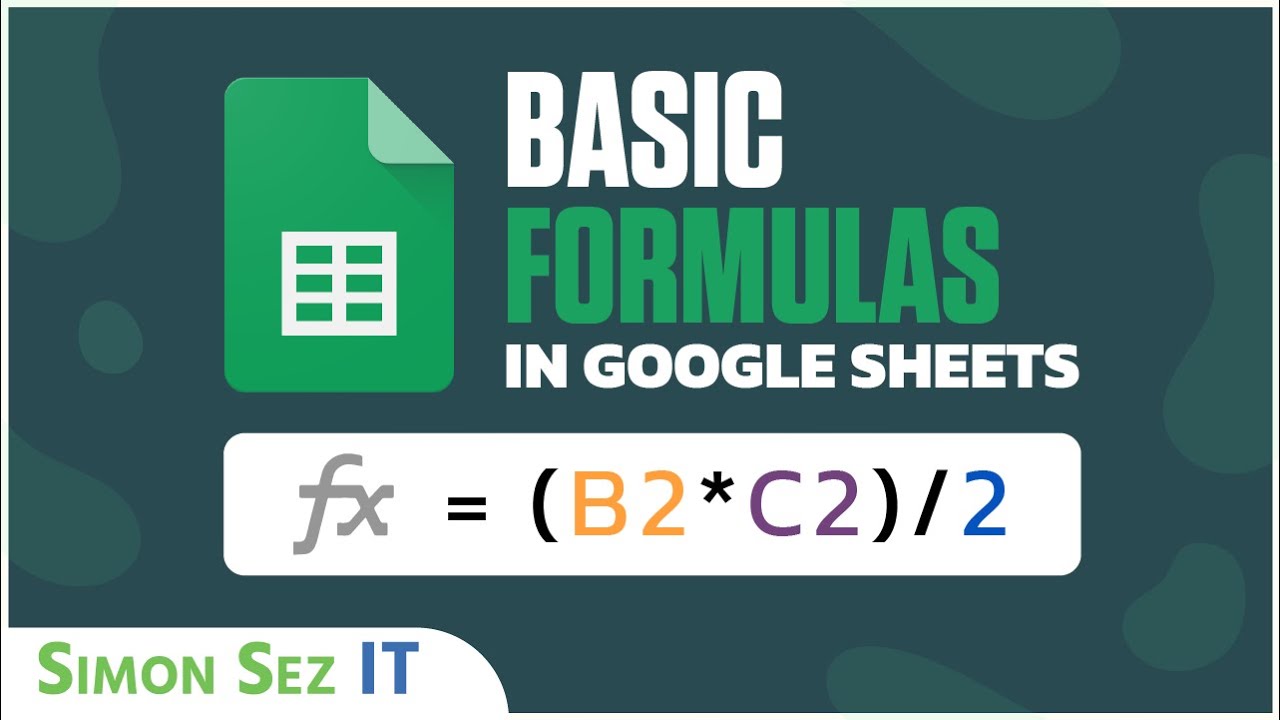
- Deepen your understanding of the QUERY function's clause order for better results.
- Explore advanced data aggregation and sorting techniques within QUERY.
Your Next Steps
Your Action Items
- ☐Pick one video from above and watch it on Querivo
- ☐Ask questions and check summaries while watching without breaking your flow
- ☐Use the AI chat to clarify confusing parts and deepen understanding
- ☐Come back for more curated videos on topics you want to master
By mastering these essential Google Sheets formulas and functions through the recommended YouTube resources, you can significantly enhance your data management capabilities, save valuable time, and gain deeper insights from your spreadsheets. These videos provide clear, actionable guidance for users of all levels.
Turn Any YouTube Video into an Interactive Lesson
Paste any video link, get an instant AI summary, and ask questions in real-time.
Try Querivo Free →Related Videos You Might Enjoy
Looking for more perspectives on this topic? Here are some additional videos worth checking out:
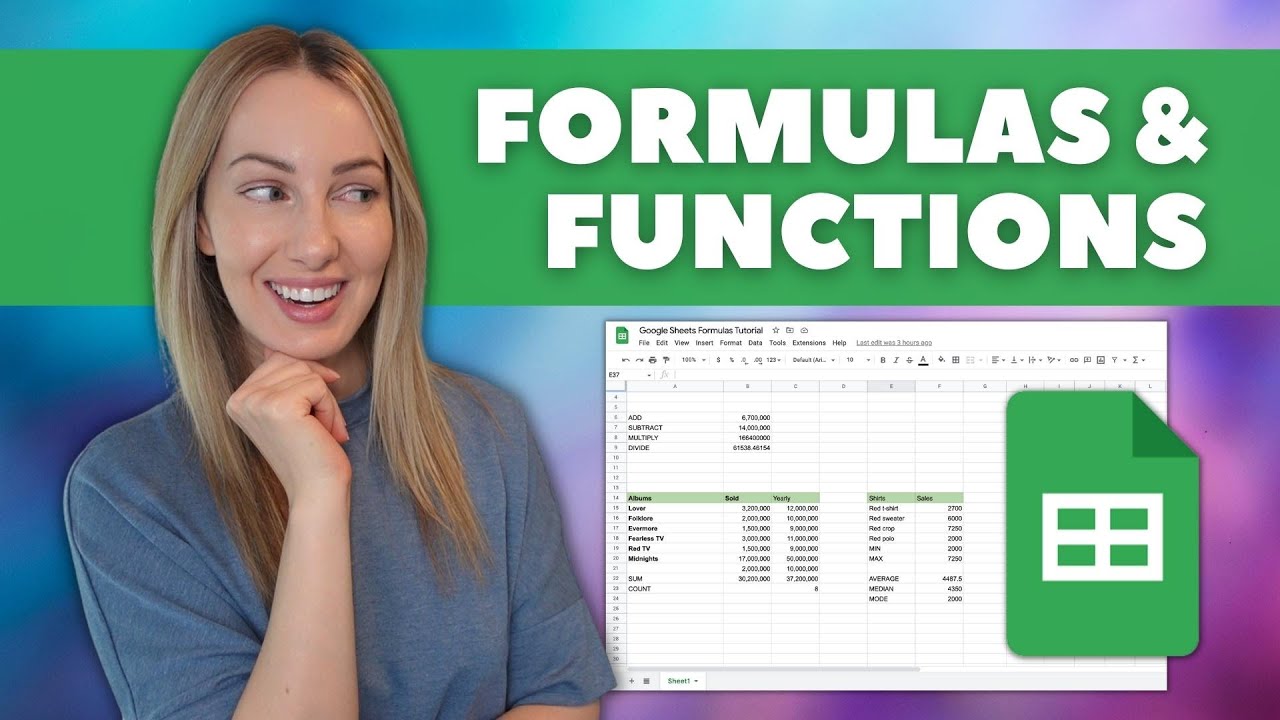
Google Sheets Formulas Tutorial: How to Use Formulas and Functions in Google Sheets
This tutorial introduces Google Sheets formulas and functions, explaining the difference between the two and demonstrating how to create basic math operations. It then covers essential functions like SUM, COUNT, MIN, MAX, AVERAGE, MEDIAN, and MODE, along with methods for combining text and introducing date functions.
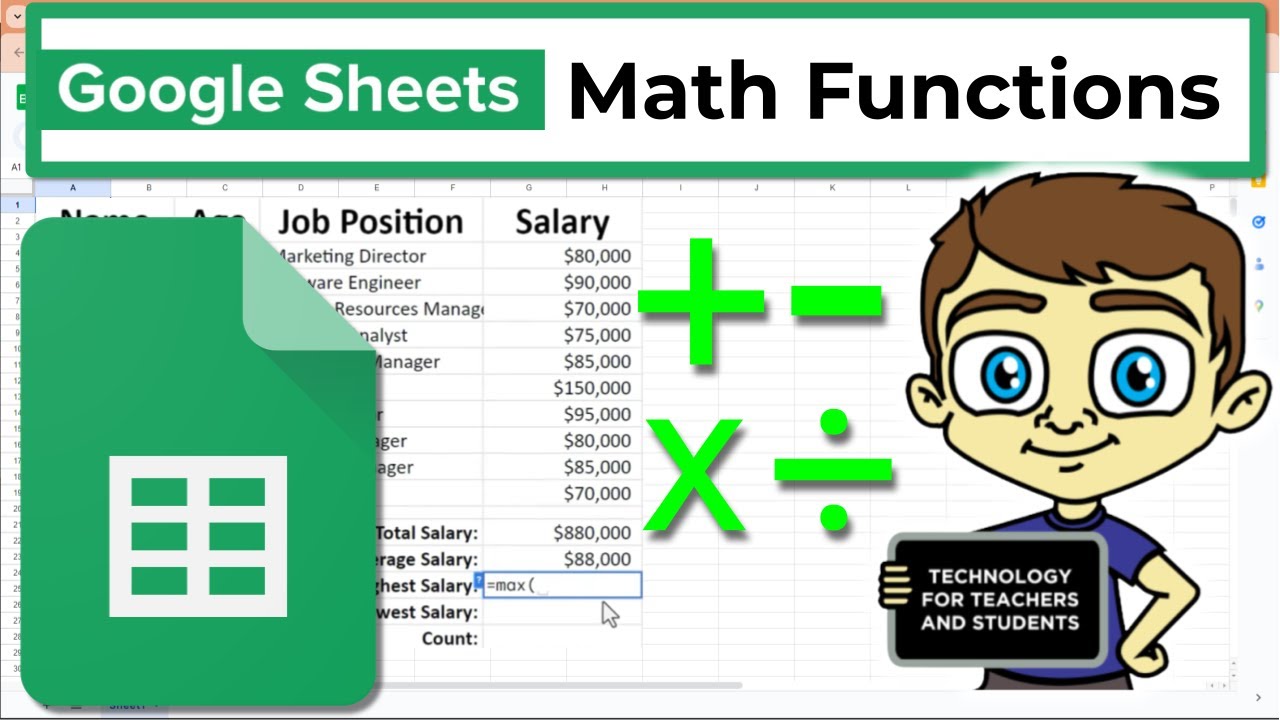
Essential Google Sheets Math Functions
This Google Sheets tutorial demonstrates how to use essential mathematical functions like SUM, AVERAGE, MAX, MIN, COUNT, and COUNTA to analyze data. The video walks viewers through calculating total salary, average salary, highest and lowest salaries, and the total number of employees, with a clear explanation of the difference between COUNT and COUNTA.
Google Sheets Query Function Explained
This video explains the powerful Google Sheets QUERY function, emphasizing the importance of understanding its basic syntax and clause order before tackling complex use cases. It demonstrates how to select specific data, aggregate columns, filter results with the WHERE clause, and rearrange data with PIVOT and ORDER BY.

15 Functions in Google Sheets You NEED to know!
This video tutorial introduces 15 essential Google Sheets functions designed to enhance productivity and save time. The presenter demonstrates how to use these functions with practical examples, covering calculations, text manipulation, and data analysis.