

Tired of repetitive manual tasks in Google Sheets? Imagine a world where your spreadsheets work for you, automating data entry, report generation, and so much more. In 2025, mastering Google Sheets automation with Apps Script is no longer a niche skill, but a gateway to significant productivity gains.
Key Takeaways
- 1Master Google Sheets automation with expert YouTube tutorials.
- 2Automate repetitive tasks and transform your workflows.
- 3Learn to create custom functions and interactive menus.
- 4Effectively use variables to manipulate data.
- 5Build complete automated systems for data intake and management.
Who this is for
- If you're spending too much time on manual data entry and formatting.
- If you're a small business owner looking to streamline operations without expensive software.
- If you're a beginner wanting to leverage the power of Google Apps Script.
Start Learning with AI-Powered Video Summaries
Get instant summaries, ask questions, and turn any video into an interactive study session.
Try Querivo Free →Unlock Your Spreadsheet Superpowers: Your First Apps Script Automation
You've likely spent hours copying, pasting, and reformatting data in Google Sheets. But what if your spreadsheet could do that for you? This video offers a fantastic entry point into the world of Google Apps Script, showing you exactly how it integrates with Sheets to tackle those mundane, repetitive tasks. It’s surprisingly accessible, even if you’ve never written a line of code before.
You'll learn to navigate the Apps Script editor, which might seem a little intimidating at first, but this tutorial breaks it down clearly. Think of it as your new control center for automation. And the practical example? Automating the creation of new sheets based on a list of names. It’s a simple yet powerful demonstration that immediately shows you the potential. This is Google Sheets automation YouTube at its most fundamental and encouraging.
- Understand the core capabilities of Google Apps Script for Sheets.
- Execute your first script to automate sheet creation.
Level Up Your Sheets: Custom Functions and Menus
Want to make your Google Sheet even smarter? This video goes beyond basic automation, teaching you how to build custom functions that act like your own, supercharged built-in formulas. Imagine a formula that does something truly unique for your workflow – that’s what you’ll learn to create here. Plus, you'll discover how to add custom menus right inside your Google Sheet, making it ridiculously easy to trigger your scripts with just a click.
It’s all about making your spreadsheets work more intuitively for you. You’ll see how to define these named functions with helpful text, so you (and anyone else using your sheet) can understand what they do at a glance. Implementing custom menus means you can say goodbye to digging through menus or remembering complex steps. This tutorial really shows you how to put the "smart" in smart spreadsheets.
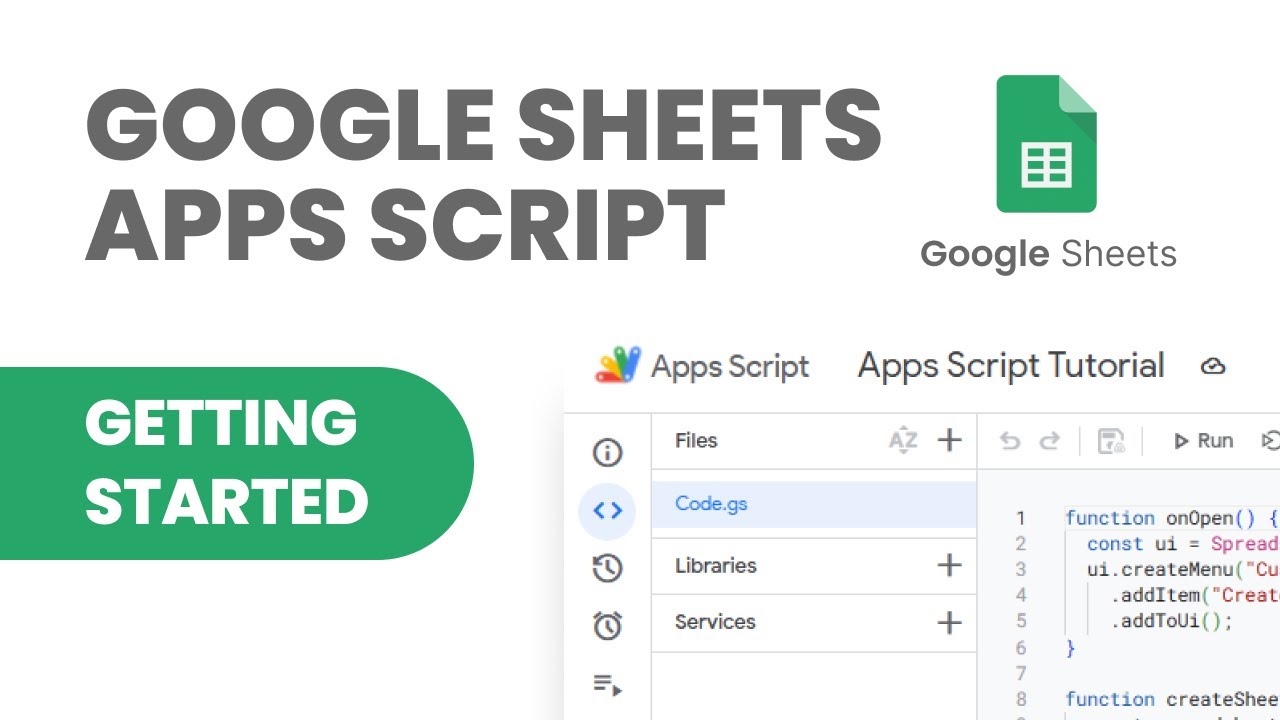
- Create custom functions to extend Google Sheets' capabilities.
- Implement custom menus for one-click script execution.
Study This Video Deeper
Get an AI summary and ask questions about confusing parts in real-time.
Open in Querivo →Mastering Variables: The Engine of Your Apps Scripts
Alright, let's talk about variables. If you're looking to really get a handle on how your Apps Scripts work under the hood, this video is essential. Variables are pretty much the building blocks of any script; they’re how you store and manipulate information. This tutorial breaks down JavaScript variables like strings and numbers within the context of Apps Script, making them feel much less abstract.
You’ll learn how to read data directly from specific cells in your Google Sheet – so your script knows what it's working with. But more importantly, you'll see how to actually change those cell values and write the modified data back into your sheet. And for anyone who’s ever been stuck scratching their head, the Logger function is a game-changer for debugging. Seriously, it's your best friend for troubleshooting. This is a crucial step for anyone serious about Google Sheets automation YouTube.
- Understand and declare variables within Apps Script.
- Learn to read and write data directly from your Google Sheets cells.
From Data Intake to Drive: Automating Your Entire Workflow
Ready to see what’s really possible? This video showcases a comprehensive, real-world application of Google Sheets and Apps Script for digitizing an entire workflow. We’re talking about everything from how data gets into your system to managing all the related files automatically. It's a peek into building a truly automated business process.
You’ll discover how Google Sheets can become a powerful hub for data management, even for building dynamic dashboards. The tutorial demonstrates automating complex processes, like tracking job statuses or generating digital documents on the fly. Plus, it shows how to integrate with tools like Jotform for seamless data intake, feeding directly into your automated system. And for organization buffs, it covers efficiently managing related files within Google Drive using Apps Script. This is the kind of Google Sheets Automation YouTube content that truly inspires.
- See how to build robust data management and dashboard systems in Sheets.
- Automate complex workflows, including document generation and file management.
Your Next Steps
By harnessing the power of Google Apps Script through these top YouTube tutorials, you can move beyond manual data manipulation and unlock significant efficiency. From understanding basic script creation and custom functions to automating entire business workflows, the path to streamlined Google Sheets operation is now clearer than ever.
Your Action Items
- ☐Pick one video from above and watch it on Querivo
- ☐Ask questions and check summaries while watching without breaking your flow
- ☐Use the AI chat to clarify confusing parts and deepen understanding
- ☐Come back for more curated videos on topics you want to master
Ready to transform your Google Sheets experience? Start by picking one of these tutorials and writing your very first script. The journey to powerful automation begins today!
Turn Any YouTube Video into an Interactive Lesson
Paste any video link, get an instant AI summary, and ask questions in real-time.
Try Querivo Free →Related Videos You Might Enjoy
Looking for more perspectives on this topic? Here are some additional videos worth checking out:
Apps Script Basics - Google Sheets for Beginners 2025 [7/7]
This video introduces Google Apps Script as a programming language integrated with Google Sheets, allowing users to automate tasks and create custom functions beyond standard spreadsheet capabilities. It covers creating custom functions, defining named functions with helper text, and building custom menus to trigger code execution.
![Apps Script Basics - Google Sheets for Beginners 2025 [7/7]](https://img.youtube.com/vi/gxyAgAjr7_Q/maxresdefault.jpg)