

Curious about Google's powerful AI, Gemini, but not sure where to begin? You're in the right place! This article curates some of the best beginner-friendly YouTube videos to help you dive into Gemini, understand its capabilities, and start using it effectively. We've hand-picked resources that cover everything from basic navigation to advanced prompting and professional applications, ensuring you get a well-rounded introduction.
Key Takeaways
- 1Discover top Gemini AI beginner videos.
- 2Master creative and professional Gemini uses.
- 3Learn effective prompting for better results.
- 4Explore Google's AI ecosystem integration.
- 5Get practical Gemini AI usage tips.
Who this is for
- If you're completely new to AI and want to understand Gemini.
- If you're looking to boost productivity with Google's AI tools.
- If you're a beginner eager to explore AI's creative capabilities.
Start Learning with AI-Powered Video Summaries
Get instant summaries, ask questions, and turn any video into an interactive study session.
Try Querivo Free →Unlock Your Creative Potential with Gemini: A Beginner's Playground
Feeling a bit intimidated by the buzz around Google Gemini? It's understandable. This AI is pretty powerful, and knowing where to start can be a challenge. The video "How to Use Google Gemini - Including New Prompts" by Howfinity offers a fantastic entry point, showing you how to navigate the core Google Gemini interface with an ease that's surprisingly welcoming. You'll get a solid grasp on its fundamental functionalities, plus, it really highlights Gemini's exciting creative applications. Think generating video and image content – it's not just for text anymore! A particularly cool concept introduced here is 'Gems,' which lets you create your own personalized AI versions. Plus, you'll see how Gemini plays nicely with the rest of the Google ecosystem, making workflows feel much more seamless. This video provides a great overview of what Gemini can do and how to begin interacting with it, making it an essential watch for newcomers.
- Navigate the intuitive Google Gemini interface.
- Explore Gemini's creative potential, including image generation.
- Try creating your own personalized 'Gems'.
Supercharge Your Workflow: Gemini 3.0 for Professionals in Minutes
If you're looking to really level up your professional game, you'll want to check out the video "The ONLY Google Gemini Tutorial You Need! How To Use Gemini Like a Pro in 18 Minutes" by Charlie Chang. It dives straight into the most impactful updates that are specifically geared towards professionals, focusing on Gemini 3.0. What we found particularly impressive is Gemini's vastly improved multimodal understanding. This means it can analyze images, videos, and audio with much greater sophistication, opening up new avenues for insight. For anyone dealing with large amounts of data, its advanced document processing and enormous context window are absolute game-changers, letting you glean deeper understanding from extensive reports or datasets. You'll also see how the new generative surfaces and interactive outputs can genuinely transform your everyday tasks, making complex jobs feel a whole lot simpler. This comprehensive tutorial ensures you won't miss the crucial features that can enhance your professional output.
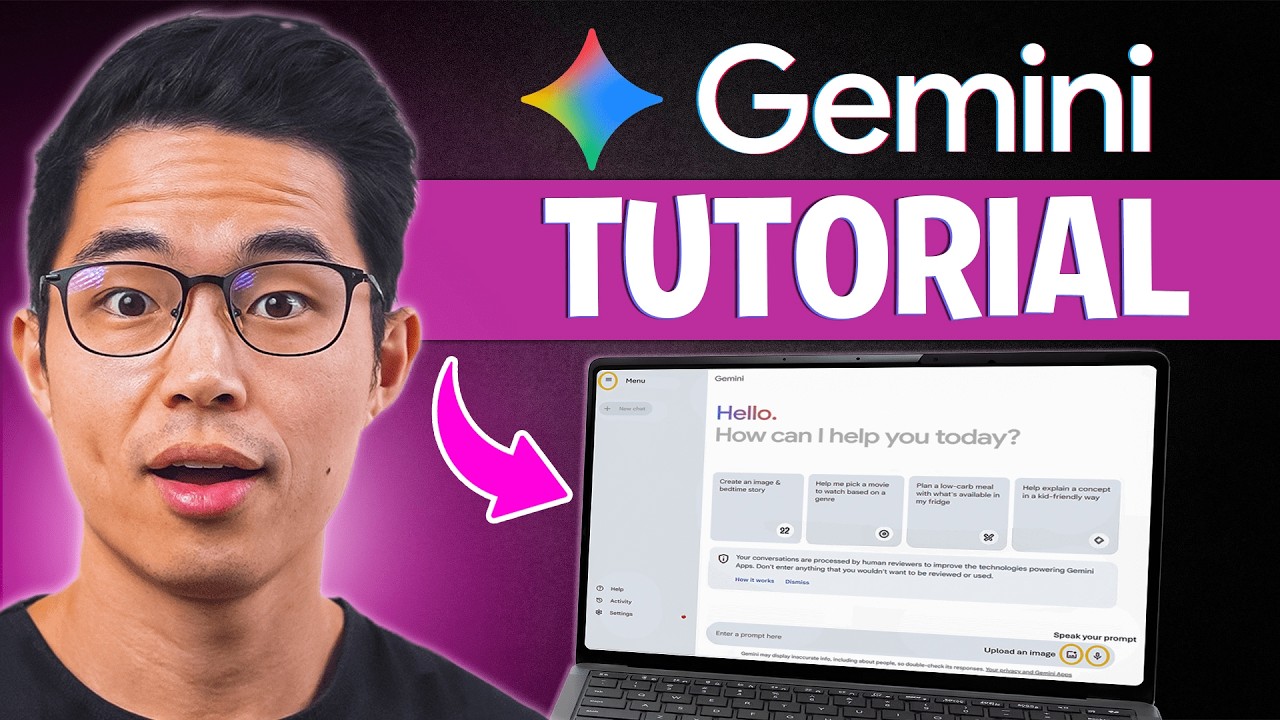
- Discover Gemini 3.0's top 5 professional updates.
- Leverage enhanced multimodal understanding for deeper insights.
- Utilize advanced document processing for complex tasks.
Study This Video Deeper
Get an AI summary and ask questions about confusing parts in real-time.
Open in Querivo →Your First Steps with Gemini AI: Mastering Prompts and Features
Ready to actually start using Gemini AI? The video "Master 85% of Google Gemini in 12 Minutes" by Jeff Su is your practical, hands-on guide. It breaks down the essential techniques for crafting effective prompts – you know, those instructions you give the AI. It’s not just about asking questions; it’s about asking them well. You'll learn how to edit Gemini's responses too, which is crucial for refining the output to exactly what you need. What's really helpful here are the examples of image uploads and voice input, showing you how to interact with Gemini in more dynamic ways than just typing. This video emphasizes efficiency, aiming to get you to a high level of proficiency quickly. And for those wondering about pricing and access, while not the primary focus, understanding prompt engineering is key to maximizing any version of Gemini you use. It’s a pretty solid intro for anyone new to Gemini AI looking to get the most out of their interactions.
- Learn clear prompt examples for effective interaction.
- Master editing Gemini's responses for better output.
- Explore dynamic interactions with image uploads and voice.
From Zero to Gemini Hero: Essential Tips for Beginners
This tutorial, "Google Gemini Complete Tutorial 2025: AI Tools for Business (Beginner Guide)" by Learn With Shopify, really solidifies the foundational knowledge you need to get comfortable with Google Gemini AI. It offers a comprehensive introduction that clearly outlines the AI's core purpose, which is surprisingly helpful when you're just starting out. We found the practical usage tips, especially around prompting and editing responses, to be particularly valuable for building confidence. The video also demystifies the different Gemini models, like the distinction between 2.5 Pro and Flash, and it doesn't shy away from mentioning their limitations – that kind of transparency is really appreciated. Plus, learning how to manage your chat history is a small but mighty tip for staying organized and making your AI sessions more efficient in the long run. It’s a great way to go from zero to hero, as implied by the focus on business applications for beginners.
- Get a clear understanding of Gemini AI's core purpose.
- Practice effective prompting and response editing.
- Learn about different Gemini models and chat history management.
Your Next Steps
By exploring these curated videos, you've taken significant steps towards mastering Gemini AI, from understanding its creative power and professional utility to practical usage and prompt engineering. This collection offers a genuine pathway for beginners to get hands-on with Google's advanced AI. To truly cement your learning, we recommend the following:
Your Action Items
- ☐Pick one video from above and watch it on Querivo
- ☐Ask questions and check summaries while watching without breaking your flow
- ☐Use the AI chat to clarify confusing parts and deepen understanding
- ☐Come back for more curated videos on topics you want to master
This approach allows you to actively engage with the material, ensuring you not only watch but truly understand and retain the key concepts presented in each video.
Turn Any YouTube Video into an Interactive Lesson
Paste any video link, get an instant AI summary, and ask questions in real-time.
Try Querivo Free →