Struggling to build robust financial models that impress stakeholders and drive smart business decisions? You're not alone.
Key Takeaways
- 1Master Excel for finance with curated video guides.
- 2Build dynamic models, forecast with AI, and use essential formulas.
- 3Elevate your finance career with practical Excel skills.
- 4Gain insights for valuation, forecasting, and analysis.
- 5Become a proficient financial modeler.
Who this is for
- If you're a finance student drowning in spreadsheets and looking for clarity
- If you're an aspiring investment banker needing to showcase Excel prowess
- If you're an FP&A professional aiming to streamline your modeling workflow
Start Learning with AI-Powered Video Summaries
Get instant summaries, ask questions, and turn any video into an interactive study session.
Try Querivo Free →Build a Rock-Solid Financial Model Foundation: Mastering the Income Statement in Excel
Aspiring finance professionals often find themselves staring at a blank Excel sheet, wondering where to even begin with financial modeling. This essential video tackles that exact challenge head-on. It focuses on the absolute bedrock of any financial model: the income statement. You'll learn why a dedicated assumptions section is so critical for making your models flexible and how to use simple yet powerful formatting rules (like the common practice of using blue font for assumptions) to make your spreadsheets readable and professional. It's not just about plugging in numbers; it's about understanding the structure and logic that underpins sound financial analysis.
We really liked how this video emphasizes not just what to calculate, but how to present it clearly. Mastering the calculation of key line items like revenue, COGS, gross margin, and ultimately net income is crucial. This tutorial breaks down these often-confusing components into manageable steps, ensuring you grasp the fundamental flow of a profit and loss statement. And honestly, having a flexible and navigable model from the get-go will save you countless headaches down the line. This is definitely a must-watch for anyone starting their financial modeling journey.
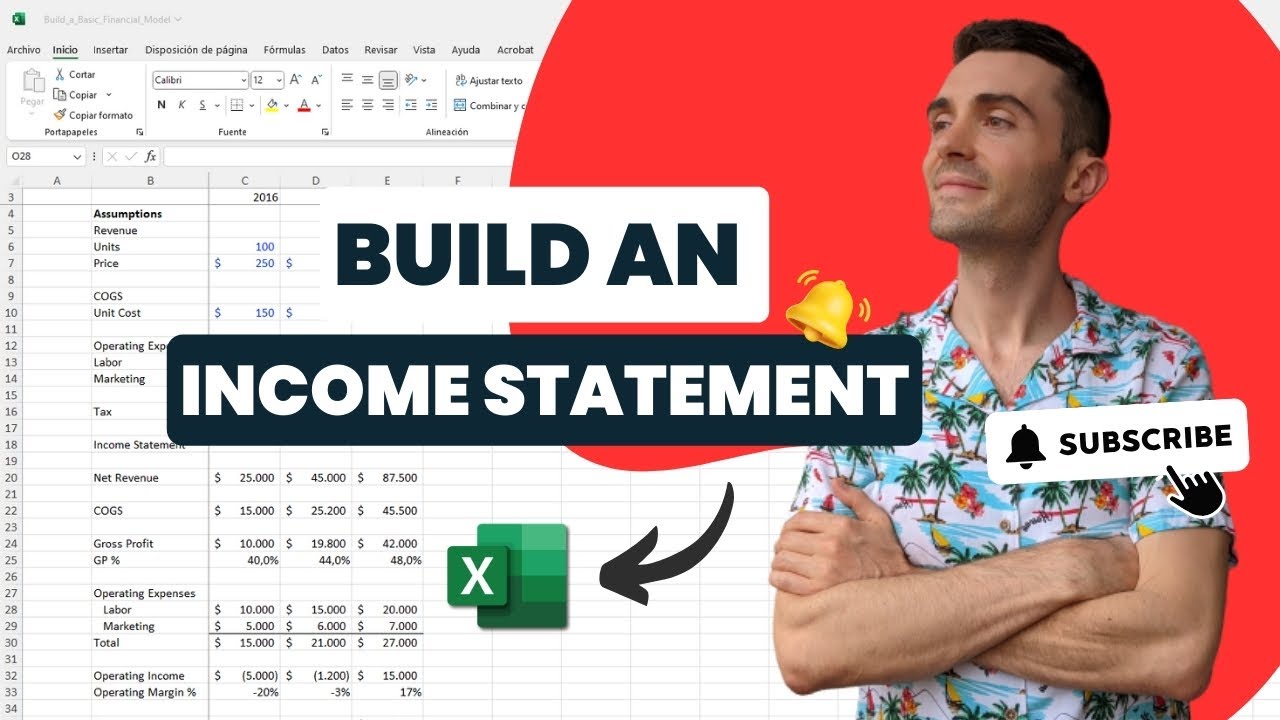
- Learn to structure your financial models with dedicated assumption sections for flexibility.
- Implement clear formatting (blue for assumptions) to enhance model readability and professionalism.
- Master the calculation of core income statement metrics.
Study This Video Deeper
Get an AI summary and ask questions about confusing parts in real-time.
Open in Querivo →Quickly Master Dynamic Forecasting: Build a Functional Income Statement in 15 Minutes
Once you've got the foundational structure down, the next logical step is making your model dynamic. This video is a game-changer because it shows you exactly how to build a functional income statement with integrated forecasting capabilities, all in about 15 minutes. Seriously. It walks you through forecasting revenue by considering key drivers, which is a much more sophisticated approach than just guessing. You'll also learn how to model both fixed and variable expenses effectively, a distinction that's absolutely vital for accurate business analysis.
And the best part? You’ll see how to construct an income statement that actually responds to changes in your assumptions. This dynamic nature allows for quick 'what-if' scenario analysis, which is what truly impresses stakeholders. You know, being able to say, "If sales grow by 10%, here's how our profits will look"? That's powerful. This tutorial is perfect for those who need practical, actionable skills without getting bogged down in overly complex theory. It makes advanced forecasting techniques surprisingly accessible.
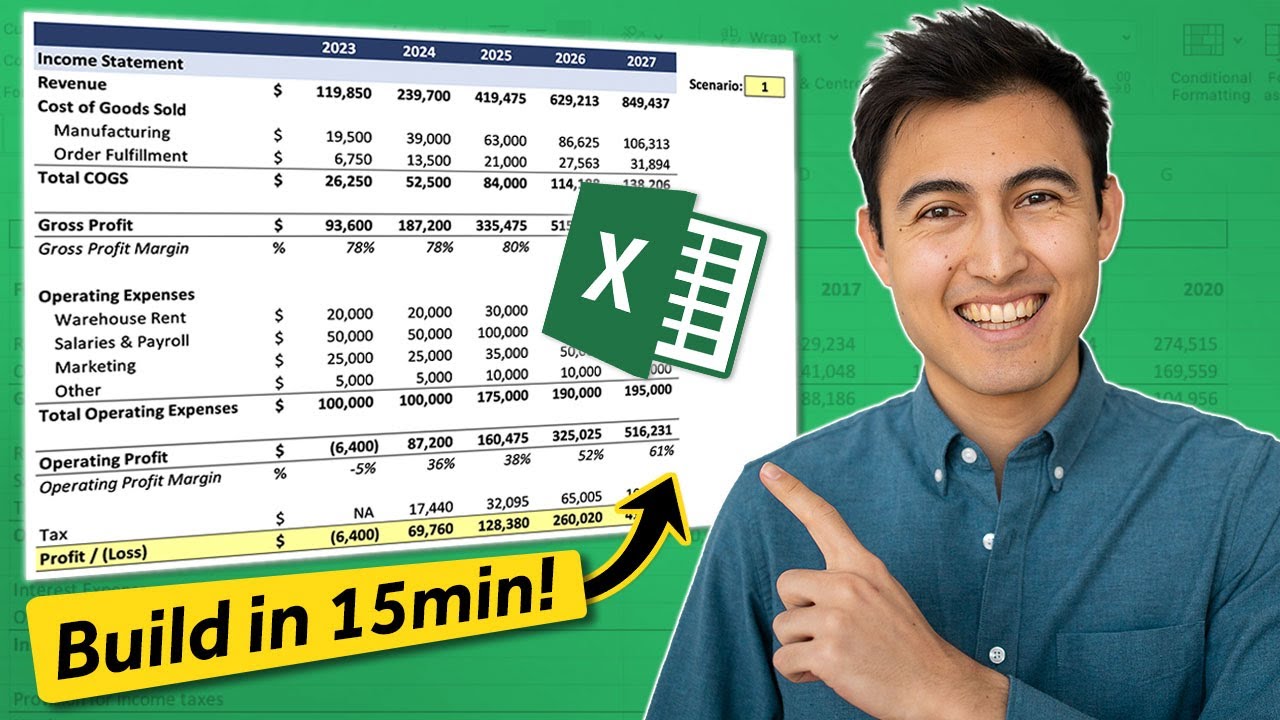
- Forecast revenue effectively using key business drivers.
- Model fixed and variable expenses accurately for realistic projections.
- Build a dynamic income statement that adjusts to changing assumptions.
Supercharge Your Modeling: Leverage AI for Rapid Financial Statement and Cash Flow Generation
Now, let's talk about the future of financial modeling. This video dives into something pretty revolutionary: using AI within Excel to automate the generation of complex financial statements and cash flow forecasts. It’s not science fiction anymore; it’s here, and it can drastically cut down on the manual effort involved in financial analysis. We're talking about leveraging Excel's 'Agent Mode' (or similar AI features) to speed up tasks that used to take hours, if not days.
The creator shows you how to prompt the AI to generate multi-year income statements, cash flow statements, and even balance sheets. Plus, it can help you create those often-tricky complex cash flow forecasts. And beyond just generation, AI can be a real lifesaver for data cleaning and consolidation. If you’re looking to boost your efficiency and work at the cutting edge of financial technology, this tutorial is an absolute must-watch. It really demonstrates how AI is transforming the field of financial modeling excel youtube.
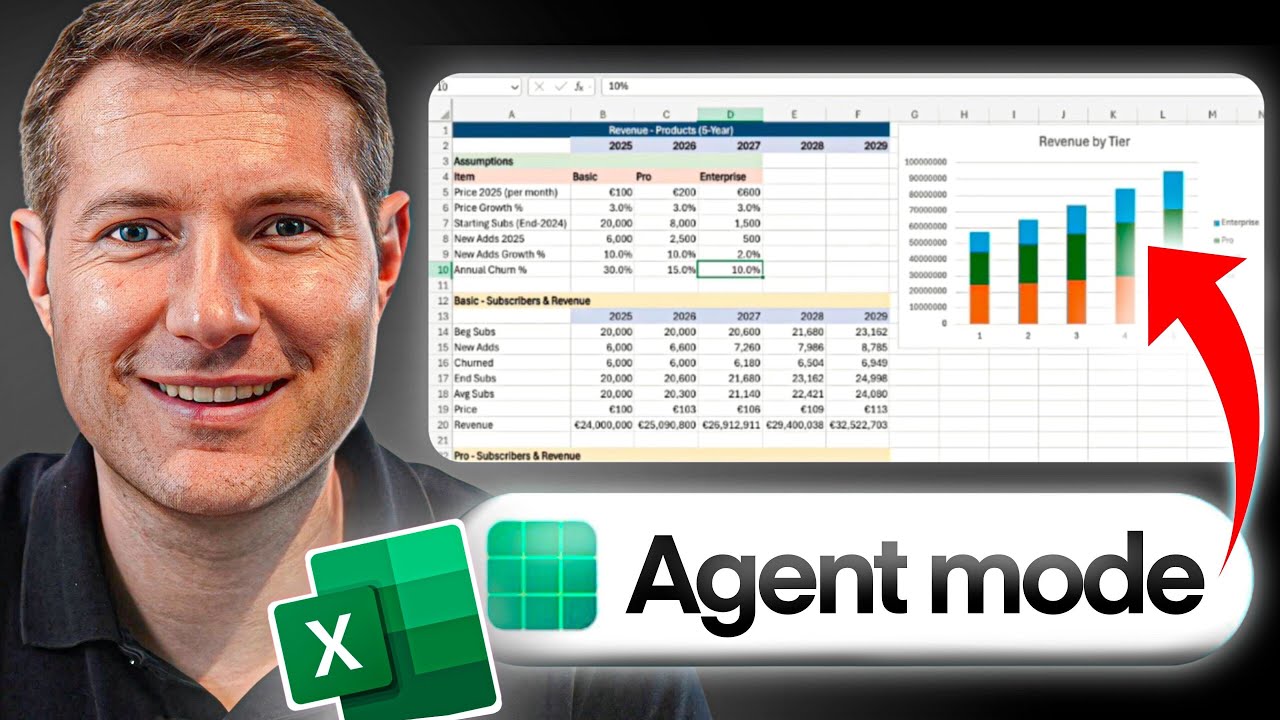
- Explore AI features like 'Agent Mode' for accelerated financial model building.
- Learn to prompt AI for generating comprehensive financial statements and cash flow forecasts.
- Discover how AI can automate data cleaning and consolidation tasks.
Unlock Financial Insights: Master 10 Essential Excel Formulas for Analysts
Even with powerful AI tools, a strong grasp of core Excel formulas remains non-negotiable for finance professionals. This video is your essential toolkit, equipping you with 10 specific Excel formulas that will seriously elevate your analytical capabilities. We're not just talking about the basics here; this tutorial covers practical applications for error handling, time-series analysis, creating truly dynamic projections, and even integrating real-time stock data directly into your spreadsheets.
You'll learn how to use functions like AGGREGATE and IFERROR to build more robust and error-proof models – something every analyst needs. Plus, understanding date manipulation with EDATE and dynamic projections using the CHOOSE function can make your forecasts much more sophisticated. And the integration of real-time stock data using Excel's Stock Data Types and STOCKHISTORY functions is, frankly, brilliant for valuation and investment analysis. This is the kind of practical, formula-focused knowledge that separates good analysts from great ones, making your financial modeling excel youtube skills truly shine.

- Implement critical error-handling functions for reliable financial models.
- Utilize date and dynamic projection functions for more insightful analysis.
- Leverage real-time stock data integration and Time Value of Money formulas.
Your Next Steps
By diving into these curated YouTube videos, you're not just watching tutorials; you're building a robust skill set in financial modeling with Excel. From foundational income statements to cutting-edge AI integration and essential formulas, you're equipped to tackle complex financial analysis with confidence. This collection provides a clear learning path for any aspiring finance professional looking to excel in their career.
Your Action Items
- ☐Pick one video from above and watch it on Querivo
- ☐Ask questions and check summaries while watching without breaking your flow
- ☐Use the AI chat to clarify confusing parts and deepen understanding
- ☐Come back for more curated videos on topics you want to master
Turn Any YouTube Video into an Interactive Lesson
Paste any video link, get an instant AI summary, and ask questions in real-time.
Try Querivo Free →Related Videos You Might Enjoy
Looking for more perspectives on this topic? Here are some additional videos worth checking out:
Excel for FP&A: Using AI to Build PERFECT Financial Models
This video demonstrates how to leverage AI tools like ChatGPT to efficiently build robust and error-free financial models in Excel for FP&A. It walks through creating a weekly pacing model by explaining a structured prompting framework and then shows how to implement the AI-generated Excel formulas for accurate performance tracking.

What is Financial Modeling? (Full Beginner’s Guide)
This video provides a beginner's guide to financial modeling, defining it as a process to simplify and quantify reality for decision support and planning. It outlines a five-step framework for building models and introduces six essential model types for finance professionals.

Scenario Analysis in Excel: Financial Modeling
This video tutorial demonstrates how to create a dynamic scenario analysis model in Excel. It focuses on setting up a flexible system where users can easily switch between different scenarios (e.g., upside, downside, live case) using a simple switch mechanism and the CHOOSE function, avoiding manual data copying and potential errors.

How to Use Copilot in Excel For Finance (5 INSANE Use Cases)
This video demonstrates five powerful use cases for Copilot in Excel, focusing on financial applications. It highlights how Copilot can quickly generate insights, automate complex formatting, create new formula columns, build intricate formulas, and even assist in creating financial models from scratch.