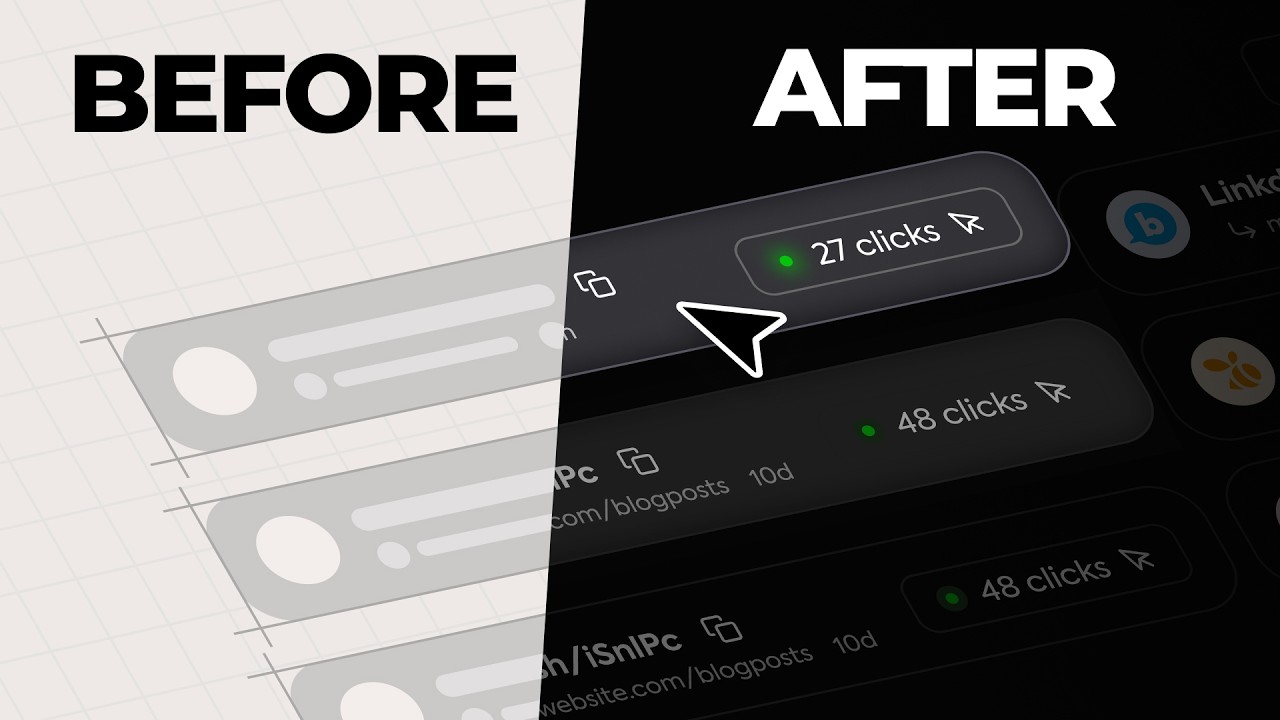
Tired of static designs that fail to impress users? Elevate your craft and transform your ideas into intuitive, visually stunning digital experiences with the power of Figma prototyping and design.
Key Takeaways
- 1Master Figma UI design and prototyping with curated YouTube videos.
- 2Understand the core principles behind genius UI/UX designers.
- 3Learn to avoid common design pitfalls at any career stage.
- 4Discover advanced techniques for deeper user engagement.
- 5Chart a realistic path to a UX career without traditional education.
Who this is for
- If you're a UI/UX designer struggling to move beyond aesthetics,
- If you're an aspiring product manager looking to communicate design ideas effectively,
- If you're a web developer aiming to create more user-friendly interfaces,
Start Learning with AI-Powered Video Summaries
Get instant summaries, ask questions, and turn any video into an interactive study session.
Try Querivo Free →In today's competitive digital landscape, exceptional UI/UX is no longer a luxury but a necessity. Mastering Figma, the industry-leading design tool, is crucial for creating interfaces that are not only beautiful but also highly functional and user-centric. This curated list of YouTube tutorials will guide you through the essential principles and advanced techniques to build interfaces users will love.
This article presents a handpicked selection of the best YouTube videos to help you master Figma UI design and prototyping. We'll dive into the mindset of genius designers, learn how to avoid common mistakes, uncover advanced tips for creating engaging experiences, and explore realistic pathways to becoming a skilled UX designer. Let's get started on building stunning UI/UX.
Think Like a Genius UI/UX Designer: Prioritize User Intent
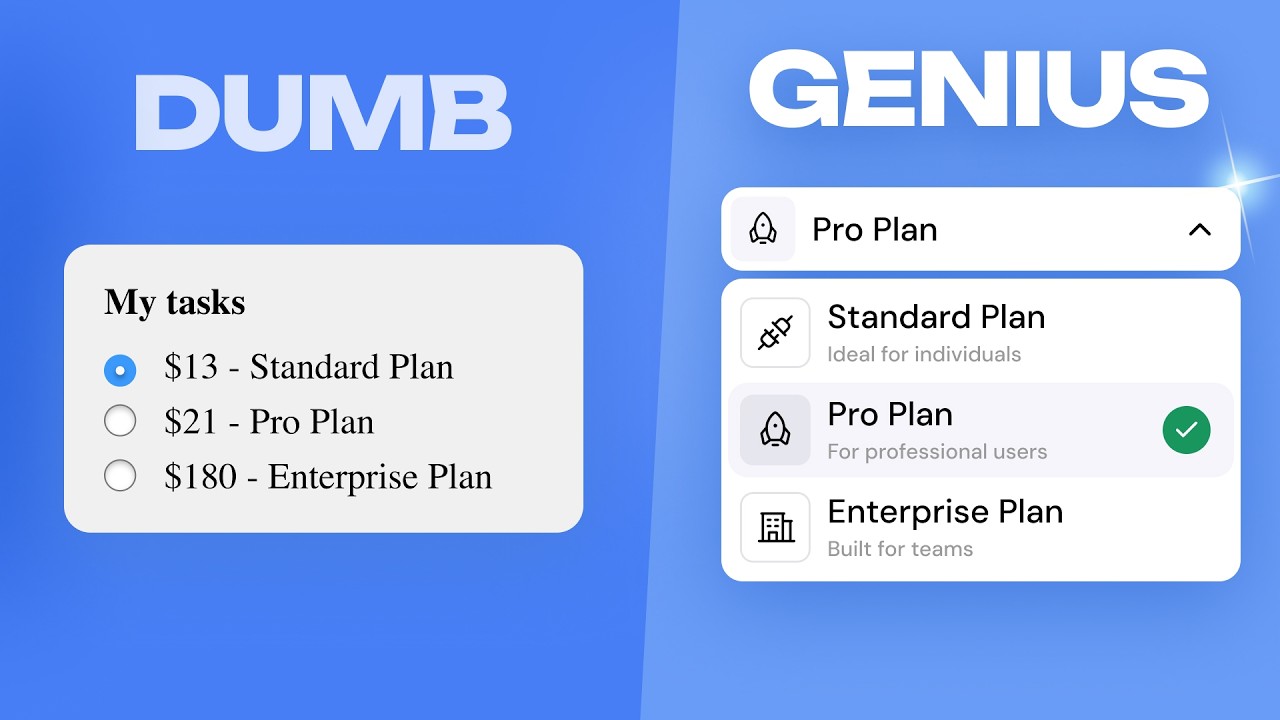
True UI/UX genius isn't about flashy aesthetics; it's about deeply understanding and serving the user's intent. This video emphasizes that the most effective designs guide users towards their goals, making functionality and clarity paramount. You'll learn how top designers structure content for maximum impact and use animations not just for decoration, but as a strategic tool for progressive disclosure and helpful guidance.
Adopting a design system is also key here, ensuring consistency and efficiency across your projects. It's about balancing a unique design vision with what users actually expect and need. This approach helps you move beyond just creating something that looks good to building something that genuinely works for people. For anyone looking to elevate their design process beyond the surface, this video offers a crucial shift in perspective.
- Prioritize user intent above all else in your design decisions.
- Use animations strategically to guide and inform users.
Avoid Common UI/UX Design Pitfalls at Every Career Stage
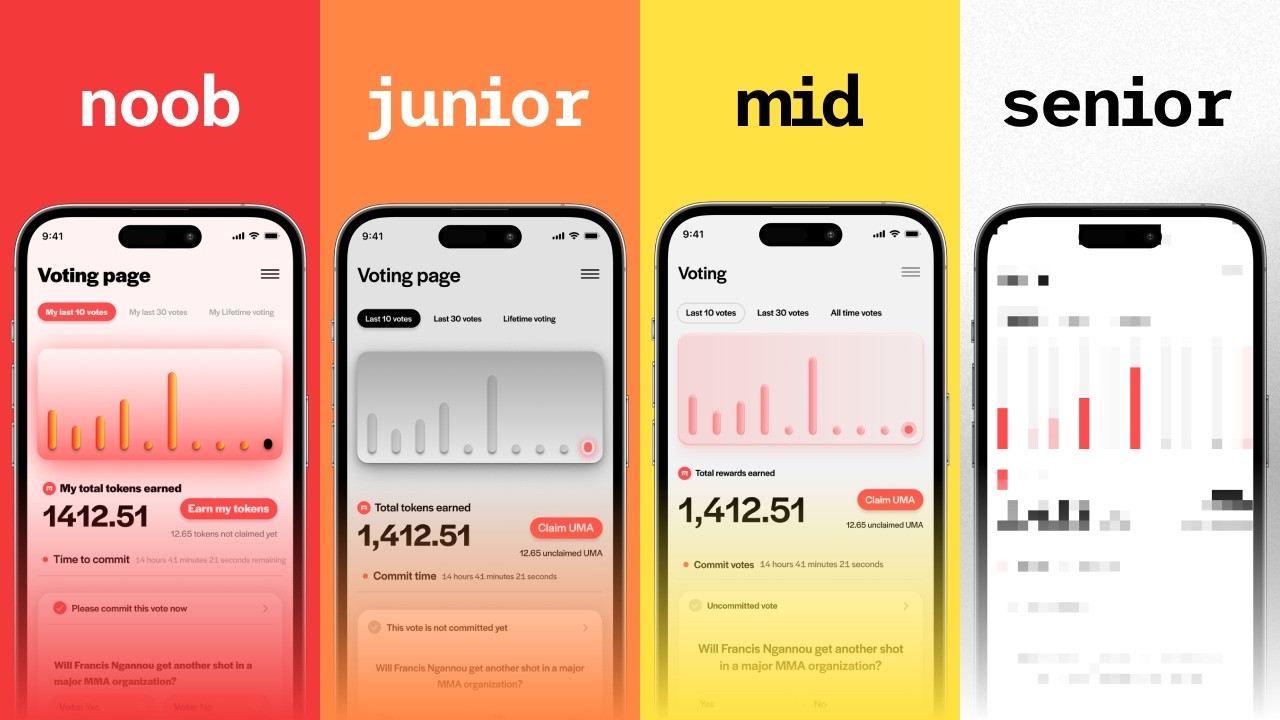
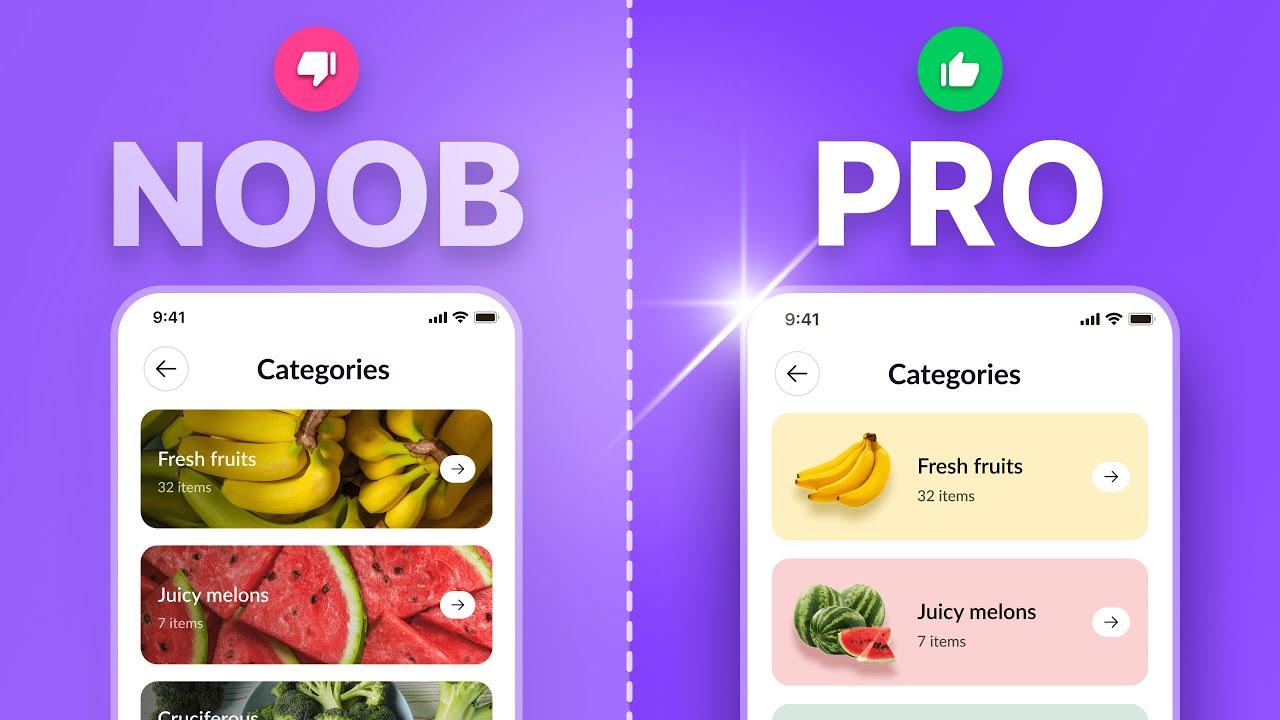
Ever feel like you're repeating the same design mistakes? This video tackles prevalent UI/UX pitfalls, breaking them down by experience level. It's incredibly valuable because it offers actionable advice on critical areas like copywriting, visual design, typography, and spacing – things that can make or break a user's experience. You'll discover how to spot and rectify these issues, ensuring your designs are robust and polished, regardless of your career stage.
The instructor really drives home the importance of effective copywriting; it's often overlooked but absolutely essential for clear communication. Plus, there's solid guidance on visual design principles, making sure your use of color and composition actually serves the user. Mastering typography and spacing is also covered, which are foundational for readability. And for those thinking about career progression, this video offers insights into refining your approach. It’s a great tutorial for anyone looking to refine their skills.

How to Become a UX Designer in 2025 (No Degree or Bootcamp)
Watch with Querivo →- Identify and fix common UI/UX mistakes specific to your experience level.
- Pay close attention to copywriting, typography, and spacing for better readability.
Unlock Advanced UX/UI Techniques for Deeper User Engagement
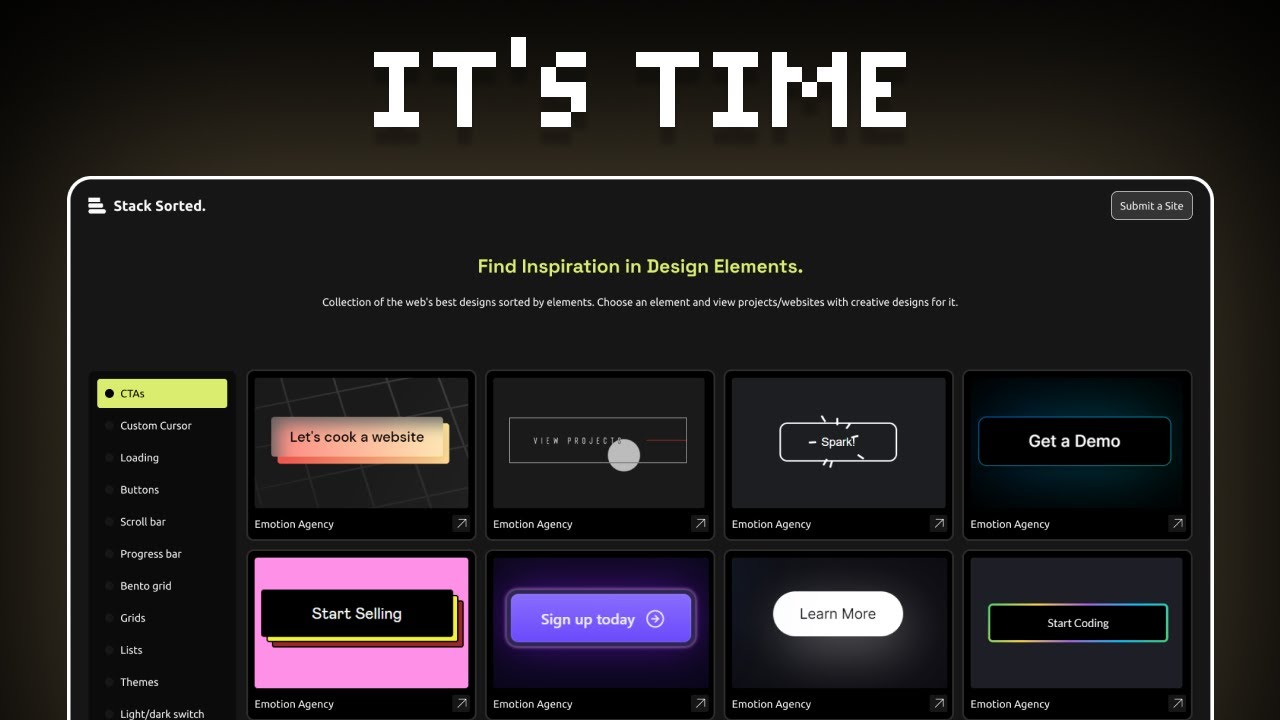
Ready to go beyond the basics and create truly memorable user experiences? This video delves into advanced strategies designed to make your interfaces resonate deeply with users. You'll explore practical insights into personalizing experiences based on actual user behavior, making your products feel more intuitive and relevant. It also covers designing more intelligent and helpful search functionalities, which is a game-changer for usability.
Plus, you'll get practical advice on optimizing those crucial post-purchase flows – think order tracking – and enhancing category screen navigation to be both visually appealing and super easy to use. If you're looking to craft interfaces that users genuinely love and keep coming back to, these advanced techniques are essential. This is a fantastic resource for anyone wanting to elevate their UI/UX game.
- Personalize user experiences based on observed behavior.
- Optimize post-purchase flows and category navigation for better usability.
Chart Your Realistic Path to UX Design in 2025
Breaking into the UX design field can seem daunting, especially without a traditional degree or expensive bootcamps. This video offers a refreshingly honest and grounded perspective on how to do just that in 2025. It breaks down the journey into actionable stages, emphasizing thorough market research to understand real opportunities and effective learning strategies that don't require breaking the bank.
The creator really focuses on the realities of the current job market, offering practical advice on how to develop a personalized and effective UX career path. You'll learn how to leverage self-study, build a compelling portfolio through daily challenges, and navigate the landscape without formal education. It's a brilliant guide for anyone looking for a concrete, achievable roadmap to a rewarding UX career. A truly valuable Figma UI design tutorial YouTube resource for aspiring professionals.
- Focus on self-learning, practical application, and market research for UX careers.
- Build a strong portfolio through consistent practice and case studies.
Your Next Steps
By embracing a user-centric mindset, avoiding common design blunders, implementing advanced engagement techniques, and following a realistic learning path, you can build stunning UI/UX with Figma. These featured YouTube videos provide the essential knowledge and inspiration to elevate your design skills and create impactful digital products.
Your Action Items
- ☐Pick one video from above and watch it on Querivo
- ☐Ask questions and check summaries while watching without breaking your flow
- ☐Use the AI chat to clarify confusing parts and deepen understanding
- ☐Come back for more curated videos on topics you want to master
Ready to transform your designs? Start practicing these principles in Figma today and build interfaces that truly connect with your users.
Turn Any YouTube Video into an Interactive Lesson
Paste any video link, get an instant AI summary, and ask questions in real-time.
Try Querivo Free →Related Videos You Might Enjoy
Looking for more perspectives on this topic? Here are some additional videos worth checking out:
7 UI/UX mistakes that SCREAM you’re a beginner

How to Use Figma AI To Make Sites 10X More Beautiful
4 levels of UI/UX design (and BIG mistakes to avoid)
This video outlines common UI/UX design mistakes at different career levels, from beginner to senior, using a real client project redesign. It provides actionable advice and resources to help designers identify and fix these errors to accelerate their growth.