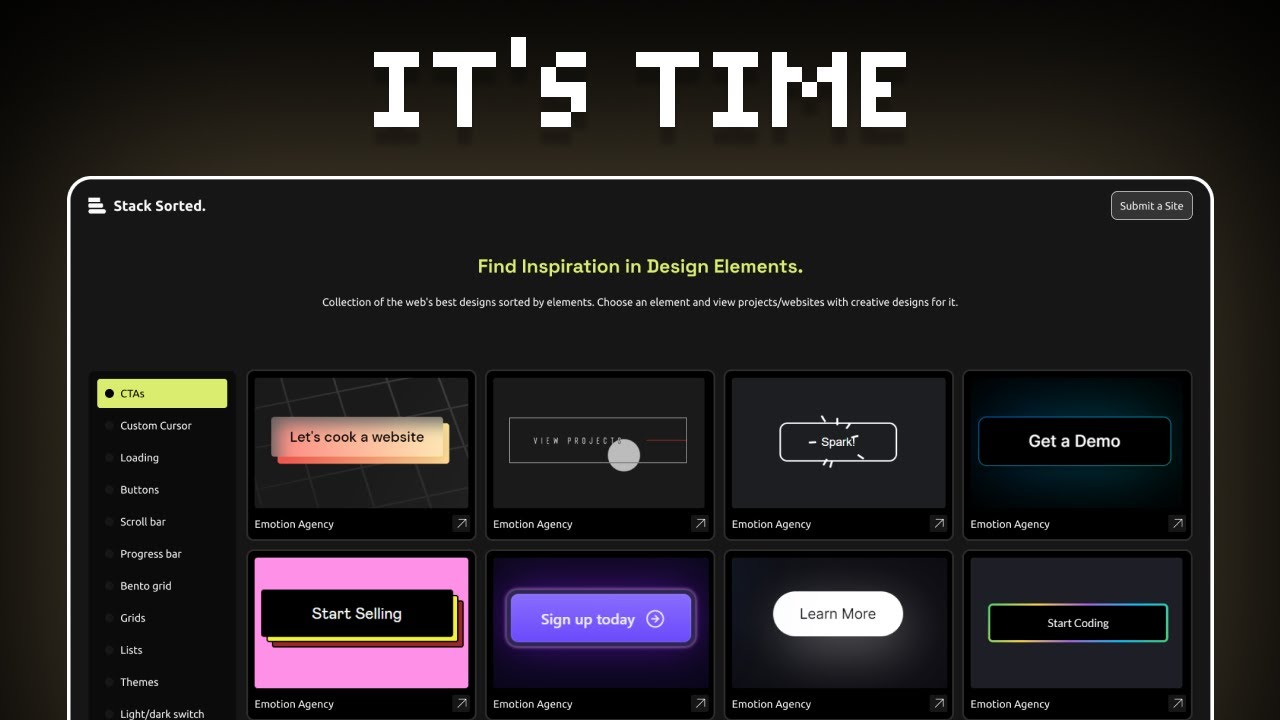
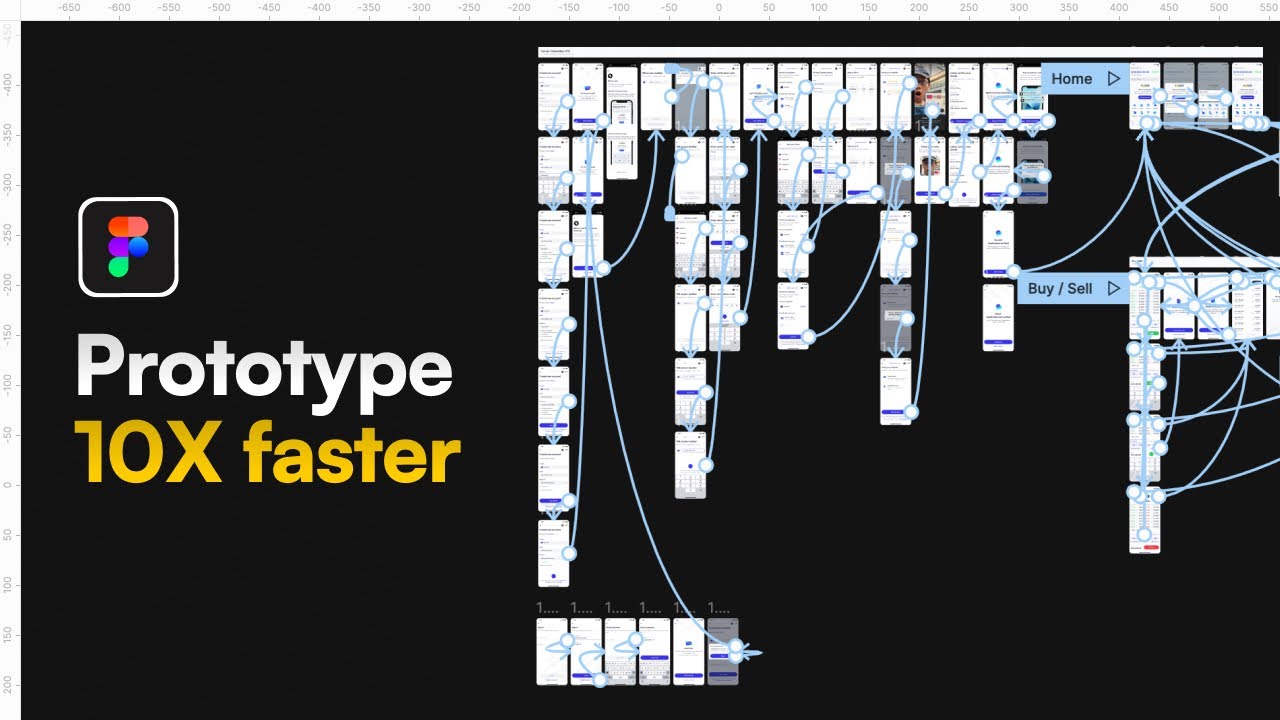
Unlock your potential as a UI designer and bring your digital ideas to life with the power of Figma prototyping!
Key Takeaways
- 1Master Figma for UI design and prototyping with curated YouTube tutorials.
- 2Learn essential wireframing and interface creation techniques.
- 3Leverage design systems and UI kits to speed up your workflow.
- 4Build interactive prototypes that simulate real user experiences.
- 5Transform static designs into dynamic, user-friendly digital products.
Who this is for
- If you're struggling to get started with Figma's vast capabilities
- If you're looking to create interactive prototypes without complex coding
- If you're an aspiring UI/UX designer or product manager aiming to enhance your skillset
Start Learning with AI-Powered Video Summaries
Get instant summaries, ask questions, and turn any video into an interactive study session.
Try Querivo Free →Jumpstart Your Design Journey: Your First Figma Wireframe
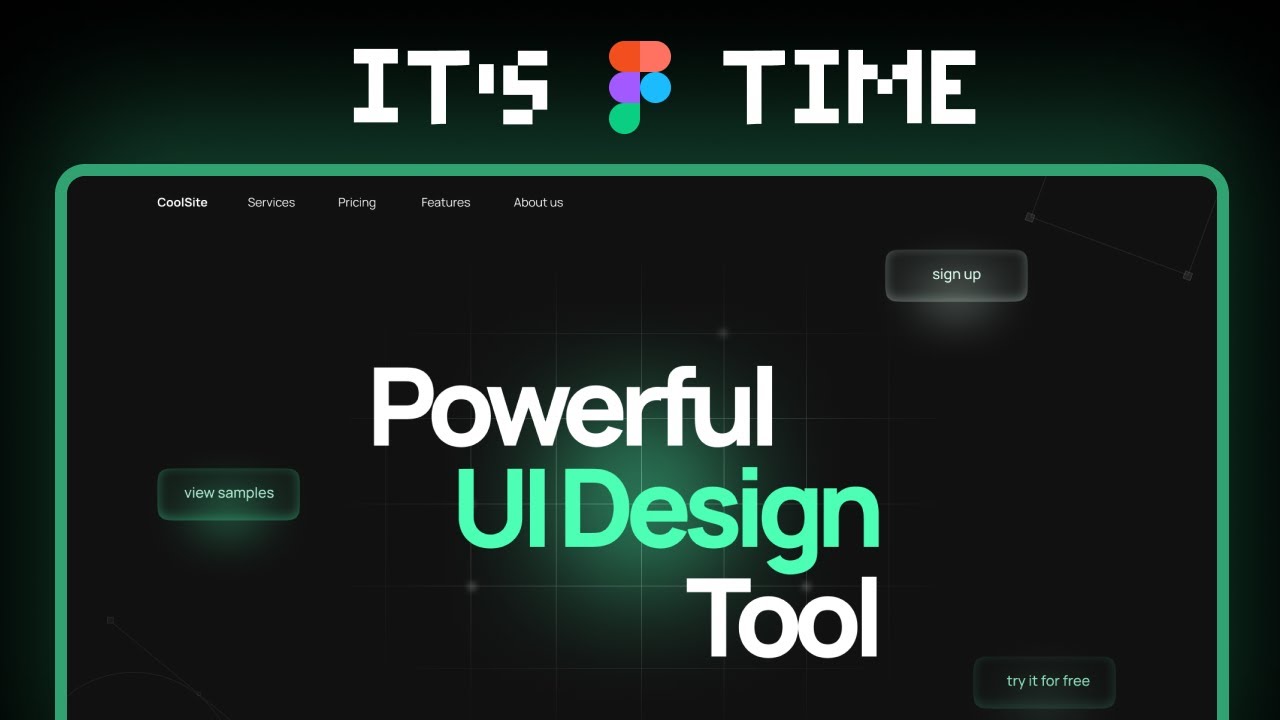
Getting your ideas down on screen is the absolute first step in any design project. This video, "world's shortest Figma course," is a super-quick primer for anyone feeling a bit overwhelmed by Figma's interface. It breaks down the absolute essentials needed to start sketching out your initial concepts, focusing on the critical foundation of wireframing. You'll get a feel for the workspace and learn how to put together basic building blocks – frames and shapes – to map out the structure of your design.
This isn't about making something pretty; it's about clarity. Understanding why wireframing is important – for communication, for laying a solid groundwork, and for avoiding costly mistakes later on – is key. It’s a surprisingly efficient way to visualize functionality before diving into detailed visuals. By focusing on the core elements, you can quickly translate abstract ideas into a tangible blueprint.
- Learn the core Figma interface and essential tools.
- Create frames and basic shapes for design structure.
- Understand the fundamental purpose of wireframing.
Study This Video Deeper
Get an AI summary and ask questions about confusing parts in real-time.
Open in Querivo →Design Faster with Smart UI Kits and Design Systems
Ever feel like you're reinventing the wheel with every new project? We've got you covered. This video, "How to Master Figma and Design 10X FASTER!," dives into something that's a real game-changer for efficiency: design systems and UI kits. You'll discover how to tap into freely available, high-quality resources, like those inspired by popular design systems, to build professional-looking interfaces at a much faster pace.
The magic here is in component-based design. Instead of designing elements one by one, you learn to work with reusable components. This not only speeds things up but also ensures consistency across your entire project. Plus, understanding how design systems work is crucial for building designs that are not only scalable but also responsive, adapting smoothly to different screen sizes. It's about working smarter, not harder, and this video provides actionable steps to achieve that.
- Utilize free UI kits from popular design systems.
- Master component-based design for efficiency and consistency.
- Streamline the creation of scalable and responsive designs.
Bring Designs to Life: Mastering Figma Prototyping
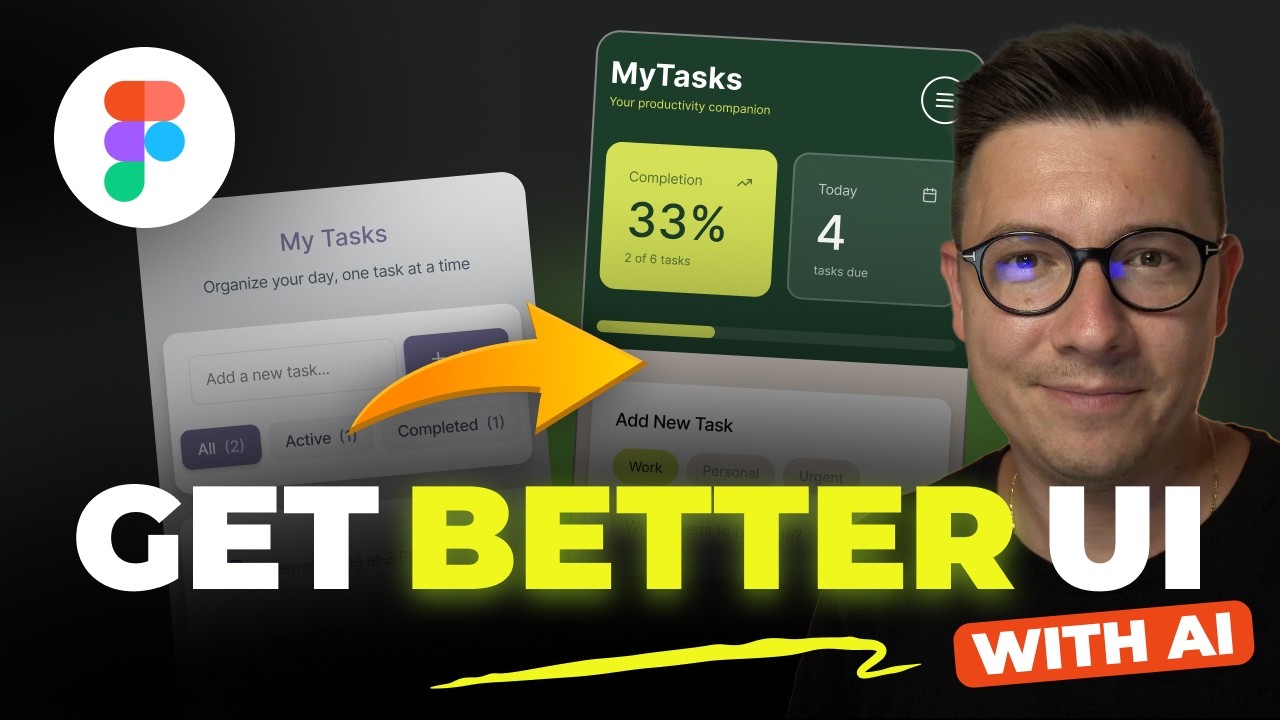
So, you've got your static designs looking sharp, but how do you make them feel real? That's where Figma's powerful prototyping features come in. This tutorial, "How to Get Better UI Design with Figma Make and AI," focuses on the core of making your interfaces interactive. You'll learn the essential techniques for connecting screens, defining transitions, and simulating how users will actually navigate your app or website.
We're talking about making buttons clickable, menus functional, and flows smooth. You'll explore various interactions that go beyond simple page-to-page navigation, adding polish and realism to your mockups. And critically, you'll see how important it is to test and iterate on these prototypes. Getting that user flow just right is key to a great user experience, and this video shows you how. It’s an essential part of learning Figma for UI design.
- Connect artboards and create interactive transitions.
- Explore diverse prototyping interactions for UI elements.
- Learn to test and refine user flows through prototyping.
From Concept to Completion: Building a Full App UI
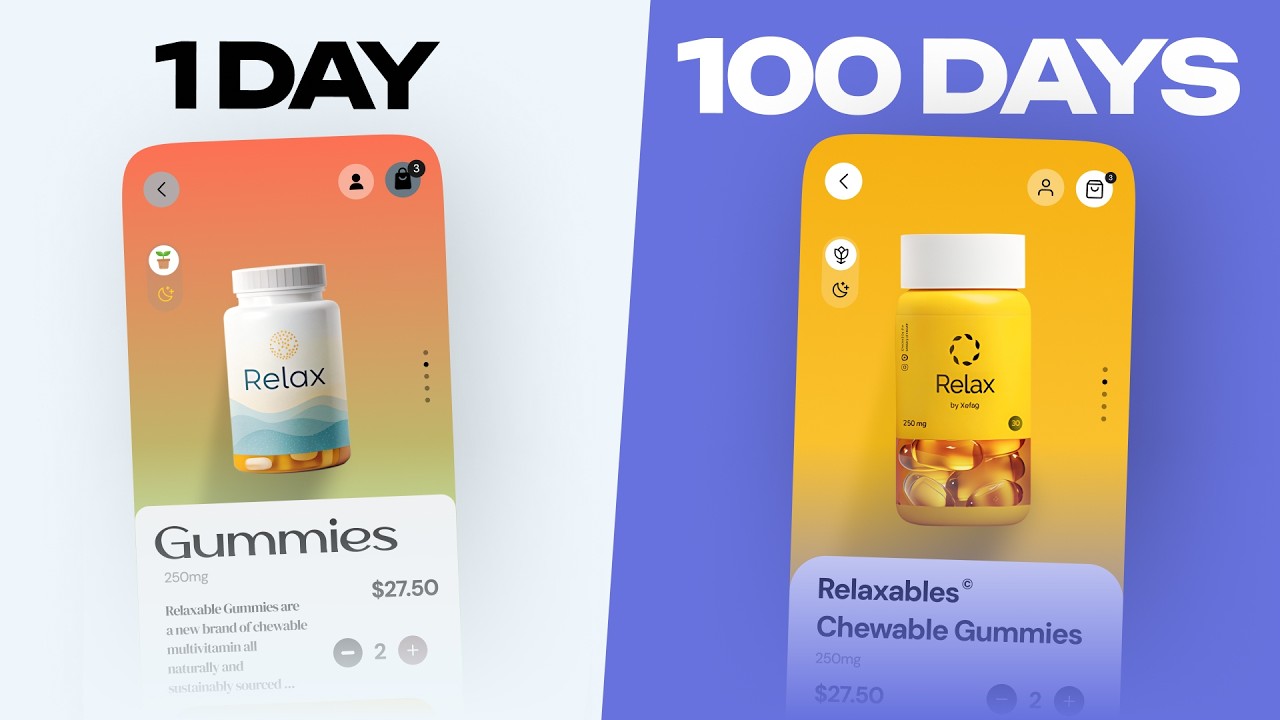
Ready to put all those skills to the test? This video, "7 UI/UX mistakes that SCREAM you’re a beginner," offers a comprehensive, end-to-end walkthrough of designing a complete app interface right within Figma. It consolidates everything you've learned – from initial wireframing concepts to leveraging those handy UI kits, and finally, building out the interactive prototype. You get to see the entire process unfold, demonstrating best practices along the way.
This isn't just theoretical; it's a practical demonstration. You'll witness how to manage your design elements effectively, ensuring visual consistency from start to finish. Watching a real app interface come together, and then seeing how those prototyping skills make it a user-friendly digital product, is incredibly insightful. It really solidifies the concepts for anyone wanting to learn UI design in Figma, and importantly, helps you avoid common pitfalls that can signal inexperience.
- Apply wireframing and UI kit principles to a full app design.
- Learn effective element management for project consistency.
- See a practical example of creating a user-friendly digital product.
Your Next Steps
By following these curated tutorials, you've gained a solid foundation in Figma for UI design, from conceptual wireframing to building interactive prototypes and leveraging powerful design systems. These essential skills will empower you to create intuitive and engaging user experiences.
Your Action Items
- ☐Pick one video from above and watch it on Querivo
- ☐Ask questions and check summaries while watching without breaking your flow
- ☐Use the AI chat to clarify confusing parts and deepen understanding
- ☐Come back for more curated videos on topics you want to master
Ready to start designing? Open Figma now and begin applying what you've learned! Continue exploring advanced Figma features, experiment with different prototyping interactions, and consider joining online design communities to share your work and get feedback.
Turn Any YouTube Video into an Interactive Lesson
Paste any video link, get an instant AI summary, and ask questions in real-time.
Try Querivo Free →Related Videos You Might Enjoy
Looking for more perspectives on this topic? Here are some additional videos worth checking out: