Tired of clunky interfaces and lengthy design cycles that stall your projects? Unlock the power of Figma to transform your UI design workflow and collaborate seamlessly with your team.
Key Takeaways
- 1Master Figma for impactful UI design & prototyping.
- 2Learn essential design tools & responsive layouts.
- 3Avoid common beginner UI/UX mistakes.
- 4Harness AI for accelerated design workflows.
- 5Create rapid, interactive prototypes with AI.
Who this is for
- If you're a UI/UX designer struggling with inefficient workflows
- If you're a product manager aiming for smoother team collaboration
- If you're a front-end developer looking to bridge design and code effectively
Start Learning with AI-Powered Video Summaries
Get instant summaries, ask questions, and turn any video into an interactive study session.
Try Querivo Free →Build a Solid Foundation: Mastering Figma's Core UI Design Elements
Getting started with Figma can feel overwhelming, but this video cuts through the noise, focusing on what truly matters for effective UI design. It’s your go-to resource for understanding the fundamental building blocks that make any design successful. We'll cover how to navigate the interface like a pro, employ essential design tools, and set up your projects for maximum efficiency from the get-go.
You'll discover how to implement layout grids and Auto Layout, which are absolute game-changers for creating responsive and organized designs. Plus, it delves into styling, effects, components, and styles, ensuring your designs are consistent and professional. And for that crucial interactive element? This tutorial breaks down how to create prototypes that truly bring your concepts to life, allowing you to test and iterate effectively.
This is definitely the place to start if you're new to Figma or looking to solidify your understanding of its core features. It’s surprisingly thorough for its duration, making it an efficient watch for anyone wanting to jump into Figma UI design YouTube tutorials with confidence.

- Master Figma's interface, tools, and foundational concepts.
- Implement responsive designs with grids and Auto Layout.
Avoid Beginner Pitfalls: Elevate Your UI/UX Design with Proven Best Practices
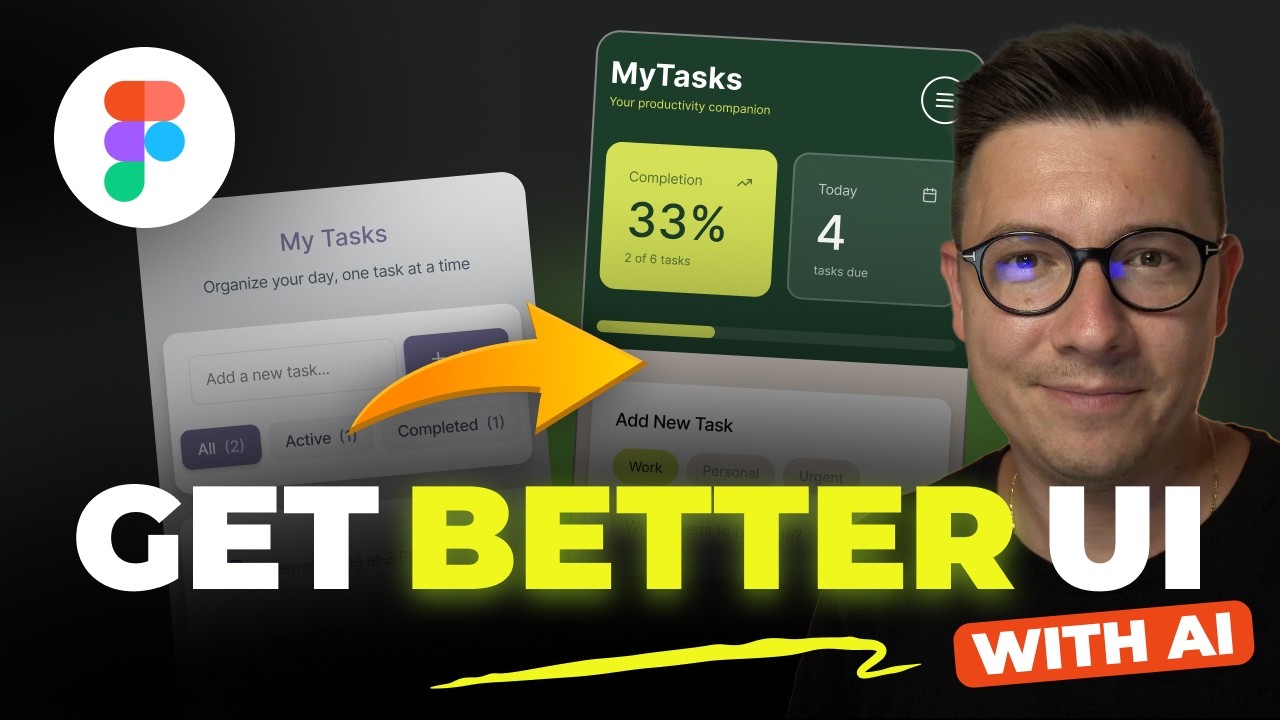
Ever wonder why some designs just feel better than others? Often, it’s because the designer has sidestepped the common pitfalls that plague beginners. This video dives headfirst into those exact mistakes, using a practical recipe app redesign to show you exactly what to look out for and how to fix it. It’s a really insightful look at refining your work.
You’ll get actionable advice on everything from user flow and navigation to the subtle art of spacing and layout consistency. We’re talking about making your designs cohesive and ensuring a clear visual hierarchy. Plus, it tackles common issues with iconography and offers wisdom on avoiding the overuse of visual effects, which can really muddy a design.
This tutorial is particularly valuable because it doesn't just tell you what's wrong; it shows you. The before-and-after visuals are incredibly impactful, making it easy to grasp how to achieve more polished, professional interfaces. If you're serious about making your Figma UI design stand out, paying attention to these details is a must.
- Identify and fix common UI/UX mistakes for polished designs.
- Master spacing, layout, and component consistency.
Study This Video Deeper
Get an AI summary and ask questions about confusing parts in real-time.
Open in Querivo →Supercharge Your Workflow: Harnessing AI for Faster, More Beautiful Designs
The world of design is rapidly evolving, and AI is at the forefront of this revolution. This video showcases how you can integrate powerful AI tools directly into Figma to dramatically speed up your entire design and development process. Think of it as a way to boost your creativity and efficiency by an order of magnitude.
It explores Figma Make, a prompt-based AI that can generate designs from your ideas, and then delves into developing structured AI workflows. This isn't just about quick mockups; it’s about planning, architecture, and building robust design systems. Plus, it touches on leveraging AI coding assistants for seamless implementation, like converting designs directly into React components.
For anyone looking to really push the boundaries of what's possible in Figma UI design and development, this is a must-watch. It highlights how AI can move you from initial concept to functional code with unprecedented speed. This is definitely a glimpse into the future of design.

- Utilize AI for prompt-based design generation and workflow planning.
- Leverage AI coding assistants for faster implementation.
Revolutionize Prototyping: Embrace AI for Rapid, Interactive Prototypes
Traditional prototyping methods can sometimes feel like a bottleneck, right? This video challenges that status quo, introducing AI-powered solutions that offer a genuinely faster and more efficient approach to creating interactive prototypes and even full web applications. It’s all about working smarter, not just harder.
The creator walks you through the limitations of standard Figma prototyping and then introduces Figma Make as an exciting AI-driven alternative. You'll learn how to integrate this tool into your existing design workflows, allowing for much quicker iterations and experimentation. It’s pretty amazing to see how quickly you can go from an idea to a working prototype.
This is a forward-thinking look at how we can leverage artificial intelligence to not only speed up the design process but also to explore new possibilities in app generation. If you're keen to stay ahead of the curve in learning Figma prototyping free, this video offers some seriously valuable insights into the future of interactive design.
- Discover AI-driven alternatives for faster prototyping.
- Integrate AI into your workflow for rapid iteration.
Your Next Steps
By diving into these curated videos, you're not just watching tutorials; you're actively equipping yourself with the skills to excel in Figma UI design. You’ve learned how to build a solid foundation, avoid common traps, and even harness the power of AI to supercharge your workflow and prototyping capabilities.
Your Action Items
- ☐Pick one video from above and watch it on Querivo
- ☐Ask questions and check summaries while watching without breaking your flow
- ☐Use the AI chat to clarify confusing parts and deepen understanding
- ☐Come back for more curated videos on topics you want to master
These resources will definitely help you create more impactful interfaces and streamline your entire design journey.
Turn Any YouTube Video into an Interactive Lesson
Paste any video link, get an instant AI summary, and ask questions in real-time.
Try Querivo Free →Related Videos You Might Enjoy
Looking for more perspectives on this topic? Here are some additional videos worth checking out:
world's shortest Figma course
This ultra-quick Figma course provides a foundational understanding of the UI design tool. It covers essential elements like the canvas, tools, layout grids, auto layout, styling, and prototyping, enabling viewers to start creating designs and interactive prototypes.