Ready to transform your ideas into stunning, interactive digital experiences? Figma is the industry-leading tool for UI/UX designers, but navigating its powerful features can feel overwhelming. Fortunately, a wealth of knowledge is available on YouTube to guide you. We've curated some of the most valuable lessons to help you master Figma's essentials, visualize your ideas effectively, and build future-proof design skills.
Key Takeaways
- 1Master Figma UI design with curated YouTube lessons.
- 2Learn essential tools for web and mobile prototyping.
- 3Understand UI vs. UX for user-centric product creation.
- 4Develop future-proof skills beyond just software.
- 5Build interactive prototypes confidently and efficiently.
Who this is for
- If you're struggling to get started with Figma's vast capabilities
- If you're looking to streamline your UI design workflow with proven techniques
- If you're a beginner or intermediate designer aiming to create compelling interactive prototypes
Start Learning with AI-Powered Video Summaries
Get instant summaries, ask questions, and turn any video into an interactive study session.
Try Querivo Free →Master Figma's Essentials: Your Foundation for Dynamic Designs
Getting a handle on Figma's interface and core functionalities is really the first step in creating impactful digital designs. The video "Figma Tutorial for Beginners (13-min crash course!)" by Flux Academy offers valuable content that breaks down exactly how to navigate the workspace, use essential tools effectively, and set up your projects for success, especially when it comes to making designs that adapt. You'll discover how to organize your work using pages and frames, which is surprisingly important for larger projects.
This resource will show you how to harness the power of Auto Layout, a truly game-changing feature that ensures your designs remain responsive and dynamic across different screen sizes. Plus, you'll pick up tips on using basic shapes and the pen tool for precise vector creation. This foundational knowledge is crucial for anyone diving into Figma UI design on YouTube. For those seeking a rapid overview, "Learn Figma Fast (2025)" by Traversy Media provides a concise, high-level overview of essential Figma concepts in a short duration, making it ideal for quick learning or as a refresher. This will help you grasp the core functionalities swiftly, setting a solid base for more in-depth learning.


- Get comfortable with the Figma interface and its core tools.
- Learn to organize projects efficiently using pages and frames.
- Utilize Auto Layout for responsive and dynamic designs.
Visualize Your Ideas: The Power of Wireframing in Figma
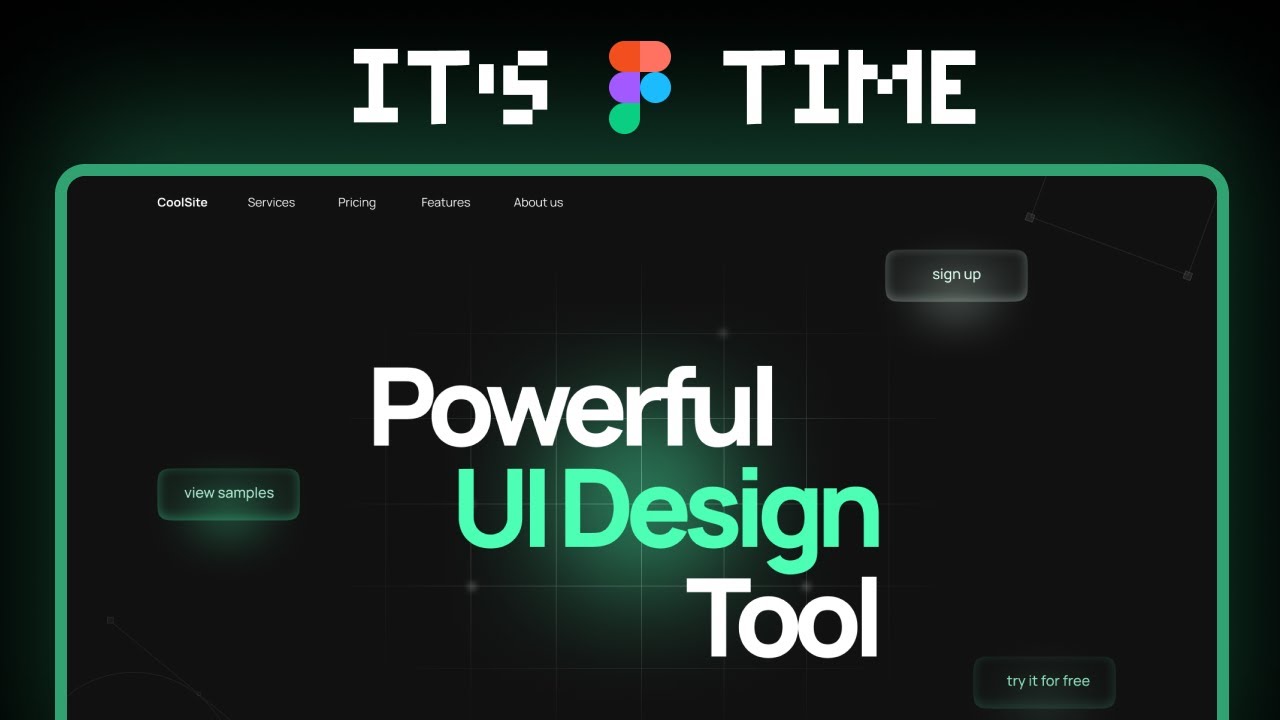
Before diving into pixel-perfect mockups, it's essential to nail down the structure and flow of your design. Wireframing is that critical first step, and the video "world's shortest Figma course" by Juxtopposed shows you how to do it quickly and effectively within Figma. You'll see how basic shapes and text can represent complex UI elements, helping you communicate your design concepts clearly to stakeholders or team members.
Don't underestimate the impact of a good wireframe. It’s where you can rapidly iterate on ideas without getting bogged down in aesthetics. This tutorial covers the fundamental importance of this stage, showing you how to represent things like thumbnails, text blocks, and icons, which are the building blocks of any interface. It’s a great way to ensure your Figma prototyping tutorials are built on a solid foundation. This efficient approach allows you to test and refine layouts before committing to visual details, saving significant time and effort.
- Understand why wireframing is crucial for early design visualization.
- Use simple Figma tools to create clear and concise wireframes.
- Facilitate rapid iteration and improve design communication.
Understanding UI vs. UX: The Core Principles for User-Centric Design
What's the real difference between UI and UX design? The video "Master Figma UI Design in 15 Minutes | This Tutorial Is For You!" by Website Learners clarifies that distinction and shows how they work together to create truly effective products. You’ll get a clear overview of the entire design process, from the initial concept all the way through to testing and refinement. It's not just about making things look pretty; it's about how they feel and function for the user.
This resource will explore the vital role of user research and feedback in shaping your designs, ensuring you’re building solutions that actually meet user needs. Understanding these core principles is fundamental for anyone looking to excel in the field of UI/UX design. This knowledge will definitely enhance your approach to any Figma UI design YouTube exploration, guiding you to create designs that are both aesthetically pleasing and highly functional.

- Differentiate clearly between User Interface and User Experience.
- Grasp the complete stages of the UI/UX design process.
- Appreciate the impact of user research and testing.
Beyond the Tools: Critical UX Skills for Future-Proofing Your Career
The world of design is constantly evolving, and mastering software like Figma is just one piece of the puzzle. While the provided data doesn't contain a specific video for this section, the underlying principle is critical for any aspiring designer. The focus shifts to highlighting crucial skills that will keep you relevant and effective in the long run, especially with the rise of AI. It’s about shifting your mindset from being a pure maker to becoming a strategic thinker and curator of experiences.
You’ll learn about the importance of systems thinking – how to see the bigger picture and understand how different design elements connect. Plus, it delves into developing AI literacy, focusing not just on the technology itself but on the ethics, storytelling, and potential for new AI-driven experiences. Cultivating these strategic thinking skills will definitely set you apart, ensuring your career remains robust in the face of technological advancements. Understanding these broader concepts will amplify the value you bring to any design project.
Your Next Steps
By mastering Figma's core functionalities, embracing the iterative power of wireframing, understanding the foundational principles of UI/UX, and focusing on evolving critical skills, you're well on your way to becoming a proficient designer. Start your Figma journey today and build your first interactive prototype!
Your Action Items
- ☐Pick one video from above and watch it on Querivo
- ☐Ask questions and check summaries while watching without breaking your flow
- ☐Use the AI chat to clarify confusing parts and deepen understanding
- ☐Come back for more curated videos on topics you want to master
These curated video lessons provide a robust starting point for anyone serious about Figma UI design YouTube exploration. Experiment with the tools and techniques discussed, and don't hesitate to dive deeper into related resources. The practical advice and foundational knowledge you'll gain from these resources will empower you to create more effective, user-centered designs.
Turn Any YouTube Video into an Interactive Lesson
Paste any video link, get an instant AI summary, and ask questions in real-time.
Try Querivo Free →Related Videos You Might Enjoy
Looking for more perspectives on this topic? Here are some additional videos worth checking out: