Unlock the power of interactive design and bring your UI/UX concepts to life with Figma's robust prototyping features.
Key Takeaways
- 1Master Figma prototyping with expert-curated YouTube videos.
- 2Create interactive UI/UX designs from basic to advanced.
- 3Learn essential scrolling, navigation, and animation techniques.
- 4Build dynamic prototypes using Figma Variables.
- 5Elevate your design workflow and user testing capabilities.
Who this is for
- If you're struggling to make your Figma designs feel alive and interactive
- If you're a product manager needing to present user flows effectively
- If you're an aspiring UI/UX designer looking to master essential prototyping skills
Start Learning with AI-Powered Video Summaries
Get instant summaries, ask questions, and turn any video into an interactive study session.
Try Querivo Free →Build Foundational Interactive Elements with Ease
Static mockups just don't cut it anymore. To truly communicate your design vision and get meaningful feedback, you need to show users how your product feels. This video is a fantastic starting point for anyone diving into Figma prototyping, especially if you're new to the platform. It breaks down the core components of making your designs interactive in a way that's really accessible.
You'll learn how to implement essential elements that make a huge difference in user experience. Think about how crucial smooth scrolling is for long pages or how intuitive it feels when a menu slides in. This video covers these fundamentals, showing you how to create fixed headers and footers so navigation stays put, and how to make lists or image galleries scroll horizontally. It’s all about building that initial layer of interactivity that makes a design feel polished and professional. Plus, understanding how to use overlay effects for things like modal windows is a game-changer for creating dynamic user flows without overcomplicating your project.
- Master page-level scrolling and fixed elements for consistent navigation.
- Implement horizontal scrolling and overlay effects for engaging modals.
Streamline Animations: Beyond Smart Animate
Ever feel like you're spending too much time wrestling with complex animations? This video offers a refreshingly practical perspective on leveraging Figma's built-in transitions. It's a great reminder that sometimes, the simplest approach is the most effective. We found this tutorial particularly insightful for understanding when to use basic transitions versus when to dive deeper into more advanced animation techniques.
The creator shows you how to effectively use transitions like 'Push' and others to create common UI animations. It’s not just about individual screen changes, but about how consistent elements, like your headers and footers, can simplify your entire animation workflow. By understanding these basic building blocks, you can save a considerable amount of time and avoid unnecessarily duplicating frames. This video really helps you see how to animate shared elements efficiently, leading to cleaner, more manageable prototype builds. It's a smart way to boost your efficiency and make your prototypes more robust.
- Utilize basic transitions like 'Push' for efficient UI animations.
- Simplify workflows by animating shared elements consistently.
Bring Your Prototypes to Life: Interactions & Feedback
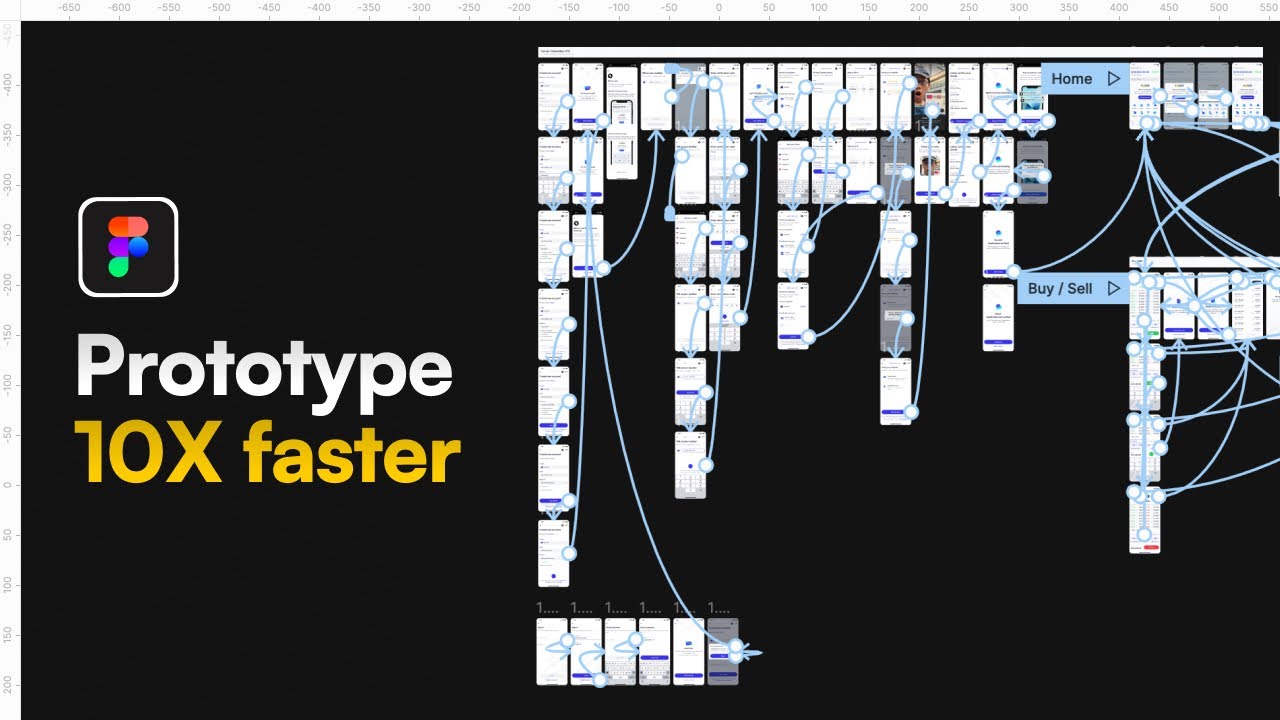
This tutorial is an absolute must-watch for anyone looking to move beyond static screens and create truly navigable prototypes. It's designed for beginners, offering a clear, step-by-step guide to connecting your frames and applying the interactions that make a design come alive. You'll see exactly how to link different screens together to map out user journeys.
Beyond just linking screens, you'll explore a variety of animation and transition options, like 'Move In' and 'Push', learning how to choose the right one for different scenarios. But it doesn't stop at just building the prototype. A crucial part of the design process is gathering feedback, and this video covers that too. You'll learn how to effectively use comments and observation mode within Figma to get insights from stakeholders and users. Incorporating that feedback is how you truly refine your designs, and this tutorial shows you how to do it. It’s a comprehensive look at bringing your ideas to life and making them better based on real input.
- Connect frames and apply essential animations to build navigable prototypes.
- Learn to gather and incorporate user feedback for design iteration.
Unlock Dynamic Interactions with Figma Variables
Ready to push your Figma prototyping skills to the next level? This video dives deep into the powerful world of Figma Variables, a feature that genuinely transforms how you can build interactive prototypes. If you've been looking for ways to create more complex, conditional, and dynamic user flows, this is the resource for you. It's where you start to make your prototypes feel truly intelligent.
You'll grasp the fundamentals of what Figma Variables are and how they can be used to control design elements and interactions. The tutorial clearly explains how to utilize Number and Boolean variables, which are essential for setting up dynamic behaviors. Think about creating interactive forms, state changes, or even simple animations that respond to user input – variables make this much more achievable. Implementing conditional prototyping actions becomes much more intuitive after watching this. It’s about building realistic simulations where design elements dynamically update based on variable changes. This is a pretty advanced topic, but the creator makes it surprisingly understandable.
- Master Figma Variables for creating dynamic and conditional prototypes.
- Control design elements and interactions using Number and Boolean variables.
Your Next Steps
By mastering these Figma prototyping techniques, you can transform your static designs into interactive experiences, improving communication, user testing, and the overall design iteration process. These Figma prototyping YouTube videos are a goldmine for anyone serious about UI/UX.
Your Action Items
- ☐Pick one video from above and watch it on Querivo
- ☐Ask questions and check summaries while watching without breaking your flow
- ☐Use the AI chat to clarify confusing parts and deepen understanding
- ☐Come back for more curated videos on topics you want to master
Turn Any YouTube Video into an Interactive Lesson
Paste any video link, get an instant AI summary, and ask questions in real-time.
Try Querivo Free →Related Videos You Might Enjoy
Looking for more perspectives on this topic? Here are some additional videos worth checking out: