Unlock the power of Figma to transform your product development process. Whether you're a seasoned designer or just starting, mastering Figma is crucial for creating intuitive and visually stunning user interfaces that truly resonate with your audience.
Key Takeaways
- 1Curated guide to essential Figma UI design videos
- 2Learn foundational wireframing and AI design tools
- 3Master responsive layouts with Auto Layout
- 4Create polished, high-fidelity interfaces
- 5Elevate your product development workflow
Who this is for
- If you're a UI/UX designer looking to hone your Figma skills
- If you're a product manager aiming to better understand the design process
- If you're a web developer needing to collaborate effectively with design teams
Start Learning with AI-Powered Video Summaries
Get instant summaries, ask questions, and turn any video into an interactive study session.
Try Querivo Free →In today's fast-paced digital landscape, efficient and effective UI design is paramount. Figma has emerged as a leading tool for collaborative design, offering a robust suite of features that streamline the entire design workflow from initial concept to final handoff.
This article curates essential YouTube videos that will guide you through the core functionalities of Figma for UI design, covering everything from foundational wireframing and intelligent AI assistance to advanced layout techniques and the future of design. You'll discover practical insights and actionable techniques to boost your design game.
Build a Strong Foundation with Wireframing Essentials in Figma
Getting started with UI design can feel overwhelming, but understanding the fundamentals of wireframing is key. This video is your first step into visualizing app structures and user flows within Figma. It breaks down how to represent the core elements and content of an interface, ensuring you prioritize structure and functionality from the outset.
You'll learn to use Figma's basic tools – Frames, Shapes, and Text – to sketch out your ideas. Plus, you'll get hands-on with the Pen Tool, which is surprisingly versatile for crafting custom icons and more intricate details that bring your wireframes to life. It’s all about building that solid groundwork before diving into aesthetics.
This video is especially helpful if you're new to UI design or need a refresher on the wireframing process. It emphasizes that a well-structured wireframe is the blueprint for a successful user interface, so focusing here is definitely worth your time.
- Wireframing establishes structural integrity for UI designs.
- Master essential Figma tools like Frames, Shapes, Text, and the Pen Tool.
Supercharge Your Designs with Figma's AI Assistant
Artificial intelligence is changing how we design, and Figma is no exception. This video dives into how you can leverage AI within Figma to seriously supercharge your workflow. It’s not just about futuristic concepts; it’s about practical applications you can use today to speed up your process and explore more creative avenues.
You'll discover how AI can generate initial UI mockups, helping you overcome that dreaded blank canvas syndrome. Plus, it’s great for generating placeholder content and even editing images directly within your designs, saving you a ton of back-and-forth. Think of AI as your design collaborator, ready to offer suggestions and handle repetitive tasks.
This is a must-watch for anyone looking to integrate cutting-edge tools into their design process. The creator offers practical advice on how to best use these AI features, emphasizing their role as a powerful assistant rather than a replacement for human creativity. You'll learn how to integrate AI tools efficiently for layer management and image manipulation, too.

- Leverage AI in Figma for UI mockups and content generation.
- Treat AI as a design assistant for efficiency and exploration.
Study This Video Deeper
Get an AI summary and ask questions about confusing parts in real-time.
Open in Querivo →Automate Layouts for Responsive and Dynamic Designs
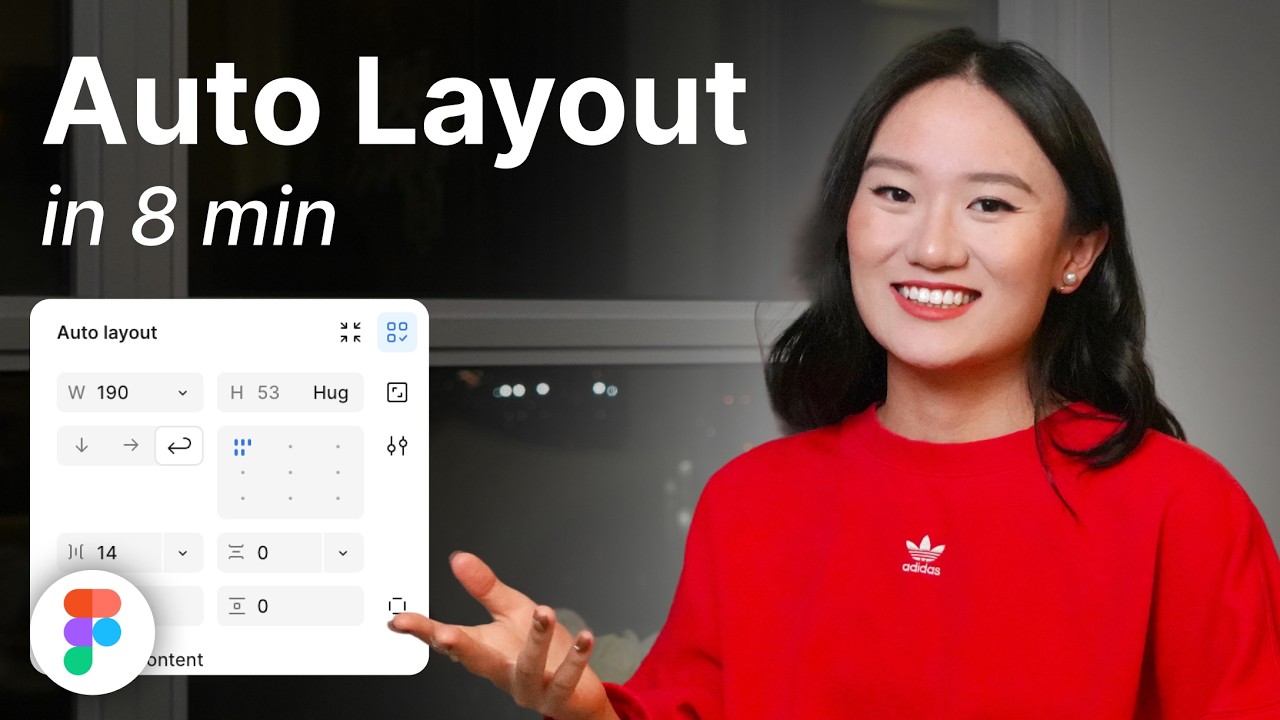
Creating designs that look great on any screen size can be a real headache. That's where Figma's Auto Layout feature comes in, and honestly, it's a game-changer. This video breaks down exactly how to use Auto Layout to create flexible, responsive designs that adapt seamlessly. You'll stop wrestling with elements and start designing smarter.
The tutorial covers the fundamental concepts, showing you how to automatically organize and manage your design elements. You'll explore different Layout Modes (Freeform, Vertical, Horizontal, and the new Grid) and get a handle on controls for spacing, padding, and alignment. Understanding 'Hug Contents,' 'Fixed Size,' and 'Constraints' is crucial for making your elements behave dynamically.
If you're building interfaces that need to work across desktops, tablets, and mobile devices, this video is absolutely essential. It provides practical scenarios, showing you how to apply Auto Layout effectively to streamline your workflow and ensure consistency. You'll find your design process becomes way more efficient.

- Auto Layout ensures designs are flexible and responsive across devices.
- Master spacing, padding, and alignment for dynamic element behavior.
Mastering High-Fidelity UI Design: From Concept to Polish
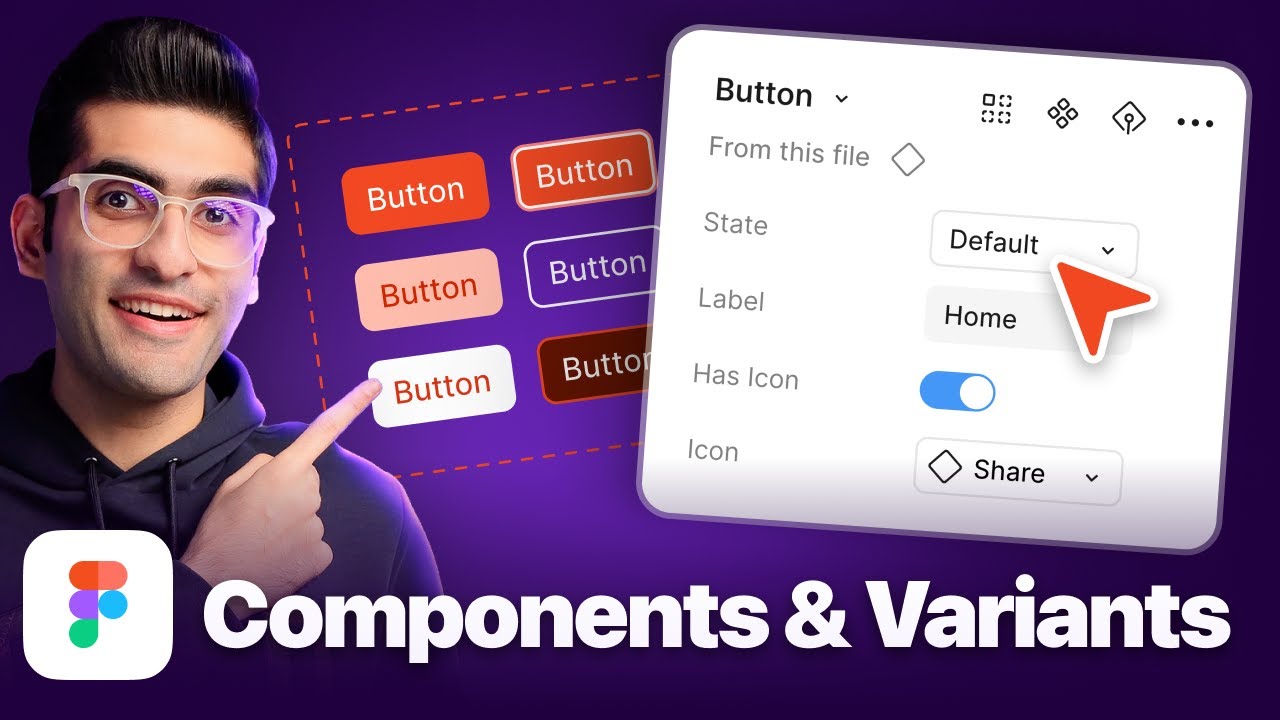
Once your structure is solid and your layouts are responsive, it's time to bring your designs to life with polish. This video focuses on elevating your work from basic wireframes to high-fidelity user interfaces that are visually appealing and ready for development. It covers the crucial details that make a design feel complete and professional.
You’ll dive into principles of visual hierarchy and composition, learning how to guide the user's eye effectively. The tutorial also touches on applying color theory, typography, and spacing to create an aesthetically pleasing experience. Plus, you'll get insights into creating interactive prototypes to simulate user flows and best practices for designing reusable components and robust design systems for long-term scalability.
This is the perfect next step after you've grasped the basics. It’s about the details that matter – making your interfaces not just functional, but truly delightful to use. Preparing your designs for a seamless handoff to development teams is also covered, which is critical for a smooth product launch. It’s a comprehensive look at getting your designs production-ready.
- Elevate designs with visual hierarchy, color, typography, and spacing.
- Prepare interactive prototypes and components for seamless development handoff.
Your Next Steps
By incorporating the essential techniques covered in these curated YouTube videos, you can confidently navigate Figma's powerful features to create impactful UI designs, from initial wireframes to sophisticated, AI-enhanced interfaces. Ready to elevate your design skills? Start experimenting with these Figma techniques today and build user interfaces that wow!
Your Action Items
- ☐Pick one video from above and watch it on Querivo
- ☐Ask questions and check summaries while watching without breaking your flow
- ☐Use the AI chat to clarify confusing parts and deepen understanding
- ☐Come back for more curated videos on topics you want to master
The world of UI design is constantly evolving, and staying updated with the latest tools and techniques is key to success. These videos provide a fantastic starting point and deeper dives into crucial aspects of Figma for UI design.
Turn Any YouTube Video into an Interactive Lesson
Paste any video link, get an instant AI summary, and ask questions in real-time.
Try Querivo Free →Related Videos You Might Enjoy
Looking for more perspectives on this topic? Here are some additional videos worth checking out:
world's shortest Figma course
Figma Prototype Tutorial for Beginners
Figma Auto Layout Tutorial for Beginners
This video provides a beginner-friendly tutorial on Figma's Auto Layout feature, explaining how to automatically organize design elements. It covers various layout options like Freeform, Vertical, Horizontal, and the new Grid layout, detailing their settings for spacing, alignment, and sizing.