Ready to translate your creative ideas into intuitive and visually stunning user interfaces? Figma has become the industry standard for UI design, empowering designers worldwide to build seamless digital experiences.
Key Takeaways
- 1Master Figma UI design from wireframes to collaboration.
- 2Learn to create reusable components for faster workflows.
- 3Build responsive designs that adapt to any screen.
- 4Streamline team projects and developer handoffs.
- 5Create impactful user experiences that truly shine.
Who this is for
- If you're struggling to organize your design process from start to finish
- If you're looking to speed up your design workflow with reusable elements
- If you're an aspiring UI/UX designer wanting to learn industry-standard tools
Start Learning with AI-Powered Video Summaries
Get instant summaries, ask questions, and turn any video into an interactive study session.
Try Querivo Free →Build Your Foundation: Master Figma Wireframing for Clear Design Communication
Understanding the "why" behind wireframing is crucial before diving into Figma's tools. This video offers a clear introduction to visualizing your ideas early on. It emphasizes how essential wireframes are for communicating your design intent effectively and for making those critical rapid iterations. You'll get a solid grasp of why this foundational step matters so much in the overall design process.
The creator walks you through the basics of navigating the Figma interface, showing you how to create fundamental frames and shapes. It’s surprisingly straightforward to start sketching out your layouts. You’ll learn to use basic elements like rectangles and text to represent key UI components – think placeholders for images, headings, and icons. This initial grasp of basic tools sets you up perfectly for more complex designs later on.
This is definitely the place to start if you're new to Figma or UI design in general. It breaks down what can seem like a complex tool into manageable steps. You’ll walk away with a foundational understanding of how to visually communicate your ideas clearly, which is a game-changer for any project.

- Wireframing is essential for early-stage idea visualization and communication.
- Start sketching your basic UI elements using Figma's core tools.
Unlock Design Efficiency: Harness the Power of Components in Figma
Ever feel like you're recreating the same buttons or navigation bars over and over? That’s where Figma’s components come in, and this video is your guide to unlocking that efficiency. You’ll discover just how much time and effort you can save by creating reusable design elements. It’s a real paradigm shift in how you approach designing interfaces.
The creator goes beyond just showing you how to make a component. They delve into best practices for creating well-structured and maintainable components, which is super important as your projects grow. You'll learn how to manage variations and instances, allowing you to adapt those core elements for different use cases without duplicating your work. This really streamlines your design process and ensures consistency across your entire project.
If you're serious about speeding up your workflow and maintaining a polished, consistent look, mastering components is a must. This video provides practical insights that you can start applying immediately. You'll be designing faster and more effectively after just a short watch. It’s definitely worth your time.
- Leverage components to save time and ensure design consistency.
- Explore best practices for component creation and management.
Design for Every Screen: Implement Responsive Design Principles in Figma
In today's multi-device world, designing for every screen isn't optional; it's absolutely vital for a great user experience. This video dives deep into Figma's powerful features for creating flexible and adaptable designs. You'll grasp the fundamental importance of responsive design and learn how to make your interfaces look great whether they're on a massive desktop monitor or a tiny smartphone screen.
The core of this tutorial focuses on Figma's auto layout and constraints. These aren't just fancy terms; they're the keys to building dynamic interfaces that automatically adjust to different screen sizes. You’ll get hands-on practice building layouts that intelligently resize and rearrange themselves, ensuring your design is always user-friendly, no matter the context. It’s surprisingly intuitive once you see it in action.
This is an absolute must-watch if you want your designs to be accessible and effective on all platforms. You'll gain the confidence to create layouts that are not only visually appealing but also functional across the board. Responsive design is a cornerstone of modern UI/UX, and this video makes it surprisingly accessible.
- Grasp responsive design for a seamless cross-device user experience.
- Practice using auto layout and constraints to build adaptable interfaces.
Collaborate Seamlessly: Master Teamwork and Handoffs in Figma
Design isn't always a solo journey, and Figma truly shines when it comes to collaboration. This video highlights the platform's real-time collaboration features, which are absolutely essential for efficient teamwork. You'll learn how to work effectively with your team, share feedback instantly, and ensure everyone is on the same page, even when working remotely. It makes teamwork feel genuinely collaborative.
Beyond teamwork, the creator covers critical best practices for organizing your projects and design files. Clarity is key when working with others, and this section will show you how to structure your work so it's easy to navigate. Plus, you'll learn how to effectively hand off your finished designs to developers, providing them with all the information they need for smooth implementation. This can save so much back-and-forth!
If you're working on a team, or even if you just want to get better at sharing your work, this video is incredibly valuable. It addresses the practicalities of real-world design workflows, making the entire process more efficient and less prone to miscommunication. You’ll definitely improve your ability to work with others and get your designs built.
- Leverage Figma's real-time collaboration for efficient teamwork.
- Master design handoffs to ensure smooth developer implementation.
Your Next Steps
By mastering wireframing, components, responsive design, and collaborative workflows, you're well on your way to creating impactful user experiences with Figma. These top YouTube videos provide the practical guidance needed to elevate your UI design skills and tackle any project with confidence.
Your Action Items
- ☐Pick one video from above and watch it on Querivo
- ☐Ask questions and check summaries while watching without breaking your flow
- ☐Use the AI chat to clarify confusing parts and deepen understanding
- ☐Come back for more curated videos on topics you want to master
Ready to translate your creative ideas into intuitive and visually stunning user interfaces? These curated videos offer a fantastic starting point.
Turn Any YouTube Video into an Interactive Lesson
Paste any video link, get an instant AI summary, and ask questions in real-time.
Try Querivo Free →Related Videos You Might Enjoy
Looking for more perspectives on this topic? Here are some additional videos worth checking out:
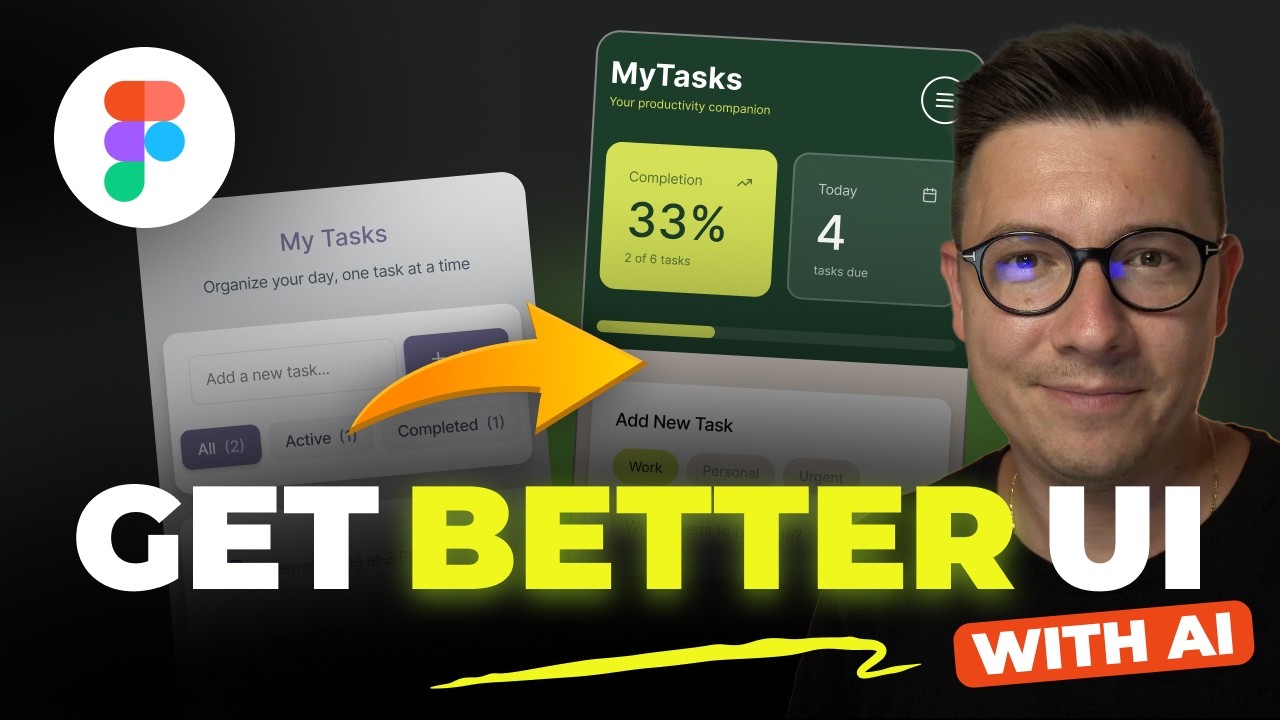
How to Get Better UI Design with Figma Make and AI
Figma Tutorial for Beginners (13-min crash course!)

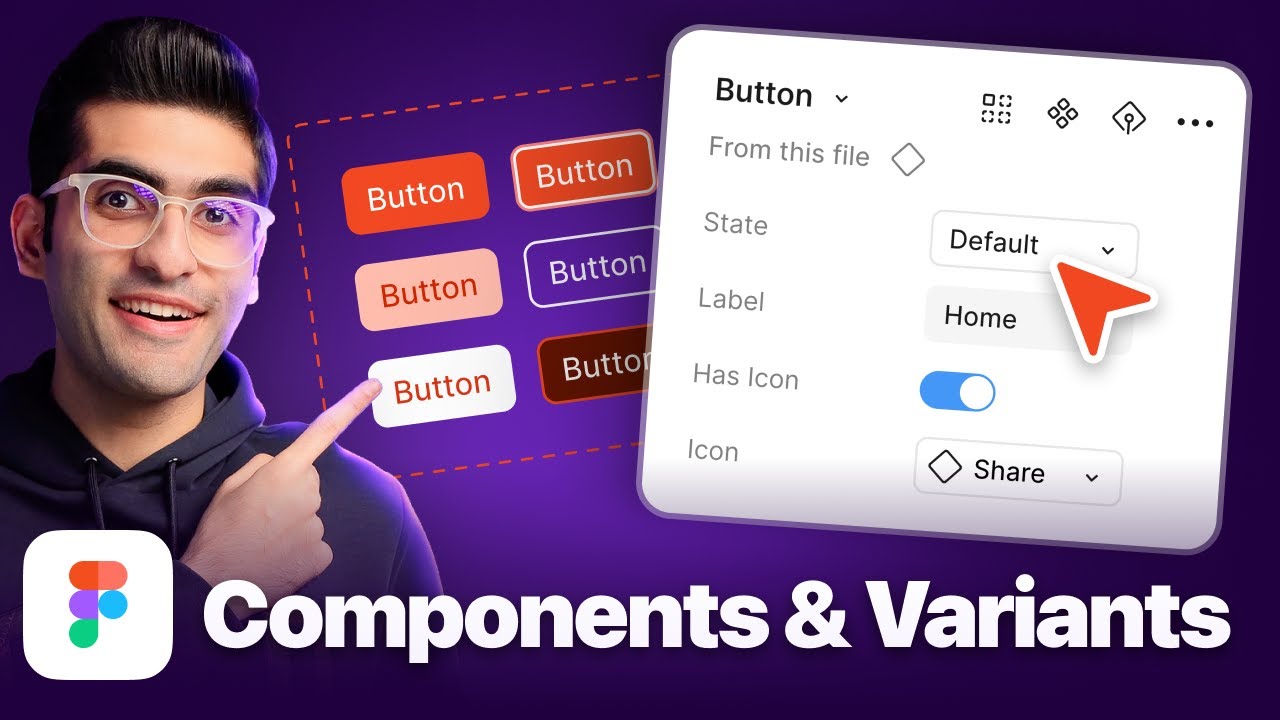
Figma Tutorial: Master Figma Components and Variants in 20 Minutes (Beginner Guide)
Figma Wireframe Tutorial for Beginners
This Figma tutorial for beginners guides viewers through creating a basic wireframe using the YouTube app as an example. It emphasizes the importance of wireframing for visualizing ideas, clear communication, and rapid iteration, focusing on fundamental tools like rectangles and text.