Are you drowning in data and struggling to extract meaningful insights? Transform your spreadsheets from daunting to dynamic with the power of Excel Pivot Tables and advanced data analysis techniques.
Key Takeaways
- 1Master Excel for business with top 2025 tutorials
- 2Automate data cleaning using Power Query's magic
- 3Unlock advanced analysis beyond standard PivotTables
- 4Build essential data skills for career growth
- 5Become an indispensable Excel power user
Who this is for
- If you're struggling to make sense of large spreadsheets
- If you're looking to automate tedious data preparation tasks
- If you're an intermediate Excel user aiming for advanced skills
Start Learning with AI-Powered Video Summaries
Get instant summaries, ask questions, and turn any video into an interactive study session.
Try Querivo Free →Become an Indispensable Excel Power User for Business Success
In today's data-driven world, mastering Excel is no longer optional – it's a necessity for career growth. To truly excel, you need to move beyond basic functions and embrace the capabilities that make you an indispensable asset in any workplace. This foundational video sets the stage by outlining a comprehensive curriculum designed for exactly that. It emphasizes the importance of practical, high-volume Excel functions that directly impact business success, focusing on efficiency and real-world application. You'll learn about a structured learning path tailored for practical use and discover why using Excel on the Windows OS is strongly advocated for developing top-tier power user skills. The creator's approach avoids unnecessary complexity, instead prioritizing core functionalities like formulas, data manipulation, visualization, and conditional statements – all the essential building blocks for becoming a true Excel pro.
- This video introduces a practical, efficiency-focused curriculum for Excel power users.
- Learn essential functions and understand the importance of the Windows OS for career development in Excel.
Automate Data Cleaning and Transformation with Power Query Mastery
Tired of manually cleaning and reshaping your data, a process that can consume hours of your valuable time? This tutorial is a game-changer for anyone looking to reclaim their productivity. It dives deep into 10 essential Power Query tips that will dramatically boost your efficiency and unlock automation for data preparation. You'll move beyond basic introductions and learn practical, 'power user' solutions to common frustrations. The creator focuses on addressing inefficiencies, teaching you how to optimize data loading and transformation processes by understanding and setting default settings, and even how to manage Power Query's behavior regarding rounding issues and automatic steps. Plus, the creator offers insights into troubleshooting and documenting your queries, making them more robust and easier to collaborate on. This is your ticket to faster, cleaner, and more reliable data.

- Master 10 efficiency-boosting, practical Power Query tips that address common user frustrations.
- Learn to optimize your data transformation workflows, manage query behavior, and avoid time-consuming pitfalls.
Study This Video Deeper
Get an AI summary and ask questions about confusing parts in real-time.
Open in Querivo →Unlock Advanced Analysis with Power Pivot: Beyond Standard PivotTables
Standard PivotTables are a powerful tool for summarizing data, but what happens when your datasets grow, involve multiple sources, or require more complex calculations? This video introduces Power Pivot, a seriously powerful add-in that takes your analysis to the next level. It clearly differentiates Power Pivot from standard PivotTables, explaining why it's the superior choice for advanced data analysis, especially when you're dealing with multiple related tables or massive datasets. You'll receive a straightforward guide on how to enable the Power Pivot add-in, load your data into the Power Pivot Data Model, and crucially, learn how to build relationships between different tables. By the end of this tutorial, you'll be well-equipped to construct more sophisticated PivotTables and PivotCharts directly from this integrated data model, unlocking insights that were previously out of reach with standard PivotTables alone. It also hints at the advanced capabilities that lie within, such as DAX and integration with Power BI.

- Discover Power Pivot as the essential next step beyond standard PivotTables for complex data.
- Learn the practical steps to enable Power Pivot, load data, create table relationships, and build advanced PivotTables from the Data Model.
Demystify the Power of Power Query and Power Pivot for Data Analysis
Are the terms Power Query and Power Pivot often used interchangeably or confused in your mind? You're certainly not alone! This video brilliantly clarifies their distinct yet complementary roles in modern Excel data analysis. It explains that Power Query is your essential go-to tool for automating the often tedious tasks of data gathering and cleaning – essentially, getting your raw data into a usable format. Once your data is prepped and transformed, Power Pivot steps in for the heavy lifting of advanced data analysis. It allows you to build more sophisticated data models, handle relationships between tables, and leverage the power of DAX measures for complex calculations. You'll see how these two essential tools integrate seamlessly within both Excel and Power BI, providing a clear pathway for your data journey. Importantly, the creator also provides context on version compatibility, ensuring you're using the right features for your Excel version. If you want to truly harness the power of your data, understanding the separate and combined strengths of these tools is an absolute must.
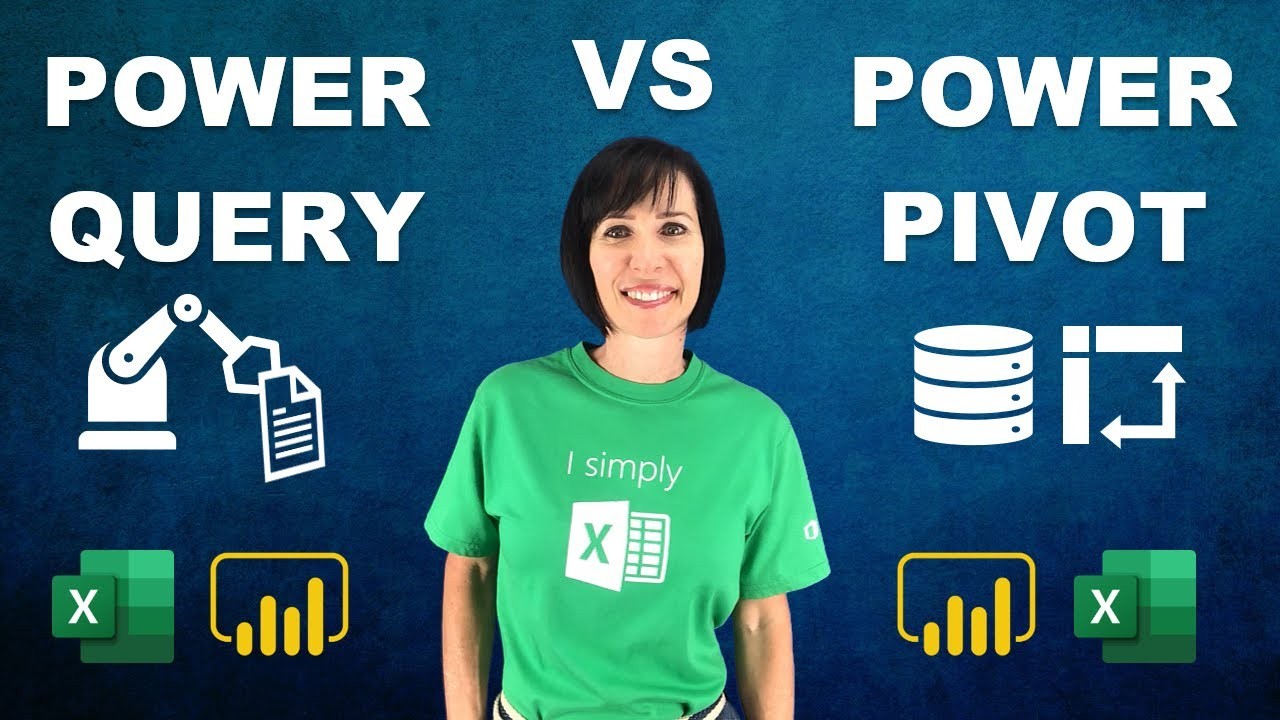
- Clearly understand the separate, yet synergistic roles of Power Query (data cleaning & transformation) and Power Pivot (advanced data modeling & analysis).
- See how these tools work together within Excel and serve as a crucial foundation for Power BI.
Your Next Steps
By mastering the techniques presented in these top YouTube tutorials, you can significantly enhance your data analysis capabilities, automate tedious tasks that drain your time, and confidently position yourself as a valuable asset in any data-driven environment. Ready to transform your Excel skills from ordinary to extraordinary? Start watching, practicing, and implementing these powerful techniques on your own datasets today.
Your Action Items
- ☐Pick one video from above and watch it on Querivo to get started.
- ☐Use AI summaries and ask questions while watching to clarify confusing parts and deepen your understanding without breaking your flow.
- ☐Apply the learned techniques to your own spreadsheets to solidify your new skills.
- ☐Come back for more curated videos on topics you want to master, building a comprehensive Excel skillset.
This curated list provides a clear and actionable path to elevating your Excel prowess. Dive into the featured videos, actively practice the demonstrated techniques, and explore the related resources for continuous learning and skill development. Your journey to becoming an Excel power user starts now.
Turn Any YouTube Video into an Interactive Lesson
Paste any video link, get an instant AI summary, and ask questions in real-time.
Try Querivo Free →Related Videos You Might Enjoy
Looking for more perspectives on this topic? Here are some additional videos worth checking out:
Learn Excel Power Query to Automate Boring Tasks
This video demonstrates how to use Excel's Power Query to automate the process of merging multiple Excel files, cleaning and transforming the data, and finally analyzing it using pivot tables. The entire process is shown to be achievable without any coding.

20 Excel Shortcuts to Save You HOURS of Work

Excel's Secret WhatsApp Integration That 99% of Users Don't Know About
This video demonstrates how to integrate Excel with WhatsApp to send bulk messages automatically. It leverages the wa.me link format and Excel's hyperlink and text functions to construct personalized messages for clients, saving significant time compared to manual sending.

Use This Trick to Automate Any Excel Task (Better Than Macros)
This video introduces Office Scripts as a powerful, often overlooked alternative to Excel macros for automating repetitive tasks. It demonstrates how to use built-in sample scripts for common actions and guides viewers on how to record their own custom scripts without needing to write code, highlighting the benefits of cloud saving and cross-workbook compatibility.