In the fast-paced world of finance, mastering Excel isn't just an advantage – it's a necessity. From complex modeling to insightful analysis, proficiency in Excel can dramatically boost your career. The right resources can transform how you approach your daily tasks, making you more efficient and insightful. Fortunately, a wealth of knowledge is available on YouTube, offering practical guidance for finance professionals at all levels.
Key Takeaways
- 1Essential Excel videos for finance pros
- 2Master core formulas and AI tools
- 3Ace finance interview tests
- 4Unlock dynamic data with Pivot Tables
- 5Elevate your financial modeling skills
Who this is for
- If you're struggling with complex financial calculations in Excel
- If you're preparing for finance or accounting interviews
- If you're a finance student or early-career analyst looking to upskill
Start Learning with AI-Powered Video Summaries
Get instant summaries, ask questions, and turn any video into an interactive study session.
Try Querivo Free →Master Essential Excel Formulas for Robust Financial Analysis
Financial modeling and analysis rely heavily on accurate and efficient calculations. This video from Kenji Explains dives into foundational Excel formulas that are absolute game-changers for finance professionals. You'll learn how to build more robust models by effectively handling errors and making smart date-based calculations. It's really about getting a solid grip on the tools that make complex finance tasks manageable.
This particular video focuses on less commonly taught but highly practical finance-specific Excel formulas, offering real-world applications that go beyond basic functions. You'll discover how to implement error handling with functions like AGGREGATE and IFERROR, which are crucial for creating models that remain stable even when unexpected data arises. The creator also demonstrates powerful date calculations with EDATE, making it significantly easier to project future or past financial periods. For those looking to build dynamic scenarios within their spreadsheets, the CHOOSE function, as shown in this tutorial, is a solid choice. Beyond these core functions, the video also showcases how to utilize advanced features like stock data types, which is incredibly valuable for many finance roles requiring up-to-the-minute market information.

- Learn 10 essential finance-focused Excel formulas.
- Implement error handling (AGGREGATE, IFERROR) and date calculations (EDATE).
- Explore advanced features like stock data types for real-time financial information.
Study This Video Deeper
Get an AI summary and ask questions about confusing parts in real-time.
Open in Querivo →Ace Your Finance & Business Excel Interview Tests
Landing a finance role often means facing Excel-based interview tests. This video, also from Kenji Explains, is your secret weapon for preparing. It doesn't just show you formulas; it explains the logic behind common interview challenges, which is way more valuable than rote memorization. You’ll get a handle on how to approach data aggregation and lookup tasks that interviewers frequently throw your way, understanding the problem-solving skills they're truly assessing.
You'll discover how essential functions like SUMIFS and the powerful INDEX/MATCH combination can be used to efficiently pull and combine data from various sources – skills that are definitely tested in rigorous finance interviews. The creator also walks through effective data cleaning techniques, which are fundamental for any analyst aiming for accuracy. For those looking to stay current with modern Excel capabilities, the introduction to XLOOKUP provides a real treat, demonstrating a more intuitive and robust way to perform lookups compared to older methods. Understanding these core competencies and the underlying logic will make you feel so much more confident walking into your next finance interview, allowing you to showcase your practical Excel proficiency.

- Prepare for common Excel interview questions with logic-based explanations.
- Master SUMIFS, INDEX/MATCH, and XLOOKUP for efficient data tasks.
- Develop crucial data cleaning and problem-solving skills for interviews.
Unlock Dynamic Data Insights with Pivot Tables
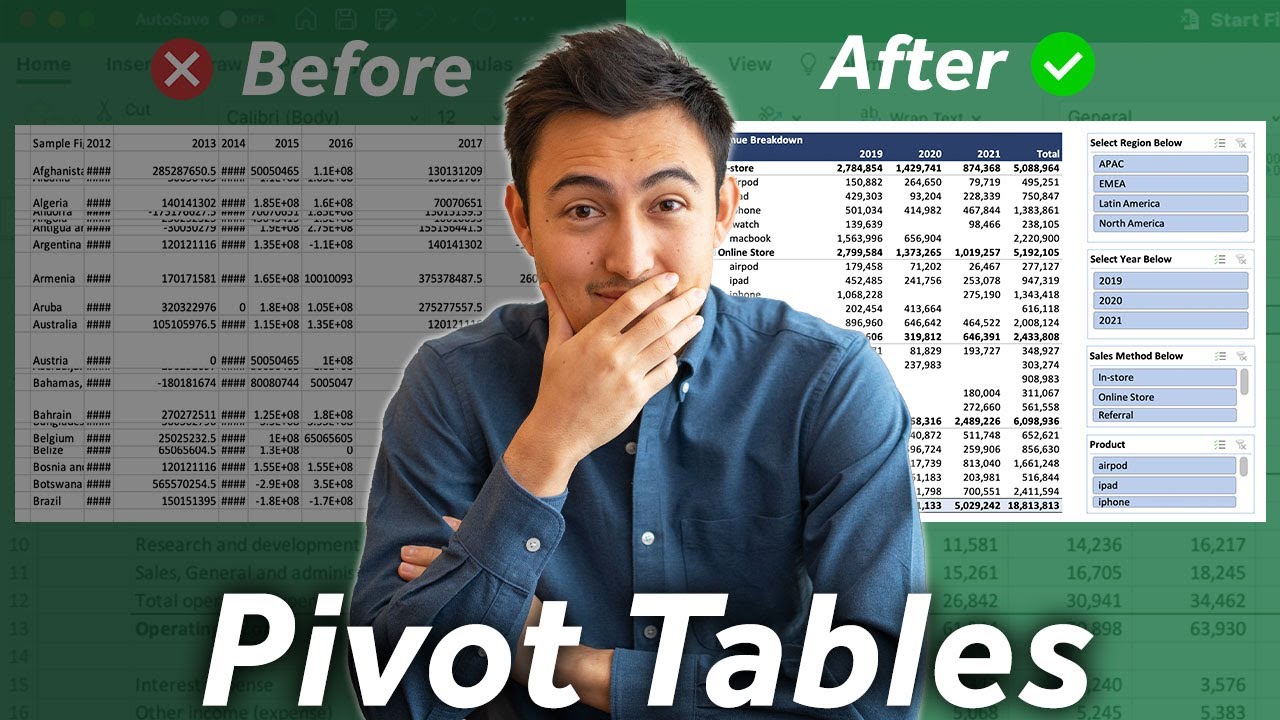
For anyone working with large financial datasets, Pivot Tables are an absolute must-have skill. This video from MyOnlineTrainingHub demonstrates how to build and leverage them for powerful analysis. It’s not just about summarizing data; it's about transforming raw numbers into clear, actionable insights that you can actually use to make decisions. Seriously, if you’re not using Pivot Tables, you’re missing out on a critical tool for financial data interpretation.
You'll learn how to quickly summarize vast amounts of financial information, group it by relevant metrics like regions or time periods, and calculate key performance indicators with ease. The visual aspect is huge too; creating dynamic Pivot Charts alongside your tables helps you communicate your findings effectively to stakeholders, turning complex data into easily digestible visual stories. This tutorial is incredibly hands-on, making it easy to follow along and build your own automated finance tracker. The emphasis on a free, downloadable template and rapid setup (under 15 minutes) with automated report updates makes sophisticated financial tracking accessible and efficient, a truly practical approach to data analysis for any finance professional.
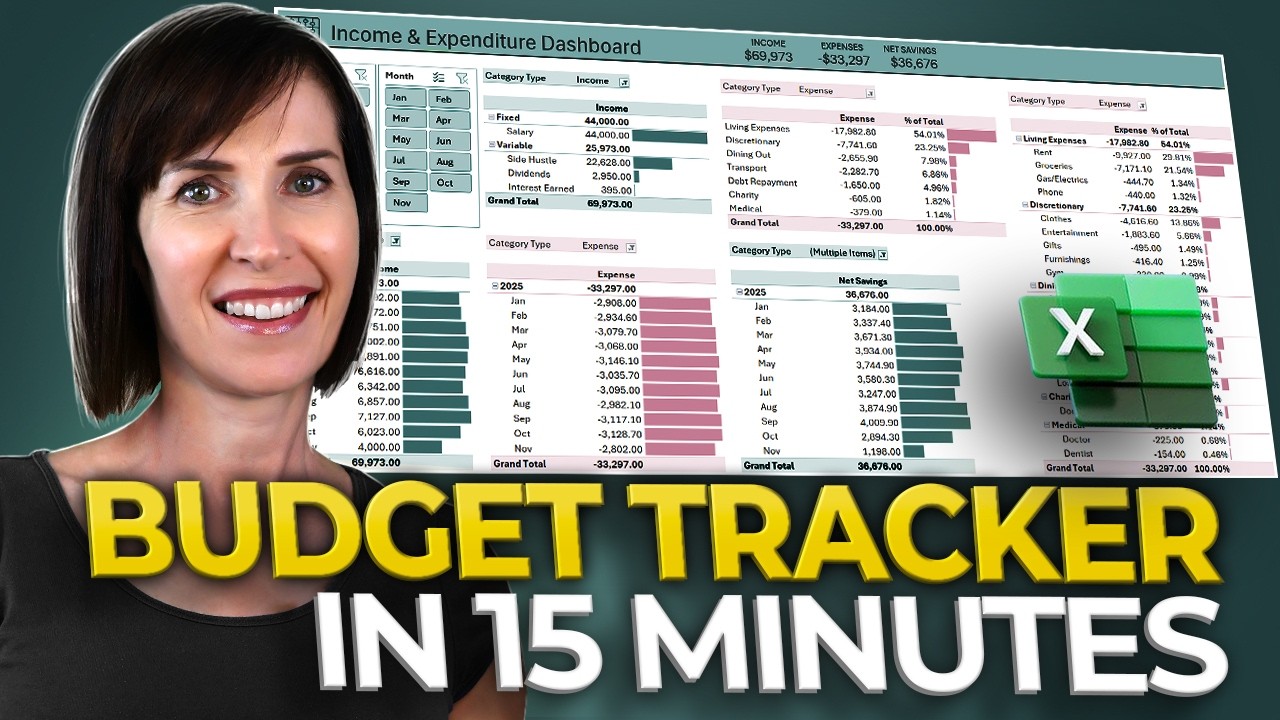
- Master Pivot Tables for analyzing large financial datasets.
- Create dynamic reports and visually communicate insights effectively.
- Benefit from a free template and quick setup for automated financial tracking.
Harness AI Power with Excel Copilot for Financial Tasks
The future of Excel is here, and it’s powered by AI. This video from Nicolas Boucher showcases Excel Copilot, an incredibly powerful tool that can genuinely accelerate your financial tasks. Imagine generating insights, automating complex formatting, and even building financial models using natural language prompts. It's a total game-changer for efficiency and managing complex financial analyses.
You'll see firsthand how Copilot can assist in highlighting critical trends with automated conditional formatting, or how you can simply ask it to create a new formula column based on your natural language instructions. The demonstration of building financial models with AI assistance is particularly compelling, showing how complex structures can be generated rapidly. If you're using Microsoft 365, understanding these AI integrations is definitely where the industry is heading, and this video provides a fantastic primer on its practical applications in finance, from automating repetitive tasks to gaining deeper insights from your data.
- Explore the AI capabilities of Excel Copilot for accelerated financial tasks.
- Automate tasks and build financial models using natural language prompts.
- Understand the future direction of Excel with AI integrations.
Your Next Steps
By diving into these curated YouTube videos, you're setting yourself up for serious success in finance. You'll gain practical skills in essential formulas, nail those tricky interview tests, leverage the power of Pivot Tables for dynamic analysis, and even get a glimpse into the AI-driven future with Excel Copilot. It's about building a robust skillset that makes you an invaluable asset in any financial role.
Your Action Items
- ☐Pick one video from above and watch it on Querivo
- ☐Ask questions and check summaries while watching without breaking your flow
- ☐Use the AI chat to clarify confusing parts and deepen understanding
- ☐Come back for more curated videos on topics you want to master
Ready to elevate your financial modeling and analysis skills? Start exploring these YouTube tutorials today!
Turn Any YouTube Video into an Interactive Lesson
Paste any video link, get an instant AI summary, and ask questions in real-time.
Try Querivo Free →Related Videos You Might Enjoy
Looking for more perspectives on this topic? Here are some additional videos worth checking out:
Top 10 Essential Excel Formulas for Analysts in 2026

NEW Excel COPILOT Function Will Replace Half of What You Do
This video introduces the new Excel COPILOT function, demonstrating how users can leverage plain English prompts to perform complex data tasks like categorization, cleaning, and analysis directly within Excel. It showcases five practical examples, highlighting Copilot's ability to understand context and deliver instant results, ultimately transforming how users interact with their data.

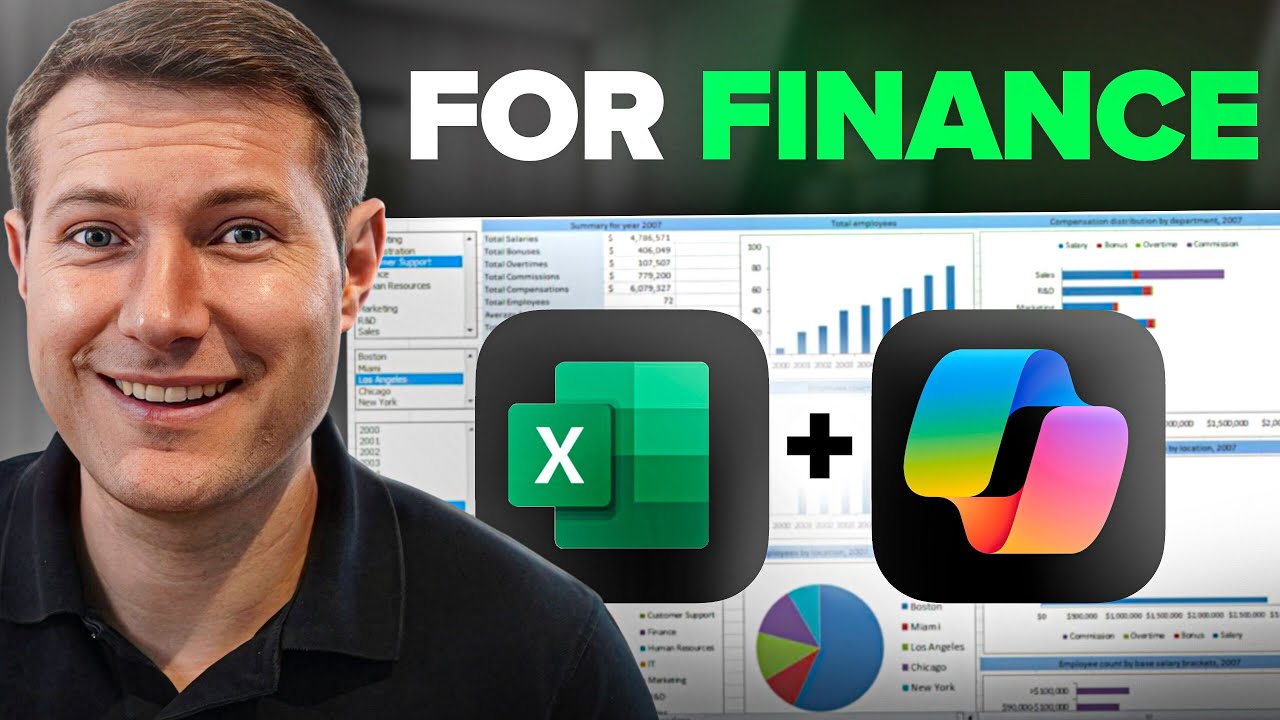
How to Use Copilot in Excel For Finance (5 INSANE Use Cases)
This video demonstrates five powerful use cases for Copilot in Excel, focusing on financial applications. It highlights how Copilot can quickly generate insights, automate complex formatting, create new formula columns, build intricate formulas, and even assist in creating financial models from scratch.
Pivot Tables: MUST-KNOW for Business & Finance Professionals
This video provides a step-by-step tutorial on how to use Excel pivot tables to analyze large datasets for business and finance professionals. It covers calculating quantities sold, average sale prices, and profitability, as well as visualizing findings with dynamic pivot charts.