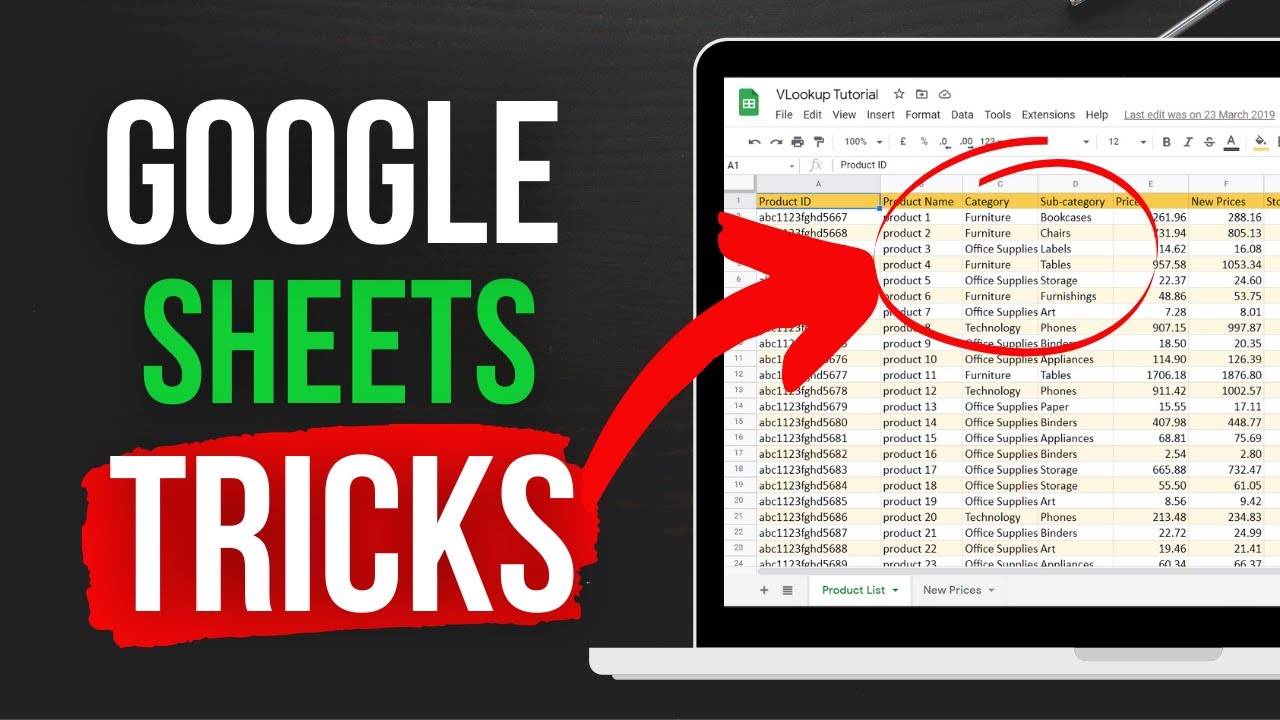
Feeling overwhelmed by spreadsheets? Unlock your potential with Google Sheets and master essential formulas that will revolutionize how you manage and analyze data.
Key Takeaways
- 1Master essential Google Sheets formulas with curated YouTube tutorials.
- 2Learn practical data lookup, date, and text manipulation techniques.
- 3Grasp fundamental math and aggregation functions for clear analysis.
- 4Build a solid foundation with basic arithmetic and cell referencing.
- 5Boost productivity with 15 indispensable Google Sheets functions.
Who this is for
- If you're struggling to make sense of your data in spreadsheets
- If you're a student, professional, or small business owner looking to enhance your data management skills
- If you're new to Google Sheets or looking to solidify your understanding of its core functions
Start Learning with AI-Powered Video Summaries
Get instant summaries, ask questions, and turn any video into an interactive study session.
Try Querivo Free →Unlock Data Secrets: Essential Lookup, Date, and Text Formulas
Navigating large datasets can feel like a maze. This video offers a professional's guide to essential Google Sheets formulas that streamline data retrieval and manipulation, making your spreadsheets work smarter, not harder. It’s designed for anyone who needs to pull specific information, manage dates dynamically, or clean up messy text data efficiently.
You'll discover how to use VLOOKUP for incredibly quick data fetching, even handling partial matches with wildcards. Plus, the TODAY formula ensures your date-based calculations are always current – a real game-changer for tracking deadlines or project timelines. The video doesn't shy away from text manipulation either, showcasing handy functions like SPLIT, LEFT, RIGHT, and SUBSTITUTE that are invaluable for cleaning and reorganizing information. And for ensuring your data's accuracy, it covers ISEMAIL and ISURL for robust validation. This is seriously practical stuff for anyone in consulting or marketing.
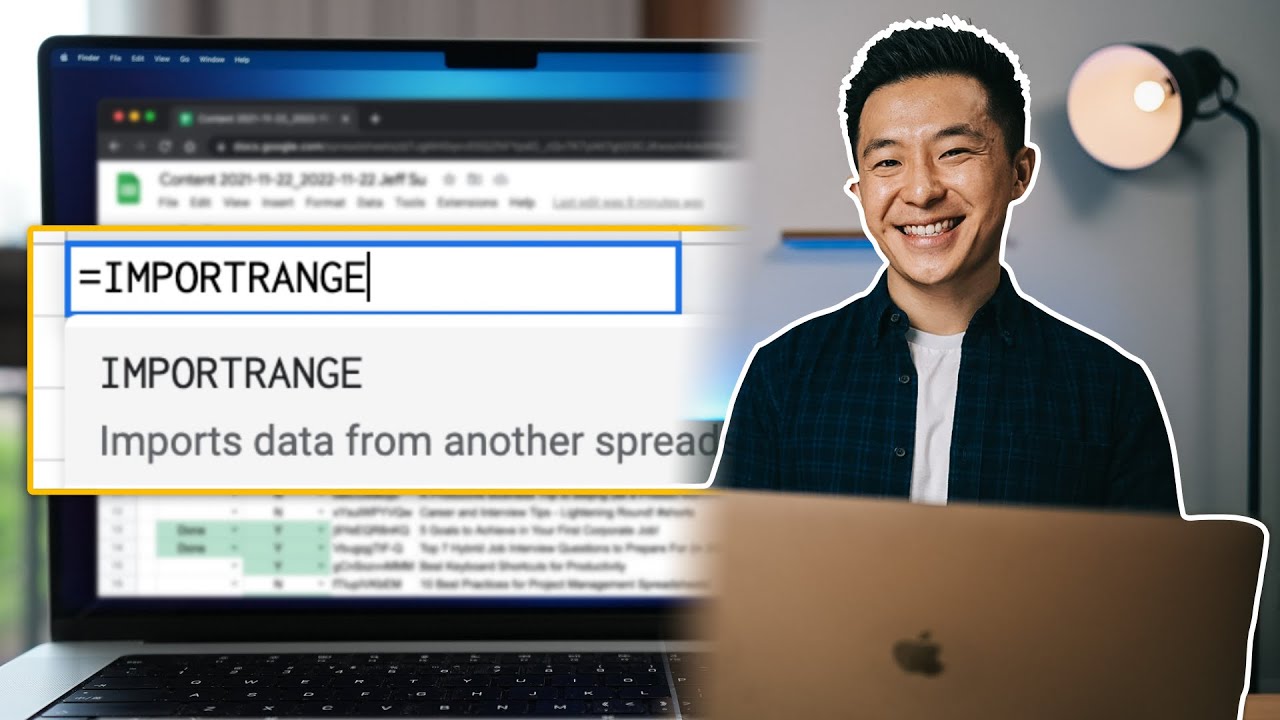
- Leverage VLOOKUP for efficient data retrieval, including exact matches and wildcard searches.
- Try the TODAY formula for dynamic, up-to-date date calculations.
Study This Video Deeper
Get an AI summary and ask questions about confusing parts in real-time.
Open in Querivo →Building Blocks: Mastering Math and Aggregation Functions
Understanding how to summarize your data is fundamental, and this tutorial breaks down the core math functions in Google Sheets with refreshing clarity. If you’ve ever needed to quickly find a total, an average, or simply count how many items are in a list, this video is for you. It’s especially helpful for beginners who are just starting to explore the analytical power of spreadsheets.
You'll get a solid grasp on the SUM function to tally up figures, the AVERAGE function to find means, and the MAX and MIN functions to quickly identify the highest and lowest values in your dataset. But it’s the practical demonstration of COUNT versus COUNTA that really clarifies how to accurately tally your data, whether it includes blanks or not. These functions are the bedrock for any serious data analysis, and this video makes them easy to understand and apply.
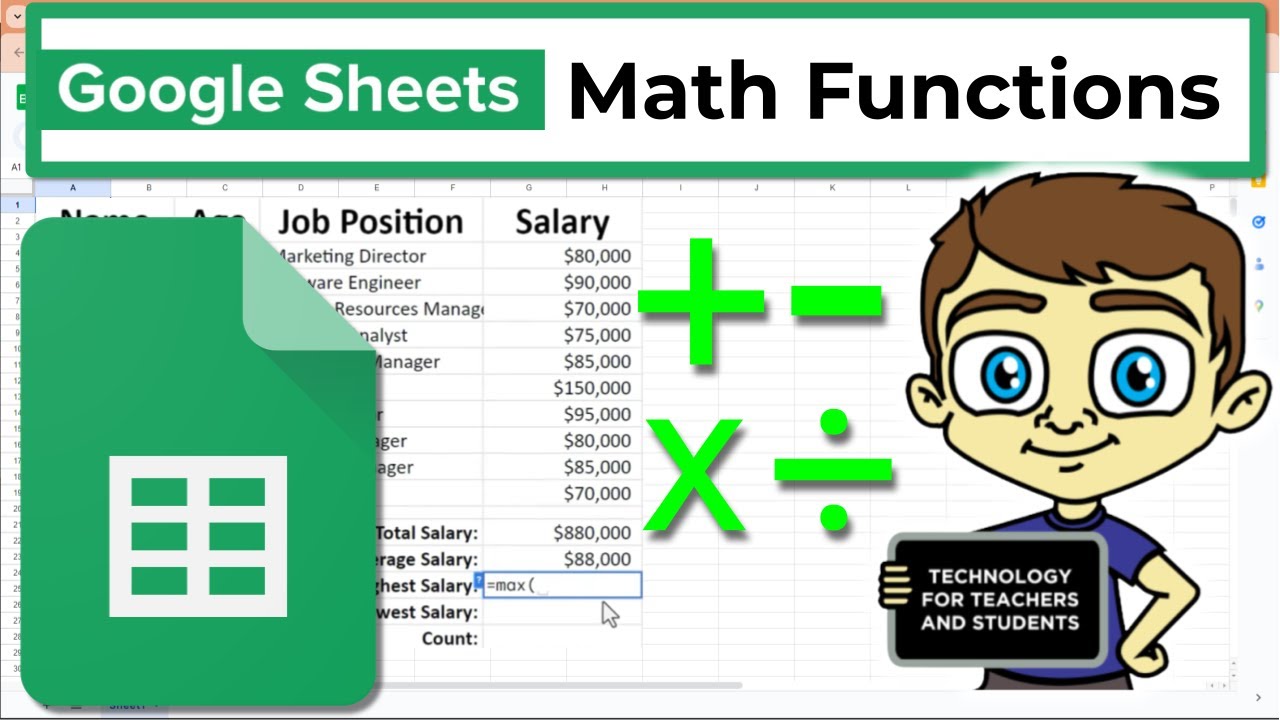
- Calculate total values with the SUM function and determine average values using AVERAGE.
- Identify the highest and lowest values with MAX and MIN functions, and understand COUNT vs. COUNTA.
Foundations of Flexibility: Arithmetic Operations and Cell Referencing
Before you can tackle complex functions, you’ve got to understand the basics of how formulas work. This video delves into the absolute essentials: performing simple calculations and, crucially, mastering cell referencing. It’s the kind of foundational knowledge that makes all the difference when building spreadsheets that are both accurate and easy to update.
You'll learn how to set up and execute basic arithmetic – addition, subtraction, multiplication, and division – directly within your sheets. But the real takeaway here is understanding relative versus absolute cell referencing. Knowing when to use the dollar sign ($) or the F4 key to lock a cell reference is a skill that prevents countless errors and makes your formulas incredibly dynamic. This is pretty vital for anyone looking to build robust spreadsheets.
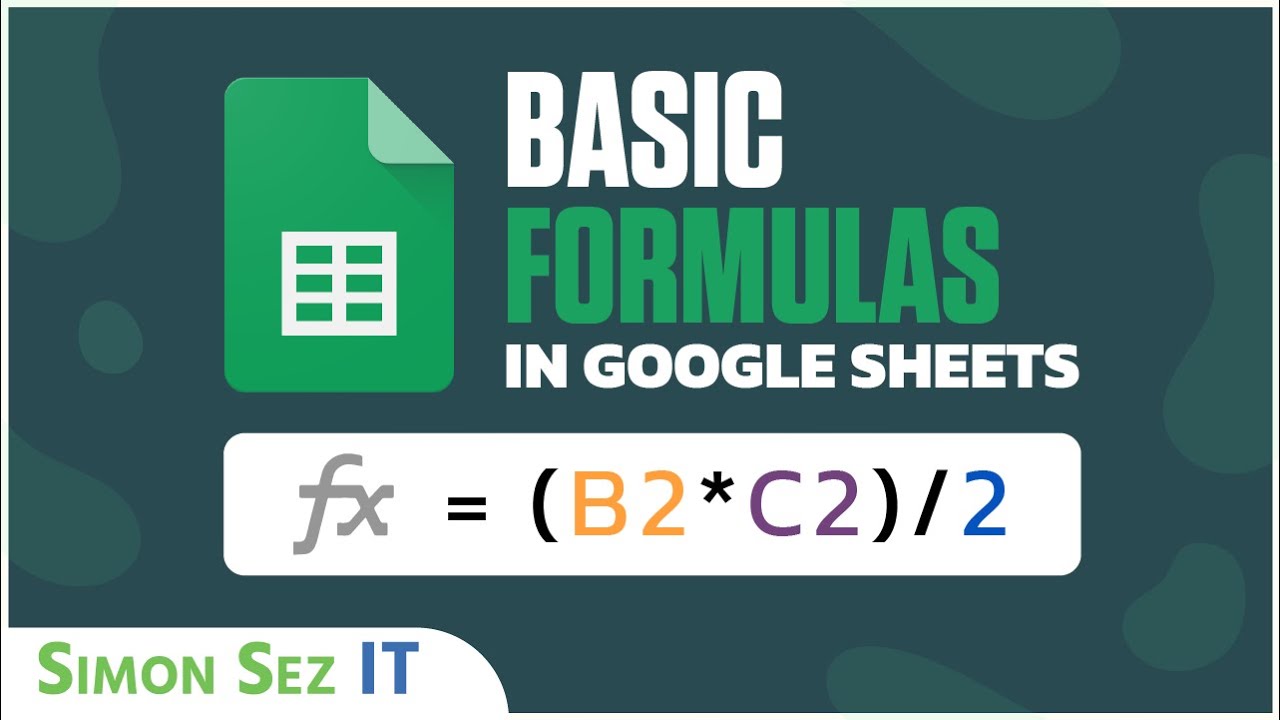
- Perform basic calculations: addition, subtraction, multiplication, and division.
- Master relative and absolute cell referencing for dynamic and consistent calculations.
Power Up Your Productivity: 15 Essential Google Sheets Functions
This video is a treasure trove for anyone looking to significantly boost their efficiency in Google Sheets. It introduces a carefully selected set of 15 functions that cover a wide range of common tasks, from conditional calculations to sophisticated text handling. If you're aiming to work faster and smarter, this is definitely worth checking out.
You’ll find practical demonstrations of functions like SUMIF for performing calculations based on specific criteria, which is a massive time-saver. The video also breaks down how to combine text strings effortlessly using CONCATENATE, JOIN, and TEXTJOIN – perfect for organizing names, addresses, or any textual data. Plus, there’s a look at COUNTIF, another crucial function for tallying data based on specific conditions. These are the kind of functions that really elevate your spreadsheet game.

- Perform conditional aggregation with SUMIF and count data based on specific criteria using COUNTIF.
- Combine text strings efficiently using CONCATENATE, JOIN, and TEXTJOIN functions.
Your Next Steps
By mastering these essential Google Sheets formulas, you can significantly improve your data management, analysis, and overall spreadsheet efficiency. From basic calculations to advanced data lookup and text manipulation, these tutorials provide the knowledge to tackle complex tasks with confidence.
Your Action Items
- ☐Pick one video from above and watch it on Querivo
- ☐Ask questions and check summaries while watching without breaking your flow
- ☐Use the AI chat to clarify confusing parts and deepen understanding
- ☐Come back for more curated videos on topics you want to master
Ready to transform your data handling? Start exploring these YouTube tutorials today and elevate your Google Sheets skills!
Turn Any YouTube Video into an Interactive Lesson
Paste any video link, get an instant AI summary, and ask questions in real-time.
Try Querivo Free →Related Videos You Might Enjoy
Looking for more perspectives on this topic? Here are some additional videos worth checking out:
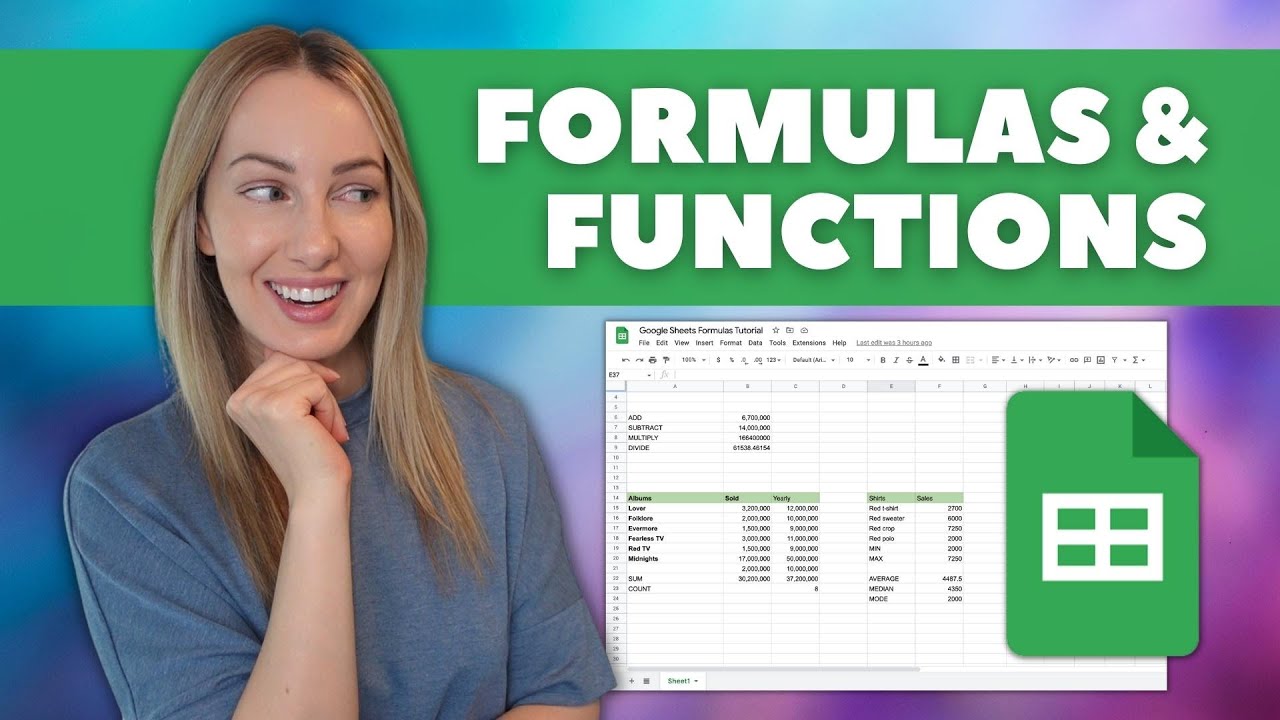
Google Sheets Formulas Tutorial: How to Use Formulas and Functions in Google Sheets
This tutorial introduces Google Sheets formulas and functions, explaining the difference between the two and demonstrating how to create basic math operations. It then covers essential functions like SUM, COUNT, MIN, MAX, AVERAGE, MEDIAN, and MODE, along with methods for combining text and introducing date functions.
15 Functions in Google Sheets You NEED to know!
This video tutorial introduces 15 essential Google Sheets functions designed to enhance productivity and save time. The presenter demonstrates how to use these functions with practical examples, covering calculations, text manipulation, and data analysis.

Top 10 Essential Excel Formulas for Analysts in 2026

15 POWERFUL GOOGLE SHEETS TIPS & TRICKS (Insanely Useful Productivity Tips For Beginners)
This video provides 15 practical and time-saving tips and tricks for Google Sheets, focusing on improving user productivity. It covers essential techniques for data manipulation, formatting, and navigation, making it easier to manage and analyze spreadsheets.