Are you drowning in spreadsheets and struggling to make sense of your data? You're not alone. In today's data-driven world, mastering spreadsheet tools is crucial for both personal and professional success. Google Sheets, a powerful and accessible cloud-based platform, offers a robust suite of formulas and functions to streamline data entry, organization, and analysis. However, navigating its vast capabilities can be daunting for beginners and even intermediate users. This article cuts through the complexity by highlighting top YouTube resources that demystify essential Google Sheets formulas. We've analyzed a range of valuable YouTube content to bring you the best guides for essential Google Sheets formulas. Discover step-by-step tutorials, practical examples, and insights into modern data management tools that will boost your efficiency and unlock the full potential of your spreadsheets.
Key Takeaways
- 1Discover top YouTube videos for mastering Google Sheets formulas.
- 2Learn essential functions for data organization and analysis.
- 3Explore modern tools that complement traditional spreadsheets.
- 4Boost your efficiency with practical data entry and formatting tips.
- 5Transform your spreadsheet skills for better business outcomes.
Who this is for
- If you're struggling to manage and analyze your data effectively
- If you're looking to automate repetitive tasks in your spreadsheets
- If you're a beginner or intermediate user wanting to enhance your Google Sheets expertise
Start Learning with AI-Powered Video Summaries
Get instant summaries, ask questions, and turn any video into an interactive study session.
Try Querivo Free →Master the Foundations: Everyday Google Sheets Formulas
Tackling your spreadsheets feels overwhelming? We've found a gem that breaks down the absolute essentials for getting a handle on your data. This video focuses on the fundamental Google Sheets formulas that you'll likely use every single day. Think quick calculations, understanding how many entries you have, and making your text look neat and tidy. It's the perfect starting point if you feel lost in a sea of numbers and words.
You'll learn how to quickly summarize your data using basic arithmetic formulas like SUM, AVERAGE, MIN, and MAX. Plus, it covers COUNT and COUNTA, which are surprisingly helpful for tracking entries and spotting missing information. But it doesn't stop there; you'll also dive into essential text manipulation functions. These are game-changers for cleaning up messy data, standardizing names, or extracting specific pieces of information. And for those moments when you need your sheet to make a decision, the IF function is explained clearly, bringing basic conditional logic right to your fingertips. This is definitely worth watching if you're just starting out or want to solidify your understanding of the core building blocks in Google Sheets.

- This video explains foundational Google Sheets formulas for daily tasks.
- Learn to use SUM, AVERAGE, COUNT, and IF for quick data handling.
Explore Modern Tools for Better Data Management
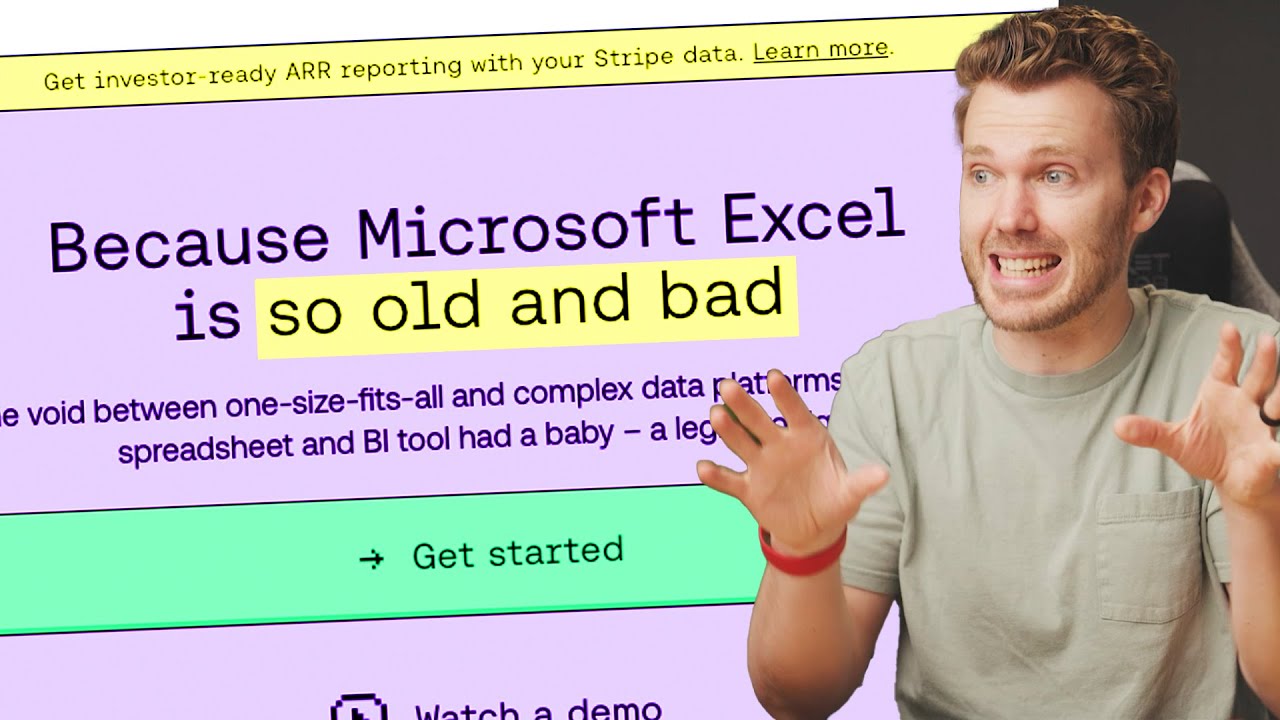
Are traditional spreadsheets starting to feel a bit… last century? We've encountered a video that really makes you think about the evolution of data management. It argues that for certain modern workflows, classic applications like Excel might not be the most efficient tool anymore. This is an interesting perspective to consider as you look at your own data tasks.
The creator highlights how newer tools, which often feel more like smart databases than simple spreadsheets, are integrating AI, offering automation, and making collaboration smoother. These contemporary solutions can be incredibly beneficial if you find yourself wrestling with overly complex spreadsheet features when you just need something user-friendly and effective. It’s a great way to get insights into the changing trends in data management and understand the value of software designed for today’s fast-paced environments. You might discover that there's a more streamlined way to handle your information.

- This video discusses how modern tools can surpass traditional spreadsheets.
- Explore AI integration, automation, and enhanced collaboration in newer platforms.
Study This Video Deeper
Get an AI summary and ask questions about confusing parts in real-time.
Open in Querivo →Unlock Advanced Capabilities with Powerful Google Sheets Functions
Ready to take your Google Sheets game to the next level? This video dives deep into some seriously powerful functions that are particularly fantastic for anyone involved in data analysis, reporting, or business applications. If you're looking to efficiently pull information from different places or perform complex aggregations, this is the resource you need.
You'll learn how to use VLOOKUP and HLOOKUP, which are essential for searching and retrieving specific data from other tables or ranges within your sheets. It's like having a super-powered search engine for your spreadsheets. Plus, the video explores SUMIF and COUNTIF, making conditional aggregations and counts a breeze. But the real stars here are QUERY and FILTER. These functions offer incredible flexibility for selecting and manipulating data based on multiple criteria – imagine creating dynamic reports with just a few commands! And for bringing data together from different Google Sheets files, IMPORTRANGE is a lifesaver, facilitating cross-sheet analysis that can be a real game-changer for larger projects. This is a must-watch for anyone serious about advanced Google Sheets formulas YouTube has to offer.

- This video explores advanced Google Sheets functions for analysis and business.
- Master VLOOKUP, HLOOKUP, SUMIF, COUNTIF, QUERY, FILTER, and IMPORTRANGE.
Supercharge Your Workflow: Efficient Data Entry and Organization
Let's talk about making your actual data entry and organization in Google Sheets faster and more accurate. We found a video that’s all about practical tips and techniques that directly impact your daily workflow. Nobody enjoys spending hours just typing or cleaning up data, right? This resource is designed to help you get that done more efficiently.
You'll learn how to master data validation, a crucial step for ensuring the accuracy and consistency of every entry you make. Say goodbye to typos and inconsistent formats! Conditional formatting is another key area covered, showing you how to visually highlight important data points and trends, making your sheets much easier to read and understand at a glance. The creator also shares shortcuts and best practices for efficient data input and manipulation, which can save you so much time over the long run. Plus, you'll get guidance on effectively structuring your sheets to improve readability and make analysis much simpler. This video is packed with actionable advice for anyone who spends significant time working directly within their spreadsheets.

- This video provides practical tips for efficient Google Sheets data entry and organization.
- Learn data validation, conditional formatting, and structural best practices.
Your Next Steps
By mastering essential Google Sheets formulas and embracing modern data management strategies, you can significantly enhance your data organization and analysis capabilities. From foundational calculations to advanced data retrieval and visual insights, these YouTube resources provide the knowledge you need to become proficient.
Your Action Items
- ☐Pick one video from above and watch it on Querivo
- ☐Ask questions and check summaries while watching without breaking your flow
- ☐Use the AI chat to clarify confusing parts and deepen understanding
- ☐Come back for more curated videos on topics you want to master
Start organizing your data more effectively today by exploring the recommended YouTube videos and putting these powerful Google Sheets formulas into practice!
Turn Any YouTube Video into an Interactive Lesson
Paste any video link, get an instant AI summary, and ask questions in real-time.
Try Querivo Free →Related Videos You Might Enjoy
Looking for more perspectives on this topic? Here are some additional videos worth checking out:
Top 10 Essential Excel Formulas for Analysts in 2026

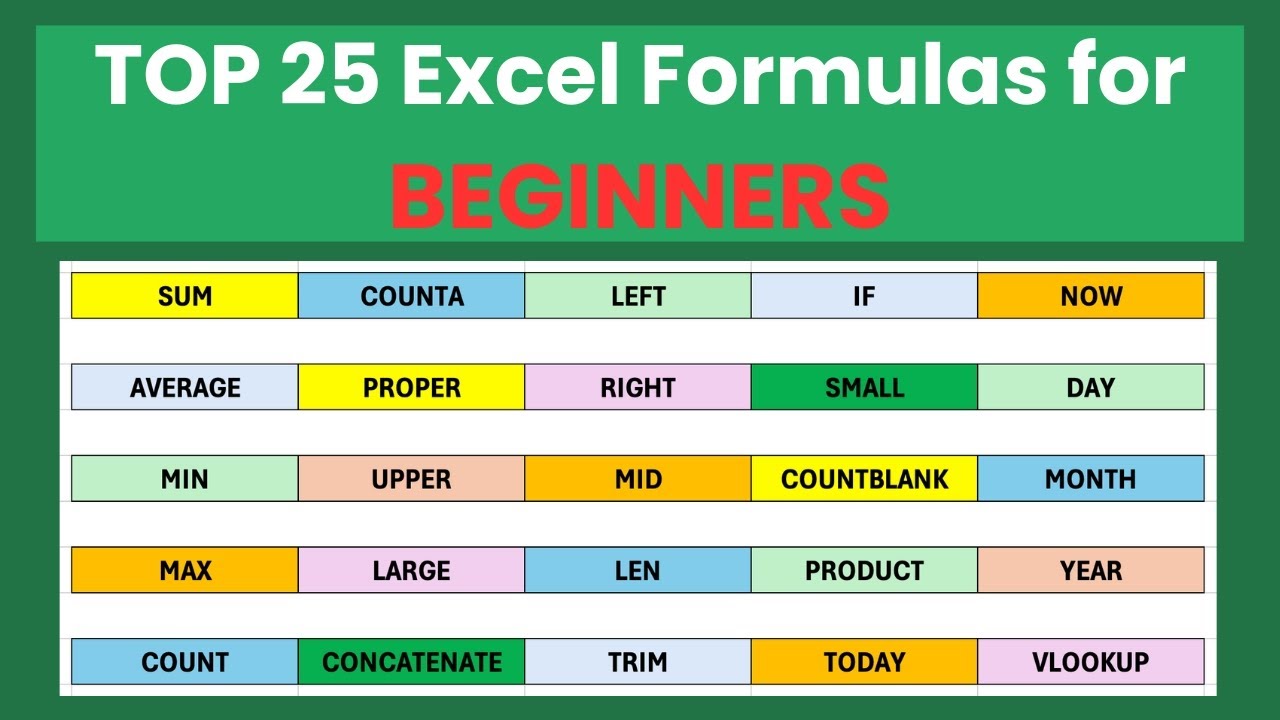
TOP 25 Basic Excel Formulas for Beginners (2025) | Step-by-Step Excel Guide
This video provides a step-by-step guide to the 25 most essential basic Excel formulas for beginners. It demonstrates how to use these functions with real-world examples, covering calculations, text manipulation, and data analysis for those new to Excel or seeking a refresher.
10 Google Sheets Tips You DON'T Want to Miss

The Best Spreadsheet Apps in 2025 (Excel is dead)
This video argues that traditional spreadsheet applications like Excel are becoming outdated, highlighting newer alternatives with advanced features like AI, automation, and better collaboration. It explores various modern spreadsheet and database-like tools, suggesting many users don't need Excel's most complex features and could benefit from these contemporary solutions.