Are your PowerPoint presentations falling flat, leaving your audience bored and your message lost in a sea of generic slides?
Key Takeaways
- 1Master presentation creation with curated YouTube insights.
- 2Learn to structure compelling content and design stunning slides.
- 3Boost delivery confidence for leadership and general audiences.
- 4Transform your slides from dull to dynamic with practical tips.
- 5Create memorable presentations that truly resonate.
Who this is for
- If you're tired of presentations that don't land your key points
- If you're looking to impress stakeholders with polished delivery
- If you're a student or professional needing to up your slide game
Master Your Message: Structuring Compelling PowerPoint Content
Ever feel like your presentation's message gets buried under too many slides? The video "How to Make a Good PowerPoint Presentation (Tips)" by HubSpot Marketing tackles the foundation: how to actually build content that sticks. It's not just about opening the software; it's about understanding your audience, structuring your thoughts, and weaving a narrative that draws people in. This video offers a holistic approach, moving beyond just technical PowerPoint skills to focus on strategic content development, audience engagement, and effective communication. We'll explore how to craft a killer opening and a closing that leaves a lasting impression.
It's surprising how often the core message gets lost because the structure is all over the place. This guide emphasizes a logical flow, using clear outlines and transitions so your audience can easily follow along. You'll also learn the importance of tailoring your message specifically to who you're talking to – what do they need to hear? Plus, integrating data effectively isn't just about showing numbers; it's about making those numbers work for you to build credibility and support your points. The creator also provides practical tips for design elements like color schemes and backgrounds, ensuring your visual presentation aligns with your content strategy.
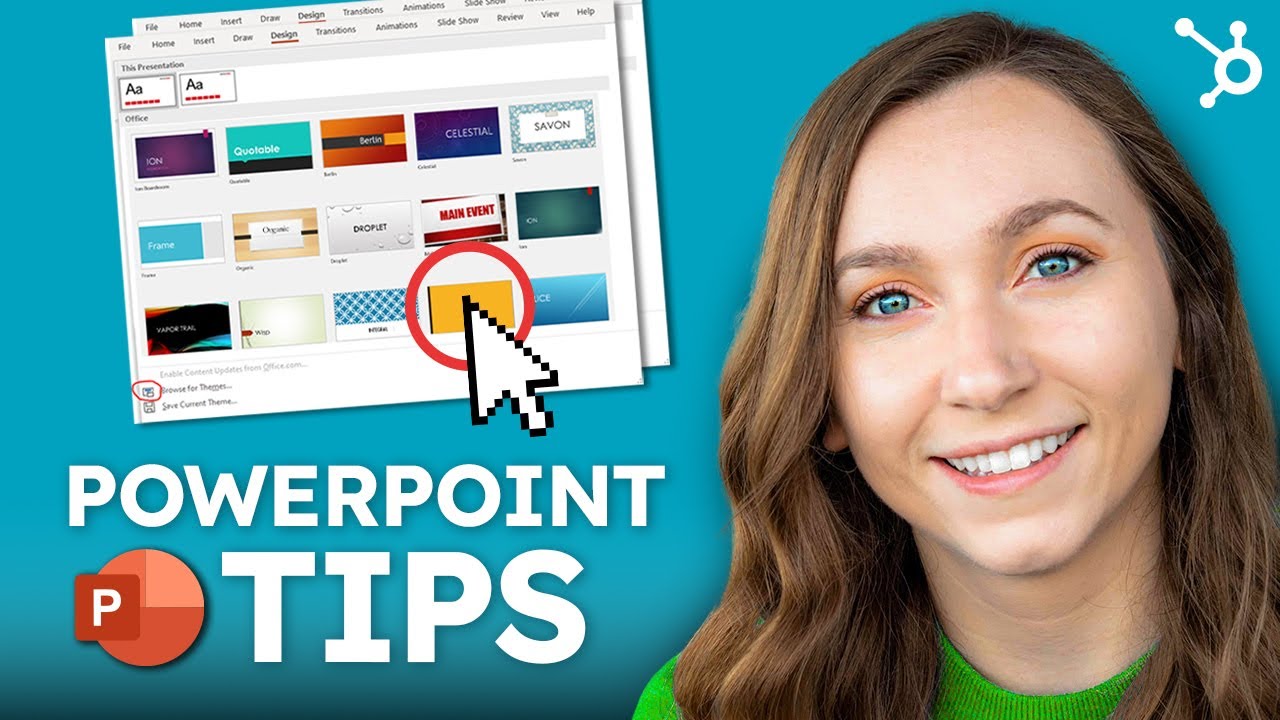
- Prioritize a strong opening and closing for maximum impact.
- Structure your content logically for clear audience comprehension.
Command the Room: Delivering High-Impact Presentations to Leadership
Presenting to leadership can feel like walking a tightrope. There's a lot at stake, and you've got limited time to make your case. The video "Present with CONFIDENCE with THESE 3 PowerPoint Tips" by Leila Gharani gets straight to the point about what senior audiences demand: preparation, conciseness, and confidence. You'll discover strategies to ensure your message cuts through the noise, respects their time, and addresses their objectives directly. This content is extremely valuable for anyone looking to make a significant impact in high-stakes environments.
It's really about strategic preparation. Understanding exactly what leadership wants to know and structuring your presentation around those key objectives is half the battle. Communicating your message with utmost clarity and conciseness is non-negotiable. And while data is crucial, this guide suggests leveraging storytelling to make even complex information relatable and memorable. Plus, we'll touch on developing strategies to manage any presentation anxiety and project that essential confidence.

- Understand leadership objectives and communicate concisely.
- Use storytelling to make complex information memorable.
Study This Video Deeper
Get an AI summary and ask questions about confusing parts in real-time.
Open in Querivo →Visually Stunning Slides: Design Principles for Engagement
Let's face it, ugly slides can sink even the best message. The video "PowerPoint Tips & Tricks" by Kevin Stratvert dives into the visual aspect of PowerPoint, offering practical tips that go beyond just pretty colors. It's about creating slides that are not only aesthetically pleasing but actively enhance understanding and keep your audience engaged. You'll learn how to implement fundamental design principles for a clean, professional look that doesn't distract from your core message. This is valuable content for anyone wanting to refine their slide aesthetics.
The key here is using visuals strategically. They should support your spoken words, not replace them entirely. Think of them as powerful allies to your narrative. The creator also covers the importance of maintaining consistency—fonts, colors, branding—to create a cohesive and professional experience. And as a crucial reminder, avoid overwhelming your audience. Too much text or overly complex graphics can be a fast track to lost attention. This is where thoughtful PowerPoint tips YouTube tutorials really shine.
- Implement clean design principles for professional slides.
- Use visuals strategically to support your message effectively.
Dynamic Delivery: Engaging Your Audience with PowerPoint
You've got your content structured and your slides looking sharp, but how do you actually deliver it in a way that keeps people hooked? The video "5 ways to make BETTER PowerPoint PRESENTATIONS in 2025 💯" by Luis Urrutia is all about the art of presentation delivery. It incorporates techniques to keep your audience attentive and helps you interact effectively with your slides, making your presentation a dynamic experience rather than a passive one. This is valuable content for sharpening your presentation skills.
Practicing your delivery is, surprisingly, one of the most impactful things you can do. A smooth and confident flow makes all the difference. We’ll also look at using slide animations and transitions – but critically, using them sparingly and purposefully. They should enhance your message, not distract from it. Engaging your audience is also about compelling visuals and clear, impactful messaging. Mastering the art of pacing and intonation will keep listeners captivated, ensuring your message truly lands.
- Practice delivery for a smooth and confident flow.
- Use animations and transitions purposefully to enhance, not distract.
Your Next Steps
By implementing these proven PowerPoint tips from YouTube, you can transform your presentations from mundane to masterful. Focus on clear content structuring, audience-centric delivery, strategic visual design, and confident presentation skills to ensure your message is heard, understood, and remembered. Each of these videos offers unique yet complementary insights, making them essential viewing for anyone looking to improve their presentation game.
Your Action Items
- ☐Pick one video from above and watch it on Querivo
- ☐Ask questions and check summaries while watching without breaking your flow
- ☐Use the AI chat to clarify confusing parts and deepen understanding
- ☐Come back for more curated videos on topics you want to master
Ready to create your next impactful presentation? Start exploring these YouTube tutorials today and elevate your PowerPoint game!
Turn Any YouTube Video into an Interactive Lesson
Paste any video link, get an instant AI summary, and ask questions in real-time.
Try Querivo Free →Related Videos You Might Enjoy
Looking for more perspectives on this topic? Here are some additional videos worth checking out:
5 QUICK Ways to Improve Your PowerPoint Design
HOW TO Give a Great Presentation - 7 Presentation Skills and Tips to Leave an Impression
The 3 Magic Ingredients of Amazing Presentations | Phil WAKNELL | TEDxSaclay
How to make a good PowerPoint slide - Easy Tutorial

How to Build PowerPoint Slides Like a Graphic Designer
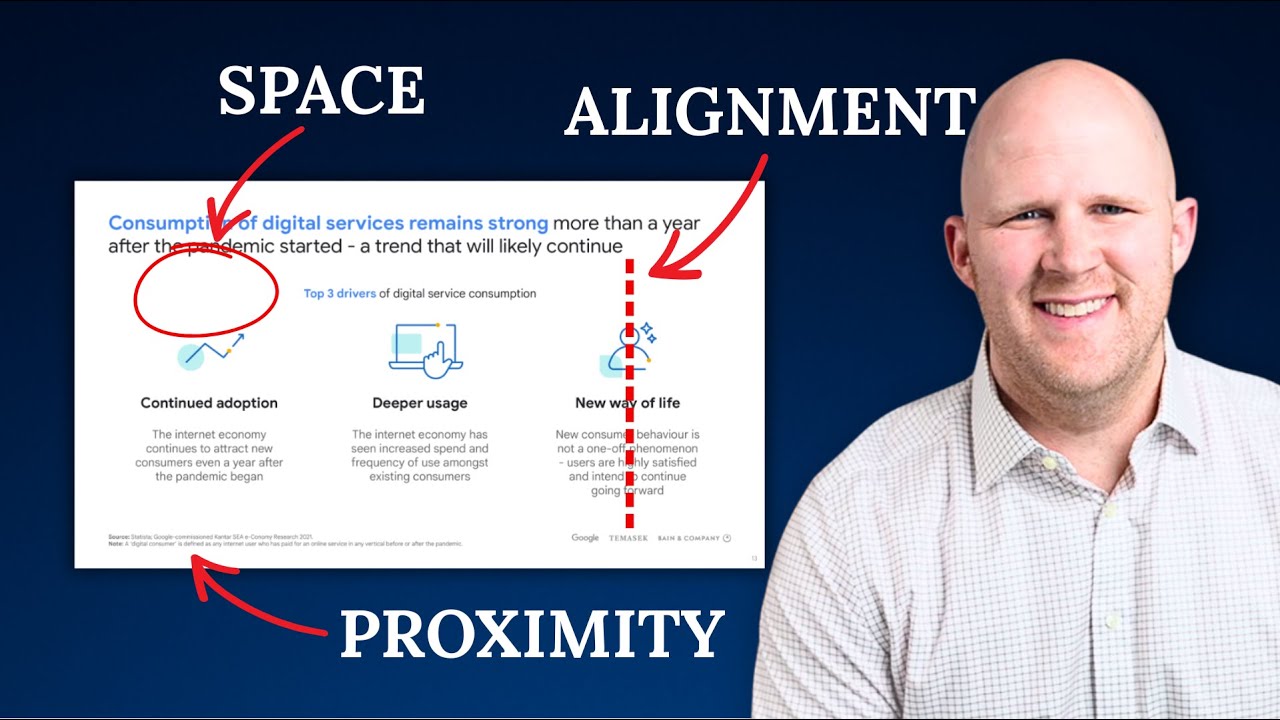
10 Tips For Impressive Presentations To Senior Leadership And Executives
This video offers 10 actionable tips for delivering impactful presentations to senior leadership and executives. It emphasizes preparation, clarity, storytelling, visual aids, and managing nervousness to ensure your message resonates and achieves its intended goals.