Ready to design stunning user interfaces that captivate your audience? Figma has become the industry-standard tool for UI/UX designers, and mastering it is crucial for your career.
Key Takeaways
- 1Curated Figma UI design YouTube videos
- 2Learn advanced prototyping and responsive layouts
- 3Master UI kits for faster design workflows
- 4Build wireframes and understand design systems
- 5Elevate your UI/UX skills with expert tutorials
Who this is for
- If you're struggling to create polished UI designs
- If you're looking for free, high-quality Figma tutorials
- If you're a beginner to intermediate UI/UX designer
Start Learning with AI-Powered Video Summaries
Get instant summaries, ask questions, and turn any video into an interactive study session.
Try Querivo Free →Accelerate Your Designs with Powerful UI Kits and Design Systems
Ever feel like you're starting from scratch with every new project? This video dives into the smart way to design: leveraging UI kits and design systems. It's not just about pretty components; it's about building faster and smarter. You'll discover how to integrate existing resources, like the popular Google Material Design or Orbit UI kits, directly into your Figma workflow. This approach seriously cuts down on repetitive tasks, allowing you to focus on the unique aspects of your design.
We found the step-by-step guidance on downloading, integrating, and customizing these kits to be particularly helpful. The creator shows you exactly how to adapt pre-designed components to fit your specific app's aesthetic, making sure everything stays consistent. Plus, they even touch on helpful plugins like Material Theme Builder, which streamlines the customization process even further. If you're looking to speed up your design output without sacrificing quality, this is a must-watch.
- Integrate and customize pre-built UI kits for speed
- Ensure design consistency across projects with systems
- Leverage plugins for efficient theme building
Master the Fundamentals: Building Your First Figma Wireframe
Before diving into pixels and colors, understanding the bones of your interface is key. This video is your perfect entry point into the world of wireframing within Figma. It breaks down the basics so clearly, you'll feel confident creating your very first layout in no time. We're talking about understanding the core Figma interface, how to set up your frames, and the essential shapes and text tools you'll use to represent your ideas.
The creator walks you through representing common UI elements – think placeholders for images, blocks of text, and even icons – demonstrating their importance in visualizing functionality and user flow early on. This foundational skill is absolutely critical for effective product design, helping you communicate your vision clearly before committing to detailed visual design. If you're just starting out with UI/UX design, this tutorial provides the essential groundwork.

- Learn Figma interface basics for wireframing
- Represent key UI elements like images and text blocks
- Understand wireframing's crucial role in early design
Bring Your Designs to Life: Essential Figma Prototyping Techniques
A static design is nice, but an interactive one? That's where the magic happens. This video is your gateway to unlocking Figma's powerful prototyping features. You'll learn how to move beyond flat mockups and actually simulate the user experience. Connecting different frames to create interactive elements and map out user flows becomes intuitive after watching this tutorial. It’s seriously game-changing for presenting your ideas.
The real value here is in understanding how prototyping helps you test and iterate on your design decisions before you've even built anything. Plus, the creator touches on adding those subtle micro-interactions that can make an interface feel polished and responsive. If you want your designs to feel alive and demonstrate their intended functionality, mastering these essential prototyping techniques is non-negotiable. This is a core skill for any serious Figma UI design YouTube enthusiast.
- Connect frames to simulate user flows
- Create interactive elements for dynamic prototypes
- Enhance user experience with micro-interactions
Unlock Advanced Design: Responsive Layouts and Component Mastery
As your Figma skills grow, you'll inevitably need to design for more than just one screen size. This video tackles the advanced techniques essential for creating flexible and adaptable interfaces. It zeroes in on the power of reusable components and smart layout strategies, which are absolute must-haves for modern web and app design. You'll learn how to build designs that just work across desktops, tablets, and mobile devices.
The focus on auto layout is particularly brilliant – it's the secret sauce for making your designs responsive without endless manual adjustments. Plus, the strategies for applying constraints mean your elements scale and position themselves correctly, no matter the screen. If you're looking to go beyond basic static designs and build truly robust, future-proof interfaces, mastering these component and layout techniques is the next logical step. This resource is definitely worth checking out for anyone serious about advanced Figma UI design YouTube tutorials.
- Utilize auto layout for responsive design flexibility
- Build adaptable and reusable components efficiently
- Master constraints for element scaling and positioning
Your Next Steps
By diving into these essential YouTube videos, we've equipped you with a powerful toolkit for Figma UI design. You've seen how to leverage design systems for speed, build foundational wireframes, create engaging prototypes, and master responsive layouts. These resources offer clear, actionable insights to truly elevate your UI/UX design capabilities.
Your Action Items
- ☐Pick one video from above and watch it on Querivo
- ☐Ask questions and check summaries while watching without breaking your flow
- ☐Use the AI chat to clarify confusing parts and deepen understanding
- ☐Come back for more curated videos on topics you want to master
Start applying these techniques today and transform your design process. Experiment with the workflows demonstrated in these tutorials to build your portfolio and create stunning digital products.
Turn Any YouTube Video into an Interactive Lesson
Paste any video link, get an instant AI summary, and ask questions in real-time.
Try Querivo Free →Related Videos You Might Enjoy
Looking for more perspectives on this topic? Here are some additional videos worth checking out:
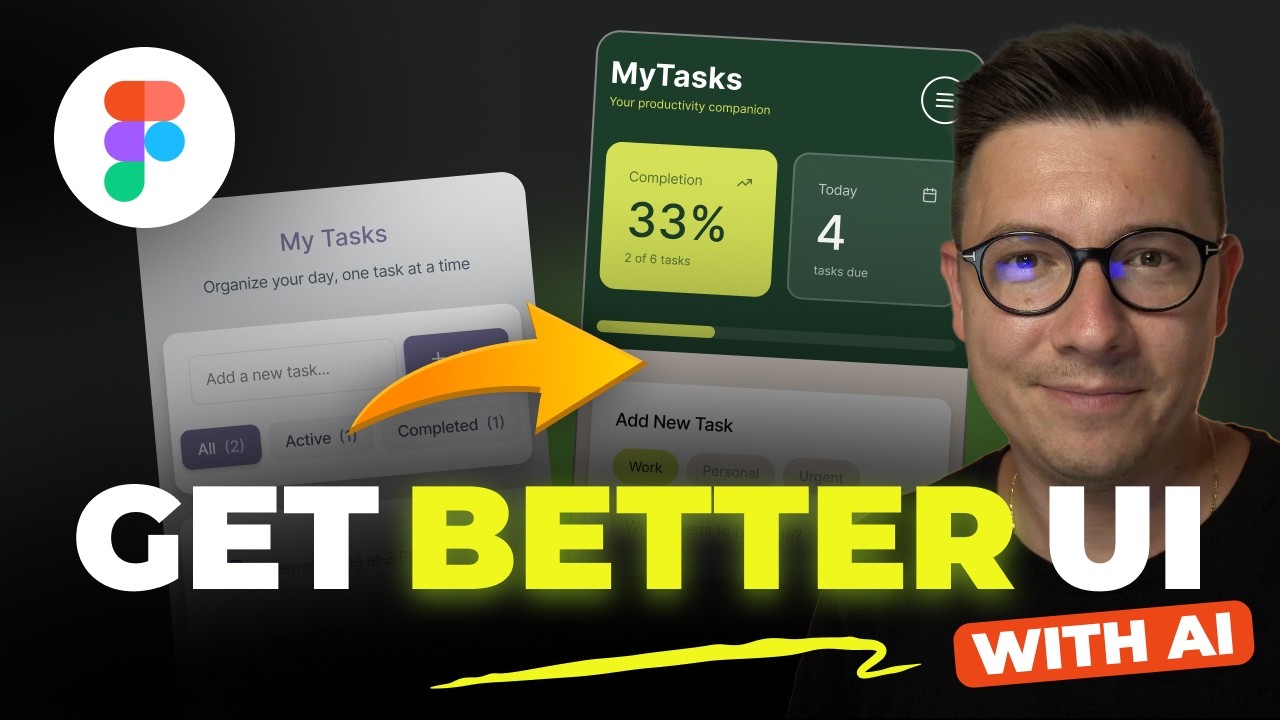
How to Get Better UI Design with Figma Make and AI
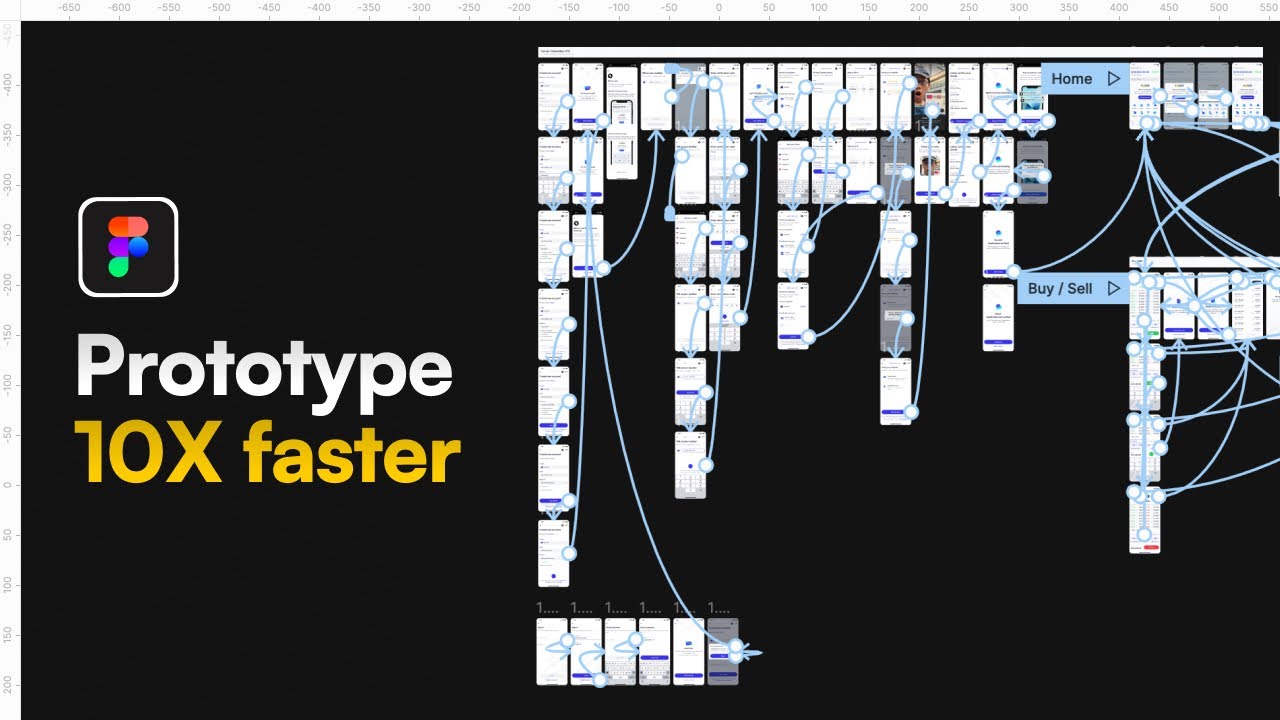
The CORRECT (and lazy) way to prototype | Figma Tutorial
The Greatest Design System UI Kits for Figma! Full UI tutorial
This video demonstrates how to leverage free, publicly available UI kits from major brands like Google Material Design and Kiwi.com's Orbit in Figma to accelerate UX/UI design projects. It provides a step-by-step tutorial on downloading, integrating, and customizing these kits, showcasing how to build app screens using pre-designed components and the Material Theme Builder plugin.