Dreaming of crafting intuitive and visually stunning digital experiences? Figma is the industry-leading tool that empowers aspiring product designers to turn their ideas into reality.
Key Takeaways
- 1Your ultimate Figma UI design video guide.
- 2Master core Figma features and responsive design.
- 3Explore AI plugins to supercharge your workflow.
- 4Learn to build interactive prototypes with ease.
- 5Become a confident product designer, faster.
Who this is for
- If you're struggling to grasp Figma's core functionalities.
- If you're looking to streamline your design process with AI.
- If you're an aspiring product designer eager to build interactive prototypes.
Start Learning with AI-Powered Video Summaries
Get instant summaries, ask questions, and turn any video into an interactive study session.
Try Querivo Free →Master Figma Fundamentals for a Solid Design Foundation
Are you just starting out and feeling a bit lost in the Figma interface? This video is your perfect entry point. It breaks down the absolute essentials, ensuring you build a strong foundation before diving into more complex techniques. You'll get to grips with the core components of Figma, understanding how to navigate the workspace and manipulate basic elements. It’s like getting your design toolkit ready for action.
This tutorial really shines in explaining how to use fundamental elements like Frames and Shapes effectively. Plus, it introduces you to Auto Layout for those early stages of creating responsive buttons – super important! You'll also get a clear picture of the difference between the Design and Prototype tabs, a distinction that’s crucial for beginners. And for a peek into interactive design, it touches on Smart Animate, giving you a taste of how to add those smooth, engaging interactions.
- Understand Figma's interface, Frames, and Shapes.
- Learn basic Auto Layout for responsive elements.
- Get introduced to the Prototype tab and Smart Animate.
Study This Video Deeper
Get an AI summary and ask questions about confusing parts in real-time.
Open in Querivo →Supercharge Your Workflow with Game-Changing AI Figma Plugins
Let's be honest, design work can involve a lot of repetitive tasks. What if you could automate some of that? This video explores the exciting world of AI-powered plugins within Figma. It's genuinely surprising how much these tools can boost your efficiency and spark creativity. You’ll discover plugins that can automate UI mockup generation, helping you visualize concepts faster than ever before.
You'll learn how to leverage AI not just for creating from scratch, but also for editing and extending your existing designs. Think of plugins that can intelligently suggest and apply color palettes, or even provide feedback on your design choices. It's about working smarter, not harder. This isn't just a glimpse into the future; these tools are here now, ready to help you streamline your process and unlock new design possibilities. Seriously, exploring these AI enhancements is a game-changer for your figma ui design youtube journey.

- Discover AI plugins for automating UI mockups.
- Learn to use AI for editing and enhancing existing designs.
- Explore AI-driven color palette generation.
- Understand how AI can offer design feedback.
Build Interactive Prototypes to Bring Your Designs to Life
A static design is just the beginning. To truly showcase your vision and test user flows, you need to build interactive prototypes. This video dives deep into the art of prototyping within Figma, transforming your mockups into dynamic experiences. You’ll master the fundamental principles that make for an intuitive and engaging user journey, which is absolutely critical for product design.
This tutorial walks you through connecting artboards and laying out user flows effectively. But it doesn't stop there. You'll learn to implement various interaction types, simulating real-world app behavior so stakeholders can truly understand how your product will function. It's about moving beyond just pretty screens to creating a tangible representation of your user experience. And, of course, you'll understand how to test and refine these prototypes, ensuring you’re delivering the best possible user experience. This is where your Figma UI design starts to feel real.

- Master essential principles of interactive prototyping.
- Learn to connect artboards and create effective user flows.
- Implement various interaction types for realistic simulations.
- Understand the process of testing and refining prototypes.
Design Engaging UI Elements with Advanced Auto Layout Techniques
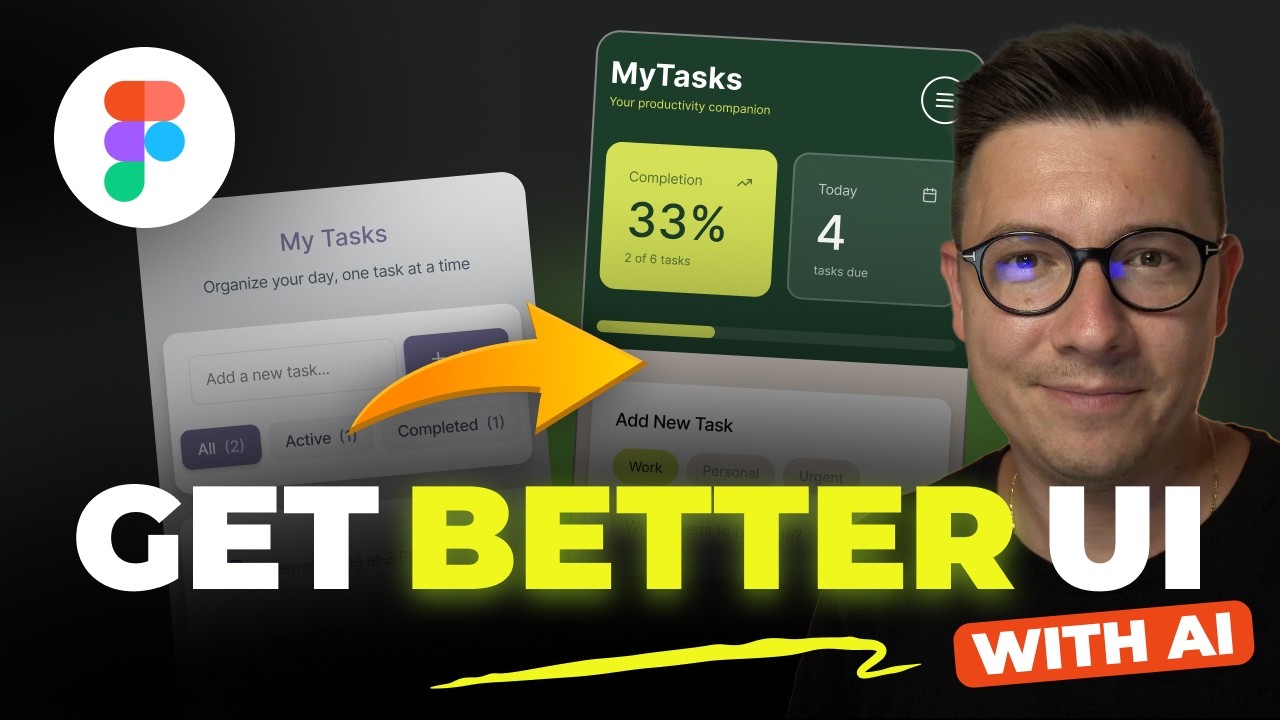
Auto Layout is a powerful feature in Figma, but many designers only scratch the surface of its capabilities. This video takes you beyond the basics, showcasing advanced techniques for building sophisticated and adaptable UI components. If you’re aiming for truly responsive design, mastering these methods is non-negotiable. You’ll discover how to create complex layouts that automatically adjust to different screen sizes and content changes.
We're talking about deep dives into advanced Auto Layout properties that can handle intricate design challenges. This is your path to creating reusable and responsive design systems, making your workflow incredibly efficient. You'll learn to optimize spacing, alignment, and resizing for a wide array of scenarios. Applying these advanced techniques is key to designing efficient and scalable UI kits, ultimately accelerating your product design process and improving the quality of your figma ui design youtube output.
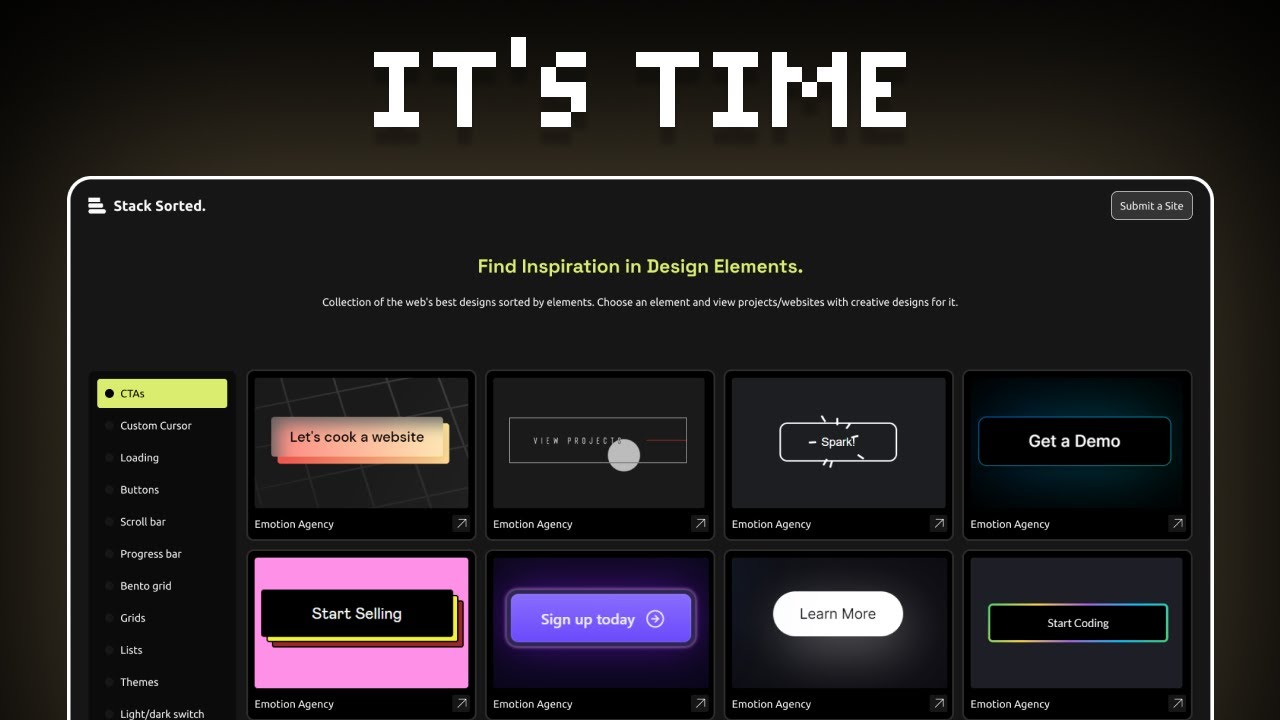
- Deep dive into advanced Auto Layout for complex layouts.
- Create reusable and responsive design systems.
- Optimize spacing and alignment for various screen sizes.
- Apply techniques to design efficient and scalable UI kits.
Your Next Steps
By leveraging these curated YouTube tutorials, you're equipped with the foundational knowledge and advanced techniques to confidently design stunning user interfaces in Figma. From mastering the basics and exploring AI enhancements to building interactive prototypes and mastering responsive layouts, your journey to becoming a proficient product designer is well underway. Start applying these lessons today and elevate your UI design skills with Figma!
Your Action Items
- ☐Pick one video from above and watch it on Querivo
- ☐Ask questions and check summaries while watching without breaking your flow
- ☐Use the AI chat to clarify confusing parts and deepen understanding
- ☐Come back for more curated videos on topics you want to master
Turn Any YouTube Video into an Interactive Lesson
Paste any video link, get an instant AI summary, and ask questions in real-time.
Try Querivo Free →Related Videos You Might Enjoy
Looking for more perspectives on this topic? Here are some additional videos worth checking out: