Dreaming of crafting beautiful, user-friendly digital experiences? In 2025, Figma remains the powerhouse for UI/UX designers, and mastering its tools is your key to unlocking stunning interface designs. Whether you're a seasoned designer looking to add Figma to your toolkit or a complete beginner taking your first steps, the wealth of knowledge available on YouTube can be overwhelming. We've curated some of the best resources to help you navigate this landscape and elevate your UI/UX game.
Key Takeaways
- 1Top Figma UI design YouTube videos for beginners
- 2Learn essential UI elements and prototyping
- 3Build responsive interfaces with Auto Layout
- 4Harness AI for rapid design generation
- 5Streamline design to functional app workflows
Who this is for
- If you're a beginner struggling to find the right Figma tutorials
- If you're looking to quickly build impressive UI/UX projects
- If you're a graphic designer or developer wanting to pivot into UI/UX
Start Learning with AI-Powered Video Summaries
Get instant summaries, ask questions, and turn any video into an interactive study session.
Try Querivo Free →Design Clickable & Engaging UI Cards Like a Pro
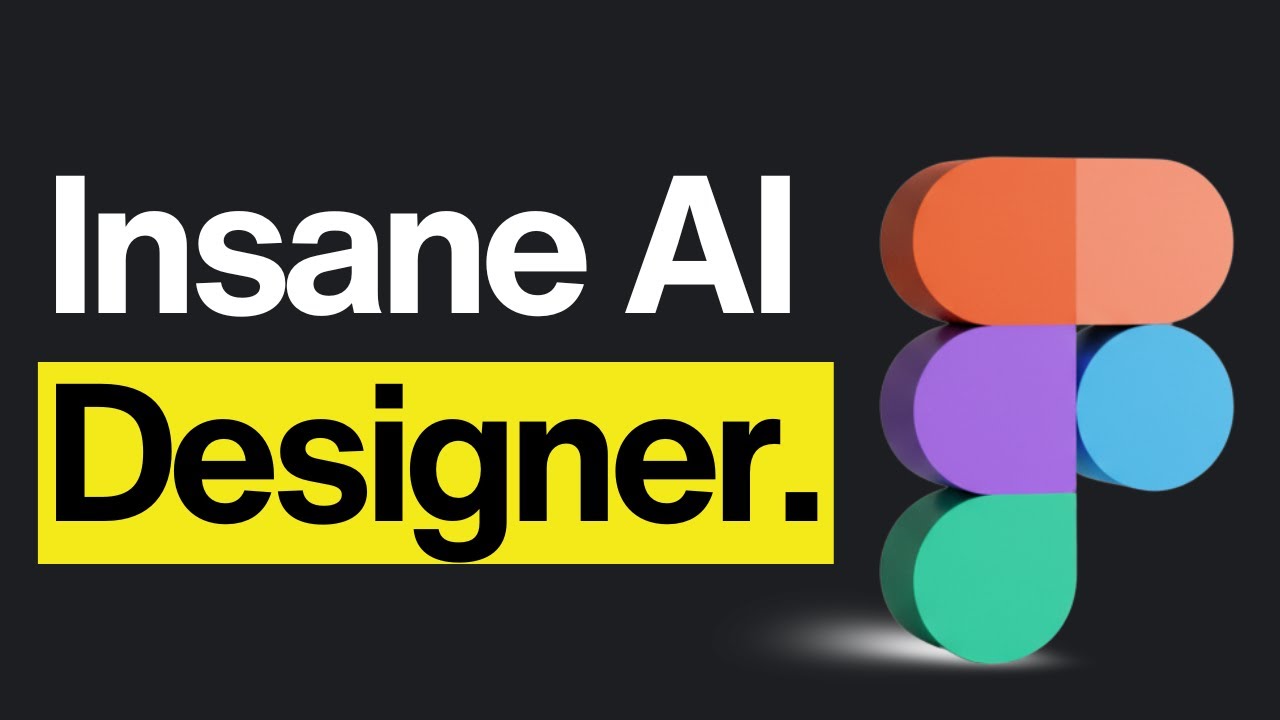
Ever wonder how some websites just feel right, guiding you effortlessly through content? Often, it's the humble UI card that does the heavy lifting. This video dives deep into the anatomy of effective UI cards, breaking down how to structure, style, and implement them for maximum impact. You'll learn to create visually appealing and functional cards that are crucial for any modern interface.
We found that understanding the principles of logical grouping and spacing is key to making cards digestible. This tutorial shows you how to apply typography and color strategically, not just for aesthetics, but for clear visual hierarchy and, importantly, accessibility. You’ll definitely want to prioritize those contrast ratios! This video provides a solid foundation for creating modular design elements that are both beautiful and functional.
- Master the structure and styling of effective UI cards.
- Learn to apply typography and color for better hierarchy and accessibility.
Build Responsive Interfaces Effortlessly with Auto Layout
Creating designs that look great on any device shouldn't be a headache. This video focuses on a game-changer in Figma: Auto Layout. It's the secret sauce for building adaptable and dynamic UI components that resize and rearrange themselves without you having to manually adjust every little thing. Seriously, it’s pretty solid. Mastering Auto Layout is fundamental for any designer aiming to create modern, flexible interfaces.
You’ll grasp the power of Auto Layout for responsive design by learning to manually create responsive card components from scratch. The creator walks you through configuring container fills and fixed widths for dynamic resizing. Plus, you'll discover how to utilize "wrap" behavior to manage content overflow effectively. Achieving fluid, adaptive UI elements for any device becomes way more attainable with these techniques. This is an indispensable skill for building scalable designs.
- Learn to use Figma's Auto Layout for responsive design.
- Create dynamic UI elements that adapt to different screen sizes.
Study This Video Deeper
Get an AI summary and ask questions about confusing parts in real-time.
Open in Querivo →Accelerate Your Workflow with AI-Powered Landing Page Design
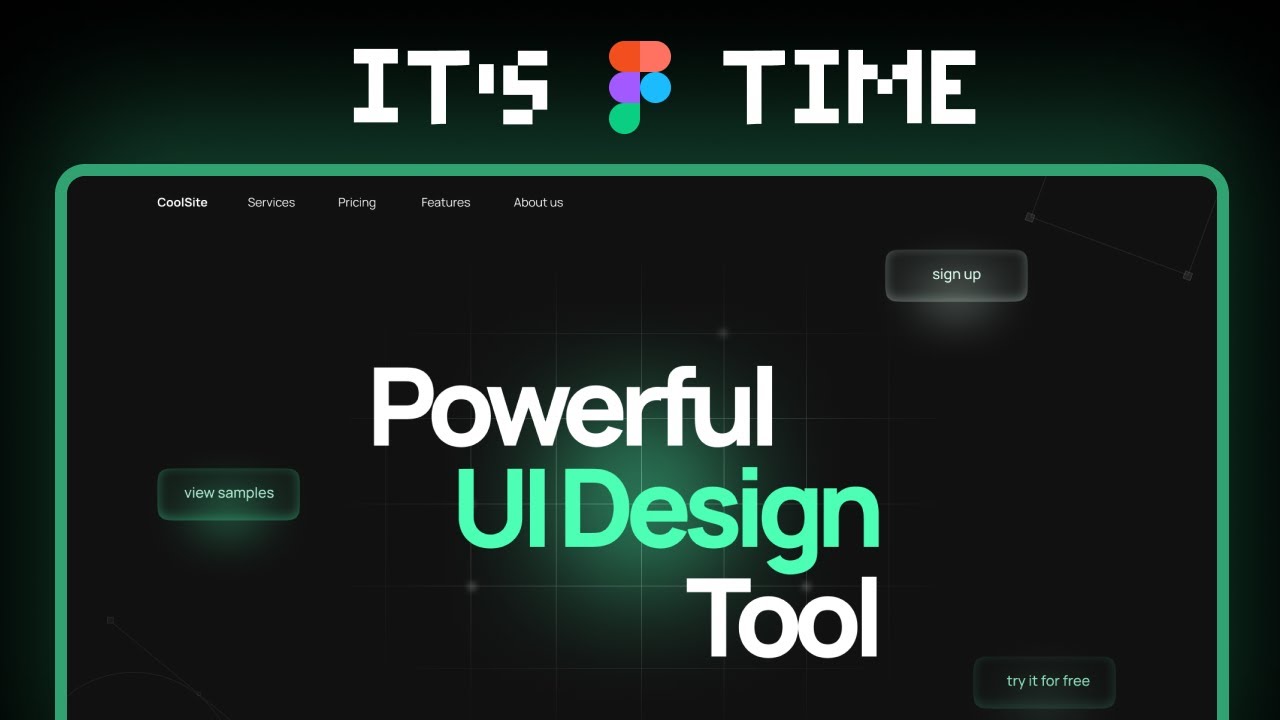
Designing polished landing pages can be time-consuming, especially when you're just starting out. This video introduces a really cool way to significantly speed up that process by harnessing Figma's AI capabilities. It makes professional-level design generation more accessible, even if you're not an AI expert. Embracing AI tools can dramatically reduce the time spent on initial ideation.
You'll learn to leverage "Figma Make" for AI-driven design generation, allowing you to quickly sketch out and even animate professional landing pages. The creator shows you how to use simple AI prompts to build initial design structures, which you can then customize by referencing existing Figma elements. It's a surprisingly efficient method for getting initial concepts down fast, providing a strong starting point for more detailed design work.
- Use AI prompts in Figma to generate landing page designs quickly.
- Customize AI-generated designs and integrate animations efficiently.
From Design to Functional App: Integrating Figma with AI Builders
What if you could take your Figma designs and turn them into actual, working applications without writing tons of code yourself? This video explores a cutting-edge workflow that demonstrates exactly that. It shows a streamlined process for bringing your UI concepts to life, bridging the gap between design and development. This is a crucial area for modern designers looking to see their work in action.
We're talking about exciting integrations, like Lovable x Figma. You'll understand the process of converting Figma designs into functional code. By utilizing AI-powered tools like builder.io, you can import your Figma designs directly into platforms for app building. This offers a pretty solid way to streamline your workflow from initial UI concept all the way to a functional application. It's definitely worth checking out if you want to see design directly translate into product, speeding up the iteration cycle significantly.
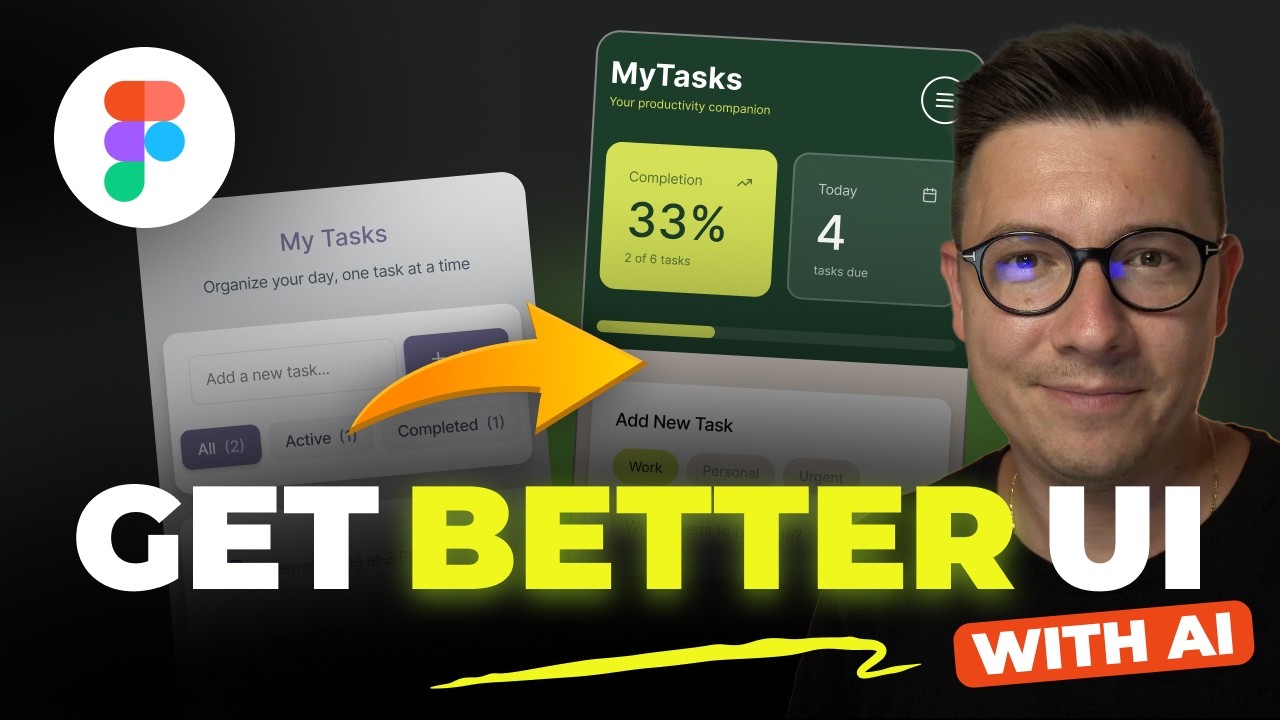
- Explore integrations that convert Figma designs into functional code.
- Understand how AI builders can streamline the process from UI to app.
Turn Any YouTube Video into an Interactive Lesson
Paste any video link, get an instant AI summary, and ask questions in real-time.
Try Querivo Free →Your Next Steps
Your Action Items
- ☐Pick one video from above and watch it on Querivo
- ☐Ask questions and check summaries while watching without breaking your flow
- ☐Use the AI chat to clarify confusing parts and deepen understanding
- ☐Come back for more curated videos on topics you want to master
By diving into these curated videos, you're equipping yourself with the fundamental skills needed to excel in Figma. You'll learn to craft stunning UI cards, build responsive interfaces with Auto Layout, leverage AI for rapid prototyping, and even explore innovative design-to-code integrations. These are essential skills for today's digital design landscape, allowing you to create more efficient, impactful, and user-centric experiences.
Ready to transform your design skills? Start watching these essential tutorials today and begin building your dream UI/UX portfolio!
Related Videos You Might Enjoy
Looking for more perspectives on this topic? Here are some additional videos worth checking out: