In today's crowded digital landscape, a strong brand identity is no longer a luxury – it's a necessity. And at the heart of every memorable brand lies a powerful, well-designed logo. But how do you move from a spark of an idea to a polished, professional vector graphic that truly represents a business? This article delves into the essential YouTube guides that will transform your approach to logo design, specifically leveraging the capabilities of Adobe Illustrator. We've analyzed top-tier YouTube tutorials to bring you a curated roadmap for crafting stunning logos. Discover foundational design principles, efficient Illustrator techniques, and practical step-by-step processes to build an impactful brand identity.
Key Takeaways
- 1Master timeless logo design principles for lasting impact.
- 2Follow a complete workflow from concept to final vector art.
- 3Unlock creative strategies to elevate your logo designs.
- 4Build professional letter logos efficiently in Illustrator.
- 5Craft compelling brand identities with expert guidance.
Who this is for
- If you're a graphic designer struggling to define your client's brand visually,
- If you're a small business owner looking to create a professional logo that stands out,
- If you're an aspiring brand designer eager to learn Illustrator for logo creation,
Start Learning with AI-Powered Video Summaries
Get instant summaries, ask questions, and turn any video into an interactive study session.
Try Querivo Free →Master the Four Golden Rules for Timeless Logo Design
In the fast-paced world of branding, creating a logo that's not just trendy but truly timeless is a challenge. This video breaks down the fundamental principles that make a logo endure. It's surprisingly easy to get caught up in fleeting design fads, but focusing on these core elements ensures your work has lasting power. You'll understand why simplicity isn't just an aesthetic choice; it's crucial for recognition and adaptability.
We found this guide to be exceptionally clear in explaining the 'why' behind effective logo design. It emphasizes that a strong logo is more than just a pretty picture – it's a strategic tool. Learning to research your brand and target audience is presented as the non-negotiable first step, informing every subsequent design decision. Plus, you'll get insights into how shapes and colors actually influence perception, and why testing your logo everywhere, from a tiny favicon to a huge billboard, is absolutely vital. This is foundational knowledge for anyone serious about Illustrator logo design YouTube tutorials.
- Understand Simplicity, Versatility, Memorability, and Scalability for lasting logos.
- Apply research and psychology to inform your logo creation process.
From Concept to Vector: Your Complete Logo Design Workflow
Ever wonder how those polished, professional logos actually come to life? This video walks you through the entire journey, from that initial glimmer of an idea to the final, crisp vector artwork ready for any application. It’s a comprehensive look at a designer's process, making it feel much less daunting. You'll learn that great logos don't just appear; they're built through a structured, thoughtful approach.
We've seen many tutorials, but this one really nails the end-to-end workflow. It starts with interpreting client needs – a critical step often overlooked. Then, it dives into gathering inspiration and mood boards, which is where the creative juices really start flowing. You'll see how to translate those initial thoughts into strong sketches, select color palettes that speak the right brand language, and finally, how to bring it all into Adobe Illustrator to create clean, scalable vector graphics. This video is a fantastic resource for anyone wanting to learn vector graphics.
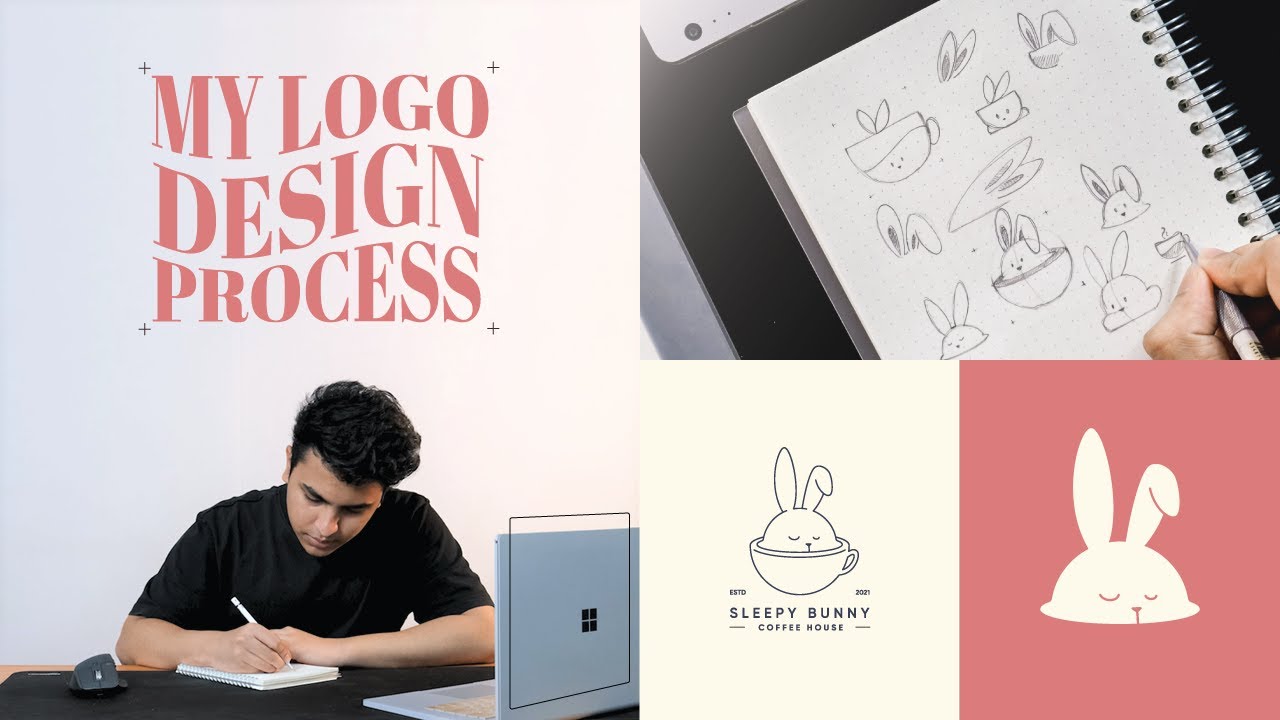
- Follow a complete step-by-step process from brief to vector.
- Master inspiration, sketching, color, and vectorization techniques.
Unlock Creative Potential with Mind-Blowing Logo Design Tips
Looking to push your logo designs beyond the ordinary? This video is packed with creative strategies that can really elevate your work. It's not just about knowing the tools; it's about thinking differently and applying clever techniques to make your logos truly stand out. You'll discover ways to add depth and intrigue, making your designs more engaging and memorable.
What surprised us most was how these tips address common design roadblocks. You'll explore the fascinating world of optical illusions and how they can create unique visual effects. Plus, there are practical ideation methods, like the 'Noun Method,' which is surprisingly effective for generating fresh concepts when you feel stuck. And let's not forget typography – refining those letter choices and mastering kerning can make a huge difference in the overall polish of a logo. This is gold for anyone practicing Illustrator logo design YouTube tutorials.
- Employ optical illusions and shape refinement for unique logos.
- Utilize creative ideation methods and master typography.
Build Professional Letter Logos Efficiently in Illustrator
Letter logos, or lettermarks, are incredibly popular, and for good reason – they're often sleek, memorable, and highly versatile. This video focuses on creating a specific type of letter logo, the 'MR' mark, using Adobe Illustrator. It’s a very practical, hands-on tutorial that’s perfect if you're looking to get comfortable with some of Illustrator's core functionalities while producing a tangible result.
We think this is a game-changer for beginners who want to practice. The creator walks you through manipulating text elements in ways you might not have considered, making them truly custom. You’ll get a clear demonstration of the Shape Builder tool, which is seriously powerful for combining and modifying paths in an intuitive way. Plus, it covers using and adjusting basic shapes, like ellipses, to complement your letterforms, and concludes with a clear guide on exporting your finished design. It’s a focused session that delivers real skills.
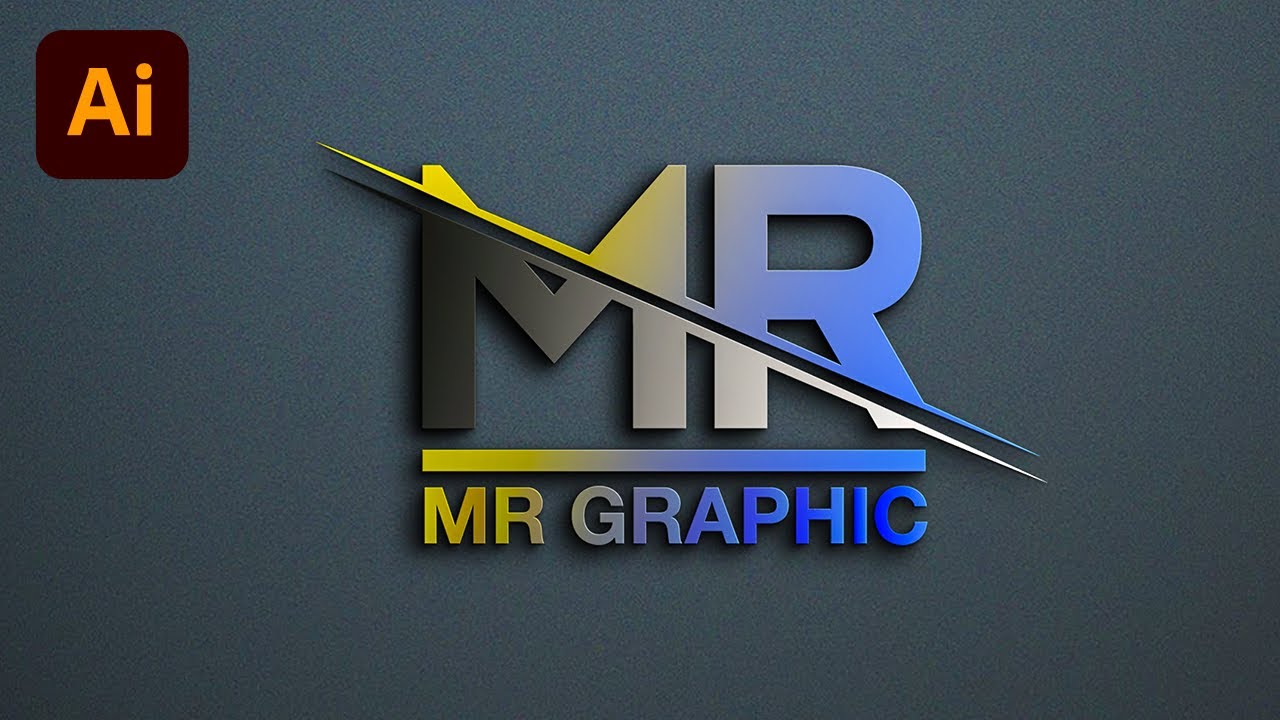
- Create custom letter logos using Illustrator's text tools.
- Master the Shape Builder and ellipse tools for efficient design.
Your Next Steps
By integrating the foundational principles of logo design with practical Illustrator techniques and creative ideation strategies, you're equipped to build compelling and effective brand identities that resonate with audiences. Ready to design your brand's visual story? Start by applying these principles and exploring the featured tutorials.
Your Action Items
- ☐Pick one video from above and watch it on Querivo
- ☐Ask questions and check summaries while watching without breaking your flow
- ☐Use the AI chat to clarify confusing parts and deepen understanding
- ☐Come back for more curated videos on topics you want to master
These curated YouTube guides offer a powerful blend of theoretical knowledge and practical application, specifically tailored for anyone looking to master logo design in Adobe Illustrator.
Turn Any YouTube Video into an Interactive Lesson
Paste any video link, get an instant AI summary, and ask questions in real-time.
Try Querivo Free →Related Videos You Might Enjoy
Looking for more perspectives on this topic? Here are some additional videos worth checking out:
The Illustrator Tips That Changed My Logo Design Process Forever!
This video shares essential Adobe Illustrator tips for logo designers, focusing on efficient techniques for rounding corners, creating grids, managing clear space, inverting logos, organizing artboards, and extracting color information. It also highlights the benefits of using Framer for building designer-friendly websites.