Tired of staring at a blank slide, wondering how to make your ideas shine? In today's fast-paced world, a compelling presentation is more than just slides; it's a narrative that captivates and converts. Thankfully, a wealth of resources are available to help you transform your presentations from mundane to magnificent. We've curated some of the top YouTube videos that will equip you with the skills and tools to master visual storytelling and leverage the power of AI for stunning slide design.
Key Takeaways
- 1Master AI presentation tools for stunning visuals.
- 2Learn quick slide generation techniques.
- 3Develop compelling visual storytelling skills.
- 4Transform complex data into clear narratives.
- 5Elevate your audience engagement significantly.
Who this is for
- If you're struggling to start your presentation from scratch
- If you're a student or professional needing to make complex ideas understandable
- If you're looking for ways to make your presentations more engaging and visually appealing
Start Learning with AI-Powered Video Summaries
Get instant summaries, ask questions, and turn any video into an interactive study session.
Try Querivo Free →Unlock Instant Inspiration with AI Presentation Makers
Staring at a blinking cursor on a blank slide can be incredibly daunting, right? Thankfully, the landscape of presentation design has been utterly transformed by AI. We've found that these tools can drastically speed up the creation process, making impressive visuals accessible to pretty much anyone. This video provides a curated list of six diverse AI presentation makers, offering a comparative overview of their features, pricing, and ease of use, with a specific focus on educational applications and making presentations interactive. It explores how these tools can generate slides from simple text, entire web pages, or just a basic topic. It's a game-changer, especially for educators or beginners who need to whip up engaging content efficiently. You'll see how various AI tools can turn your ideas into a visual narrative in minutes, not hours, helping you overcome the initial hurdle of creation and focus on refining your message.
- AI tools can generate presentations rapidly from various inputs.
- Explore various AI presentation makers for quick slide creation.
Master Gamma AI: Your All-in-One Tool for Stunning Visuals
Gamma AI is really something special, and this video gives you a fantastic rundown of how to use it. It's not just for presentations, either; you can whip up websites and social media content with this versatile tool. The creator walks you through the three main ways to kick off a project: pasting text, importing files or URLs, and, of course, using AI prompts. What's surprisingly helpful is how easily you can generate content from simple prompts and then tweak the AI-generated designs to your exact liking. If you've been looking for a single platform that handles a broad range of visual content needs with AI assistance, Gamma is definitely worth checking out. It seriously simplifies the design process, allowing you to iterate quickly and ensure your visuals perfectly match your narrative.
- Gamma AI creates presentations, websites, and social media content.
- Learn to generate and refine designs using AI prompts and inputs.
The Ultimate AI Workflow: NotebookLM + Gemini for Presentation Magic
For those who need to tackle complex data and transform it into clear, professional presentations, this video unveils a seriously powerful, and completely free, workflow. We're talking about using Google's NotebookLM and Gemini together. NotebookLM is incredible for synthesizing information and generating solid outlines from all sorts of sources. Then, you feed that structured text into Gemini, which transforms it into stunning, AI-powered PowerPoint slides. It’s an efficient, professional approach that’s absolutely perfect for students, researchers, or anyone needing to present intricate information clearly and visually. You'll discover how to make your presentations shine without the usual headaches, transforming dense information into digestible, impactful visuals. This method is particularly valuable for building a strong foundation for your presentation, ensuring accuracy and logical flow before diving into design.

- Combine NotebookLM and Gemini for a free AI presentation workflow.
- Transform complex data and outlines into professional PowerPoint slides.
Choose Your Champion: Top 5 AI Presentation Tools for 2025
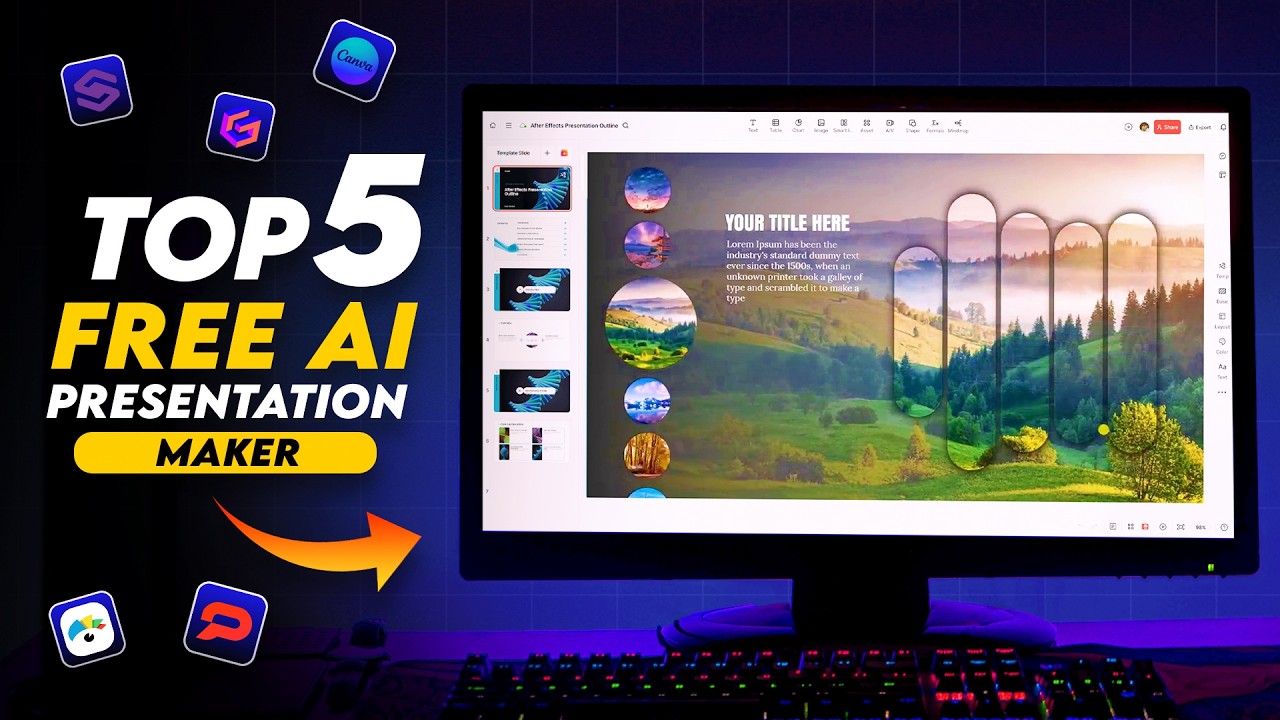
Deciding which AI presentation tool is the right fit can feel overwhelming with so many options popping up. This video acts as your personal guide, offering a curated list of the 'Top 5 Best AI Presentation Tools in 2025.' It provides direct comparisons and specific use-case recommendations, breaking down the features, strengths, weaknesses, and pricing of tools like Presenti.ai, Gamma, Slides Go, Canva AI, and Visom AI. Whether you need to make quick updates to existing corporate reports or build elaborate data-driven presentations from scratch, this review helps you make an informed choice. We found the insights into which tool excels for specific needs particularly valuable, highlighting Presenti.ai as a 'game-changer' and providing practical insights into pricing and feature sets. This comprehensive review helps you cut through the noise and select the best tool to enhance both efficiency and visual impact for your projects.
- Compare top AI tools like Presenti.ai, Gamma, and Canva AI.
- Select the best tool for your specific presentation needs and budget.
Your Next Steps
By leveraging the power of AI presentation makers and mastering visual storytelling techniques, you can dramatically improve the quality and impact of your presentations, saving time and captivating your audience. Don't let presentation design feel like a chore anymore. The valuable content provided by these creators offers practical guidance and actionable insights.
Your Action Items
- ☐Pick one video from above and watch it on Querivo
- ☐Ask questions and check summaries while watching without breaking your flow
- ☐Use the AI chat to clarify confusing parts and deepen understanding
- ☐Come back for more curated videos on topics you want to master
Ready to elevate your presentation game? Start exploring these top YouTube videos and experiment with the AI tools that best suit your workflow. Begin by trying out one of the AI presentation makers featured, practice crafting effective AI prompts, and integrate these learnings into your next presentation to see the difference. Embrace these resources, and transform your presentations into compelling visual narratives.
Turn Any YouTube Video into an Interactive Lesson
Paste any video link, get an instant AI summary, and ask questions in real-time.
Try Querivo Free →Related Videos You Might Enjoy
Looking for more perspectives on this topic? Here are some additional videos worth checking out:
How to Use Gamma AI (Full Tutorial for Presentations, Websites & More)
This video is a full tutorial on how to use Gamma AI to create presentations, websites, and social media posts quickly and easily. It covers the three main ways to start a project in Gamma: pasting text, importing files/URLs, and generating content from a prompt, with a focus on the latter.
How to Create Presentations with AI n 2025! (Full Guide for Beginners)
5 ways to make BETTER PowerPoint PRESENTATIONS in 2025 💯
NotebookLM + Gemini Will Create Stunning AI Slides for FREE
This video demonstrates a powerful workflow for creating professional AI-generated presentations using Google's NotebookLM and Gemini. Users can input various content sources into NotebookLM to synthesize information and generate a structured outline, which is then fed into Gemini to create visually stunning PowerPoint slides.