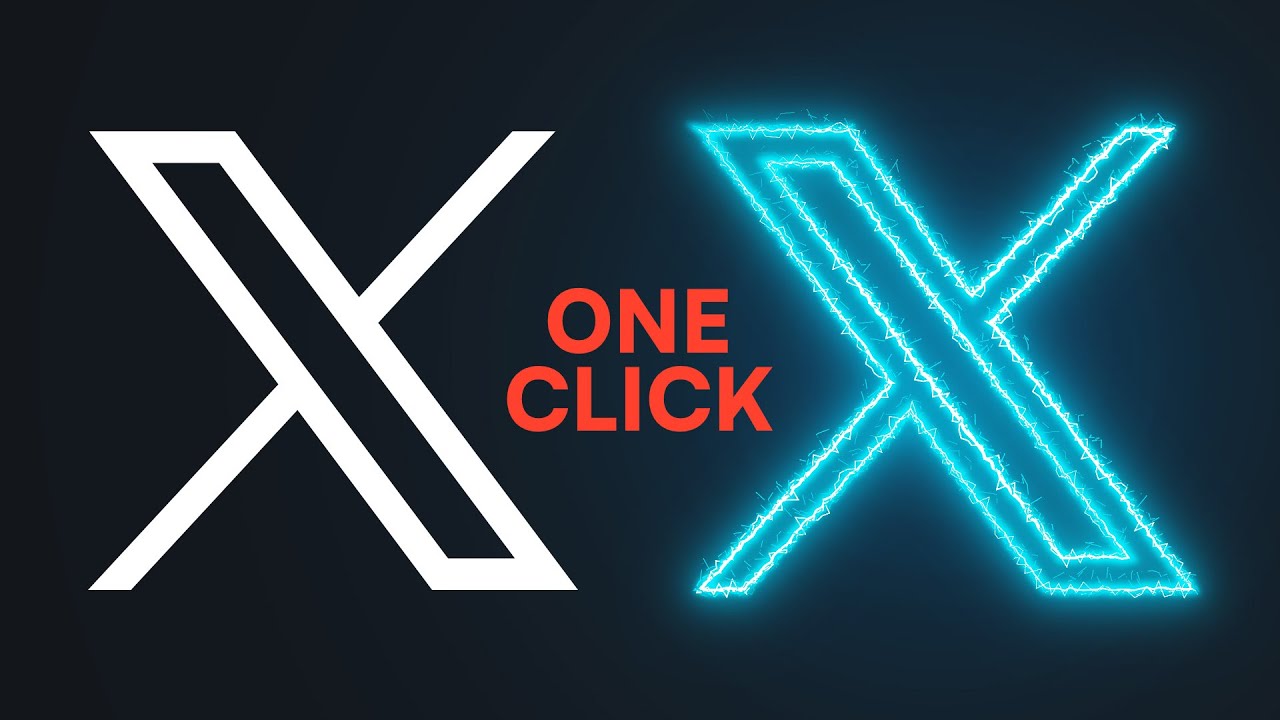
Tired of generic logos that fail to capture your brand's essence? Unlock the power of Adobe Illustrator to create professional, memorable logos that stand out from the crowd.
Key Takeaways
- 1Master logo design with top YouTube tutorials.
- 2Learn custom lettering and iconic symbol creation.
- 3Design striking gradient logos and full workflows.
- 4Transform your brand identity with vector graphics.
- 5Create logos that truly resonate with your audience.
Who this is for
- If you're a graphic designer struggling with logo concepts
- If you're an entrepreneur needing a strong brand identity
- If you're new to Adobe Illustrator and want to learn logo creation
Start Learning with AI-Powered Video Summaries
Get instant summaries, ask questions, and turn any video into an interactive study session.
Try Querivo Free →Turn Text into Bespoke Lettering: Crafting Unique Typography
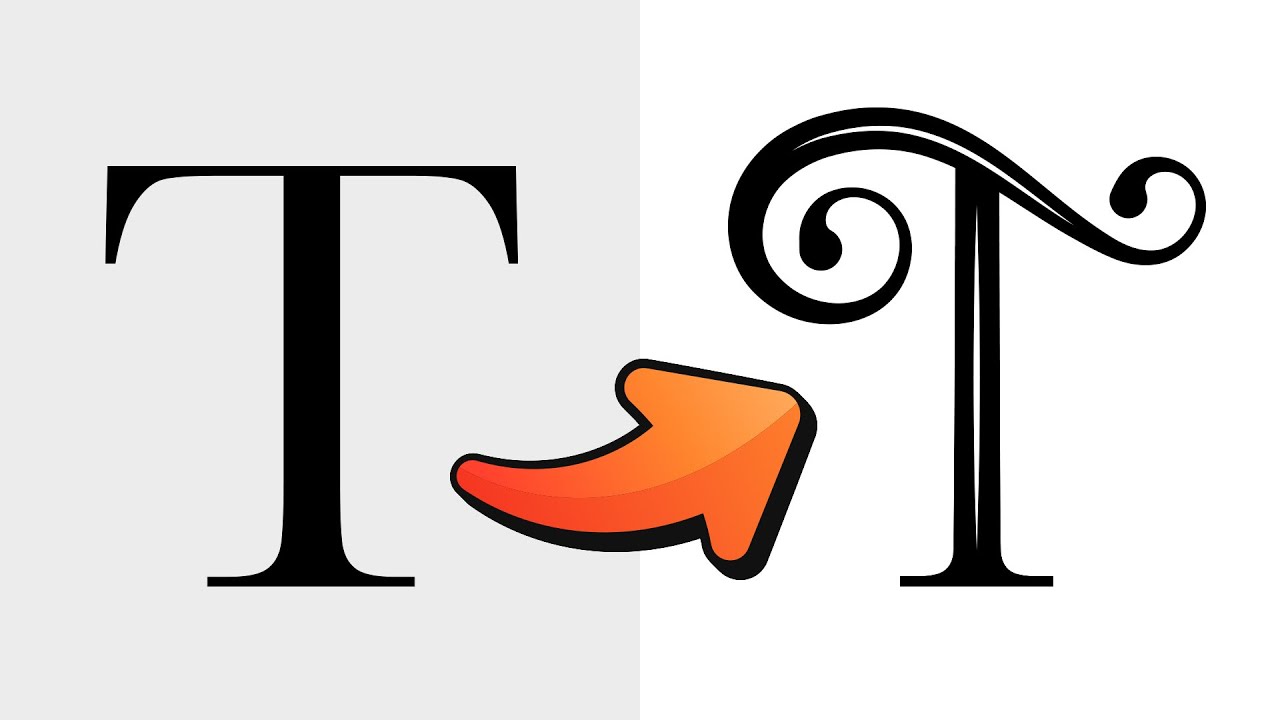
Standard text can feel a bit… well, standard. But what if you could take those everyday letters and twist them into something entirely unique, something that truly screams your brand? This video is all about doing just that. It dives deep into transforming basic text into custom, eye-catching lettering using Illustrator's incredibly flexible path manipulation tools. You'll discover how to break free from font limitations and inject real personality into your logotypes.
The creator walks you through converting text into editable outlines, giving you complete creative freedom. You'll get hands-on with the Pencil and Smooth tools to perfectly refine letterforms, adding custom curves and flow that feel polished and professional. Plus, the Width tool is a game-changer here, allowing you to introduce subtle tapering and stylistic flourishes that add serious visual appeal. It’s a surprisingly simple way to achieve that coveted hand-crafted look. This is definitely worth checking out if you're looking to elevate your typography game for logo design.
- Convert text to editable outlines for full control.
- Use Pencil and Smooth tools to refine letter shapes.
Study This Video Deeper
Get an AI summary and ask questions about confusing parts in real-time.
Open in Querivo →Designing Iconic Symbols: Building Blocks of a Strong Logo
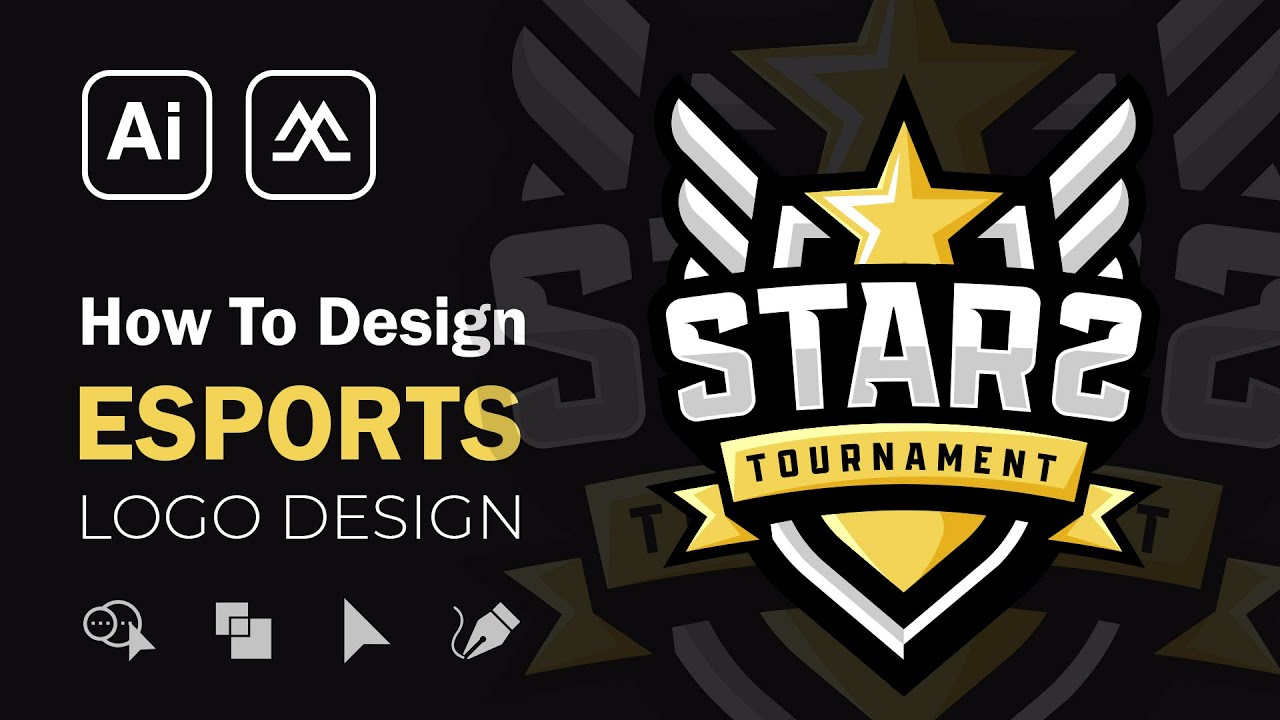
A logo isn't just text; it's often a powerful symbol that communicates meaning at a glance. This tutorial focuses on building those compelling visual elements that form the very foundation of a memorable logo. Inspired by the dynamic world of esports branding, you'll learn how to create robust shapes that pack a punch, like stylized shields and energetic symbols that grab attention.
You'll explore core principles behind creating effective esports logos – a discipline that demands strong visual communication. The creator shows how to craft dynamic symbols and integrate bold typography that actually works with your visual elements, not just alongside them. Plus, there are some really neat tricks for adding depth and dimension using strategic highlights and shadows, making your symbols feel more alive. This video is a fantastic resource for anyone wanting to design logos with real impact.
- Learn esports logo design principles for impactful symbols.
- Create stylized shields, stars, and complementary typography.
From Sketch to Vector: A Complete Esports Logo Design Workflow
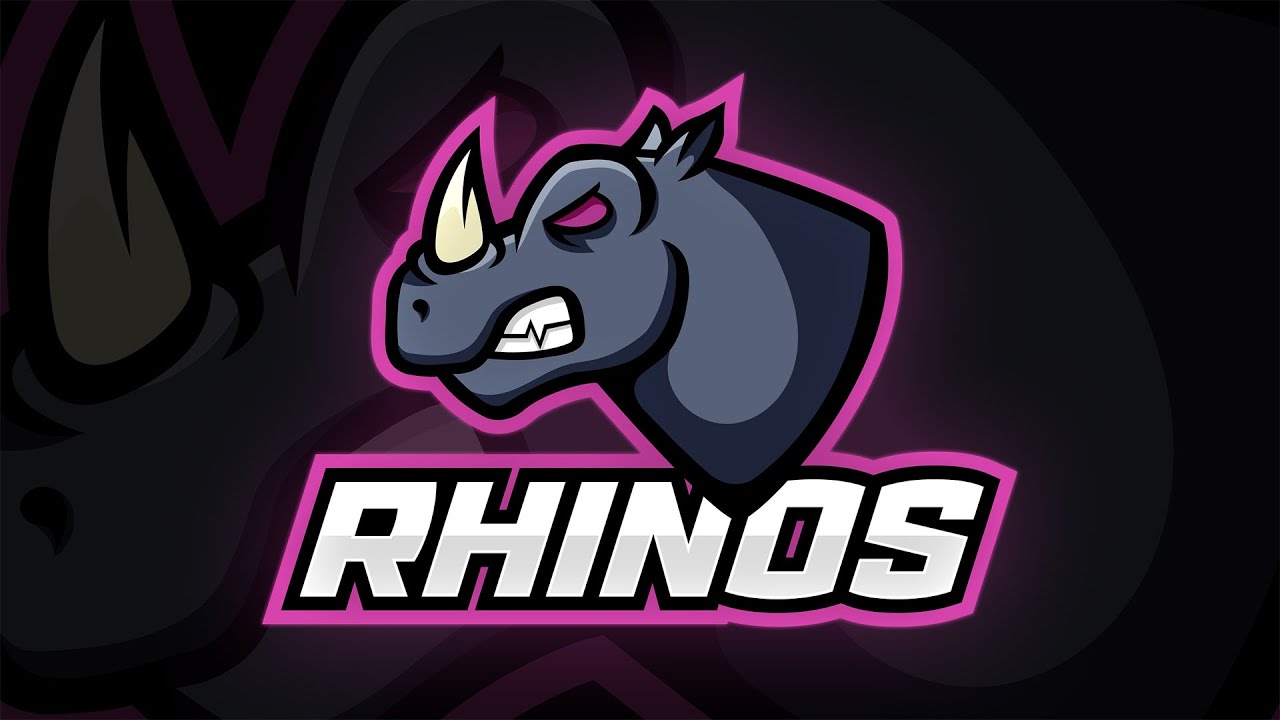
Sometimes, you've got a brilliant idea buzzing in your head, but translating it into a polished, professional logo feels like a huge leap. This section tackles that exact challenge by outlining a comprehensive process, taking you from initial concept all the way to a finished vector logo. The emphasis here is on a mascot-driven approach, which is super popular in gaming and esports branding.
You'll see how to leverage Photoshop for those crucial initial concept sketches, really letting your ideas flow freely. Then, it’s over to Illustrator where you’ll master the Pen Tool for precise vectorization of your sketch, turning those rough lines into clean, scalable artwork. The tutorial doesn't stop there; it guides you through applying effective coloring and shading techniques to really bring your design to life, and finally, shows you how to seamlessly integrate text elements for that professional finish. This is a pretty solid workflow for anyone wanting to design logos with character.
- Sketch in Photoshop, then vectorize precisely in Illustrator.
- Learn coloring, shading, and text integration for a final logo.
Making Logos Pop: Mastering Gradients and Shape Building
Want your logos to have that extra bit of visual flair? Gradients can seriously make a logo pop, and Illustrator offers some incredible tools for harnessing their power. This video tutorial is all about creating those visually striking logos by effectively using gradients and Illustrator's robust shape-building capabilities. You'll discover how to go beyond flat designs and add a sense of dimension and energy.
The creator dives into using the Pathfinder and Shape Builder tools, which are absolutely essential for constructing complex forms that look both unique and clean. You’ll learn how to apply vibrant and impactful gradient fills to your logo elements, turning simple shapes into eye-catching visuals. Plus, there are great tips on creating layered graphic elements for added depth and visual interest, and how to incorporate transparency and shadows to enhance the overall design. It’s a fantastic way to learn how to design logos that really demand attention.
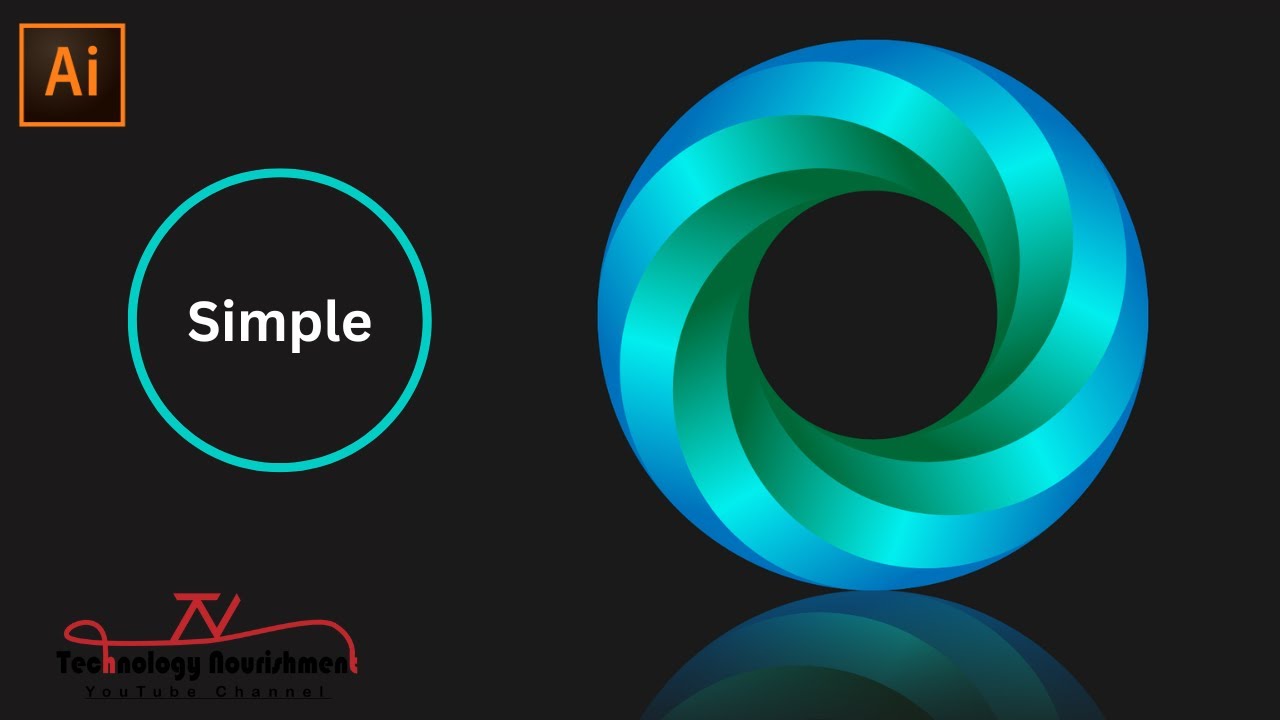
- Use Pathfinder and Shape Builder for complex logo forms.
- Apply vibrant gradient fills and create layered elements.
Your Next Steps
By mastering these techniques in Adobe Illustrator, you can elevate your logo design skills to create visually striking and memorable brands. From custom lettering to advanced effects and complete design workflows, you now have the tools to design logos that truly resonate.
Your Action Items
- ☐Pick one video from above and watch it on Querivo
- ☐Ask questions and check summaries while watching without breaking your flow
- ☐Use the AI chat to clarify confusing parts and deepen understanding
- ☐Come back for more curated videos on topics you want to master
Start designing your dream logo today! Experiment with these techniques and see your brand vision come to life.
Turn Any YouTube Video into an Interactive Lesson
Paste any video link, get an instant AI summary, and ask questions in real-time.
Try Querivo Free →Related Videos You Might Enjoy
Looking for more perspectives on this topic? Here are some additional videos worth checking out:
Unlock One-Click Lightning in Adobe Illustrator
This video demonstrates how to create a realistic, one-click lightning effect in Adobe Illustrator using a combination of appearance panel effects like Gaussian Blur, Offset Path, Tweak, and Roughen. The tutorial shows how to build up the effect with multiple strokes and gradients, and crucially, how to save it as a graphic style for easy reuse on any text or shape.