Tired of JavaScript errors derailing your development workflow? Ready to write code that's not just functional, but truly robust, maintainable, and a joy to debug? TypeScript offers a powerful way to supercharge your JavaScript, catching errors early and improving your code's readability. This guide points you to essential video lessons that demystify TypeScript, making it accessible even for beginners.
Key Takeaways
- 1Unlock TypeScript's power for cleaner JavaScript.
- 2Learn essential data types and logical operators.
- 3Master `tsconfig.json` for efficient project setup.
- 4Explore advanced features like decorators for better code.
- 5Build scalable, error-free applications with confidence.
Who this is for
- If you're a JavaScript developer struggling with runtime errors and code maintainability.
- If you're an aspiring front-end developer looking to adopt modern best practices.
- If you're curious about TypeScript but find its initial learning curve intimidating.
Start Learning with AI-Powered Video Summaries
Get instant summaries, ask questions, and turn any video into an interactive study session.
Try Querivo Free →Grasp JavaScript's Building Blocks for a Stronger TypeScript Foundation
Before we dive headfirst into TypeScript, it's really smart to get a solid handle on the bedrock it builds upon: JavaScript. This video, "Demystifying JavaScript Tutorials For Beginners - #7 - Introduction To Data Types," breaks down the fundamental data types you'll encounter daily. Understanding how numbers, strings, and booleans work at their core is absolutely crucial for writing effective TypeScript.
You'll see how strings, whether declared with single quotes, double quotes, or the handy template literals, are manipulated. The creator clearly states that each data type will be explored in more detail in subsequent videos, helping manage your expectations and setting a clear learning path. Plus, learning about multi-line strings and interpolation, as demonstrated in this foundational lesson, really makes dynamic string building a breeze. It’s all about making sure your foundational knowledge is rock-solid, so when you introduce TypeScript, it clicks into place.
- Solidify your understanding of JavaScript's primitive data types.
- Practice string declaration, concatenation, and interpolation for dynamic content.
Sharpen Your Logic with TypeScript's Boolean Operators
Now that we've got our JavaScript fundamentals shored up, let's talk about making decisions in code. Conditional logic is at the heart of every application, and this video, "Demystifying Logical Operators in TypeScript," clearly lays out how TypeScript handles it using its logical operators. It's pretty straightforward stuff, but incredibly powerful for building robust applications.
This video provides clear, concise explanations of each logical operator – AND (&&), OR (||), and NOT (!) – with live coding examples. You'll learn how to combine conditions to create precise logic. Seeing these in action within Visual Studio Code really hammers home how they work. Mastering these operators means you can build more reliable and predictable code, catching potential issues before they even arise. This is a key step toward writing smarter, more error-free applications.
- Master AND, OR, and NOT operators for effective conditional logic.
- Apply these operators in Visual Studio Code for practical understanding.
Configure Your TypeScript Environment for Success with tsconfig.json
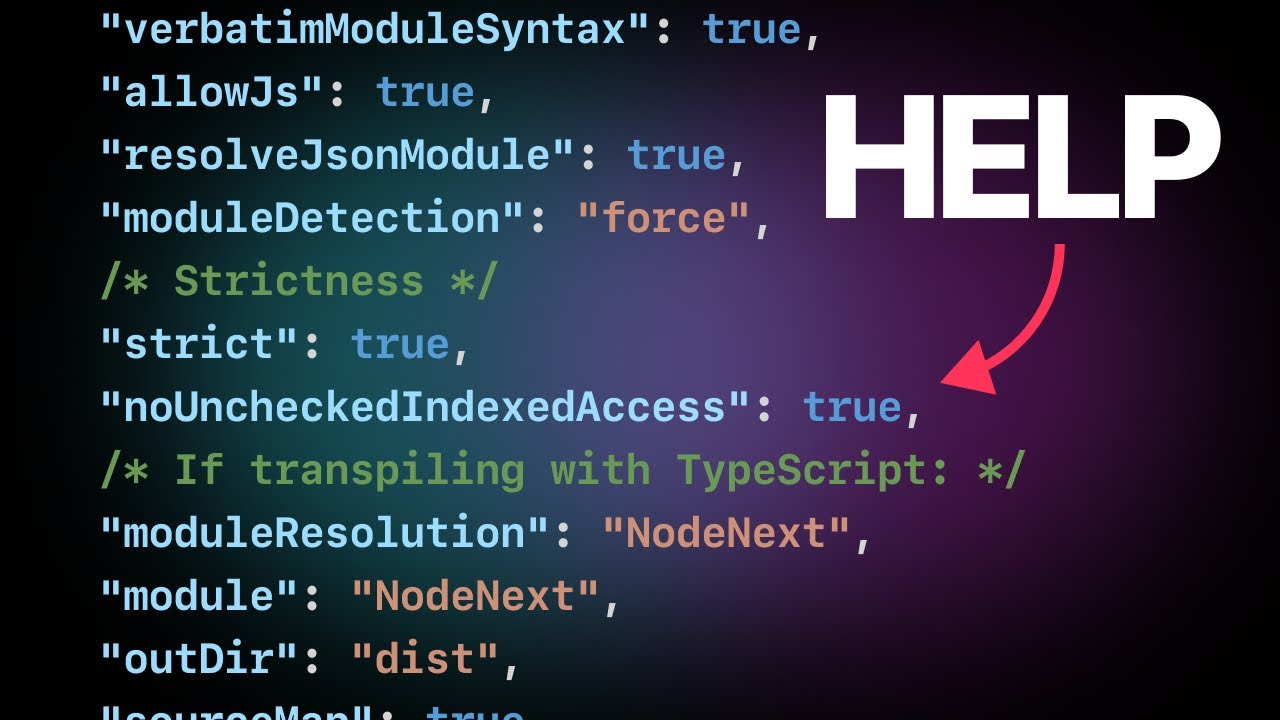
Getting your TypeScript project set up correctly from the start is, well, huge. The tsconfig.json file might look a little intimidating at first glance, but this video, "The TSConfig Cheat Sheet," makes it surprisingly accessible. It's your project's roadmap for the TypeScript compiler, dictating everything from strictness to how your code is transpiled.
This video cuts through the complexity by providing a clear 'cheat sheet' approach. It focuses on the most impactful decisions and common scenarios, saving you significant time and confusion. We'll look at key base and strictness options that promote writing more robust code. Plus, you'll get clarity on the difference between using the TypeScript Compiler (TSC) directly versus relying on bundlers like Vite or esbuild. Understanding how to configure for DOM environments (browser development) or even for library builds is really what sets up your project for long-term success. This is definitely worth your time if you're serious about your TypeScript workflow.
- Understand essential `tsconfig.json` options for optimal project setup.
- Differentiate between TSC transpilation and bundler workflows.
Study This Video Deeper
Get an AI summary and ask questions about confusing parts in real-time.
Open in Querivo →Unlock Advanced Code Patterns with TypeScript Decorators
Ready to dive into some of TypeScript's more advanced, yet incredibly powerful, features? Decorators are a concept that can significantly enhance your code's elegance and reusability, and this video, "The Magic of TypeScript Decorators," breaks them down with surprising clarity. Think of them as annotations that let you modify or extend classes, properties, and methods in a really neat, declarative way.
This video offers practical, real-world examples of decorators. You'll learn how class decorators can alter class behavior, like creating a 'frozen' class decorator to prevent unintended modifications. Then, explore property decorators that can influence get/set behavior, and method decorators that give you control over execution flow, such as the 'confirmable' method decorator. The creator hints at building an API similar to React Hooks, making the abstract concept of decorators concrete and actionable. The introduction to decorator factories is a game-changer for creating configurable and reusable patterns. This is where you start seeing some serious leverage in your TypeScript development.
- Grasp how decorators act as annotations to modify code elements.
- Experiment with class, property, and method decorators for cleaner code.
Your Next Steps
By working through these essential videos, you're laying down a strong foundation in TypeScript. You've covered JavaScript's core data types, mastered logical operators, learned to configure your environment like a pro, and even touched on advanced patterns like decorators. This curated path is designed to help you code smarter and build with much greater confidence.
Your Action Items
- ☐Pick one video from above and watch it on Querivo
- ☐Ask questions and check summaries while watching without breaking your flow
- ☐Use the AI chat to clarify confusing parts and deepen understanding
- ☐Come back for more curated videos on topics you want to master
Ready to code smarter? Start by applying these concepts in your next JavaScript project or begin exploring dedicated TypeScript tutorials. The journey to more robust and maintainable code is clearer than ever.
Turn Any YouTube Video into an Interactive Lesson
Paste any video link, get an instant AI summary, and ask questions in real-time.
Try Querivo Free →Related Videos You Might Enjoy
Looking for more perspectives on this topic? Here are some additional videos worth checking out:
Demystifying JavaScript Tutorials For Beginners(2020)-#8-Strings
This video tutorial introduces JavaScript strings, demonstrating how to declare them using single quotes, double quotes, and template literals (backticks). It covers multi-line strings and explains string concatenation and interpolation with practical examples.
Demystifying JavaScript Tutorials For Beginners(2020)-#9-Numbers
This JavaScript tutorial introduces the number data type, covering integers and floats. It demonstrates how to use the typeof operator to check variable types, explores various arithmetic operators (addition, multiplication, division, modulus, exponentiation), and showcases helpful Math object methods like round, floor, ceil, and random.
Coding Shorts: Structural Typing in TypeScript
This video explains TypeScript's structural typing system, contrasting it with nominal typing found in languages like C# and Java. It demonstrates how interfaces, types, and classes in TypeScript work by matching the 'shape' or structure of data rather than by explicit declaration of inheritance.
18. Understanding Typescript Core libs in the tsconfig.json file
This video explains how the lib option in tsconfig.json controls which TypeScript core libraries are included in your project. It demonstrates how different lib settings affect the availability of DOM APIs and other JavaScript features, allowing for better control over your development environment.
TypeScript: What’s New in 2.2 - Daniel Rosenwasser
This video discusses the evolution of TypeScript's perception and adoption, highlighting its growing popularity and introducing new features in TypeScript 2.2 and the upcoming 2.3. It also explains the shift to a faster, more predictable release cadence.