Tired of photos that look… just okay? Unlock your creative potential and transform your images into stunning works of art with the power of creative photo editing.
Key Takeaways
- 1Master advanced editing for unique photo looks.
- 2Explore powerful free photo editing tools.
- 3Elevate portraits with selective adjustments.
- 4Discover abstract and artistic photo effects.
- 5Transform your images into captivating art.
Who this is for
- If you're a photographer looking to stand out online
- If you're a digital artist wanting to push creative boundaries
- If you're a content creator needing eye-catching visuals
Start Learning with AI-Powered Video Summaries
Get instant summaries, ask questions, and turn any video into an interactive study session.
Try Querivo Free →Master Lightroom's Hidden Gems for Professional Polish
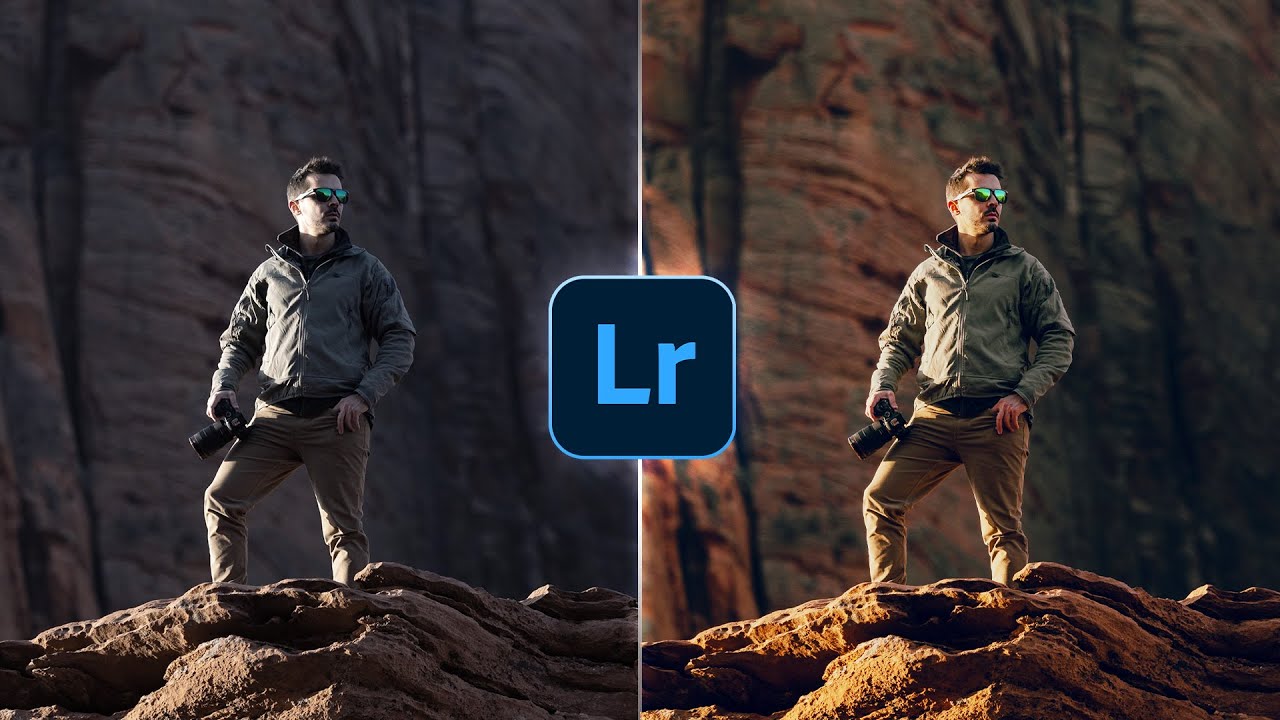
Ever feel like your photos are missing that extra something? This video dives deep into Lightroom, showing you how to move beyond basic tweaks and truly elevate your images. We're talking about techniques that give your work a professional, unique polish, the kind that makes people stop scrolling. It’s about understanding how specific tools can dramatically alter mood and separation.
You'll learn how to use the Dehaze tool not just for fog, but for precisely separating subjects from their backgrounds – a surprisingly effective trick. Plus, getting your white balance just right is crucial, and this tutorial breaks down how to achieve true-to-life colors every time. And the Curves tool? It's a powerhouse for nuanced contrast that can transform the entire feel of a shot.
This isn't about a quick fix; it's about building a stronger editing foundation. If you're ready to make your photos look like they belong in a magazine, this video is a seriously solid starting point. It's a deep dive into making your images truly yours.

- Master advanced Lightroom tools like Dehaze and Curves for unique effects.
- Learn essential hotkeys to speed up your professional workflow.
Unlock Artistic Potential with Top Free Photo Editors
Think professional-level photo editing requires expensive software? Think again! This video shatters that myth by showcasing some genuinely powerful, and thankfully free, photo editing tools. It’s pretty inspiring to see what you can achieve without spending a dime, making creative editing accessible to everyone, whether you’re a hobbyist or just starting out.
You'll get a rundown of the best five free options available, covering different operating systems too, which is super handy. And get this – it even explores the surprisingly capable evolution of Microsoft Paint! But it doesn't stop there. We dive into PhotoScape X for all your versatile editing needs and collage creations, and Paint.NET is covered for those stepping into intermediate territory. For the truly ambitious, GIMP and Krita are highlighted as robust options for advanced artistic manipulation.
This is a fantastic resource if you're exploring creative photo editing YouTube videos but are conscious of your budget. It proves that you don't need the priciest tools to create stunning visuals.
- Discover the top 5 free photo editors for various operating systems.
- Explore powerful features in tools like GIMP and Krita for advanced art.
Study This Video Deeper
Get an AI summary and ask questions about confusing parts in real-time.
Open in Querivo →Transform Portraits with Powerful Selective Adjustments
Portraits are where so many creative editing techniques really shine. This video zeroes in on exactly that, teaching you how to take your portrait shots from ordinary to absolutely captivating. It’s all about precision and using readily available tools to bring out the best in your subjects, making them look natural yet incredibly polished. You’ll definitely want to pay attention to the masking techniques here.
The tutorial walks you through isolating and enhancing facial features with incredible accuracy. It’s a game-changer for making eyes pop or defining a jawline subtly. Plus, learning the art of skin retouching without making it look artificial is a skill worth its weight in gold. This video breaks down how to achieve that smooth, radiant look that clients and viewers love.
And then there’s the magic of creative color grading and using dodge and burn. You'll learn how to sculpt light and add dimension to faces, giving your portraits a professional, painterly feel. If you're serious about portrait photography, this video is a must-watch.
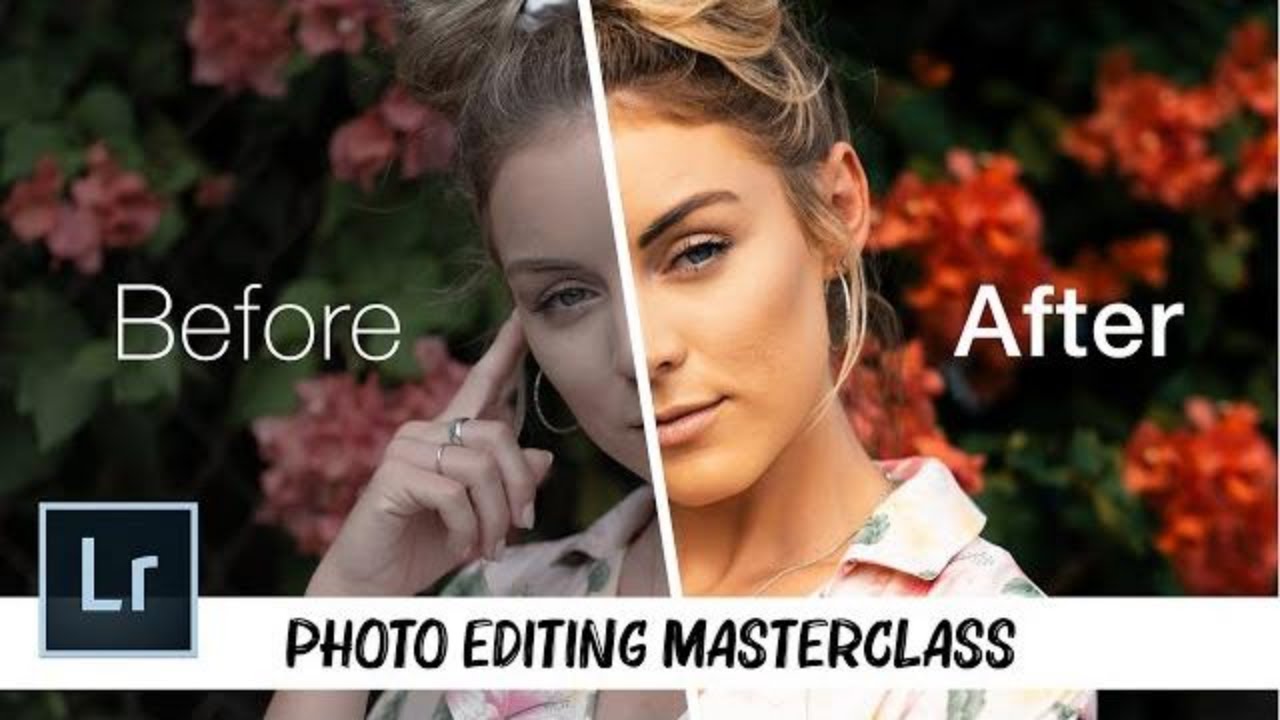
- Master precise masking for enhancing facial features.
- Learn natural-looking skin retouching and light sculpting techniques.
Adding Unique Styles: Embracing Abstract and Artistic Effects
Ready to break free from conventional photography and dive into the truly avant-garde? This video is your ticket to exploring abstract and artistic effects that push the boundaries of what a photograph can be. It encourages experimentation and a willingness to play with your images in ways you might not have considered before. This is where you really start to develop a unique visual voice.
We’re talking about techniques that can give your photos a painterly feel or incorporate stunning digital textures. You'll discover how to integrate surreal elements into your compositions, creating dreamlike or fantastical scenes. Plus, the video delves into creative uses for brushes and overlays, helping you achieve truly unique aesthetics that are all your own.
And if you're into bold visual statements, the exploration of abstract color manipulation and distortion is pretty exciting. It's about making your images not just seen, but felt. This tutorial is perfect for anyone looking to add that extra layer of artistic flair and memorable impact to their work. It's a fantastic example of creative photo editing YouTube content that truly inspires.
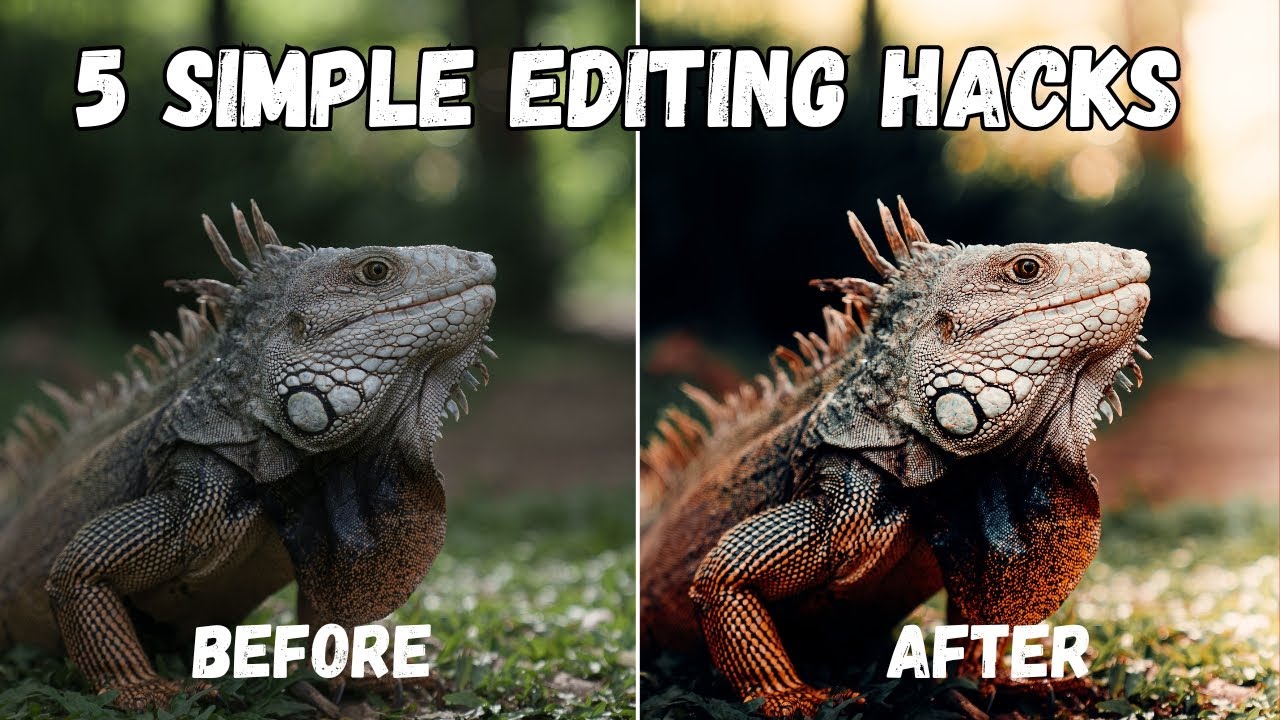
- Create painterly effects and integrate surreal digital elements.
- Experiment with abstract color manipulation and distortion for unique styles.
Your Next Steps
By combining advanced software techniques with a willingness to experiment, you can transform your photographs into unique artistic expressions that capture attention and convey your vision. These curated videos offer a powerful starting point for anyone looking to elevate their photo editing skills.
Your Action Items
- ☐Pick one video from above and watch it on Querivo
- ☐Ask questions and check summaries while watching without breaking your flow
- ☐Use the AI chat to clarify confusing parts and deepen understanding
- ☐Come back for more curated videos on topics you want to master
Ready to unlock your creative potential and make your photos truly unforgettable? Dive into these incredible YouTube resources today and start your journey into the exciting world of creative photo editing!
Turn Any YouTube Video into an Interactive Lesson
Paste any video link, get an instant AI summary, and ask questions in real-time.
Try Querivo Free →Related Videos You Might Enjoy
Looking for more perspectives on this topic? Here are some additional videos worth checking out:
EDIT PHOTOS Like a Pro // Complete LIGHTROOM Tutorial
EDIT PHOTOS Like a Pro // Complete LIGHTROOM Tutorial
Watch with Querivo →Top 5 Best FREE PHOTO EDITING Software (2025)
This video reviews the top 5 free photo editing software options for Windows, Mac, and Linux, catering to users who want to enhance images and create graphics without expensive subscriptions. It covers a range of tools from basic to advanced, highlighting features and platform availability for each.