Tired of spending hours crafting slides that fall flat? Imagine creating presentations so visually compelling, they captivate your audience from the first click. The secret isn't just about content; it's about advanced design.
Key Takeaways
- 1Learn to build presentations that demand attention.
- 2Discover AI tools for rapid, stunning slide generation.
- 3Master dynamic visuals with PowerPoint Morph.
- 4Elevate designs with animated effects and professional touches.
- 5Create impactful business presentations with AI insights.
Who this is for
- If you're struggling to make your presentations visually engaging
- If you're looking for ways to speed up your presentation design process
- If you're a professional or student needing to deliver impactful visual communication
Start Learning with AI-Powered Video Summaries
Get instant summaries, ask questions, and turn any video into an interactive study session.
Try Querivo Free →Harness the Power of AI for Rapid, Stunning Slide Generation
Let's face it, starting a presentation from scratch can be daunting. But what if you could leverage artificial intelligence to do the heavy lifting? This video introduces Gamma.app, a game-changer for quickly generating visually appealing slides. You'll discover how this AI tool can take your text prompts, documents, or even web links and whip up a presentation outline and initial design in no time. It's surprisingly efficient for anyone looking to accelerate their workflow.
Gamma.app isn't just about speed; it's also about intelligence. The creator shows you how to refine the AI's output, adjusting the brevity of the text, the number of cards (slides), and even the overall visual style. Plus, it can source AI-generated images, a real time-saver. While there's a credit system involved, understanding how to use it effectively is key to unlocking its potential for creating polished presentations without needing a degree in graphic design. This is definitely a tool worth exploring for efficient presentation creation.

- Learn to generate presentations rapidly with Gamma.app's AI.
- Experiment with AI-generated content and image sourcing for efficiency.
Study This Video Deeper
Get an AI summary and ask questions about confusing parts in real-time.
Open in Querivo →Master Dynamic Visuals: Create Engaging Image Sliders with PowerPoint Morph
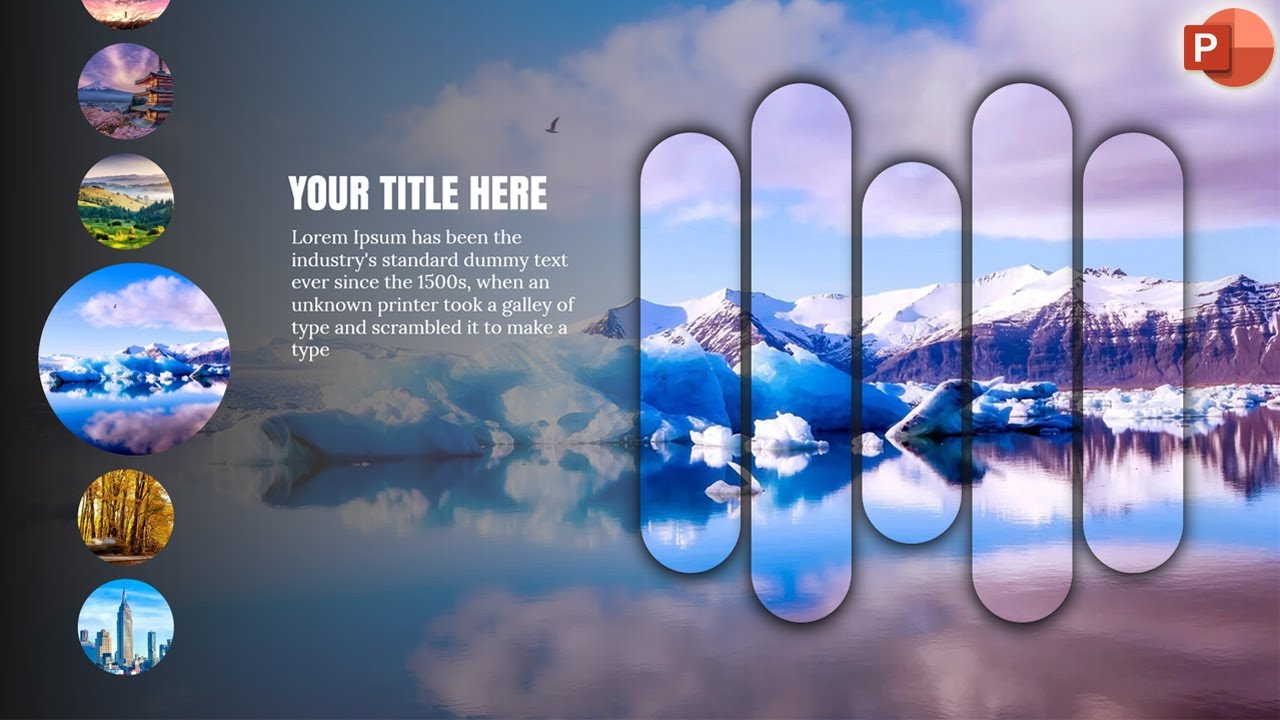
Moving beyond AI generation, let's talk about making your slides truly dynamic. This video dives deep into a specific, advanced PowerPoint technique that can seriously elevate your presentation's visual appeal: creating sophisticated image sliders using the Morph transition. It’s a skill that, once mastered, adds a professional and incredibly engaging flow to your content. Forget static images; we're talking about smooth, captivating transitions that keep your audience hooked.
The creator walks you through a step-by-step process that's surprisingly accessible. You'll learn how to insert background images, add decorative shapes for visual interest, and, critically, layer circular images with just the right aspect ratios for that polished look. It’s these kinds of detailed techniques, often overlooked, that differentiate a good presentation from a great one. You'll also see how to apply text elements that complement the moving images, creating a cohesive and impressive visual narrative. This tutorial is a fantastic resource for anyone looking to add some serious flair to their PowerPoint skills.
- Master the PowerPoint Morph transition for dynamic image sliders.
- Learn to layer and arrange images for a professional, flowing effect.
Elevate Your Canva Designs with Animated Effects and Professional Touches
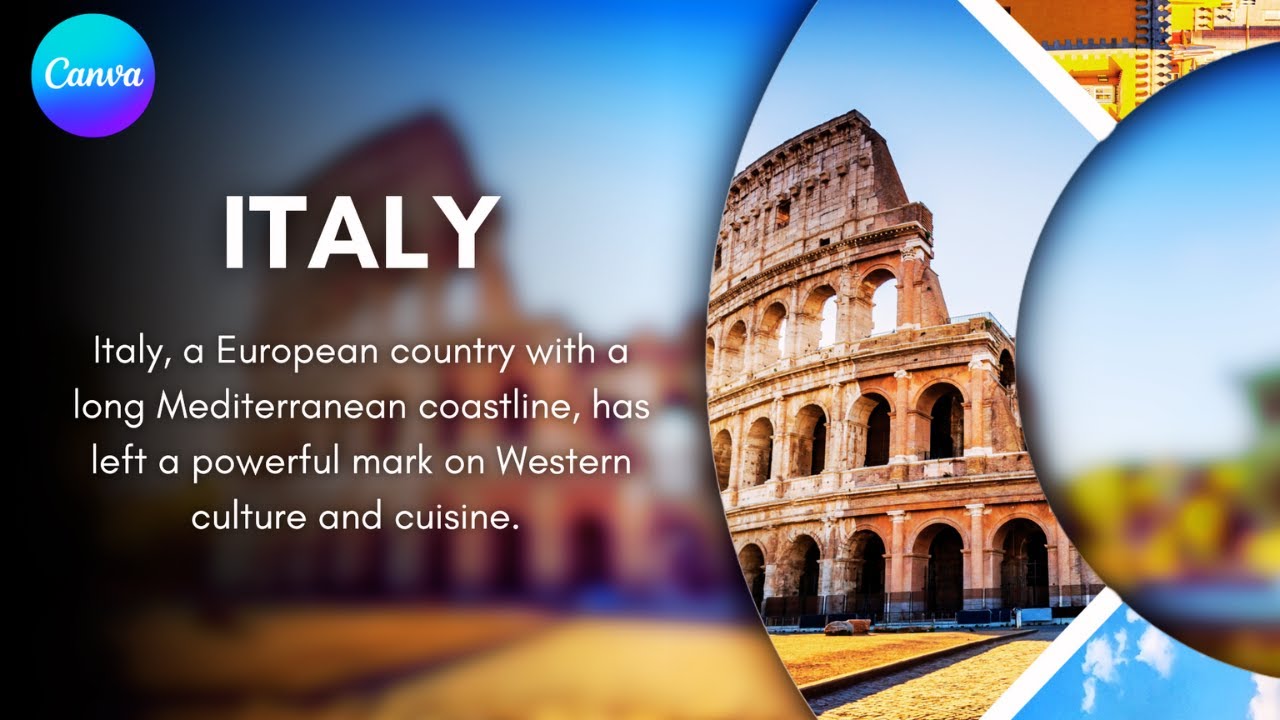
Canva is incredibly popular, and for good reason. But are you using it to its full potential? This video explores how to take your Canva presentations to the next level by implementing advanced animation techniques. It focuses on creating dynamic layouts with rotating elements and professional transitions, moving beyond the standard templates to something truly eye-catching. If you're aiming for presentations that feel modern and highly polished, this is your guide.
You'll discover how to craft dynamic presentations, specifically featuring a cool circular frame effect that really makes images pop. The creator demonstrates how to animate rotating images and text, giving your slides a professional and engaging feel that's surprisingly simple to achieve once you know the steps. It’s all about learning to manipulate shapes, import images effectively, and even apply subtle blur effects to enhance the overall aesthetic. Understanding slide transitions and timing is also covered, ensuring a seamless and professional final product. This tutorial is a goldmine for Canva users wanting to impress.

- Enhance Canva presentations with rotating elements and animated effects.
- Achieve professional slide transitions and dynamic layouts.
Beyond Design: Crafting Strategic Presentations with AI-Powered Insights
While visual design is crucial, a truly impactful presentation also needs substance. This video shifts focus from purely aesthetic AI generation to the strategic use of artificial intelligence for generating deep insights and structuring compelling narratives. It’s about ensuring your presentations aren't just pretty pictures, but intellectually robust and persuasive. You'll learn how to leverage AI tools, like ChatGPT, for in-depth research and to generate unique, valuable insights that will resonate with your audience.
The creator emphasizes the importance of structuring your presentation narrative, even suggesting the use of established consulting frameworks. This approach helps organize complex information logically. And crucially, it addresses the limitations of AI-generated presentations, underscoring the absolute necessity of human refinement and critical thinking. By combining AI for insight generation with AI for design, you're setting yourself up to create truly impactful business presentations that are both smart and visually stunning. This is a must-watch for anyone serious about business communication.

- Leverage AI for in-depth research and generating unique insights.
- Structure your presentation narrative effectively using consulting frameworks.
Your Next Steps
By now, you've seen how AI can revolutionize the creation and refinement of presentations, from rapid generation with Gamma.app to strategic insight development. You've also explored advanced design techniques in both PowerPoint and Canva, ensuring your visuals are as compelling as your content. The key is the synergy between smart technology and human creativity.
Your Action Items
- ☐Pick one video from above and watch it on Querivo
- ☐Ask questions and check summaries while watching without breaking your flow
- ☐Use the AI chat to clarify confusing parts and deepen understanding
- ☐Come back for more curated videos on topics you want to master
Ready to transform your presentation skills? Start experimenting with these techniques today and revolutionize your next slideshow!
Turn Any YouTube Video into an Interactive Lesson
Paste any video link, get an instant AI summary, and ask questions in real-time.
Try Querivo Free →Related Videos You Might Enjoy
Looking for more perspectives on this topic? Here are some additional videos worth checking out:
How to Create Presentations with AI n 2025! (Full Guide for Beginners)
The Best AI Tool for Creating Stunning Presentations 🤯 | Make PPT in just 2 minutes
This video demonstrates how to create professional PowerPoint presentations quickly and efficiently using the AI tool Gamma AI. It guides viewers through signing up, choosing a content generation method, customizing presentation settings, selecting a design, and editing the final output, including integrating AI-generated images.

How to Create Stunning Presentations with Morph Transition in PowerPoint | Step-by-Step Tutorial
This video tutorial demonstrates how to effectively use the Morph transition in PowerPoint to create dynamic and stunning presentations. It covers basic object movement, shape transformations, and advanced techniques for text and image animations, including a carousel effect.

Canva Animation Tutorial: Create Stunning Presentations with Ease
This video tutorial demonstrates how to create a dynamic presentation in Canva using a circular frame effect with rotating images and text. It covers importing images, manipulating shapes, applying blur effects, and animating between slides for a professional look.