Tired of presenting to a sea of blank stares? In today's fast-paced world, a compelling presentation isn't just about information; it's about impact.
Key Takeaways
- 1Master PowerPoint design for impactful presentations.
- 2Learn 5 essential consulting slide layouts.
- 3Create audience-centric slides that enhance your message.
- 4Elevate your decks with visual appeal and engagement tips.
- 5Build confidence with smart presentation strategies.
Who this is for
- If you're struggling to make your presentations engaging and memorable
- If you're a business professional, student, or educator looking to level up your slide game
- If you're ready to move beyond basic slide creation and deliver impactful messages
Start Learning with AI-Powered Video Summaries
Get instant summaries, ask questions, and turn any video into an interactive study session.
Try Querivo Free →Build the Consulting Slides Every Professional Needs
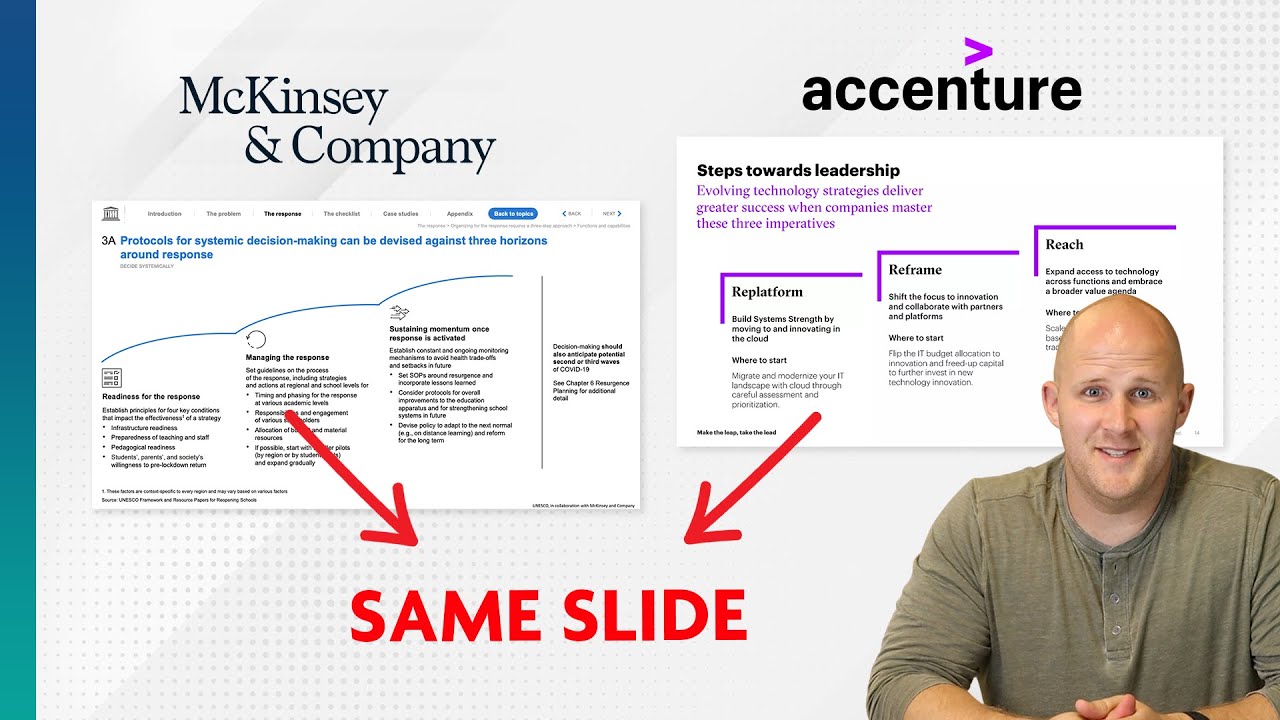
Let's face it, many professionals find themselves spending a significant chunk of their time in PowerPoint. Especially if you're in fields like consulting, finance, or strategy, mastering the core slide structures isn't just helpful – it's practically a requirement. This video breaks down the absolute essentials, showing you how to build the slides that form the backbone of most impactful business presentations. You'll discover the five most common layouts that consulting firms like McKinsey and Bain rely on, and more importantly, how to construct them efficiently.
This isn't about reinventing the wheel. The creator analyzes actual slides from top firms to identify reusable templates for tables, charts, and framework diagrams. It's about giving you a proven framework so you can focus on your content and your message, not on struggling with basic slide construction. You'll gain practical guidance that's surprisingly easy to implement, even if you're not a seasoned designer.
- Master the 5 most common consulting slide layouts for efficiency.
- Learn practical techniques for building essential tables and charts.
Study This Video Deeper
Get an AI summary and ask questions about confusing parts in real-time.
Open in Querivo →Create Audience-Centric Slides that Enhance Your Message
Ever sit through a presentation where the slides are just walls of text? Yeah, we've all been there. This video tackles that head-on, advocating for a crucial philosophy: design your slides with your audience, and your spoken message, firmly in mind. The key takeaway here is simplicity. Don't cram every single piece of data onto one slide; instead, aim to make your slides a clear, visual supplement to what you're actually saying.
The creator also touches on something really important – the strategic use of acronyms. It’s easy to think you’re being concise, but sometimes acronyms can just lead to confusion or, worse, offense. This tutorial emphasizes making your slides serve your narrative, acting as visual cues rather than a script that the audience tries to read while you’re talking. It's about enhancing clarity, not overwhelming detail. You’ll definitely walk away with a better understanding of how to make your message resonate.

- Prioritize simplicity and clarity over dense text on slides.
- Ensure your slides enhance, not replace, your spoken presentation.
13 Essential Tips for Visually Stunning and Engaging Decks
Ready to take your PowerPoint game from functional to fantastic? This video offers a treasure trove of practical advice, packed with 13 essential tips that can seriously elevate the visual appeal and engagement factor of any presentation. It’s not just about making things look pretty; it’s about strategic design that keeps your audience hooked. We're talking about organizing your content logically, with one core idea per slide – a simple change that makes a huge difference in audience focus.
You'll also dive into the power of consistency. Selecting a thoughtful typography and color palette isn't just an aesthetic choice; it builds a cohesive and professional feel. Plus, the video covers leveraging visual hierarchy, using media judiciously, and incorporating smooth transitions to maintain that crucial engagement. If you're looking for actionable ways to make your slides pop and your message stick, this tutorial is definitely worth your time. It’s a really solid guide for anyone wanting to master effective PowerPoint presentation design.
- Achieve consistency with deliberate typography and color choices.
- Use visual hierarchy and media to keep your audience actively engaged.
Present with Unwavering Confidence Through Smart PowerPoint Strategies
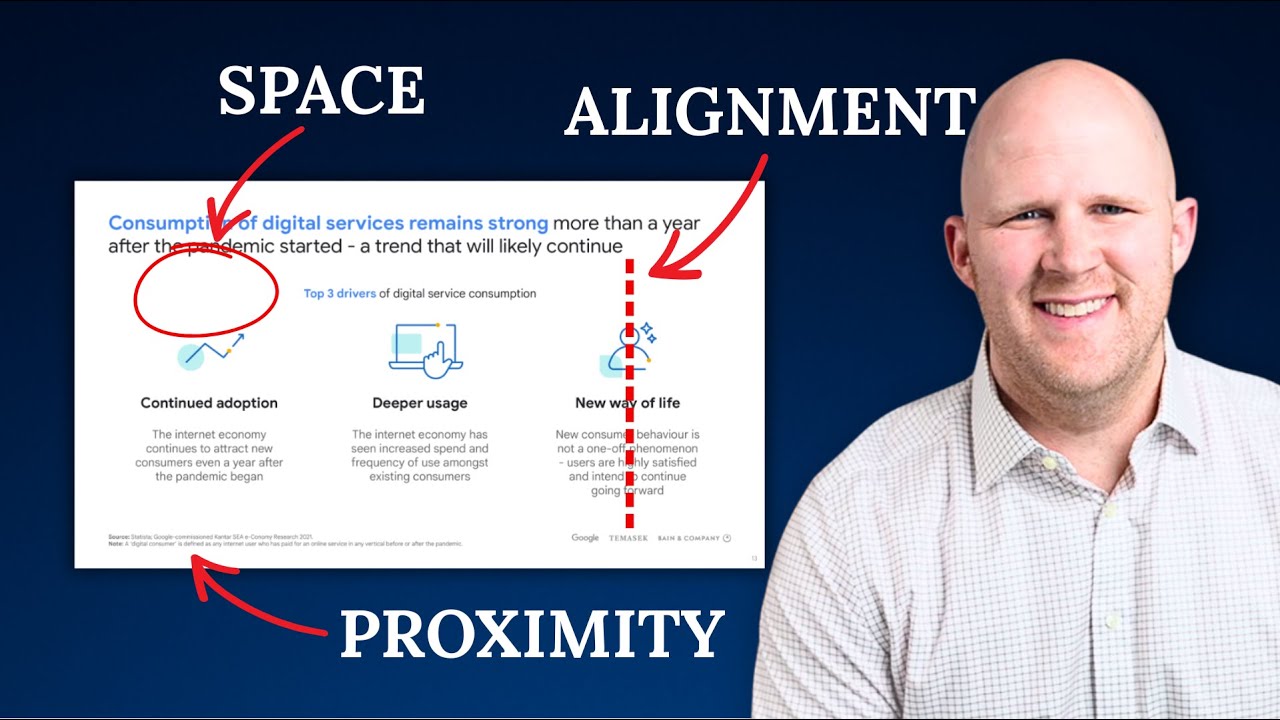
Have you ever felt your confidence waver mid-presentation? Often, it's linked to how we've structured our slides. This video offers some smart strategies to refine your delivery by focusing on elements that boost both speaker confidence and audience connection. A major theme? Reducing cognitive load. That means simplifying what's on your slide so your audience doesn't have to work overtime to understand it.
You’ll also get a friendly nudge about overusing branding, especially logos. While branding is important, a logo plastered on every single slide can actually become a distraction, pulling attention away from your core message. The creator really drives home the idea of adopting an audience-centric approach – designing slides that actively support your spoken narrative, rather than competing with it. It’s about building a seamless experience for your audience, which, in turn, will make you feel much more in control and confident.
- Simplify slides to reduce audience cognitive load and boost confidence.
- Be mindful of overusing branding elements like logos.
Your Next Steps
By incorporating the lessons from these top YouTube creators, you can move beyond basic slide creation to design presentations that are not only visually appealing but also highly effective in communicating your message and achieving your goals. This curated list provides a fantastic starting point for anyone looking to significantly improve their PowerPoint skills.
Your Action Items
- ☐Pick one video from above and watch it on Querivo
- ☐Ask questions and check summaries while watching without breaking your flow
- ☐Use the AI chat to clarify confusing parts and deepen understanding
- ☐Come back for more curated videos on topics you want to master
Start transforming your presentations today! Explore these videos and implement their actionable advice. Practice applying these design principles to your next presentation. Share your newly crafted slides with colleagues or peers for feedback and continue refining your skills.
Turn Any YouTube Video into an Interactive Lesson
Paste any video link, get an instant AI summary, and ask questions in real-time.
Try Querivo Free →Related Videos You Might Enjoy
Looking for more perspectives on this topic? Here are some additional videos worth checking out:
Present with CONFIDENCE with THESE 3 PowerPoint Tips
This video provides three actionable tips to improve PowerPoint presentations: prioritize simplicity over cramming too much information onto slides, carefully consider the use of acronyms to avoid confusion and offense, and be mindful of excessive branding, especially logos, on every slide. The instructor emphasizes making slides audience-centric and a supplement to the presenter's message.

5 QUICK Ways to Improve Your PowerPoint Design
13 Presentation Design Tips to Create an Awesome Slide Deck
This video provides 13 essential tips for creating engaging and visually appealing presentation slides. It emphasizes clarity, conciseness, and strategic use of design elements to prevent audience disengagement. The advice covers content organization, typography, visual hierarchy, color, media integration, and transitions.