

Tired of your designs blending in with the crowd? What if you could craft lettering that's as unique as your ideas?
Key Takeaways
- 1Discover top YouTube videos for designing custom fonts.
- 2Learn practical techniques for impactful lettering.
- 3Unlock creative text effects and hidden typographic tools.
- 4Elevate your graphic design with unique typefaces.
- 5Start your personal font creation journey today!
Who this is for
- If you're a graphic designer looking to add a personal touch to your work
- If you're an artist or hobbyist wanting to create standout journaling or planning layouts
- If you're a beginner curious about the fundamentals of typography design
Start Learning with AI-Powered Video Summaries
Get instant summaries, ask questions, and turn any video into an interactive study session.
Try Querivo Free →Make Your Handwriting Unforgettable: Simple Lettering Enhancements
Ever look at your own handwriting and wish it had a bit more… pizzazz? This first video is a fantastic starting point for anyone wanting to move beyond basic lettering. It dives into super accessible techniques that can instantly elevate any text. The sheer volume of ideas (50+) presented in a concise and visually engaging manner is the primary value. The focus on 'enhancements' rather than entirely new styles makes the techniques highly accessible and adaptable for beginners. You'll discover how simple filling techniques, like hatching, can bring a unique personality to your letters, and you can learn how to transform everyday writing into something much more dynamic and visually engaging.
This tutorial really shines by focusing on enhancements rather than entire font overhauls, making it incredibly approachable for beginners. You'll see how to transform everyday writing into something much more dynamic and visually engaging. Learning these basic enhancements can dramatically change the feel of your text, whether it's for a personal journal, a creative project, or even a quick social media graphic.
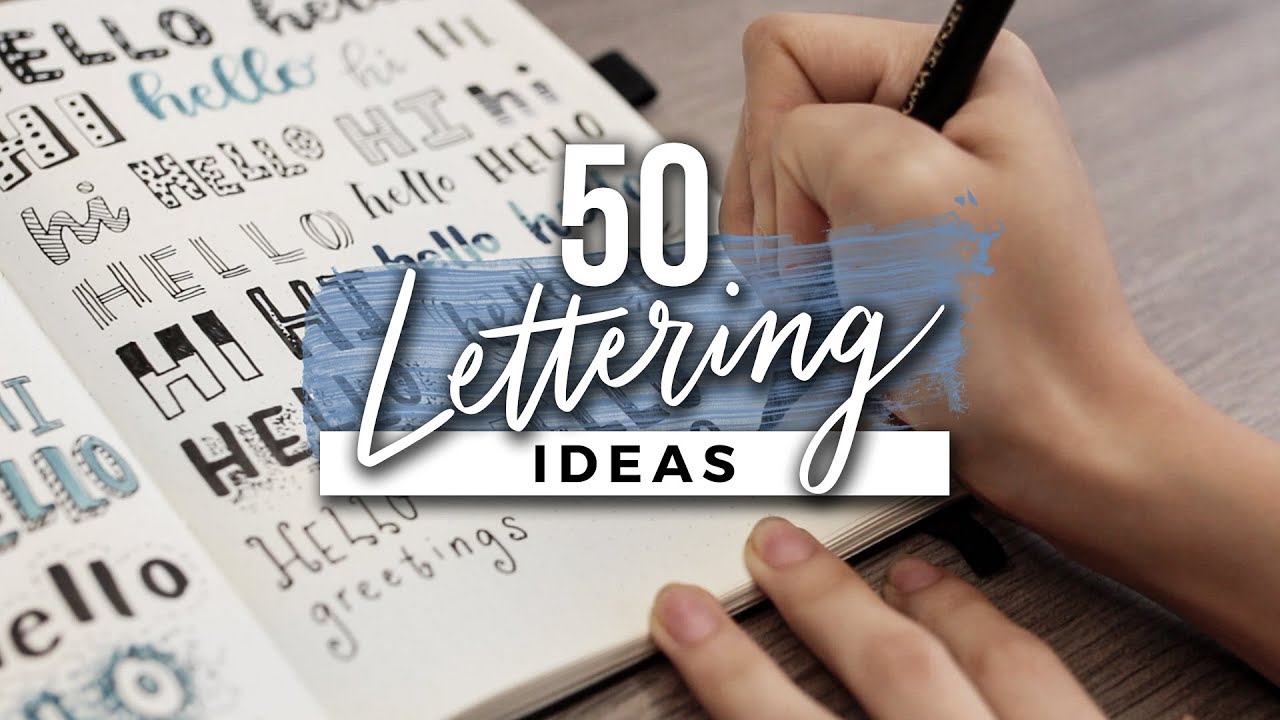
- Learn 50+ simple ways to enhance your existing handwriting.
- Experiment with drop shadows, outlines, and filling for unique letterforms.
Unlock Hidden Typography Gems in Canva
Canva is a go-to for many, but did you know it holds some pretty cool typographic secrets? This video is a revelation for anyone using the platform for their designs. It introduces 'secret' Canva font sets that are not immediately obvious within the standard font library, offering a unique way to access decorative typography. We're especially excited about the layered and outlined text effects the creator demonstrates – they're surprisingly effective for making text really stand out, particularly in sports-themed graphics or when you want a polished, integrated look. Plus, learning how to leverage background removal here is a game-changer for text placement.
It's a masterclass in using Canva's existing tools in inventive ways. You'll discover efficient methods for finding and saving new font resources within the app, which definitely helps in building your own design toolkit. This tutorial is really about working smarter, not harder, to achieve impressive typographic results, making it an invaluable resource for anyone looking to elevate their Canva designs beyond the basic templates.
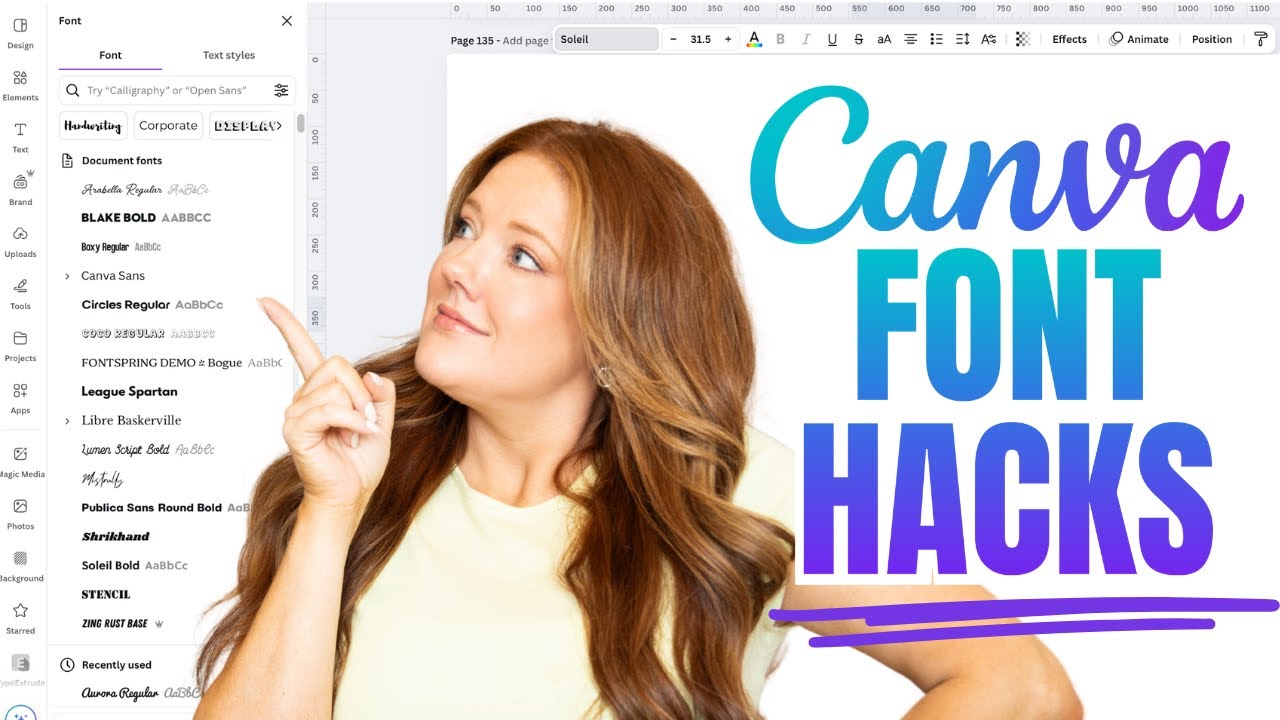
- Discover secret font sets and keyword tricks within Canva's Elements.
- Master layered and outlined text effects for a professional finish.
Study This Video Deeper
Get an AI summary and ask questions about confusing parts in real-time.
Open in Querivo →Craft Adorable Lettering: Bubble Letters to Brush Pen Flair
Looking to add some charm to your bullet journal, planner, or creative projects? This video is an absolute delight, focusing on creating fun and functional lettering styles that are surprisingly easy to replicate. The creator provides practical, easy-to-follow methods for creating unique lettering styles using common journaling supplies, focusing on a signature 'neat but quirky' aesthetic. You'll learn to manipulate letter heights and widths, creating dynamic compositions that just feel right. What really caught our eye were the creative combinations like brush pen with white gel pen – adding white gel pen outlines for a pop against darker fills. It’s these kinds of creative combinations that make your work truly special.
The emphasis here is on accessible styles that look polished but retain a hint of quirkiness. You'll find yourself mastering outline cursive lettering and adding dimension with subtle fills and shadows. It's all about practical application for everyday creative output, making it a must-watch if you're keen on personalizing your planning with adorable and eye-catching lettering.
- Create various bubble letter styles and manipulate letter proportions.
- Incorporate unique brush pen techniques with gel pen overlays.
Your Next Steps
By diving into these beginner-friendly YouTube tutorials, we've explored practical ways to enhance existing fonts, uncover hidden typographic resources, and even start designing your own custom lettering styles. The value of these resources lies in their accessibility and the direct, actionable advice they offer. For instance, the first video provides a wealth of simple ideas that can be implemented immediately, while the second shows how to leverage existing tools in more sophisticated ways. The third video grounds these techniques in tangible creative outputs like journaling, making the learning process feel more rewarding.
Remember, the journey to developing your unique typographic voice is all about consistent practice and fearless experimentation. Don't be afraid to try something new! Understanding the fundamentals presented in these videos will empower you to not only replicate but also innovate within your own design work.
Your Action Items
- ☐Pick one video from above and watch it on Querivo
- ☐Ask questions and check summaries while watching without breaking your flow
- ☐Use the AI chat to clarify confusing parts and deepen understanding
- ☐Come back for more curated videos on topics you want to master
Ready to transform your typography? These curated videos provide a fantastic foundation for anyone eager to learn font creation and custom typeface tutorials. Dive in and start making your mark!
Turn Any YouTube Video into an Interactive Lesson
Paste any video link, get an instant AI summary, and ask questions in real-time.
Try Querivo Free →Related Videos You Might Enjoy
Looking for more perspectives on this topic? Here are some additional videos worth checking out:
Crafting With April - I need a Font - What is this font?
This video demonstrates how to effectively use font preview tools on various font websites to find and identify specific fonts for crafting projects. It highlights that these tools are often hidden and require specific actions to reveal them, empowering crafters to make personalized font choices.
