Are your presentations falling flat, leaving your audience disengaged and your message lost in a sea of generic slides?
Key Takeaways
- 1Discover curated videos to elevate your presentation design.
- 2Learn to structure narratives for maximum audience impact.
- 3Transform text into engaging visuals and infographics.
- 4Master advanced PowerPoint techniques for a professional edge.
- 5Create unique aesthetics that make your message memorable.
Who this is for
- If you're a business professional struggling to hold attention during meetings,
- If you're a student needing to deliver impactful academic presentations,
- If you're anyone looking to move beyond boring slide decks and create truly memorable visuals,
Start Learning with AI-Powered Video Summaries
Get instant summaries, ask questions, and turn any video into an interactive study session.
Try Querivo Free →Build a Solid Foundation: Structuring Your Compelling Narrative
Before you even think about fancy transitions or eye-catching graphics, you absolutely need a strong foundation. This video really drives home the point that a presentation's success hinges on its underlying structure and narrative. It's not just about putting information on slides; it's about crafting a story that pulls your audience along. Understanding your core message and defining the objective are the first crucial steps. Without this clarity, even the prettiest slides will likely fall short.
We'll dive into how the creator breaks down the process of outlining key sections. This isn't just a random jumble of points; it's about flow. Thinking about how one idea connects to the next ensures your audience can follow your train of thought effortlessly. Identifying the essential elements that will support your content, whether it's data, examples, or compelling anecdotes, is also key. Ultimately, you'll see the profound benefits of a well-structured presentation – it makes your message clearer, more persuasive, and much more likely to stick.

- Prioritize clear message and objectives before design.
- Structure your content logically for maximum impact.
Mastering Visual Storytelling: From Basic Slides to Engaging Graphics
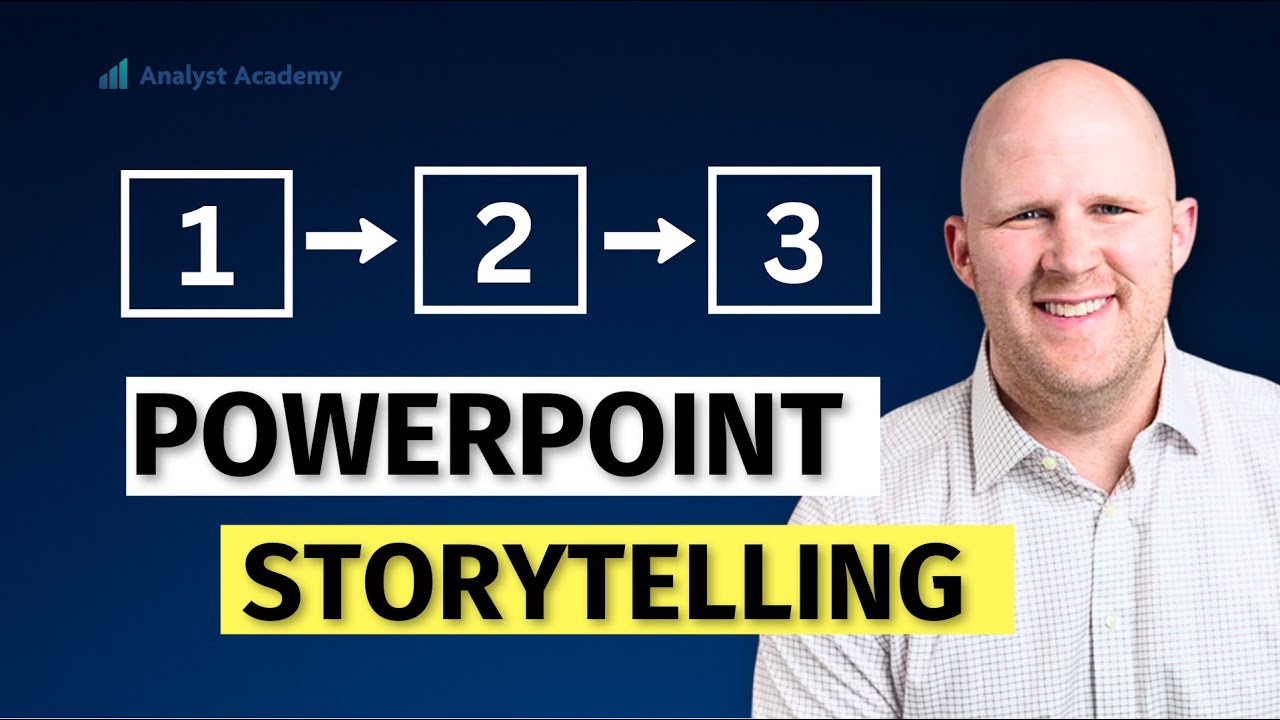
Text-heavy slides can be a real drag, right? This video offers a fantastic approach to transforming those dense blocks of information into something visually digestible and genuinely engaging. You'll discover how to take what could be a boring bulleted list and turn it into a compelling visual story that your audience can actually connect with. It’s about making information accessible and memorable through smart design choices.
The creator walks you through the effective use of graphic elements and icons, showing how they can illustrate complex points with remarkable clarity. Plus, you'll pick up on design principles that enhance both the aesthetic appeal and the overall understanding of your content. We’re talking about creating a cohesive visual theme that runs through your entire presentation, making it feel polished and professional. This isn't just about making slides look pretty; it's about making them work harder for your message.
- Transform text slides into visually digestible formats.
- Use graphics and icons to illustrate points effectively.
Unlock PowerPoint's Power: Advanced Design Techniques for Professionals
So, you're comfortable with PowerPoint, but feel like you're only scratching the surface? This video is your ticket to unlocking some seriously powerful design strategies. It goes beyond the basics to explore advanced formatting and layout options that can truly elevate your presentations from ordinary to extraordinary. You'll learn how to leverage these features to create more sophisticated and impactful visuals.
One of the standout aspects here is creating custom templates and themes. This is so important for maintaining brand consistency, especially if you're presenting on behalf of an organization. You'll also get practical tips on utilizing animation and transitions strategically. The key word is strategically – not just adding flashy effects for the sake of it, but using them to enhance engagement and guide the audience's attention. Plus, there are some pretty solid tips for making your slide creation and editing process much more efficient. This is definitely worth watching if you want to put your PowerPoint skills to the next level.
- Leverage advanced PowerPoint formatting for professional looks.
- Use custom templates for consistent branding.
- Apply animations and transitions strategically.
Beyond Templates: Creating Unique and Memorable Presentation Aesthetics
Tired of the same old template designs? This video encourages you to break free from the standard and develop a unique visual identity for your presentations. It's all about making your content stand out and ensuring it’s truly memorable long after the presentation ends. This is where you can really let your creativity shine and ensure your message has the visual impact it deserves.
You'll explore how to develop a distinct visual style that perfectly aligns with your message and your brand. Choosing effective color palettes and typography is covered in detail, which are critical elements for establishing a specific mood and conveying professionalism. Plus, the video offers guidance on incorporating high-quality imagery and visual aids that genuinely enhance your points, rather than just filling space. Ultimately, the goal here is to design slides that are not only informative but also strikingly aesthetic and unforgettable.
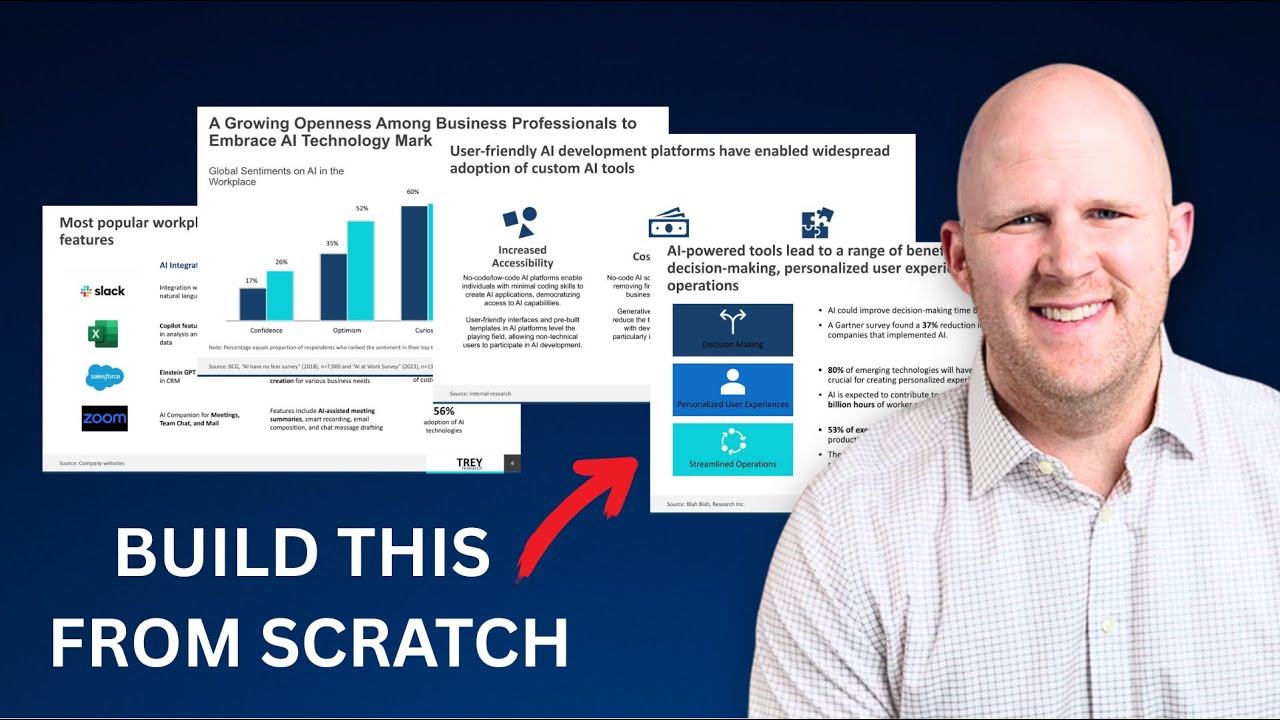
- Develop a unique visual style aligned with your message.
- Choose effective color palettes and typography.
- Incorporate high-quality imagery to enhance points.
Your Next Steps
Mastering presentation design is an ongoing journey, and the right YouTube resources can be invaluable allies. By focusing on clear structure, compelling visuals, and strategic use of design tools, you can transform your presentations from mere information dumps into powerful communication experiences. These curated videos offer practical, actionable advice that can make a real difference.
Your Action Items
- ☐Pick one video from above and watch it on Querivo
- ☐Ask questions and check summaries while watching without breaking your flow
- ☐Use the AI chat to clarify confusing parts and deepen understanding
- ☐Come back for more curated videos on topics you want to master
Start implementing these design principles today and watch your audience engagement soar!
Turn Any YouTube Video into an Interactive Lesson
Paste any video link, get an instant AI summary, and ask questions in real-time.
Try Querivo Free →Related Videos You Might Enjoy
Looking for more perspectives on this topic? Here are some additional videos worth checking out: