Curious about the latest advancements in AI conversation? Claude AI is making waves, and for beginners, navigating its capabilities can feel daunting.
Key Takeaways
- 1Master Claude AI with curated beginner YouTube tutorials.
- 2Learn effective prompt engineering and context usage.
- 3Understand Claude's ethical design and responsible use.
- 4Discover developer tools like Claude Code sub-agents.
- 5Organize projects and customize your AI experience for peak productivity.
Who this is for
- If you're feeling overwhelmed by the potential of advanced AI tools like Claude
- If you're looking for clear, step-by-step guidance to get started with Claude AI
- If you're a beginner eager to learn how to interact effectively with AI conversational models
Start Learning with AI-Powered Video Summaries
Get instant summaries, ask questions, and turn any video into an interactive study session.
Try Querivo Free →Get Up and Running: Your First Steps with Claude AI Prompting
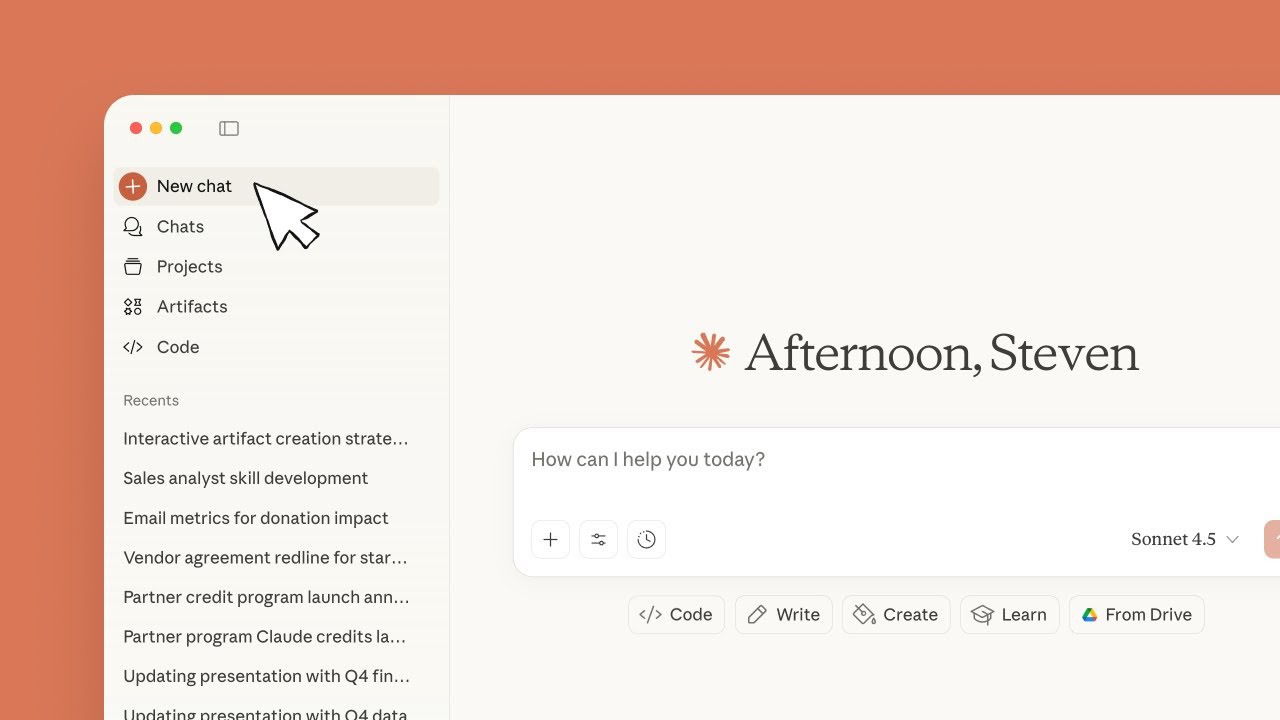
Navigating a new AI tool can feel like learning a new language. This video offers a fantastic starting point for anyone new to Claude AI, focusing on the absolute essentials: how to talk to it effectively. You'll learn the art of prompt engineering, which is really just about crafting clear instructions so Claude understands exactly what you need. Plus, it dives into something surprisingly helpful: uploading documents. Imagine giving Claude a report and asking it to summarize key findings – this video shows you how that works, making your interactions much richer.
It also touches on the different models Claude offers and how you might pick the right one for a specific job. Think of it like choosing the right tool for a task. For those who want to go beyond basic chat, it hints at advanced features like web search integration. And, importantly for long-term use, you'll get a glimpse into organizing your projects and setting up custom instructions so Claude remembers your preferences. It's a really solid introduction, practical and easy to follow.
- Master the basics of effective prompt engineering for Claude AI.
- Utilize document uploads to provide rich context and improve AI responses.
Study This Video Deeper
Get an AI summary and ask questions about confusing parts in real-time.
Open in Querivo →Understanding Claude's Ethical Core: Constitutional AI and Safe Usage
It's not just about what Claude AI can do, but how it's designed to operate. This video tackles a really important aspect: Claude's "constitutional AI" philosophy. This means the AI is built with a set of principles to guide its responses, aiming for helpfulness, honesty, and harmlessness. You'll get to understand what this means in practice and why it's a key differentiator for Claude.
Beyond the philosophy, the practical advice here is gold for beginners. It walks you through the CLEAR framework for crafting prompts, which is surprisingly intuitive and helps ensure your interactions are productive. You'll also learn to distinguish between Claude's different models, like Sonnet and Opus, understanding which one might be better suited for analytical tasks versus creative ones. And a crucial takeaway: always treat AI output as a draft. This video stresses the importance of human oversight, which is vital for responsible AI use. It's a great way to build trust with the technology.
- Grasp Claude's unique 'constitutional AI' philosophy for ethical responses.
- Learn the CLEAR framework for effective prompt engineering.
Power Up Your Development with Claude Code's Sub-Agents
For those of you venturing into using AI for development tasks, this video is a real game-changer. It dives headfirst into Claude Code and its exciting new sub-agent feature. Imagine being able to set up specialized AI assistants within Claude, each designed for a very specific purpose. This tutorial shows you exactly how to do that.
You'll get a step-by-step walkthrough of configuring these agents. This involves defining their expertise – say, one for front-end development, another for web research – and specifying the tools they have access to, all done using simple Markdown. It's pretty fascinating to see how you can start automating parts of your workflow and building more sophisticated AI-powered development processes. If you're a developer curious about integrating advanced AI into your toolkit, this is definitely worth watching.
- Get a hands-on guide to Claude Code's powerful new sub-agent feature.
- Learn to configure specialized AI agents for targeted development tasks.
Organizing Your Claude Experience for Peak Productivity
As you start using Claude AI more regularly, you'll want ways to keep things organized and make your experience smoother. This video circles back to some of the practical tips for managing your interactions effectively. It’s about making Claude work for you, not the other way around.
You'll see techniques for organizing your projects, which is crucial when you're juggling multiple tasks or different types of requests. Plus, it revisits the power of Custom Instructions. This is a fantastic way to personalize Claude's responses, ensuring it aligns with your writing style, your project needs, or your specific preferences over time. The video often includes practical demonstrations that really highlight how these features can enhance your productivity, showing real-world examples of complex tasks being tackled more efficiently. It’s all about building a sustainable and effective workflow with Claude.
- Discover techniques for organizing projects within Claude.ai.
- Implement Custom Instructions to tailor Claude's responses to your preferences.
Your Next Steps
Your Action Items
- ☐Pick one video from above and watch it on Querivo
- ☐Ask questions and check summaries while watching without breaking your flow
- ☐Use the AI chat to clarify confusing parts and deepen understanding
- ☐Come back for more curated videos on topics you want to master
By exploring these curated YouTube tutorials, beginners can gain a solid understanding of Claude AI's capabilities, from fundamental prompt engineering and ethical considerations to advanced developer applications. You're now equipped to start leveraging this powerful AI conversational tool effectively.
Turn Any YouTube Video into an Interactive Lesson
Paste any video link, get an instant AI summary, and ask questions in real-time.
Try Querivo Free →