Ever wondered what all the buzz is about with ChatGPT? This revolutionary AI conversational tool is transforming how we work, learn, and create, but diving in can feel overwhelming. This guide is your friendly starting point, powered by expert insights from YouTube.
Key Takeaways
- 1Learn the fundamentals of ChatGPT and AI interaction.
- 2Unlock advanced features like file uploads and text refinement.
- 3Organize tasks with ChatGPT's innovative Projects feature.
- 4Master prompt engineering for smarter, more precise AI responses.
- 5Become confident in using ChatGPT for various applications.
Who this is for
- If you're new to AI and feel intimidated by ChatGPT
- If you're looking for practical ways to use ChatGPT in your daily life
- If you're ready to move beyond basic queries and harness ChatGPT's full potential
Start Learning with AI-Powered Video Summaries
Get instant summaries, ask questions, and turn any video into an interactive study session.
Try Querivo Free →In today's rapidly evolving digital landscape, understanding and utilizing AI tools like ChatGPT is no longer a niche skill but a fundamental necessity for staying ahead. Whether you're a student needing help with research, a professional looking to boost productivity, or simply curious about the future of human-computer interaction, this article will demystify ChatGPT and show you how to leverage its power effectively. We'll guide you through the essential steps of getting started with ChatGPT using beginner-friendly YouTube tutorials. You'll learn about its core functionalities, how to craft effective prompts, utilize advanced features, and ultimately, unlock the full potential of this powerful conversational AI.
Your First Steps to Conversational AI Mastery
Feeling a bit lost with ChatGPT? That's totally normal! This video is your perfect launchpad, breaking down the absolute basics of the ChatGPT interface and how to actually talk to it. You'll quickly grasp how to ask questions and get useful answers, which is surprisingly more nuanced than it sounds.
The creator dives straight into showing you what you're looking at on screen. It's all about understanding the key features and, more importantly, learning the fundamental principles of writing prompts that actually work. You'll discover that the clearer and more detailed your prompt is, the better the AI's response will be. This is your chance to get your very first quality answers and start building that confidence.
- Master the core ChatGPT interface and essential features.
- Learn to write clear, effective prompts for better AI responses.
Go Pro: Advanced ChatGPT for Smarter Workflows
Ready to move past the beginner stage? This video is a game-changer, showing you how to unlock ChatGPT's more advanced capabilities. You'll go from basic chats to truly leveraging the AI for complex tasks. It's about using ChatGPT not just to answer questions, but to actively help you process information and refine your work.
A big focus here is on the multimodal capabilities – yes, that means uploading files! Imagine feeding your documents or images directly to ChatGPT for analysis or summarization. Plus, you'll explore the Canvas feature, which is incredibly helpful for iterative text editing. This video really shows you how to enhance your content creation and editing workflows, making your interactions with ChatGPT much more productive.
- Leverage file uploads to let ChatGPT analyze your data.
- Use the Canvas feature for iterative text refinement and editing.
Study This Video Deeper
Get an AI summary and ask questions about confusing parts in real-time.
Open in Querivo →Organize Your Tasks with ChatGPT Projects
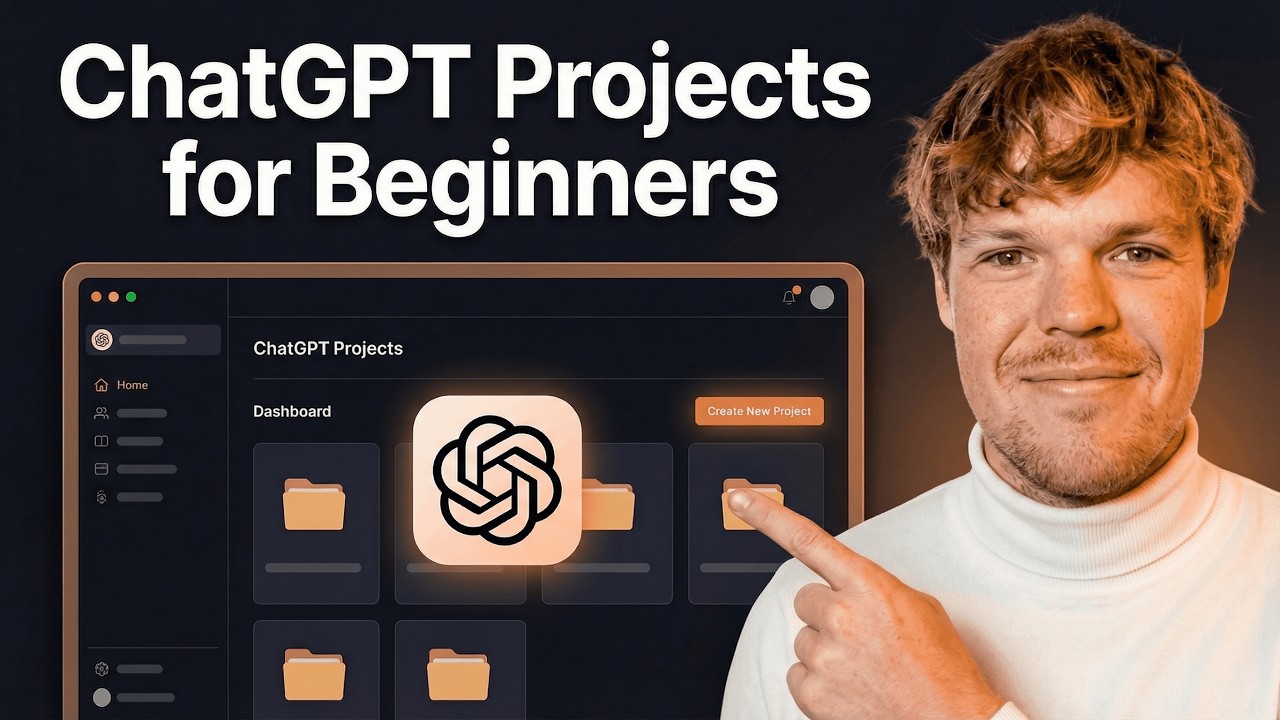
Ever wish ChatGPT could remember your specific needs for recurring tasks? Well, now it can! This video introduces the innovative 'Projects' feature, which is honestly pretty brilliant for anyone looking to streamline their workflow. It's designed to help you organize data and instructions so you can create tailored, efficient workflows for those tasks you do again and again.
You'll learn exactly what the ChatGPT Projects feature is and why it's so beneficial. The creator walks you through creating a new project and uploading relevant files, like CSVs, which are super common for data analysis tasks. Crucially, you'll see how to set custom instructions to guide ChatGPT's behavior within that project. This is key for improving output consistency and efficiency, making ChatGPT a truly personalized assistant for specific jobs. Seriously, if you find yourself doing the same thing with the AI repeatedly, this is the video for you.
- Understand the power of ChatGPT Projects for organized workflows.
- Learn to upload files and set custom instructions for specific tasks.
Prompt Engineering: Get Smarter Responses from AI
You've learned the basics, you've explored advanced features, but are you getting the most out of your ChatGPT interactions? This video is all about advanced prompt engineering, building on what you've already learned to extract more precise and nuanced information. It's perfect for anyone who wants to push ChatGPT's capabilities further and apply it to a wider range of challenging applications.
The creator shares some seriously clever strategies for structuring complex prompts, which can make a huge difference. You'll also discover techniques for iterative prompting, meaning you can guide the AI step-by-step to refine its answers until they're just right. Understanding how to steer ChatGPT towards specific output formats and tones is also covered, along with invaluable tips for troubleshooting those times when the AI just isn't cooperating. If you're finding your interactions are hitting a wall, this tutorial will help you break through.
- Develop advanced strategies for crafting complex and precise prompts.
- Learn iterative prompting techniques to refine AI responses effectively.
Your Next Steps
You've now explored the essential steps to get started with ChatGPT, from its basic interface and prompt writing to advanced features like file uploads and project organization. By mastering these techniques, you can significantly enhance your productivity and creativity with conversational AI. This curated list of ChatGPT for Beginners YouTube videos is designed to give you a solid foundation.
Your Action Items
- ☐Pick one video from above and watch it on Querivo
- ☐Ask questions and check summaries while watching without breaking your flow
- ☐Use the AI chat to clarify confusing parts and deepen understanding
- ☐Come back for more curated videos on topics you want to master
Ready to put your new ChatGPT skills to the test? Start exploring, experimenting, and asking questions today! Continue practicing with different prompts and features. You might want to explore the 'Related Videos' section for additional tips and see how ChatGPT can be applied to your specific interests or professional needs.
Turn Any YouTube Video into an Interactive Lesson
Paste any video link, get an instant AI summary, and ask questions in real-time.
Try Querivo Free →Related Videos You Might Enjoy
Looking for more perspectives on this topic? Here are some additional videos worth checking out:
ChatGPT Tutorial 2025 for Beginner! (Including Free & Paid Users Both)
23 Ways to Use ChatGPT So Well it Feels Like Cheating
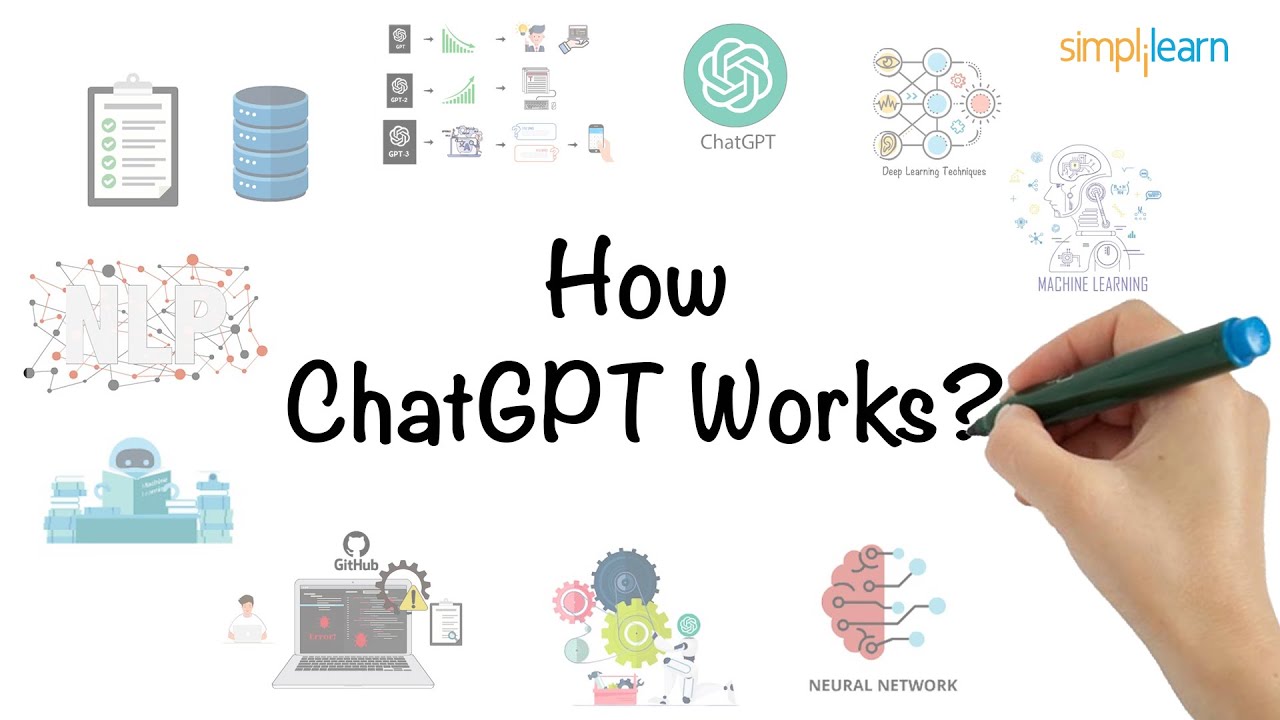
How ChatGPT Works? | Working of ChatGPT in 6 Minutes | ChatGPT For Beginners | Simplilearn
How To Use Projects in ChatGPT For Beginners
This video introduces ChatGPT's new 'Projects' feature, explaining it as a way to organize and train ChatGPT on specific data and instructions for recurring tasks. It demonstrates how to create a project, upload files like CSVs, set custom instructions, and leverage these for more tailored and efficient outputs, highlighting its availability across all ChatGPT plans.
99% of Beginners Don't Know the Basics of AI
How to Use ChatGPT (2025)
This video provides a comprehensive guide to using ChatGPT, starting with the fundamentals of writing effective prompts and progressing to more advanced features like Canvas for editing long-form text and interacting with uploaded files. It emphasizes how providing detailed context in prompts leads to significantly better AI responses.