Tired of generic ChatGPT responses that barely scratch the surface of what's possible? You're not alone.
Key Takeaways
- 1Master ChatGPT with advanced prompt techniques and hacks.
- 2Unlock expert insights by assigning roles to AI.
- 3Structure your prompts for precise, actionable results.
- 4Extend ChatGPT's capabilities with essential extensions.
- 5Amplify your creativity and productivity with AI.
Who this is for
- If you're looking to get more out of ChatGPT than just basic answers
- If you're a professional, content creator, or student aiming for peak productivity
- If you're ready to move beyond simple queries and embrace sophisticated AI interaction
Start Learning with AI-Powered Video Summaries
Get instant summaries, ask questions, and turn any video into an interactive study session.
Try Querivo Free →Give ChatGPT a Personality: Master Role-Playing for Expert Insights
Ever feel like you're talking to a super-smart but slightly detached assistant? That's often because ChatGPT is responding as a general AI. But what if you could tell it who to be? This video dives into a surprisingly effective technique: assigning specific identities and roles to ChatGPT. Imagine asking for marketing advice from a seasoned strategist, or debugging code with a patient mentor. It’s about crafting prompts that clearly instruct the AI on its persona, and the results can be dramatically more relevant and nuanced. The creator effectively illustrates the tangible difference in ChatGPT's output when a specific persona is assigned, moving beyond theoretical explanation to practical demonstration with real-world examples. You'll see firsthand how an AI with an assigned identity delivers tailored output that generic requests just can't match. It’s a game-changer for getting truly expert-level insights. For instance, instead of asking "How to improve website SEO?", you could prompt with: "Act as a senior SEO consultant. Analyze this website's current performance and provide actionable steps for improvement, focusing on organic traffic growth." This level of specificity, guided by a defined role, unlocks a deeper understanding and more targeted advice.
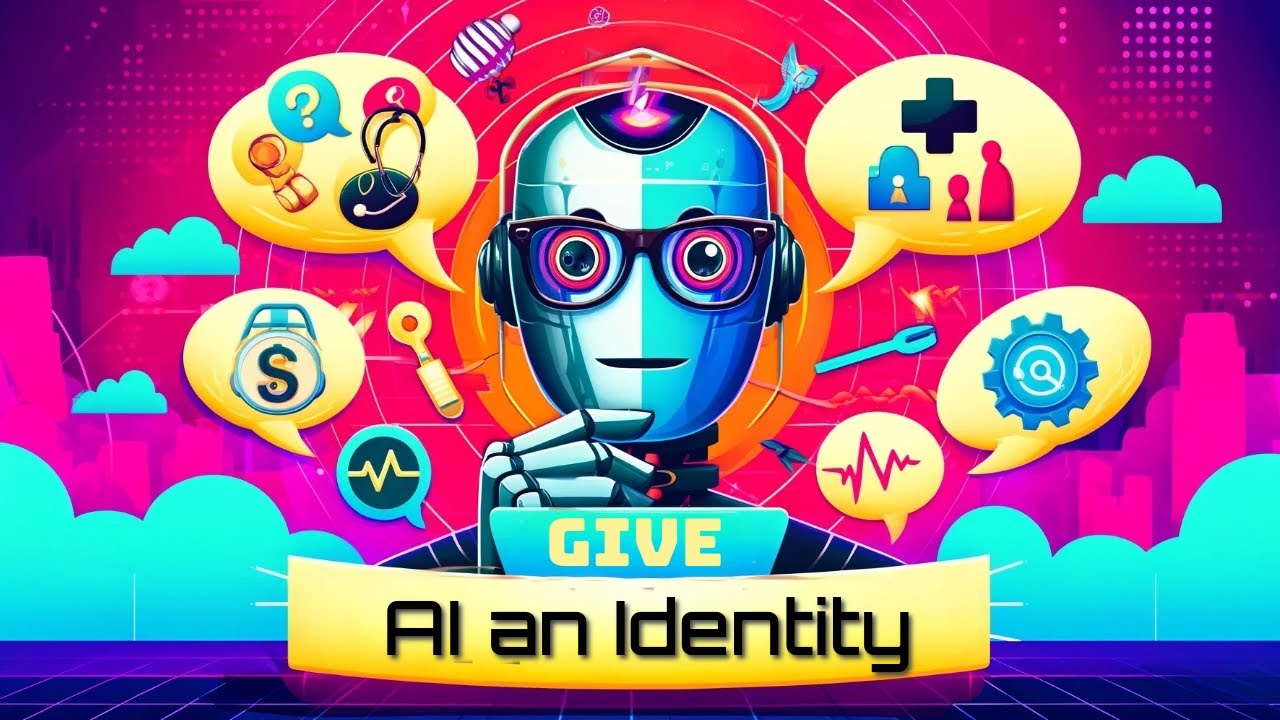
Unlock Chat GPT's Potential: Giving the AI an Identity
Watch with Querivo →- Assigning specific roles to ChatGPT makes its responses more tailored and expert-like.
- Experiment with different personas to find the best fit for your task.
- Craft prompts that clearly define the AI's identity for more relevant output.
The 'C.O.P.O.' Formula: Structured Prompting for Advanced AI Strategies
Let's be honest, sometimes our prompts are just too vague. We ask for "ideas" or "information" without giving ChatGPT enough to work with. This video tackles that head-on by introducing a fantastic, systematic approach to prompt engineering. Moving beyond simple questions, it teaches you to break down complex AI interactions into manageable components. The 'Context, Objective, Parameters, Output Format' (C.O.P.O.) formula is a real game-changer, ensuring you define your needs precisely. The creator clearly articulates the fundamental reason behind poor AI responses (vague prompting) and provides this practical, memorable formula for improvement. You'll see compelling examples that contrast ineffective, basic prompts with these highly structured, powerful ones. It’s all about leveraging ChatGPT as an intelligence multiplier by giving it the right framework. Truly understanding this concept is key to unlocking advanced AI strategies. By implementing C.O.P.O., you can transform requests like "Write a blog post about AI" into something like: "Context: I am a technology blogger writing for an audience of small business owners. Objective: Generate a blog post (approx. 800 words) explaining the practical benefits of using AI in customer service. Parameters: Focus on cost savings, efficiency, and improved customer satisfaction. Include at least three specific use cases. Output Format: A well-structured blog post with an introduction, body paragraphs, and a concluding call to action." This structured approach ensures ChatGPT delivers exactly what you need.

- Use the C.O.P.O. formula (Context, Objective, Parameters, Output Format) for robust prompts.
- Transform vague questions into precise instructions for better AI results.
- Break down complex requests into digestible components for superior AI output.
Study This Video Deeper
Get an AI summary and ask questions about confusing parts in real-time.
Open in Querivo →Supercharge Your ChatGPT: Essential Extensions for Real-Time Data and Enhanced Interaction
One of ChatGPT's biggest limitations? Its knowledge cutoff. It often doesn't have access to the most current information. But what if we told you there are practical tools that can fix that and a whole lot more? This video highlights two essential Chrome extensions that truly supercharge your ChatGPT experience. First up is Ultimate Toolbar GPT, which offers advanced prompt construction features and even voice input – super handy for faster interactions and better prompt crafting! Then there's WebChatGPT, the absolute hero for overcoming ChatGPT's data limitations, as it allows the AI to access real-time web data. You'll see demonstrations of how these extensions practically enhance prompt engineering and make ChatGPT a much more dynamic and useful tool for up-to-the-minute information. It's surprisingly easy to integrate them, and the payoff is huge. For example, if you need to research the latest market trends for a business report, WebChatGPT allows ChatGPT to pull live data, giving you a significant advantage over its default knowledge base.
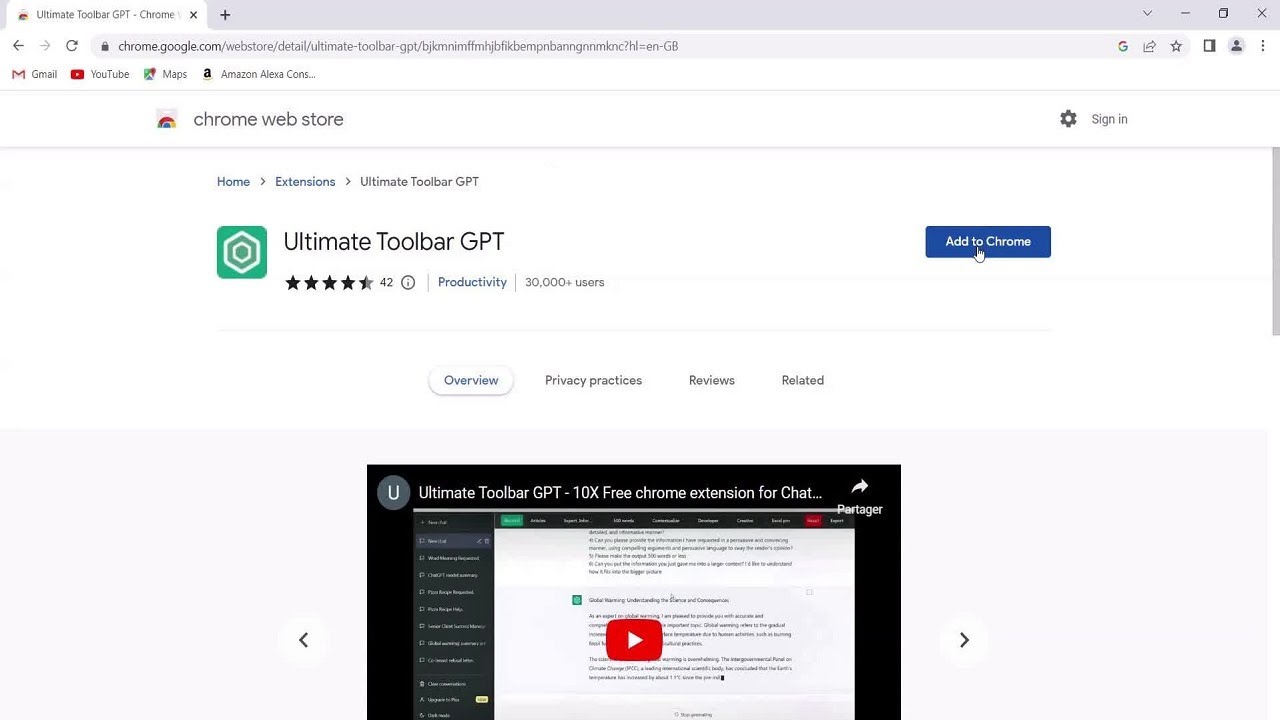
- Use Ultimate Toolbar GPT for better prompt building and voice input.
- WebChatGPT grants ChatGPT access to current internet information, overcoming data limits.
- Integrate these extensions to make ChatGPT a more powerful and up-to-date tool.
Unleash Your Inner Creator: ChatGPT as a Catalyst for Innovation
Think AI is just for coding and data analysis? Think again! This video dives deep into ChatGPT's incredible creative potential. It’s not about replacing human ingenuity, but rather amplifying it. Whether you're a writer battling a block, a visual artist seeking inspiration, or a musician exploring new melodies, ChatGPT can act as a powerful co-pilot. The creator shares actionable advice on how to use it effectively through prompt engineering across multiple domains—writing, art, and music. You'll learn how prompt engineering plays a crucial role in these creative tasks, and the importance of using AI responsibly. It's genuinely inspiring to see how this technology can push the boundaries of what we thought was possible in art, music, and writing. For instance, a writer might prompt: "Act as a master storyteller. Generate five unique plot hooks for a fantasy novel set in a world powered by forgotten magic." The AI can then provide a wealth of starting points to overcome writer's block and spark new ideas.

- ChatGPT can amplify, not replace, human creativity in writing, art, and music.
- Learn prompt engineering techniques for innovative AI-assisted creation.
- Explore diverse artistic domains and discover new avenues for creative expression.
Your Next Steps
By mastering advanced prompting techniques, assigning roles, utilizing powerful extensions, and tapping into ChatGPT's creative capabilities, you can unlock a new level of AI-driven productivity. The videos explored offer actionable strategies to make ChatGPT an indispensable tool in your professional and personal life.
Your Action Items
- ☐Pick one video from above and watch it on Querivo
- ☐Ask questions and check summaries while watching without breaking your flow
- ☐Use the AI chat to clarify confusing parts and deepen understanding
- ☐Come back for more curated videos on topics you want to master
Start experimenting with these advanced prompting techniques today and see how ChatGPT can transform your workflow. What new possibilities will you discover?
Turn Any YouTube Video into an Interactive Lesson
Paste any video link, get an instant AI summary, and ask questions in real-time.
Try Querivo Free →Related Videos You Might Enjoy
Looking for more perspectives on this topic? Here are some additional videos worth checking out:
Using Prompts to Unlock ChatGPT's Full Potential
This video teaches users how to significantly improve ChatGPT responses by employing effective prompting techniques. It demonstrates how to provide context, assign roles, and give specific instructions to elicit more accurate, useful, and tailored results, contrasting them with basic, unprompted queries.
Mastering Chat GPT Beginners Learning: Unlock Your Full Potential #chatgpt #ai #aifuture #chatgpt4
This video provides a beginner-friendly introduction to ChatGPT, demonstrating how to sign up and utilize its capabilities for various tasks. It covers generating content like recipes, travel recommendations, code snippets, cover letters, and social media posts, while also warning about potential data limitations.
ChatGPT Tools to Unlock Your Productivity Potential!
This video introduces several AI-powered tools that leverage ChatGPT to enhance productivity across various tasks. It demonstrates how to integrate these tools into workflows, covering note-taking, writing assistance, search, and content generation.

Unlock ChatGPT’s Full Potential: File, Search & Voice!
This video demonstrates three key ChatGPT features: file uploads for context and summarization, web search capabilities for research, and voice mode for conversational interaction. It highlights how these tools can enhance user experience and productivity, with file uploads being a paid feature while search and voice modes are available in the free version.