Ready to share your story online? Building a personal website is your first step into the digital world, and it's more accessible than you think!
Key Takeaways
- 1Your roadmap to building a personal website with HTML/CSS on YouTube.
- 2Learn fundamental coding from scratch, step-by-step.
- 3Discover creative design philosophies beyond cookie-cutter templates.
- 4Tackle common coding challenges like a pro.
- 5Launch your site with modern tools and effortless hosting.
Who this is for
- If you're an absolute beginner wanting to create your first website.
- If you're looking for clear, actionable YouTube tutorials to learn HTML and CSS.
- If you're aiming to build a personal portfolio or online space without prior experience.
Start Learning with AI-Powered Video Summaries
Get instant summaries, ask questions, and turn any video into an interactive study session.
Try Querivo Free →Master the Building Blocks: Your First HTML & CSS Essentials
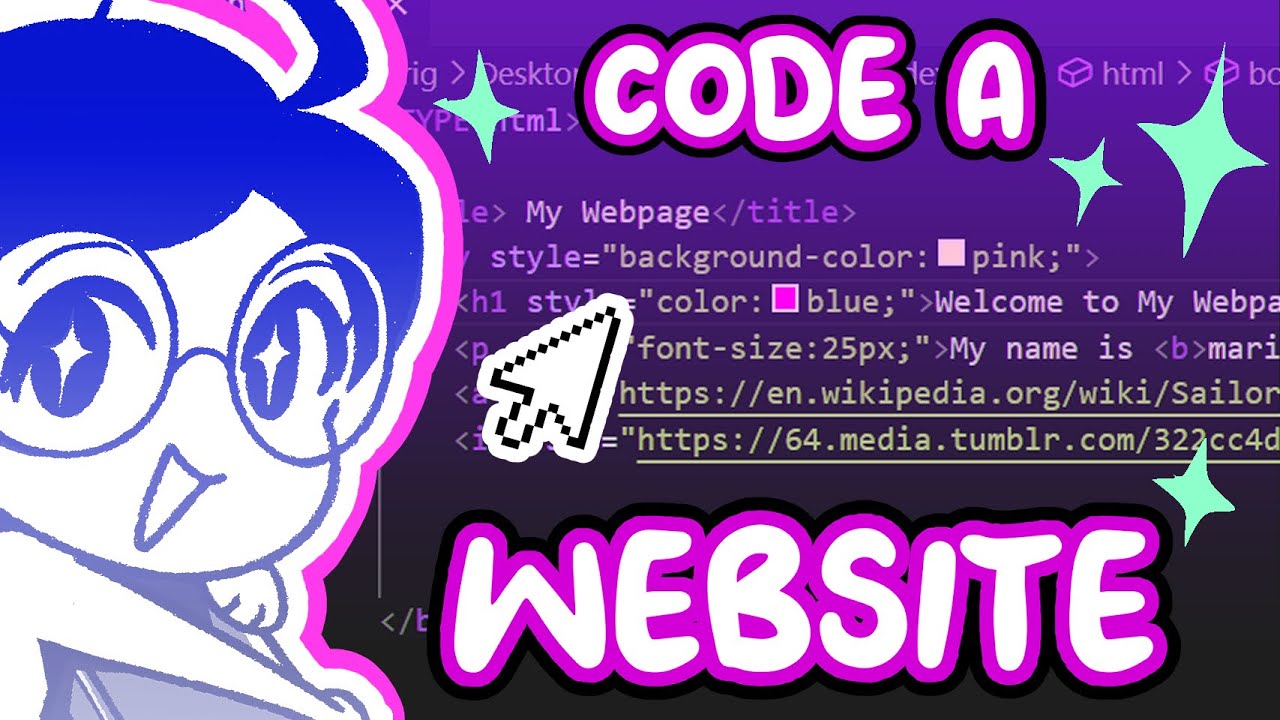
Getting started with web development can feel a bit daunting, right? But honestly, the core concepts of building a website are surprisingly straightforward. This video offers a fantastic entry point, breaking down the absolute essentials of HTML and CSS. You'll learn how to set up your coding environment, which is usually as simple as downloading a free text editor like Visual Studio Code.
From there, it dives straight into creating the basic structure of a webpage. You'll discover how to use fundamental HTML tags like <h1> for headings and <p> for paragraphs. Plus, you’ll get a taste of styling with your very first CSS properties, like changing background colors and font sizes. It’s a wonderfully direct approach to understanding how content and style come together.
This is the perfect place to start if you've never written a line of code before. The creator's teaching style is incredibly clear, showing you exactly what to type and what result you'll get. It makes the initial steps of learning to build a personal website with HTML and CSS feel totally manageable.
- Understand the fundamental structure of HTML documents.
- Start applying basic CSS styling to your first webpage elements.
Inject Your Personality: Designing a Fun and Unique Website
Moving beyond the raw code, it’s time to think about your website. What should it look and feel like? This video really shines a light on developing a personal website creation and design philosophy that’s all about you. It’s a refreshing take, encouraging a departure from the same old templates you see everywhere.
The creator walks you through their process, showing how they use tools like Milanote for initial planning and creating mood boards. This helps gather inspiration and define the vibe of your site. Plus, they demonstrate how to leverage Figma for wireframing – essentially sketching out your website's layout before you even touch code. It’s a smart way to visualize your ideas.
If you're someone who wants their online presence to truly reflect their personality and interests, this tutorial is gold. It’s not just about building a functional site; it’s about building a site that feels uniquely yours. You'll learn how to weave personality and even hints of interactivity into your web presence, making it more engaging.
- Develop a unique design philosophy for your personal website.
- Use planning and wireframing tools to visualize your ideas before coding.
Coding Your First Portfolio: Navigating Challenges and Learning
Building a personal portfolio website from scratch can present a learning curve, but that's where the real growth happens! This video follows a junior developer's journey as she tackles creating her first personal portfolio. It’s a refreshingly honest look at the practical process, including those moments where things don't go exactly as planned.
You'll see firsthand how to apply basic design principles and wireframing techniques that you might have explored in planning stages. But more importantly, the video highlights common frontend development challenges and offers practical strategies for debugging and problem-solving. It’s incredibly helpful to witness someone work through these issues in real-time.
This is a fantastic watch for absolute beginners and anyone embarking on their coding journey. The creator’s candid approach makes the learning curve feel less intimidating. You’ll gain confidence knowing that encountering and solving problems is a normal, and even essential, part of the process when you first learn to build a personal website with HTML and CSS.
- Understand the real-world challenges of building a website from scratch.
- Learn practical strategies for debugging and solving coding problems.
Effortless Hosting & Smart Assistance: Launching Your Site
So, you've got the code down and a design in mind. What’s next? Getting your website out there! This video offers a really practical approach to building a simple personal website, focusing on efficiency and modern tools. It’s about creating a Minimum Viable Product (MVP) – getting something functional online quickly.
One of the coolest aspects here is the use of AI tools like ChatGPT for coding assistance. It’s a game-changer for beginners, helping to debug code or even suggest improvements. Plus, the tutorial covers using GitHub Pages for straightforward website hosting. Seriously, getting your site live becomes surprisingly easy once you know how.
This is ideal if you're looking for a streamlined path to launch. The creator breaks down introductory HTML and CSS concepts in a way that’s directly relevant to getting a simple site online. If you've been wondering how to actually make your website accessible to the world without a lot of hassle, this video is your guide. It’s a great way to finish off your journey to build a personal website with HTML CSS YouTube tutorials.
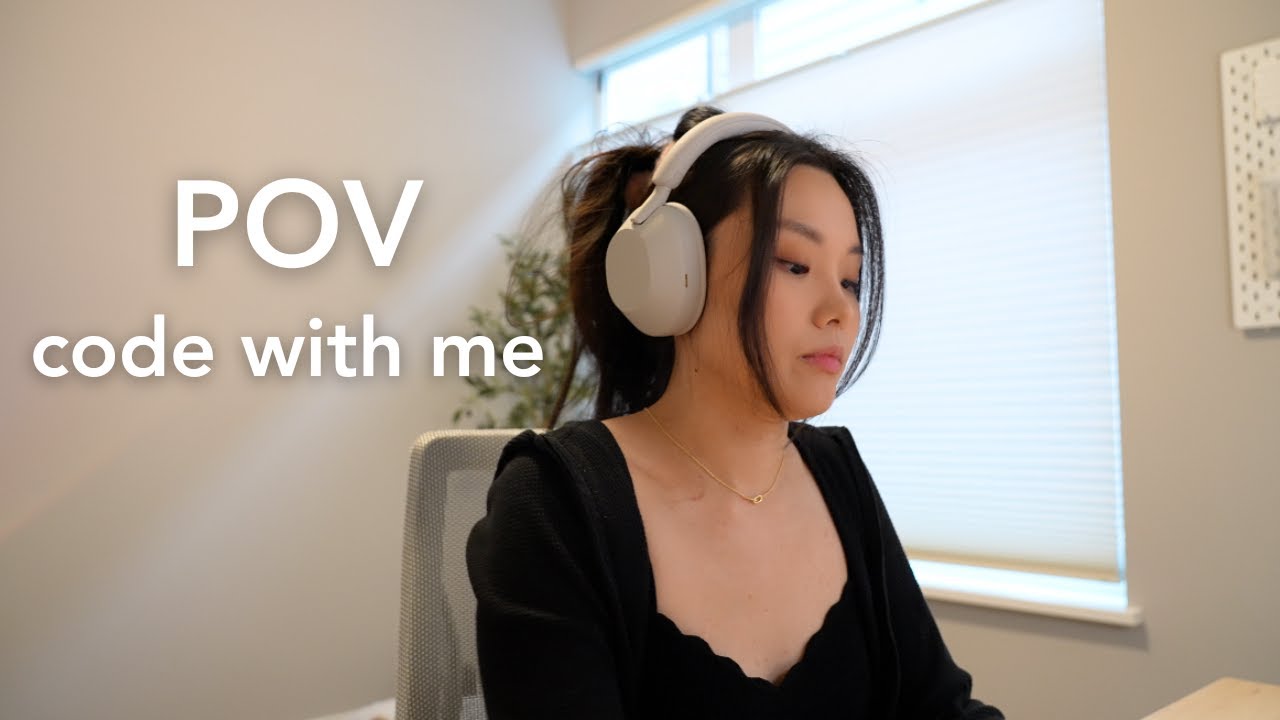
- Utilize AI tools for coding assistance and debugging your website.
- Learn how to host your personal website easily using GitHub Pages.
Your Next Steps
You've now seen how to build a personal website with HTML and CSS, from understanding the absolute basics to creatively designing and even launching your creation. These YouTube tutorials offer a clear, step-by-step path for beginners. It's time to put that knowledge into practice and bring your own online space to life!
Your Action Items
- ☐Pick one video from above and watch it on Querivo
- ☐Ask questions and check summaries while watching without breaking your flow
- ☐Use the AI chat to clarify confusing parts and deepen understanding
- ☐Come back for more curated videos on topics you want to master
This curated collection of videos provides a robust foundation for anyone looking to build their first personal website. You’ll find the path from zero to a live webpage is more accessible than you might have imagined, thanks to these excellent visual guides.
Turn Any YouTube Video into an Interactive Lesson
Paste any video link, get an instant AI summary, and ask questions in real-time.
Try Querivo Free →Related Videos You Might Enjoy
Looking for more perspectives on this topic? Here are some additional videos worth checking out:
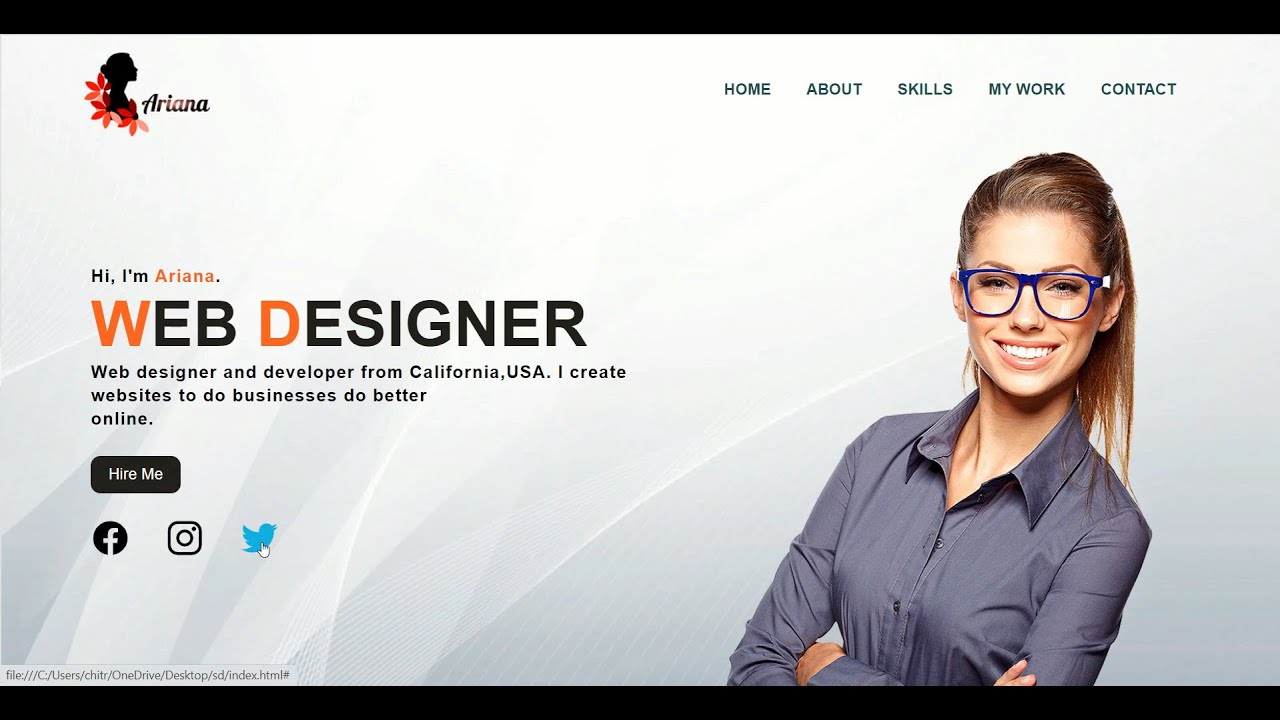
How To Make Portfolio Website Using Html & Css | Step-by-Step Tutorial | PraRoz Tutorial
This tutorial demonstrates how to create a simple portfolio website using HTML and CSS. It covers building a navigation bar, displaying personal information with a "hire me" button, and implementing a unique image sliding or transform effect.