Unlock the power of dynamic web applications by mastering Node.js backend development.
Key Takeaways
- 1Learn Node.js backend essentials through top YouTube tutorials.
- 2Build robust APIs and scalable web services.
- 3Deploy apps seamlessly on platforms like Firebase and Azure.
- 4Master modern frameworks like Next.js.
- 5Elevate your full-stack development skills.
Who this is for
- If you're a backend developer looking to solidify your Node.js skills
- If you're a full-stack developer aiming to build more dynamic applications
- If you're eager to learn by watching expert-led tutorials
Start Learning with AI-Powered Video Summaries
Get instant summaries, ask questions, and turn any video into an interactive study session.
Try Querivo Free →Mastering Node.js for Dynamic Web Apps on Firebase
Building and deploying modern web applications can feel like a maze. You've got your code ready, but getting it live and performing well is another challenge entirely. This video dives into a smarter way to handle deployment, specifically using Firebase Hosting. It's about streamlining the process so you can focus more on building and less on infrastructure headaches.
You'll discover how Firebase Hosting simplifies putting your Node.js (or Python!) web apps online. The concept of atomic deployments is particularly neat – think of it as a failsafe for updates, ensuring your live site remains stable during any deployment. Plus, features like internationalization rewrites and built-in image optimization are genuinely helpful for enhancing user experience and performance, which is pretty crucial for any dynamic app.
This tutorial also touches on the exciting advancements like experimental support for new frameworks and the enhanced Cloud Functions for Firebase Gen 2. If you're looking for a practical, efficient way to get your Node.js backend projects live and optimized, this is definitely worth checking out.
- Deploy Node.js apps easily with Firebase Hosting.
- Implement atomic deployments for reliable updates.
Study This Video Deeper
Get an AI summary and ask questions about confusing parts in real-time.
Open in Querivo →Building and Deploying Modern Web Apps with Next.js 13
When it comes to creating dynamic, feature-rich web applications, frameworks like Next.js are often the go-to choice for developers. This video focuses on Next.js 13, offering a solid look at how to get started with this powerful React framework. It breaks down some of the core mechanics you'll need to understand to build effectively.
You'll get a grasp of the routing system, which is fundamental to how users navigate your application. Understanding both the App Router and the Pages Router gives you flexibility in how you structure your projects. Plus, the video delves into best practices for organizing your components, a vital step in maintaining a clean and scalable codebase.
Creating new pages and setting up effective linking strategies are also covered, making it easier to build out your application's user flow. And for those who appreciate a consistent look and feel, integrating Bootstrap for styling is demonstrated, offering a clear path to a polished frontend. If you're keen on learning Next.js for modern web development, this tutorial is a good starting point.
- Learn Next.js 13 routing and component structure.
- Integrate Bootstrap for streamlined styling.
Effortless Web Application Deployment with Azure App Service
Getting your web applications deployed and managed can be a significant hurdle, especially as they grow in complexity. Azure App Service offers a compelling solution, providing a robust platform for hosting and managing a wide range of web applications. This video walks you through deploying a Blazor Server application, but the principles are broadly applicable to Node.js backends as well, showcasing a smooth integration with development tools.
You'll see firsthand how Visual Studio can be used to push your application directly to Azure. The Azure App Service Deployment Center is highlighted as a key feature for simplifying management tasks, making it easier to keep tabs on your deployed services. And for anyone serious about continuous integration and delivery, setting up Azure DevOps CI/CD pipelines is demonstrated, which is a pretty solid way to automate your release process.
This tutorial is excellent for understanding how to leverage cloud infrastructure for your web projects. If you're looking for a guided approach to deploying applications with a focus on automation and efficient management, this video provides valuable insights into using Azure App Service.
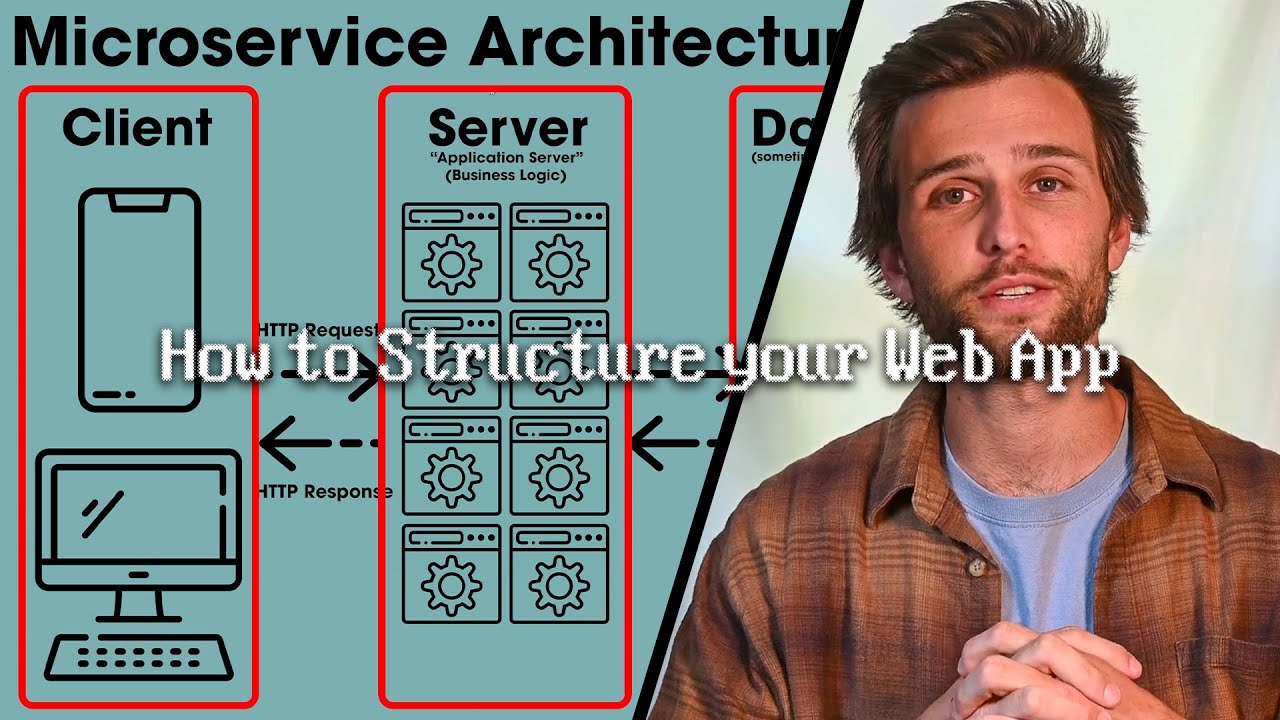
- Deploy web apps easily using Azure App Service and Visual Studio.
- Automate releases with Azure DevOps CI/CD pipelines.
Enhancing Interactivity with Dynamic Navigation Bars in FlutterFlow
While this video delves into FlutterFlow for mobile app development, the techniques for creating dynamic and interactive UI elements, particularly navigation bars, are incredibly relevant to web development. Building engaging user interfaces is key to a great user experience, and the principles shown here can absolutely inspire how you design your Node.js driven web applications.
You'll discover how to implement animated collapse and expand functionalities for navigation bars, adding a polished feel to your interface. Creating distinct visual states for selected tabs is also covered, providing clear feedback to the user. Plus, adding subtle hover effects can really enhance user interaction, making your app feel more responsive and intuitive.
The use of App State variables and component parameters to control dynamic UI elements is a particularly useful takeaway. Even though it's in a different context, understanding how to manage UI states and interactions programmatically is a transferable skill. If you're thinking about how to make your web app's navigation more engaging and user-friendly, this video offers some neat ideas to consider.
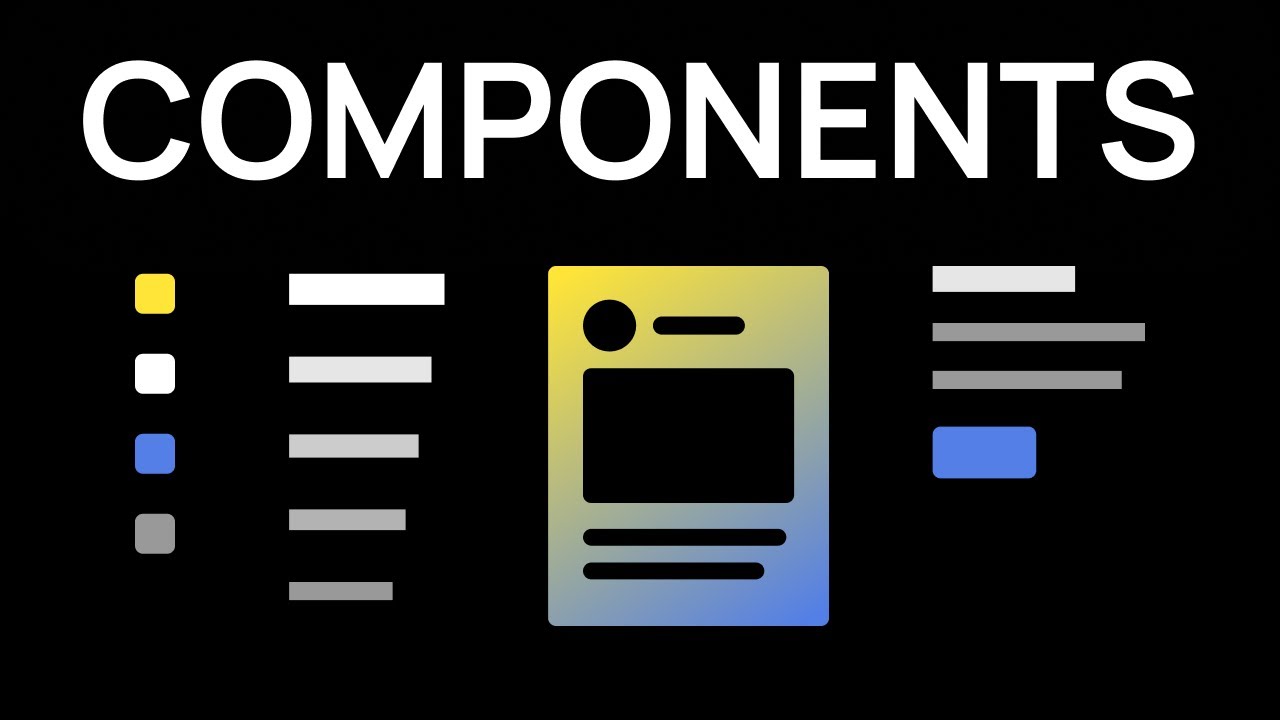
- Implement animated and interactive UI elements like navigation bars.
- Control dynamic UI states using variables and parameters.
Your Next Steps
By leveraging these curated YouTube tutorials, you're well-equipped to build robust, dynamic web applications with Node.js. From mastering framework-specific development and deployment strategies on platforms like Firebase and Azure to understanding frontend interactivity that complements your backend, this learning path empowers you to create modern web experiences.
Your Action Items
- ☐Pick one video from above and watch it on Querivo
- ☐Ask questions and check summaries while watching without breaking your flow
- ☐Use the AI chat to clarify confusing parts and deepen understanding
- ☐Come back for more curated videos on topics you want to master
Ready to build your next dynamic web app? Start exploring these Node.js YouTube tutorials today and elevate your backend development skills!
Turn Any YouTube Video into an Interactive Lesson
Paste any video link, get an instant AI summary, and ask questions in real-time.
Try Querivo Free →Related Videos You Might Enjoy
Looking for more perspectives on this topic? Here are some additional videos worth checking out: