Ready to dive into the exciting world of 3D art and design? Blender is your powerful, free gateway, and we've handpicked the best YouTube tutorials to launch your 3D modeling journey.
Key Takeaways
- 1Master Blender's 3D modeling basics.
- 2Build your first objects with confidence.
- 3Learn essential navigation and hotkeys.
- 4Craft realistic models and stylized scenes.
- 5Become proficient in Blender for beginners.
Who this is for
- If you're struggling to find clear Blender tutorials for absolute beginners
- If you're eager to create your first 3D models but don't know where to start
- If you're looking for free, high-quality resources to learn blender 3d modeling for beginners youtube
Start Learning with AI-Powered Video Summaries
Get instant summaries, ask questions, and turn any video into an interactive study session.
Try Querivo Free →Navigate Blender's Universe: Your First Steps in 3D
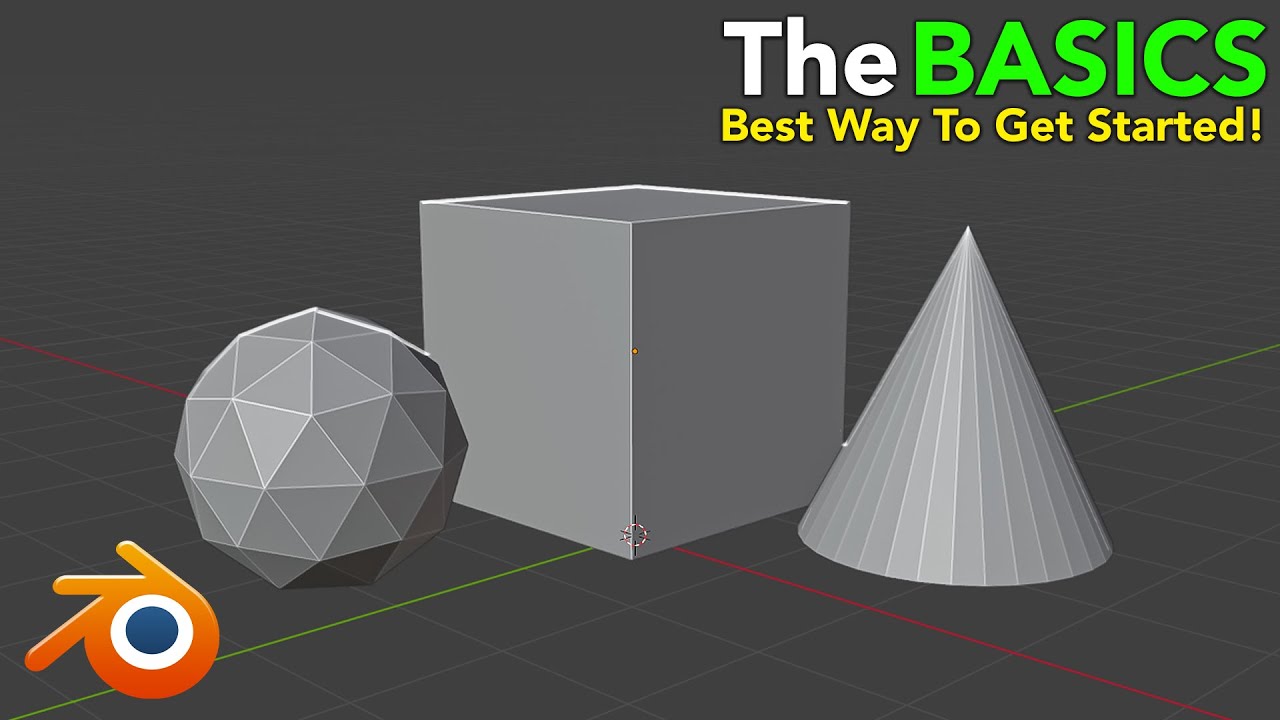
So, you've downloaded Blender, or maybe you're just thinking about it. It can feel a bit overwhelming at first, right? We get it. This video is designed to cut through that initial confusion. It breaks down the absolute essentials for anyone who's never touched Blender before. You'll learn how to move around your 3D space effortlessly – zooming, orbiting, and panning.
But it's not just about getting around; it's about doing. The tutorial clearly explains the crucial difference between Object Mode, where you move and scale whole objects, and Edit Mode, where you actually shape the mesh itself. This distinction is fundamental. Plus, you'll pick up the indispensable hotkeys: G for Grab, S for Scale, E for Extrude, and R for Rotate. These are your building blocks for all 3D modeling. It also touches on adding geometry with Loop Cuts and refining shapes with bevels, giving you immediate tools to start shaping.
- Master Blender's core navigation (zoom, orbit, pan).
- Understand the critical difference between Object and Edit Modes.
- Learn essential modeling hotkeys (G, S, E, R).
From Cube to Hammer: Your First Practical 3D Build
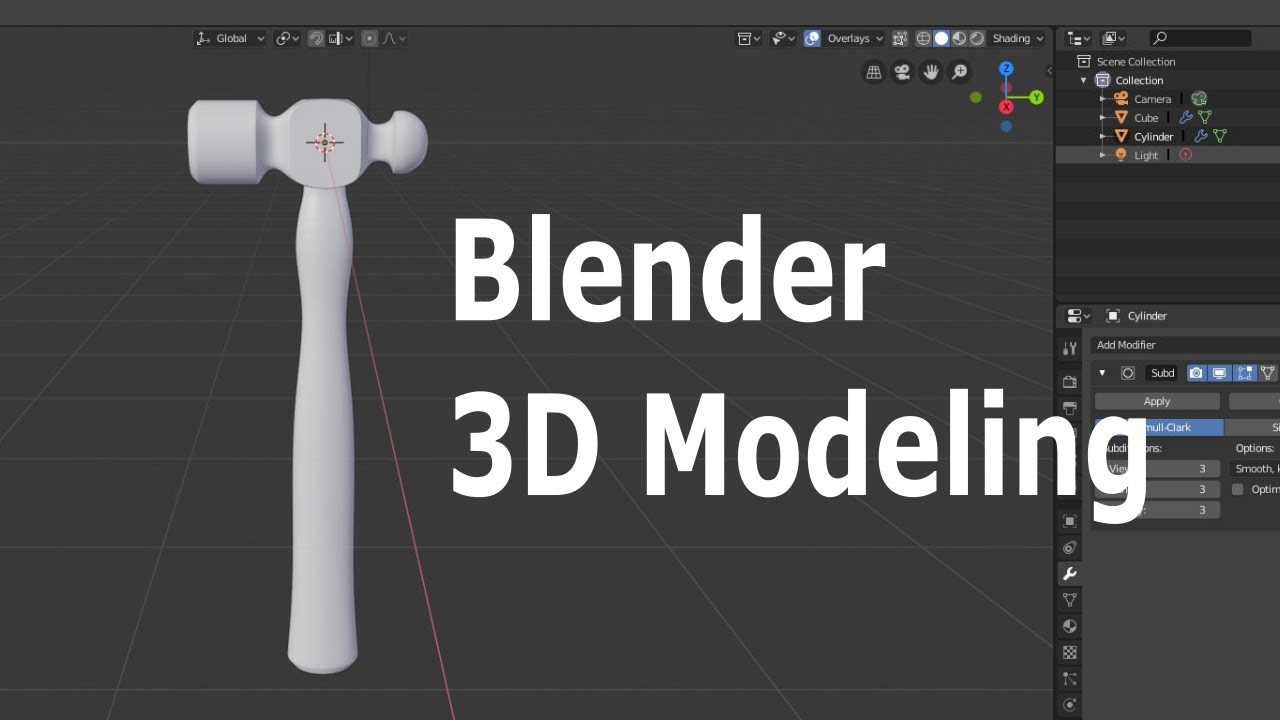
Now that you've got a grip on the basics, it's time to put those new skills to use! This tutorial takes you through a super practical project: modeling a hammer. And guess what? You start with just a simple cube. It's a fantastic way to see how basic shapes can be transformed into recognizable objects.
You'll follow along step-by-step, using extrusions and scaling to form the hammer head. The instructor shows you how to use Loop Cuts to add detail, which is a really useful technique for refining your mesh. Transforming parts of your mesh into basic forms, almost like spheres, is also covered. This video reinforces the Object Mode vs. Edit Mode concepts we just discussed, showing them in action on a real project. It's surprisingly satisfying to see a basic cube become something tangible. For anyone looking to learn blender free with hands-on projects, this is a solid start.
- Transform a simple cube into a recognizable object (a hammer).
- Practice extruding, scaling, and using Loop Cuts.
- Reinforce fundamental Object and Edit Mode workflows.
Study This Video Deeper
Get an AI summary and ask questions about confusing parts in real-time.
Open in Querivo →Crafting Realism: A Stunning Glass Perfume Bottle
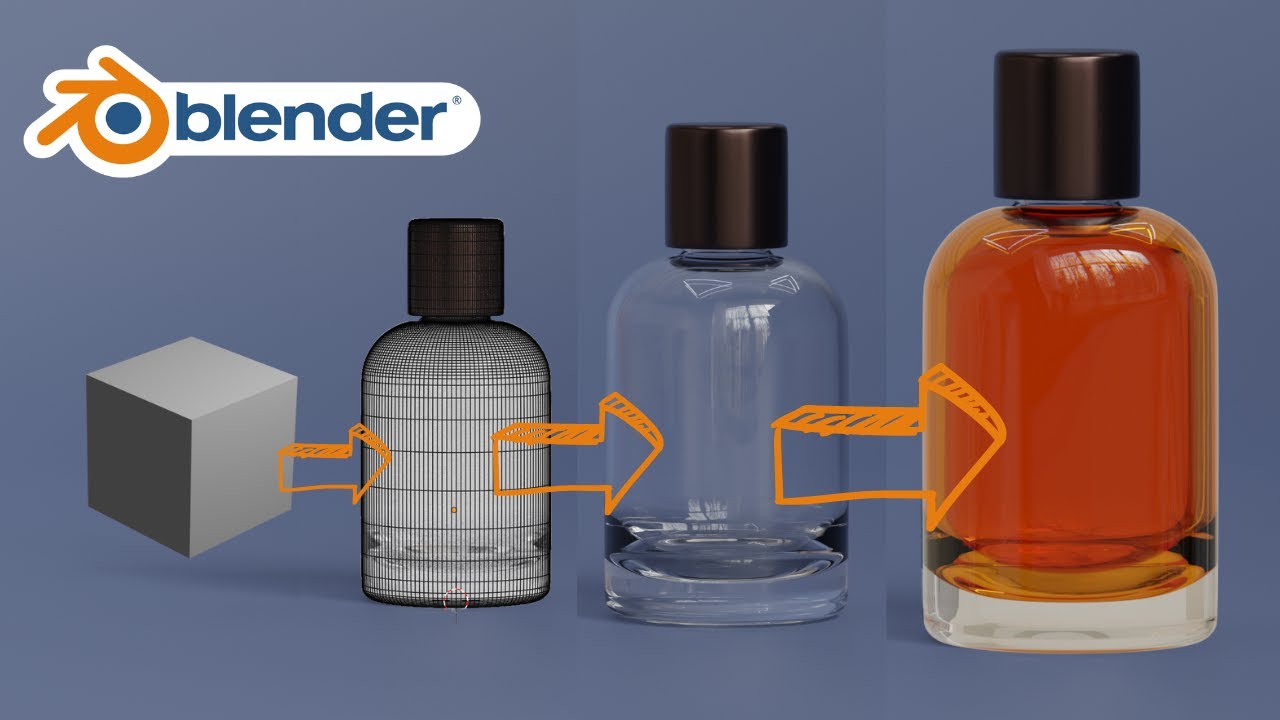
Ready to step up your game? This video dives into creating more realistic 3D models, focusing on a glass perfume bottle. It's a great next step if you've got the hang of the absolute basics and want to explore product visualization. You'll learn how to model cylindrical objects with a keen eye for detail, using those extrusion and scaling techniques you're getting familiar with.
What's really cool here is the introduction to modifiers. You'll see how to use tools like the Solidify modifier to give thickness to your object and the Subdivision Surface modifier to achieve smoother, more polished results. But the magic really happens with the material setup. The tutorial guides you through creating realistic glass materials using the Glass BSDF shader, and even touches on liquid simulation. Plus, you'll learn how to set up professional lighting using HDRI for renders that actually look like they came from a product catalog. It’s a fantastic intro to 3d design tutorials for those aiming for realism.
- Model detailed cylindrical objects and apply modifiers.
- Create realistic glass materials with the Glass BSDF shader.
- Understand HDRI lighting for professional product renders.
Designing Worlds: An Isometric Bedroom Scene
Creating entire scenes can seem daunting, but this tutorial makes it surprisingly accessible. If you're interested in stylized 3D environments or game asset creation, this is for you. The focus here is on building a complete isometric bedroom scene, and the creator shows you how to do it quickly and efficiently. You’ll learn how to model various furniture elements like beds and tables, and build out the room structure itself, adding architectural details along the way.
The video also highlights how to use modifiers like Array and Mirror to speed up your workflow, which is a pretty big time-saver. It’s about building efficiently. You'll also get a handle on basic scene composition and object placement to make your isometric view really engaging. It's a great way to see how individual models come together to form a cohesive and appealing environment. This blender tutorial beginner can really open your eyes to scene building.
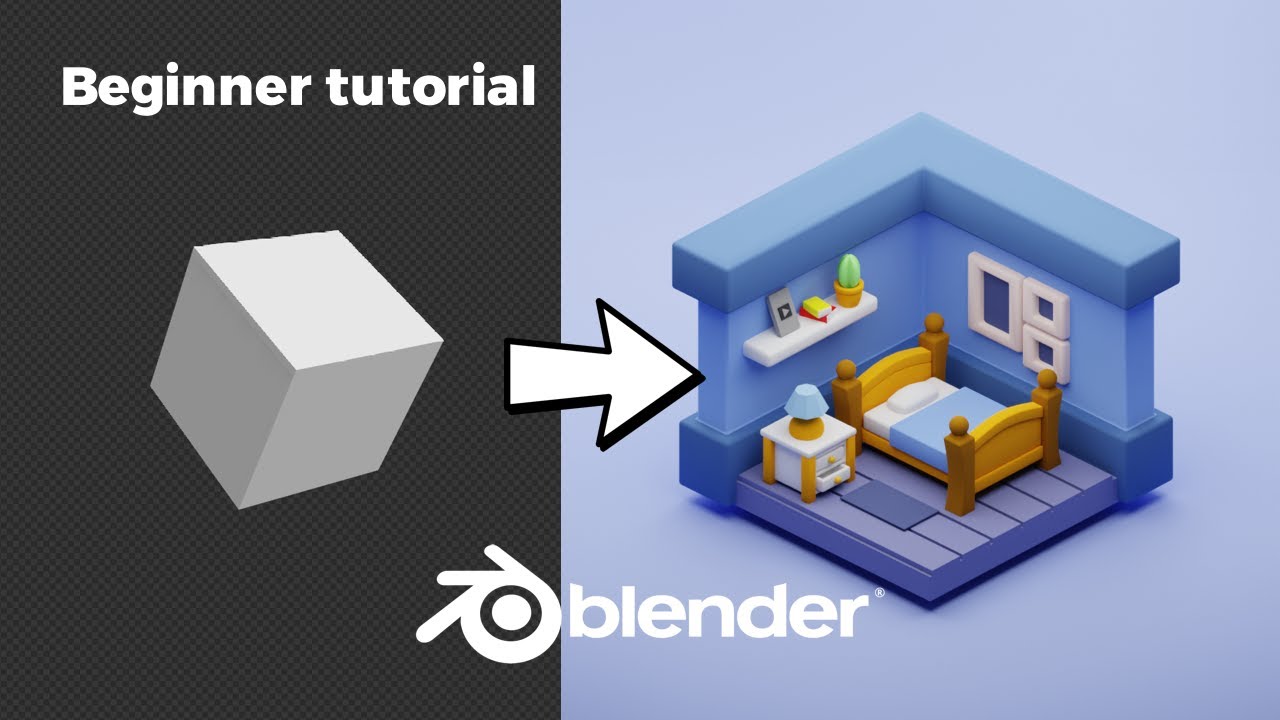
- Build stylized furniture and room structures efficiently.
- Utilize modifiers like Array and Mirror for faster modeling.
- Practice basic scene composition and object placement.
Your Next Steps
You've now seen how to get started with Blender's fundamentals, build your first models, and even approach more complex projects like realistic product visualizations and stylized scenes. The key is consistent practice with these essential tools and workflows.
Your Action Items
- ☐Pick one video from above and watch it on Querivo
- ☐Ask questions and check summaries while watching without breaking your flow
- ☐Use the AI chat to clarify confusing parts and deepen understanding
- ☐Come back for more curated videos on topics you want to master
These carefully selected YouTube tutorials offer a fantastic roadmap for anyone looking to learn blender 3d modeling for beginners. By following along with these creators, you'll gain the confidence and skills needed to start bringing your own 3D ideas to life.
Turn Any YouTube Video into an Interactive Lesson
Paste any video link, get an instant AI summary, and ask questions in real-time.
Try Querivo Free →Related Videos You Might Enjoy
Looking for more perspectives on this topic? Here are some additional videos worth checking out:
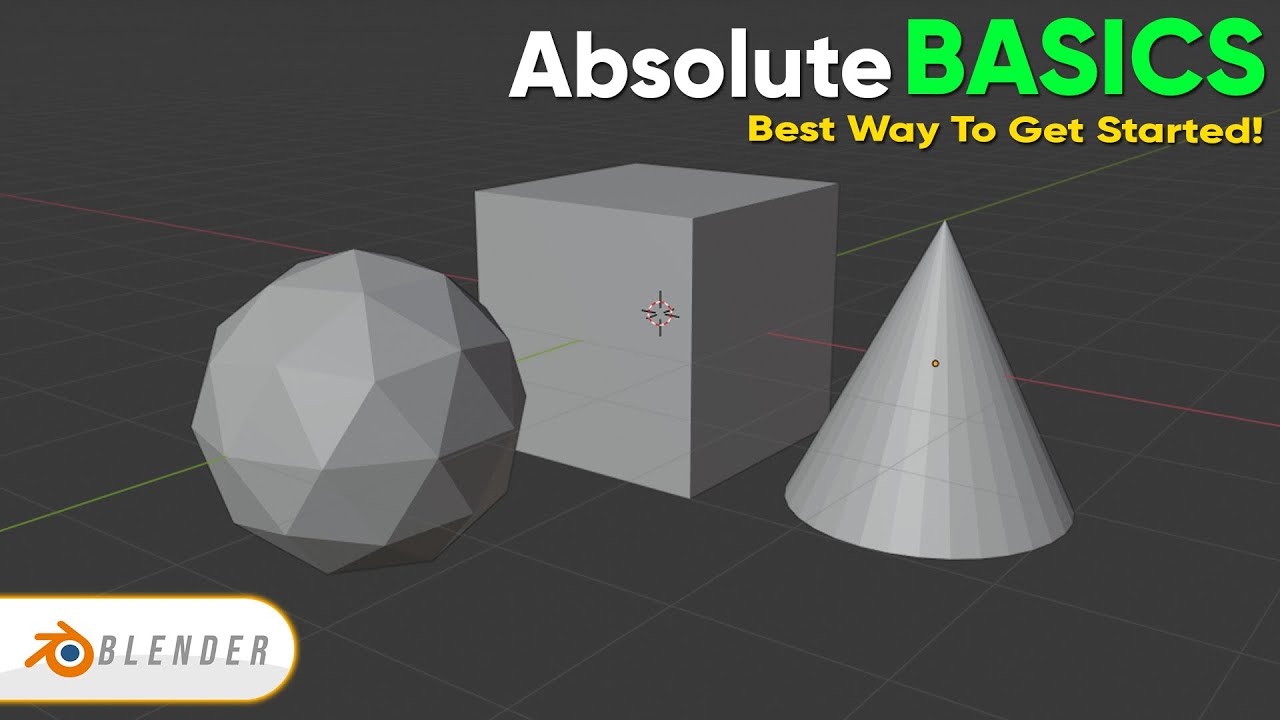
ABSOLUTE Beginner Basics.. Blender For Noobs
This video is an "absolute beginner" guide to Blender, focusing on fundamental navigation and basic modeling tools. It aims to help viewers create their first model by explaining how to move around the 3D space, switch between object and edit modes, and utilize essential hotkeys like extrude (E), scale (S), rotate (R), and grab (G) to manipulate objects.
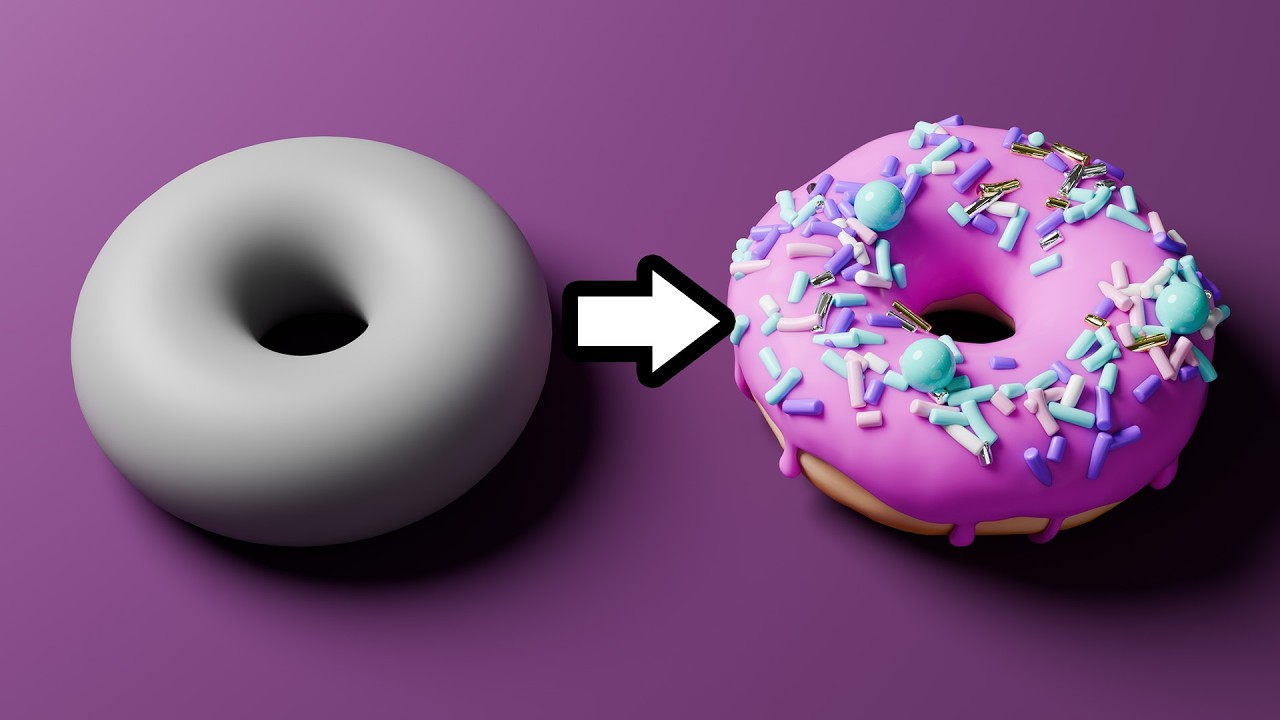
Beginner Blender 4.0 Tutorial (2023)
This video serves as an introduction to Blender 4.0 for absolute beginners, focusing on core interface navigation and basic tools. It aims to demystify the software, build user confidence, and prepare viewers to create their own donut animation in subsequent tutorials.
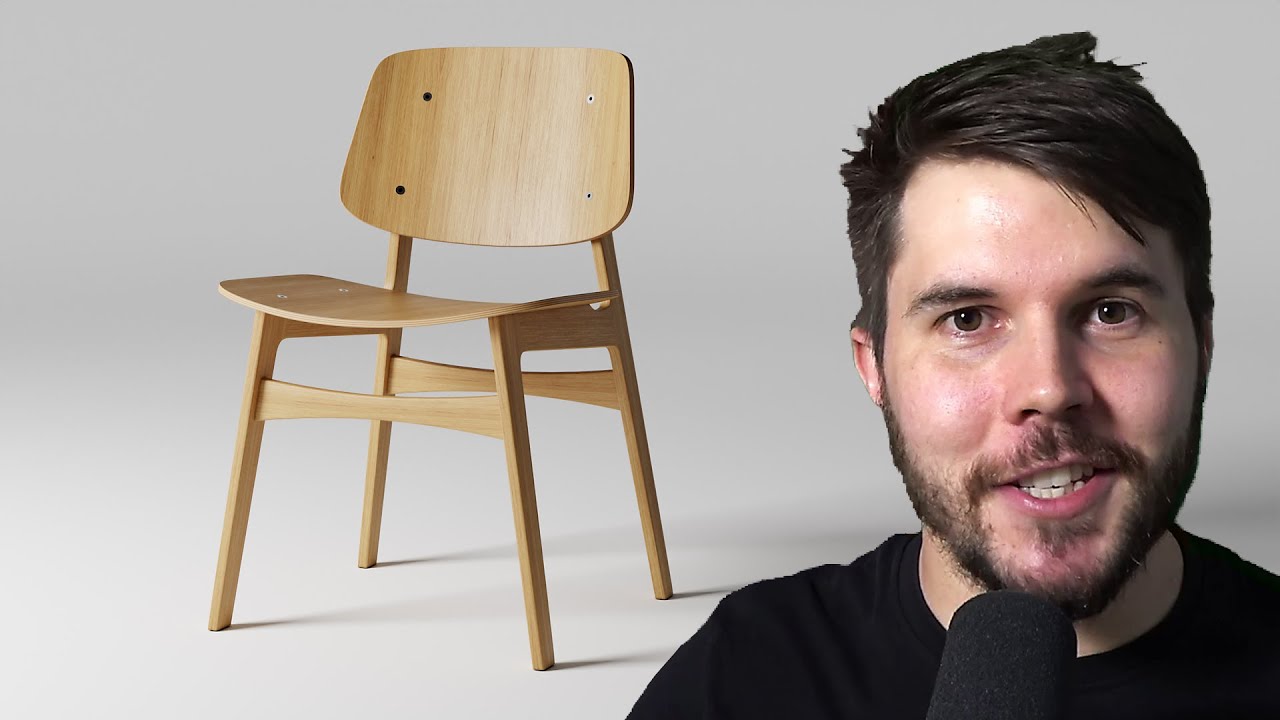
Blender Beginner Modelling Tutorial - Part 1
This tutorial teaches Blender modeling fundamentals by guiding beginners through the creation of a practical chair. It emphasizes the importance of good topology, handling different surface types, and proper reference image setup, ultimately leading to a completed chair model with UV unwrapping and texturing knowledge.
The ONLY 5 Modeling Tools You Need To Make ANYTHING in Blender
This tutorial introduces the five essential modeling tools in Blender: Bevel, Merge, Extrude, Loop Cut, and Grid Fill. It demonstrates how to use these tools to create a whiteboard marker from a simple cube, emphasizing clean geometry and smooth shading.
Learn Blender for 3D Printing - Complete Quick and Easy Guide (Beginner)
This beginner-friendly tutorial provides a quick and easy guide to using Blender for 3D printing. It covers essential navigation, object manipulation, unit conversion to millimeters, and basic modeling techniques like extruding and insetting faces to create custom shapes and add text.