Tired of dull, uninspired presentations that put your audience to sleep? Imagine captivating your viewers with slides that are not only informative but visually stunning.
Key Takeaways
- 1Transform your presentations from drab to dazzling.
- 2Learn modern design for PowerPoint and Google Slides.
- 3Master visuals, animations, and storytelling.
- 4Create presentations that truly engage and persuade.
- 5Achieve professional-looking slides with ease.
Who this is for
- If you're struggling to make your slides visually appealing
- If you're looking for practical, step-by-step design tutorials
- If you're a student, professional, or marketer needing to impress
Start Learning with AI-Powered Video Summaries
Get instant summaries, ask questions, and turn any video into an interactive study session.
Try Querivo Free →Craft Viral PowerPoint Slides with Stunning Visuals and Animations
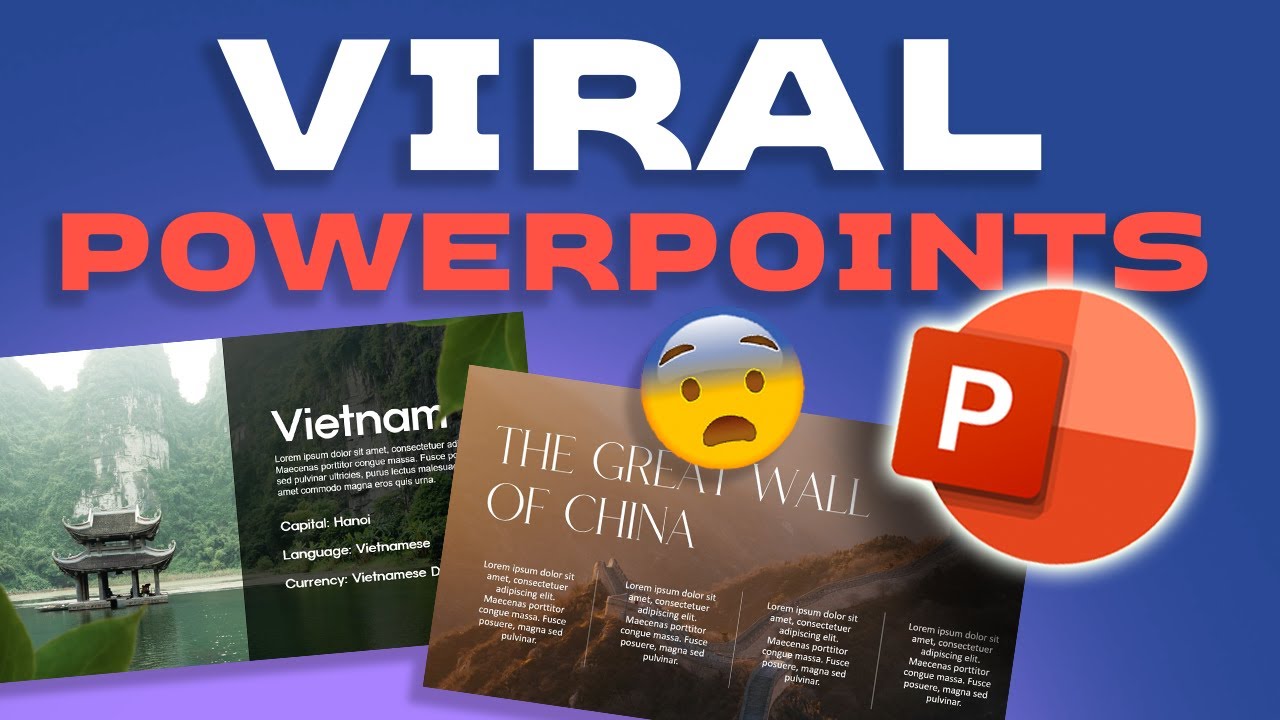
You've got a great message, but are your PowerPoint slides doing it justice? This video dives deep into making your presentations pop, focusing on visual appeal and dynamic elements that truly capture attention. We're talking about going beyond basic bullet points to create slides that viewers will actually remember – and maybe even share. It’s pretty essential stuff if you want your message to land.
The creator walks you through practical, step-by-step techniques. You'll learn how to use images effectively, not just as placeholders, but as powerful design elements. Plus, there's a solid focus on shape formatting and layering, which honestly makes a huge difference in achieving that polished, professional look. And if you've ever felt animations are too complex or cheesy, this video shows you how to implement them in a way that genuinely enhances your presentation, not distracts from it.
This tutorial is a fantastic resource for anyone looking to level up their PowerPoint game. It doesn't assume you're a graphic design pro, making it accessible for a general audience. You'll definitely walk away with actionable tips to make your next presentation far more engaging and memorable. It's about creating slides that feel alive.
- Learn to make PowerPoint slides visually striking and engaging.
- Implement advanced image, shape, animation, and SmartArt techniques.
Elevate Your Google Slides with Minimalist Design and Subtle Animations
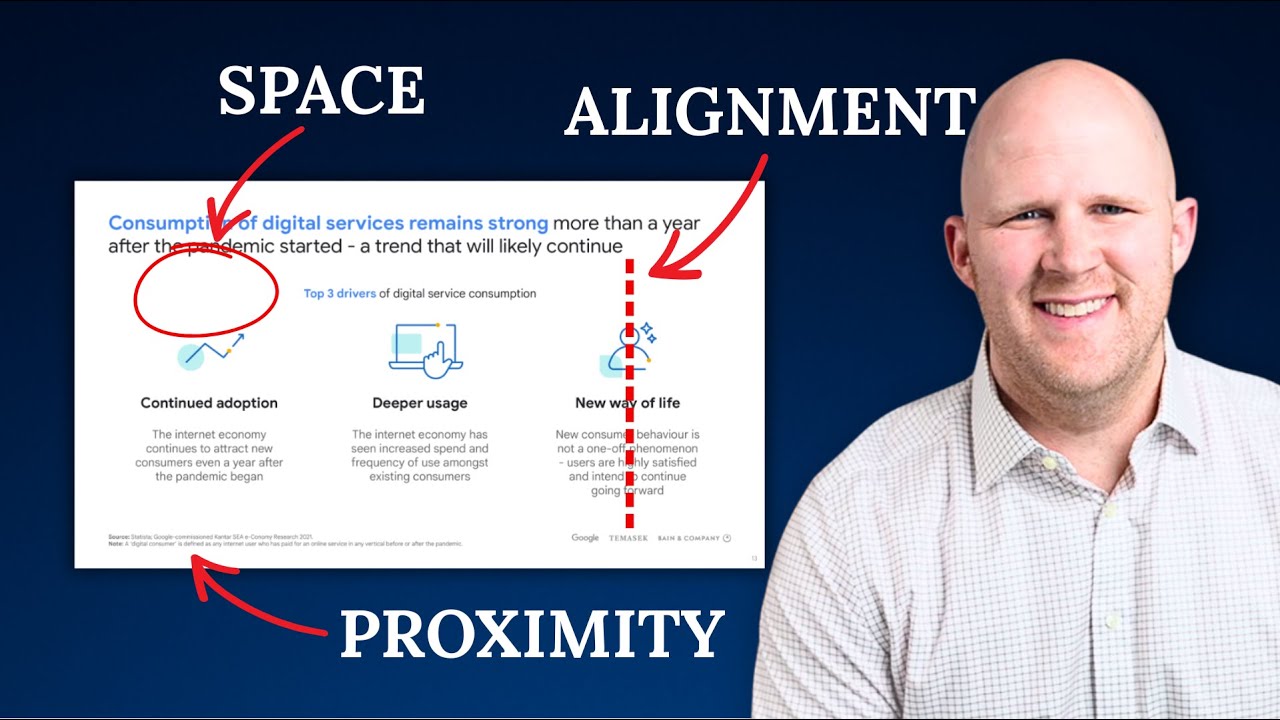
Sometimes, less is more, especially when it comes to presentation design. This video focuses on achieving a clean, modern, and sophisticated aesthetic specifically within Google Slides. It's all about clarity and impact, ensuring your audience stays focused on your message without getting bogged down by cluttered or overly flashy slides. You'll discover that a minimalist approach can actually be incredibly powerful.
We really liked how this creator emphasizes the strategic use of negative space and clean layouts. It's surprising how much a well-placed bit of white space can improve readability and overall design. Plus, there's a great segment on color theory and typography – essential for building a cohesive and professional look. The discussion on subtle, purposeful animations is also a standout, showing you how to guide attention effectively. If you're into charts and infographics, you'll find helpful tips for making those visually appealing too.
This is a brilliant guide for anyone wanting to move away from generic templates and create something truly impactful in Google Slides. It’s perfect for those who appreciate clean design and want their presentations to feel polished and professional. You'll definitely get a handle on how to make your Google Slides shine without overdoing it.
- Achieve a clean, modern, and impactful look in Google Slides.
- Utilize negative space, color, typography, and subtle animations effectively.
Design Eye-Catching Presentations: The Ultimate Guide to Modern Aesthetics
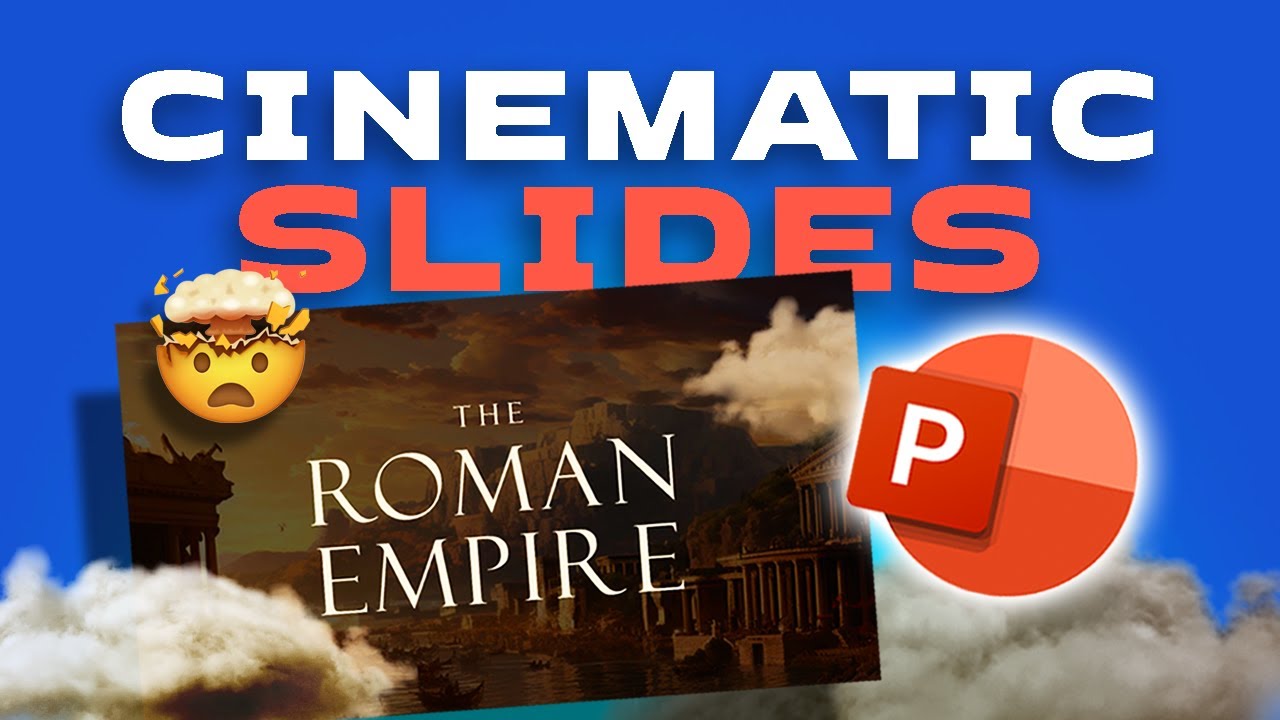
Creating presentations that are visually appealing isn't just about looking good; it's about communicating effectively. This comprehensive video breaks down the core principles of modern presentation design that apply across platforms, including PowerPoint and Google Slides. It’s a foundational watch for anyone serious about improving their slide-making skills.
The creator really nails the fundamentals here. You'll grasp essential concepts like visual hierarchy and balance, understanding how to arrange elements on your slide so the most important information naturally draws the eye. The advice on selecting and using fonts is particularly valuable – it's amazing how much difference the right typeface can make for readability and overall style. Plus, the section on color palettes provides practical guidance on choosing colors that evoke the desired emotions and reinforce your message. Consistency, a cornerstone of good branding, is also covered thoroughly. This video is a solid starting point for understanding why good design works.
This is an incredibly valuable resource for pretty much anyone who gives presentations. Whether you're just starting out or looking to refine your existing skills, the principles discussed here are universally applicable. You’ll gain a much deeper understanding of what makes a presentation truly eye-catching and effective.

- Understand core principles of modern presentation design.
- Learn about visual hierarchy, fonts, color palettes, and design consistency.
Unlock the Secrets to Compelling Storytelling Through Presentation Design
A presentation isn't just a collection of facts; it's a story you're telling. This video brilliantly shifts the focus from pure aesthetics to how design can actually amplify your narrative and make your message resonate deeply with your audience. It’s a crucial perspective that many overlook, leading to presentations that inform but don't inspire.
You'll learn how to structure your presentation flow not just logically, but for maximum narrative impact. This means thinking about pacing, building tension, and creating a satisfying conclusion. The creator shares techniques for using visual elements – imagery, icons, and even the way you arrange text – to reinforce your story and evoke the right emotions and understanding. Creating a memorable closing that powerfully reinforces your key message is also a key takeaway here. It’s about making your audience feel something and remember what you said.
This video is a game-changer for anyone who wants their presentations to have a lasting impact. If you're looking to connect with your audience on a deeper level and ensure your message sticks, this is a must-watch. You'll discover how to weave your story seamlessly into your slides, making them more persuasive and memorable. It’s presentation design with purpose.
- Enhance narrative impact through strategic presentation flow and visuals.
- Use imagery, icons, and design to evoke emotion and create a memorable message.
Your Next Steps
By incorporating the insights from these top YouTube tutorials, you're equipped to move beyond basic slides and create presentations that are not only visually appealing but also powerfully effective. Ready to transform your next presentation into a memorable experience?
Your Action Items
- ☐Pick one video from above and watch it on Querivo
- ☐Ask questions and check summaries while watching without breaking your flow
- ☐Use the AI chat to clarify confusing parts and deepen understanding
- ☐Come back for more curated videos on topics you want to master
Turn Any YouTube Video into an Interactive Lesson
Paste any video link, get an instant AI summary, and ask questions in real-time.
Try Querivo Free →Related Videos You Might Enjoy
Looking for more perspectives on this topic? Here are some additional videos worth checking out:
5 QUICK Ways to Improve Your PowerPoint Design
Forget PowerPoint! The BEST AI Tool for Making Stunning Presentations | Gamma.app Tutorial

How to make a good PowerPoint slide - Easy Tutorial

How I created these VIRAL POWERPOINTS 🥵🥵🥵
This video tutorial demonstrates how to create three visually striking and "viral" PowerPoint slides with impressive animations and designs. The presenter walks viewers through step-by-step processes for each slide, focusing on image manipulation, shape formatting, text effects, and animation techniques.