Dreaming of transforming your photos from ordinary to extraordinary, but feel overwhelmed by Photoshop's vast capabilities?
Key Takeaways
- 1Learn essential Photoshop for beginners with top YouTube videos.
- 2Master AI tools for effortless photo enhancements.
- 3Build a solid foundation in core editing techniques.
- 4Explore creative photo manipulation for stunning results.
- 5Unlock your creative potential with pro-level skills.
Who this is for
- If you're struggling to grasp Photoshop's complex interface
- If you're a photographer wanting to elevate your editing game
- If you're a beginner eager to learn practical Photoshop photo editing techniques
Start Learning with AI-Powered Video Summaries
Get instant summaries, ask questions, and turn any video into an interactive study session.
Try Querivo Free →Effortless Edits: Harness the Power of AI in Photoshop & Beyond
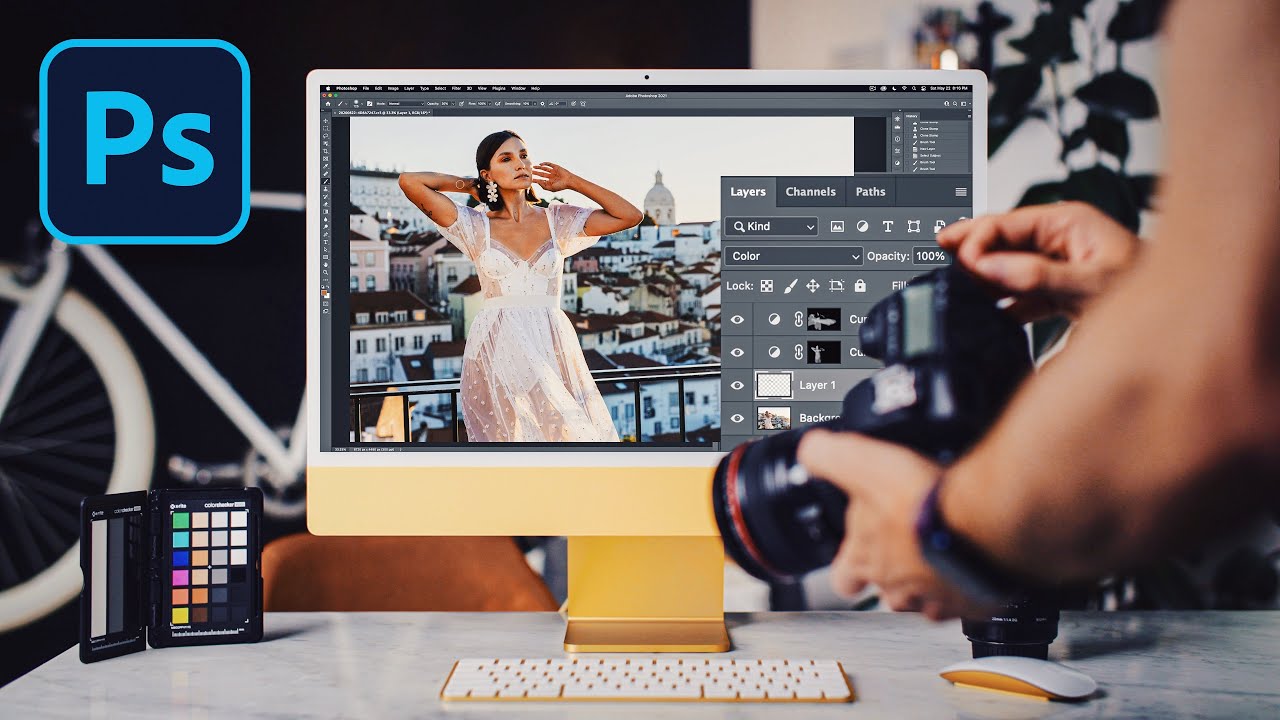
In today's digital landscape, compelling visuals are absolutely paramount. Mastering photo editing, especially within a powerhouse like Photoshop, is a skill that truly sets creators apart. But let's be honest, the learning curve can feel pretty daunting. Thankfully, the internet, and specifically YouTube, offers a wealth of free, beginner-friendly resources that can demystify even the most complex features. This video, for instance, dives headfirst into how you can leverage the transformative power of AI tools, not just in Photoshop but across the entire Adobe ecosystem, to achieve professional-grade results with surprisingly little manual effort.
You'll discover how intelligent AI can supercharge enhancements for landscapes and portraits alike, and it even tackles tricky object removal tasks with ease. It's about working smarter, not harder, and this tutorial is a fantastic introduction to that philosophy. Whether you're looking to refine skies, smooth skin, or even just tidy up a distracting element, AI has your back here.
- Leverage Adobe's AI for intelligent sky/water enhancements and object removal.
- Try AI masking for sophisticated portrait retouching like skin smoothing.
Mastering the Latest: Your First Look at Photoshop's New AI Features
Feeling a bit behind with all the rapid AI advancements in Photoshop? You're definitely not alone. This video is designed specifically to bridge that gap for beginners, offering an accessible introduction to the newest AI-driven features that are changing the game. It focuses on practical applications, meaning you can immediately start using these tools to improve your editing workflow. Think of it as a guided tour of what's new and exciting, presented in a way that's easy to digest.
We're talking about features that make cleanup a breeze, like the enhanced Remove Tool, and the incredible flexibility of Firefly for Generative Fill. Plus, you'll get acquainted with tools that help blend images seamlessly and even intelligently enlarge your photos. It's a comprehensive look at how AI is making advanced editing techniques more approachable than ever before. Learning these new features can really give your images that extra polish.
- Explore the enhanced Remove Tool and Firefly for Generative Fill.
- Get to know the Harmonize feature for compositing and Generative Upscale.
Foundation First: Building Essential Photo Editing Skills in Photoshop
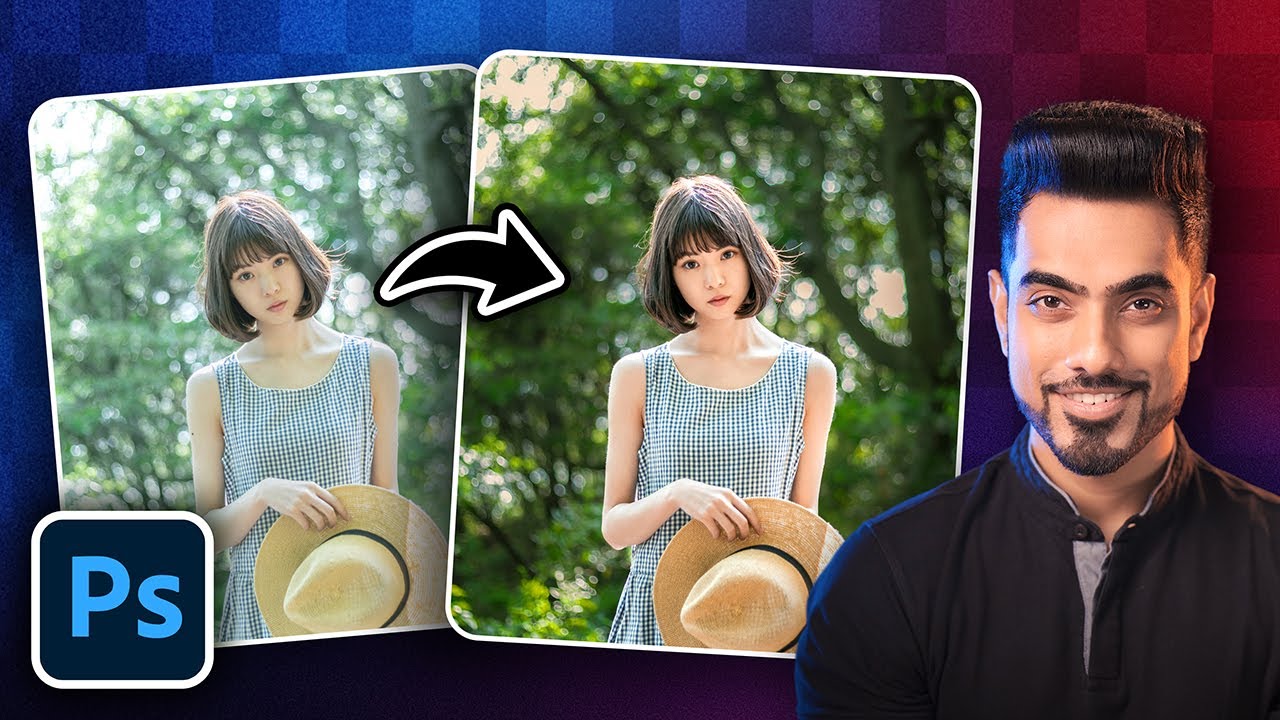
Before you can run with the advanced AI features, it's super important to have a solid grasp of the fundamentals. This video is precisely about that – laying down the essential groundwork for effective image manipulation in Photoshop. It tackles core concepts that are the building blocks for almost any editing task you'll ever undertake. You'll find yourself demystifying layers and masks, which are absolutely critical for non-destructive editing. Seriously, understanding these is a game-changer.
Plus, you'll get a clear handle on basic color correction and how adjustment layers work their magic. Learning to use essential selection tools effectively is also covered, enabling you to isolate and edit specific parts of your image with precision. And for those common imperfections that always seem to pop up? Fundamental retouching tools are explored here too. This is the "must-watch" for anyone who wants to build their Photoshop photo editing skills from the ground up.
- Master layers and masks for non-destructive editing workflows.
- Understand basic color correction and essential selection tools.
Beyond the Basics: Intuitive Photo Manipulation for Stunning Results
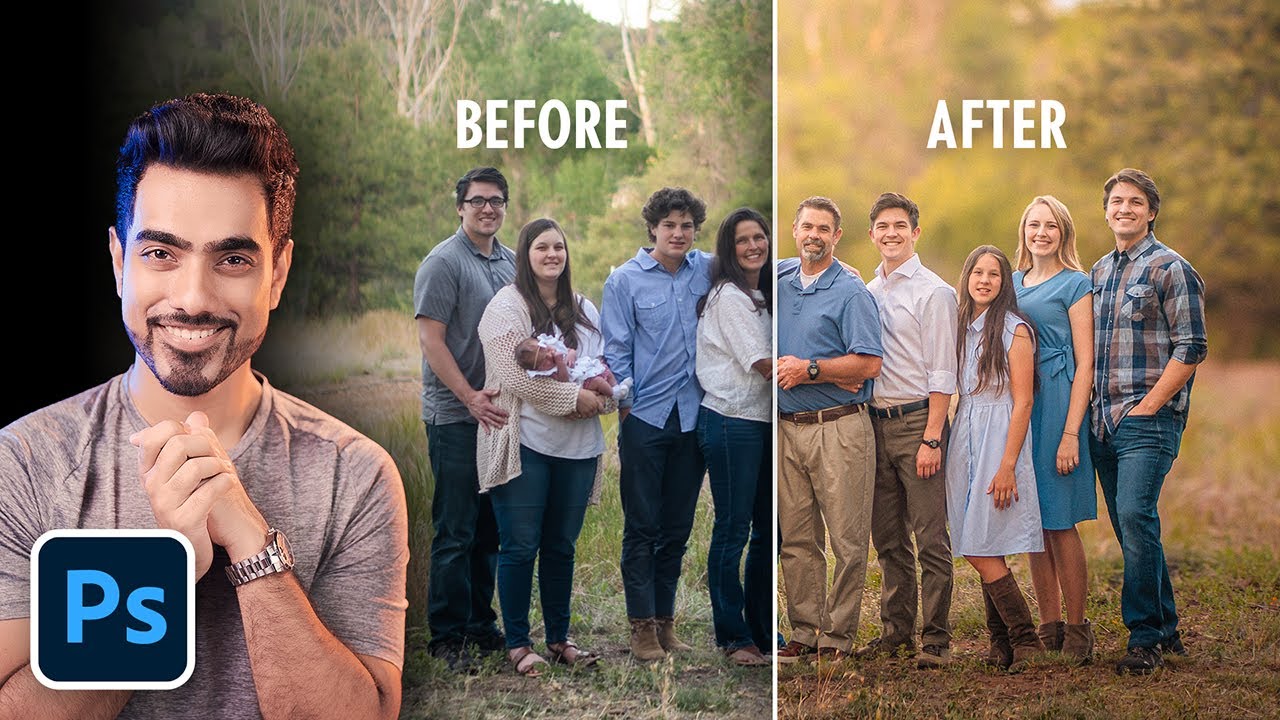
Ready to move past simple adjustments and dive into the truly creative side of photo editing? This video empowers beginners to explore intuitive photo manipulation techniques that can lead to seriously stunning composite images and advanced enhancements. The approach here is refreshingly clear and engaging, making complex processes feel surprisingly accessible. It’s about building your confidence to experiment and bring your unique visions to life.
You'll learn how to create compelling composite images using advanced selection and masking skills – techniques that are vital for blending different elements seamlessly. Mastering lighting and color matching is also key to making those composites look realistic, and this tutorial digs into that effectively. Plus, you'll get to explore creative effects and textures that can really elevate your images, and learn how to use perspective and transformation tools to craft dynamic compositions. This is where you start turning your photographic ideas into breathtaking realities.
![Photoshop Elements 2025 - Tutorial for Beginners in 13 MINS! [ COMPLETE ]](https://img.youtube.com/vi/UEtw_BYey4s/maxresdefault.jpg)
- Learn advanced selection and masking for compelling composite images.
- Explore creative effects, textures, and perspective tools for dynamic results.
Your Next Steps
You've explored how to harness the power of AI for effortless edits, get started with the latest Photoshop innovations, build a strong foundation with essential tools, and dive into creative photo manipulation. These beginner-friendly YouTube videos are your launchpad to professional-level photo editing. Seriously, the content available is incredible for anyone looking to up their Photoshop game.
Your Action Items
- ☐Pick one video from above and watch it on Querivo
- ☐Ask questions and check summaries while watching without breaking your flow
- ☐Use the AI chat to clarify confusing parts and deepen understanding
- ☐Come back for more curated videos on topics you want to master
Ready to transform your photos? Start by picking one of these recommended videos and follow along! Practice the techniques learned in each video on your own photos. Experiment with different settings and don't be afraid to make mistakes – that's how you learn best! Consider subscribing to the creators of these videos for ongoing Photoshop tips and tutorials, although remember, our focus is on the individual videos themselves.
Turn Any YouTube Video into an Interactive Lesson
Paste any video link, get an instant AI summary, and ask questions in real-time.
Try Querivo Free →Related Videos You Might Enjoy
Looking for more perspectives on this topic? Here are some additional videos worth checking out:
![Top 5 Photoshop 2025 NEW Features [July Release]](https://img.youtube.com/vi/t0plKURMkAc/maxresdefault.jpg)