Unlock the full potential of your data and transform spreadsheets into powerful analytical tools with the most impactful YouTube tutorials for mastering Excel formulas in 2025.
Key Takeaways
- 1Master essential and advanced Excel formulas.
- 2Learn VLOOKUP, INDEX/MATCH, and more.
- 3Discover new AI-powered Excel features.
- 4Boost your data analysis and productivity.
- 5Gain a competitive edge in your career.
Who this is for
- If you're tired of manual data entry and looking for efficiency.
- If you're a business professional needing to derive insights from data.
- If you're a student or office worker aiming to enhance your core skills.
Start Learning with AI-Powered Video Summaries
Get instant summaries, ask questions, and turn any video into an interactive study session.
Try Querivo Free →Master VLOOKUP for Seamless Data Lookups
Tired of manually sifting through rows of data? The VLOOKUP function is your answer to efficiently finding specific information buried within your spreadsheets. This video tutorial dives deep into how VLOOKUP works, equipping you with the knowledge to pull relevant data in seconds. It’s a foundational skill that we found surprisingly essential for anyone working with even moderately sized datasets.
You'll learn the precise syntax and arguments needed to make VLOOKUP perform as intended, avoiding those frustrating #N/A errors. Plus, the creator offers practical examples that directly translate to common business scenarios, showing you exactly how to apply this function in real-world situations. It’s definitely worth watching if you're looking to speed up your data retrieval process significantly.
This video also shares invaluable tips and tricks for avoiding common pitfalls and optimizing VLOOKUP's performance. Understanding these nuances can save you a ton of time and prevent headaches down the line. It’s a pretty solid introduction to one of Excel's most powerful lookup tools.
- VLOOKUP is essential for efficient data retrieval.
- Practice its syntax and common use cases.
Study This Video Deeper
Get an AI summary and ask questions about confusing parts in real-time.
Open in Querivo →Unlock Advanced Data Retrieval with INDEX/MATCH
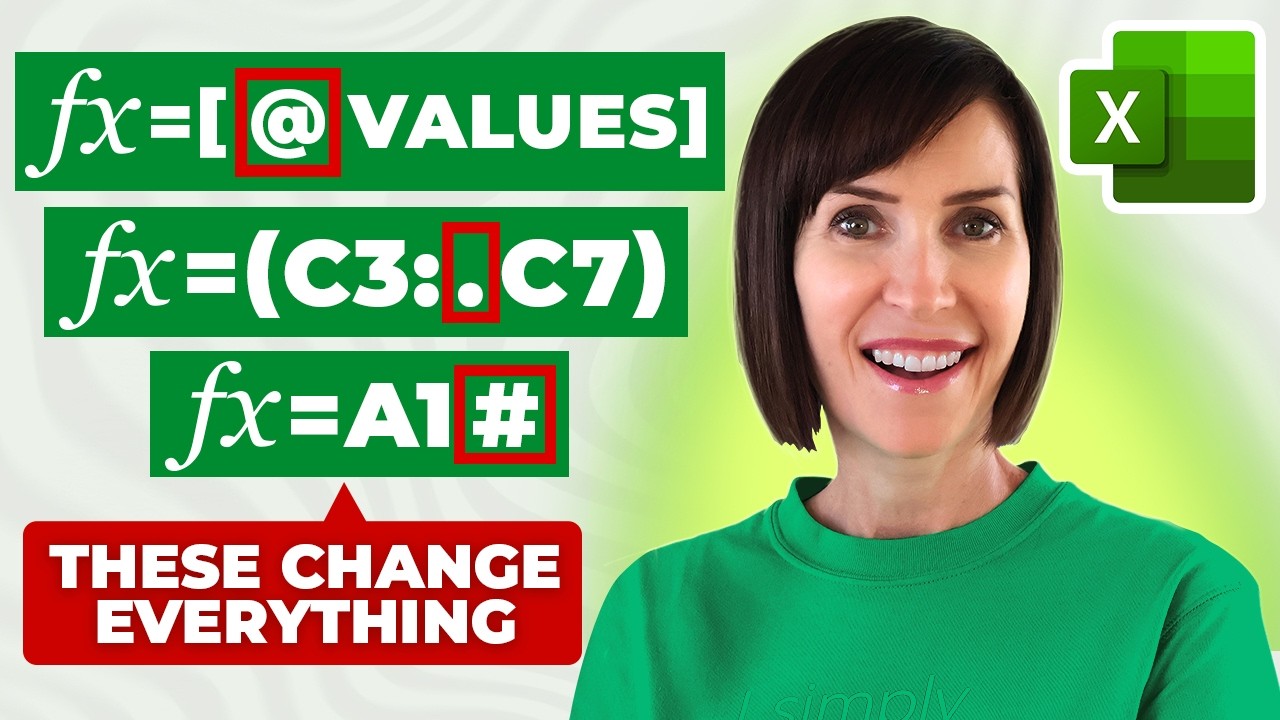
While VLOOKUP is a great starting point, sometimes you need more flexibility. That's where the powerful combination of INDEX and MATCH comes in. This video tutorial walks you through these two functions individually before showing you how to effectively combine them for more dynamic and robust data retrieval. It's a game-changer for tackling complex lookup scenarios that VLOOKUP just can't handle gracefully.
We particularly appreciated how the creator breaks down the logic of each function. Understanding INDEX and MATCH separately makes their combined power much clearer. You'll discover how this pairing allows you to look up data to the left of a lookup column, something VLOOKUP struggles with. It really opens up new possibilities for data manipulation.
The video also provides a direct comparison between INDEX/MATCH and VLOOKUP, helping you decide exactly when to deploy each function for maximum efficiency. If you've ever felt constrained by VLOOKUP's limitations, this is the resource you’ll want to watch. It’s surprisingly accessible and definitely elevates your Excel skill set.
- INDEX/MATCH offers more flexibility than VLOOKUP.
- Understand when to use this combination for complex lookups.
Supercharge Your Spreadsheets with Advanced Excel Functions
Ready to move beyond basic lookups and truly leverage Excel's analytical power? This video explores a range of advanced functions that will empower you to perform complex calculations, intricate data manipulations, and sophisticated conditional analyses with remarkable ease. It's designed to help you transform raw data into actionable insights, making your spreadsheets work harder for you.
You'll get an introduction to critical functions like SUMIFS, COUNTIFS, and AVERAGEIFS, which are indispensable for analyzing data based on multiple criteria. Plus, the creator delves into the logic of IF, AND, and OR functions, showing you how to build complex conditional statements that automate decision-making within your spreadsheets. This section is definitely worth your attention if you deal with reporting or data summaries.
Furthermore, this tutorial touches upon array formulas and their applications for undertaking highly sophisticated data tasks. While these can seem intimidating at first, seeing them in action can really spark ideas for how to approach complex problems. This video is a fantastic resource for anyone looking to push the boundaries of what their Excel sheets can do.

- Explore powerful functions like SUMIFS, COUNTIFS, and IF statements.
- Learn to build complex conditional logic for data analysis.
Boost Productivity with the Latest Excel Innovations
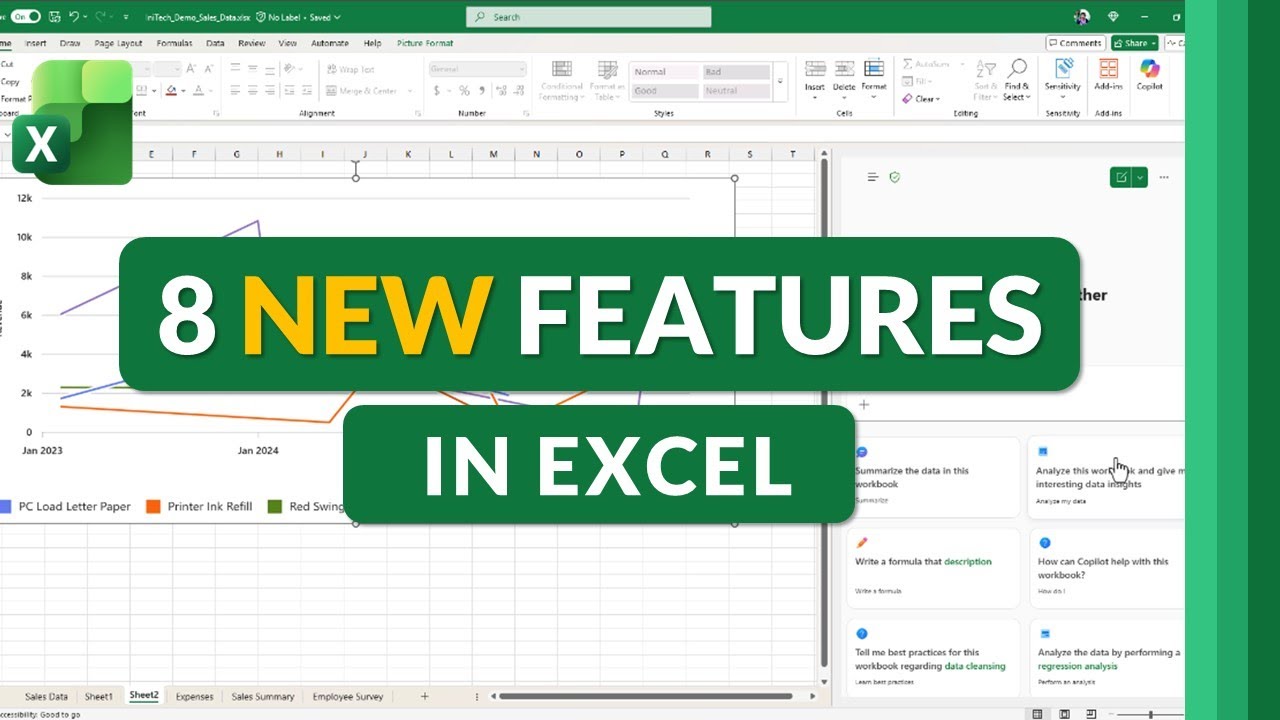
Microsoft is constantly improving Excel, and staying updated with the latest features can significantly streamline your workflow. This video provides a fascinating glimpse into the newest functionalities, including AI-powered tools and enhanced features that are set to revolutionize how you interact with your data. It's pretty essential viewing for anyone who wants to stay ahead of the curve in data analysis.
A major highlight is the introduction of AI features like Copilot Chat, which promises to help generate formulas, insights, and even entire data analyses based on simple prompts. Imagine asking Excel to create a complex formula for you – that's the future this video explores. It also covers enhancements to Pivot Tables, making data summarization even more efficient and intuitive than before.
You'll also discover new drawing and cell focus features that improve data visualization and interaction. These might seem like minor updates, but they can make a surprisingly big difference in how you present and analyze information. For anyone looking to maximize their productivity and harness cutting-edge tools, this video is a must-watch. It’s a glimpse into the future of Excel.

- Discover new AI tools like Copilot Chat in Excel.
- Explore enhancements to Pivot Tables and data visualization.
Your Next Steps
By mastering VLOOKUP, INDEX/MATCH, advanced functions, and leveraging the latest Excel innovations, you can transform your data analysis capabilities, save valuable time, and become an indispensable asset in any professional setting. These videos offer a clear path to becoming an Excel formula wizard.
Your Action Items
- ☐Pick one video from above and watch it on Querivo
- ☐Ask questions and check summaries while watching without breaking your flow
- ☐Use the AI chat to clarify confusing parts and deepen understanding
- ☐Come back for more curated videos on topics you want to master
Start applying these powerful Excel formula techniques today to boost your productivity and gain a competitive edge. These curated YouTube resources are your stepping stone to Excel mastery in 2025.
Turn Any YouTube Video into an Interactive Lesson
Paste any video link, get an instant AI summary, and ask questions in real-time.
Try Querivo Free →Related Videos You Might Enjoy
Looking for more perspectives on this topic? Here are some additional videos worth checking out:
Top 10 Essential Excel Formulas for Analysts in 2026

Excel Formulas and Functions - Tutorial for Beginners (2025)

8 Awesome New Excel Formulas for 2026 | Do you know them?
8 new features in Microsoft Excel (October 2025)
This video showcases 8 new features in Microsoft Excel for Microsoft 365 desktop users. It highlights key updates like automatic Pivot Table refresh, the integration of Copilot Chat across Office apps for all subscribers, enhanced focus cell functionality, new drawing tools, and a refreshed Excel icon.