Are repetitive tasks slowing down your business? Imagine reclaiming hours each week by letting Google Sheets do the heavy lifting.
Key Takeaways
- 1Master Google Sheets automation for ultimate business efficiency.
- 2Build instant business apps with AI in minutes.
- 3Streamline projects using your existing Google Workspace.
- 4Automate complex tasks with Google Apps Script.
- 5Create dynamic dashboards for real-time insights.
Who this is for
- If you're tired of manual data entry and repetitive spreadsheets
- If you're a small business owner looking to scale operations without adding staff
- If you're an administrative professional or data manager aiming to optimize workflows
Start Learning with AI-Powered Video Summaries
Get instant summaries, ask questions, and turn any video into an interactive study session.
Try Querivo Free →Transform Your Data into Instant Business Apps with AI
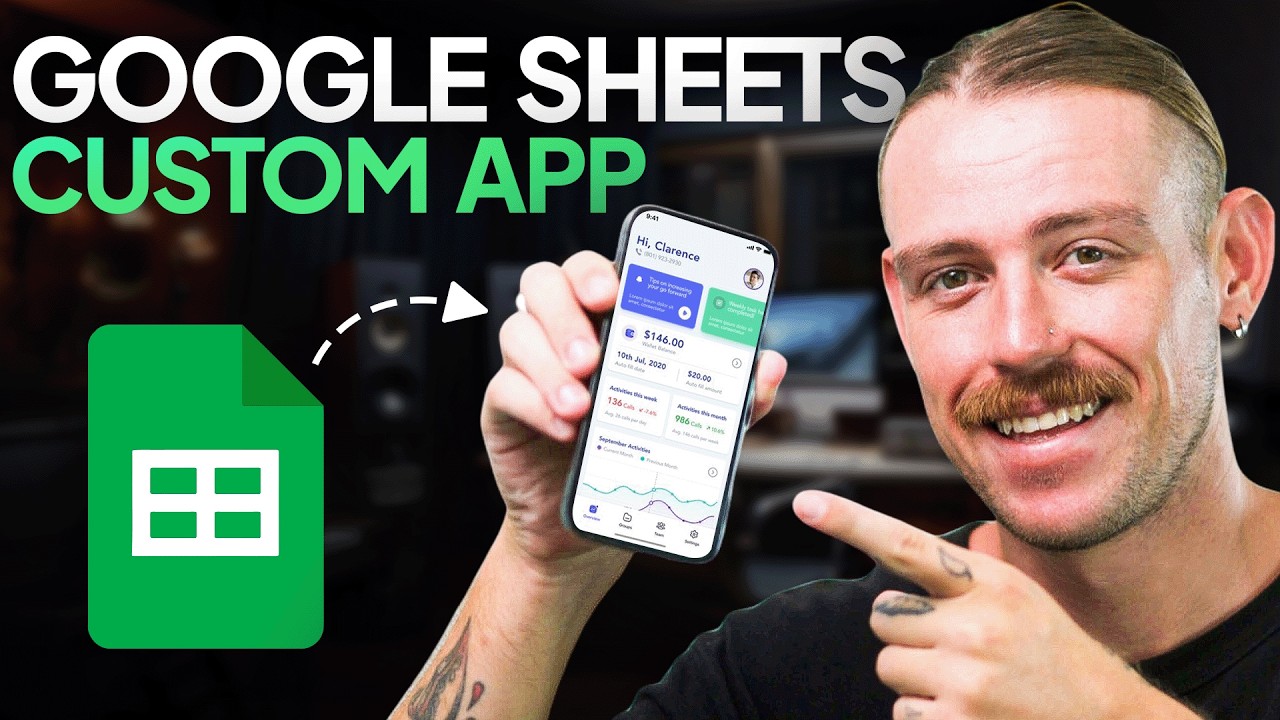
You've got valuable data sitting in Google Sheets, but accessing and managing it can feel clunky. What if you could turn that spreadsheet into a fully functional app, complete with forms, reports, and collaboration features, all without writing a single line of code? The video "Build an App from Google Sheets in Under 20 Minutes" by Automation Helpers shows you exactly how to do that.
This video dives into no-code AI builders, specifically demonstrating how to generate a working app from your Google Sheet data in under 20 minutes. You'll learn the art of prompt engineering – how to talk to the AI to get the app you actually need. Plus, you'll get a direct comparison of two popular no-code tools, helping you understand their strengths for different business needs. It’s a seriously cool way to make your data more accessible and actionable, and the creator provides actionable advice on prompt creation.
- Transform Google Sheets data into functional apps using AI in under 20 minutes.
- Experiment with AI prompt engineering to customize your apps effectively.
- Gain insights from a comparison of popular no-code tools.
Study This Video Deeper
Get an AI summary and ask questions about confusing parts in real-time.
Open in Querivo →Master Project Management with Your Existing Google Workspace Suite
Why spend a fortune on specialized project management software when the tools you already use can do the job? The video "Google Workspace: The Secret Weapon For Project Management" by PMPlace makes a compelling case for leveraging your existing Google Workspace suite – Gmail, Drive, Sheets, Calendar, and Chat – to build a robust, integrated project management system. It’s a surprisingly powerful and cost-effective approach for keeping everything organized and is accessible to a wide audience.
The creator walks you through how to consolidate project communication using Google Groups and Chat, centralize all your project files in Google Drive, and manage tasks and deadlines effectively with Google Sheets and Calendar. Think of it as a central nervous system for your projects, accessible to everyone on your team. This method is particularly helpful if you're a small business owner or part of a team that's already invested in Google's ecosystem, and it provides actionable steps to build a fully integrated system.
- Build an integrated project management system using your existing Google Workspace tools.
- Organize all project communication, files, and tasks in one central location.
- Implement a cost-effective project management solution accessible to your team.
Unlock Advanced Automation with Google Apps Script
Alright, so you've seen how no-code tools can get you started, and you've organized your projects. But what about those truly custom, repetitive tasks that eat up your day? That’s where Google Apps Script comes in, and the video "Google Apps Script for Beginners: Start Automating Google Sheets" by Analytics with Adam is your gateway. It’s a JavaScript-based scripting language that lets you do some pretty incredible things within Google Sheets, offering valuable content for beginners.
This tutorial dives into automating mundane data entry, applying complex formatting automatically, and generating detailed reports without manual intervention. You’ll discover how to create your own custom functions – think of them as supercharged formulas that can handle calculations or data manipulations Sheets can't do out of the box. Plus, you can build custom menus and user interfaces right within Sheets, making your workflows even smoother. It’s definitely a step up from basic automation, but the payoff in saved time and reduced errors is huge. This is where serious Google Sheets automation happens, and the creator provides valuable content to help you get started.
- Automate complex tasks and create custom functions with Google Apps Script.
- Streamline operations by building custom menus and user interfaces within Google Sheets.
- Leverage valuable beginner content to start your automation journey.
Build Dynamic Dashboards for Real-Time Business Insights
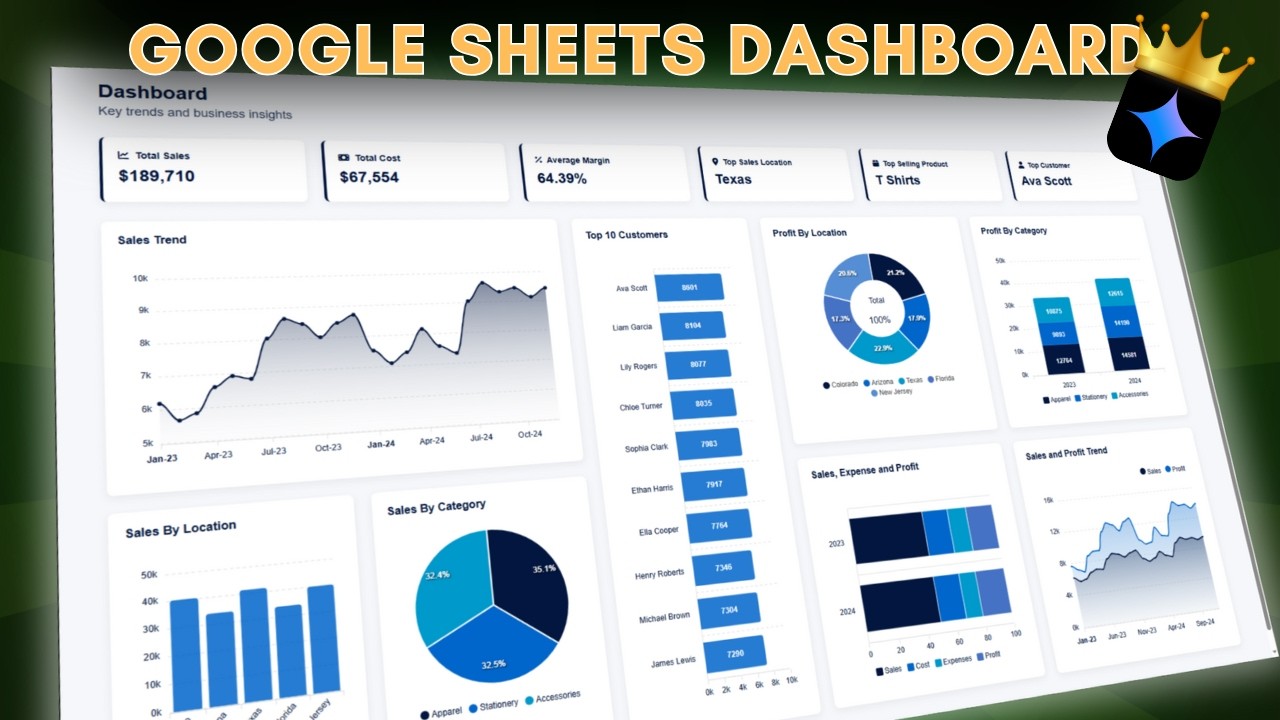
Data is only useful if you can understand it quickly. The video "How to Create a Dashboard in Google Sheets in 5 Minutes - 2025 Edition 📈" by Coupler․io Academy focuses on turning your raw data into powerful, visual dashboards directly within Google Sheets. Forget clunky reports; you'll learn how to create dynamic, at-a-glance views of your business's key performance indicators (KPIs).
This video shows you how to pull data from multiple sources into a single, unified dashboard, making it easier than ever to see the big picture. The creator demonstrates how to use charts, graphs, and conditional formatting to make your data pop and tell a clear story. Plus, there’s guidance on setting up automated reports and alerts, so you're always ahead of the curve, making proactive decisions rather than reacting to past performance. It’s a game-changer for anyone who needs to monitor business health effectively and offers valuable content for quick implementation.

- Create visually appealing dashboards in Google Sheets in just 5 minutes to monitor KPIs.
- Set up automated reports and alerts for proactive decision-making.
- Utilize effective data visualization techniques to understand your business metrics.
Your Next Steps
By leveraging the power of Google Sheets automation, from no-code app building and integrated project management to advanced scripting and dynamic dashboards, you can significantly boost your business efficiency, reduce manual effort, and gain deeper insights. These YouTube guides offer practical, actionable steps to get you there. You can start by transforming your data into functional apps with AI, or streamline your projects using the tools you already have. For more advanced users, Google Apps Script offers powerful custom automation, and for a quick overview of data visualization, the dashboard creation video is invaluable.
Your Action Items
- ☐Pick one video from above and watch it on Querivo
- ☐Ask questions and check summaries while watching without breaking your flow
- ☐Use the AI chat to clarify confusing parts and deepen understanding
- ☐Come back for more curated videos on topics you want to master
Ready to transform your business? Start exploring these YouTube guides and implement these Google Sheets automation techniques today!
Turn Any YouTube Video into an Interactive Lesson
Paste any video link, get an instant AI summary, and ask questions in real-time.
Try Querivo Free →Related Videos You Might Enjoy
Looking for more perspectives on this topic? Here are some additional videos worth checking out: