Tired of drowning in repetitive digital chores? Imagine reclaiming hours each week by letting Python handle the mundane tasks.
Key Takeaways
- 1Unlock powerful Python automation techniques.
- 2Streamline file management and Excel tasks.
- 3Automate daily digital chores effortlessly.
- 4Boost productivity for work and study.
- 5Save time with simple Python scripts.
Who this is for
- If you're an office worker buried under spreadsheets and repetitive data entry
- If you're a developer looking to automate routine coding tasks or file organization
- If you're a student wanting to organize your research papers and downloads efficiently
Start Learning with AI-Powered Video Summaries
Get instant summaries, ask questions, and turn any video into an interactive study session.
Try Querivo Free →Conquer Your Downloads Folder: Effortless File Management with Python
Feeling overwhelmed by that ever-growing Downloads folder? We've all been there. This video dives straight into one of the most common productivity pain points and shows you how Python can bring order to chaos. It's a fantastic starting point for anyone who wants to see immediate results from automation.
The creator, Khizar Hayat, demonstrates how to automatically sort all those downloaded files – images, videos, documents, you name it – into their proper homes. Think of it as having a digital assistant that diligently tidies up after every download. Plus, the creator touches on monitoring your file system for real-time automation, which opens up a whole world of possibilities beyond just cleaning up your Downloads. This is definitely worth watching if you're looking for a practical, everyday application of Python scripting.
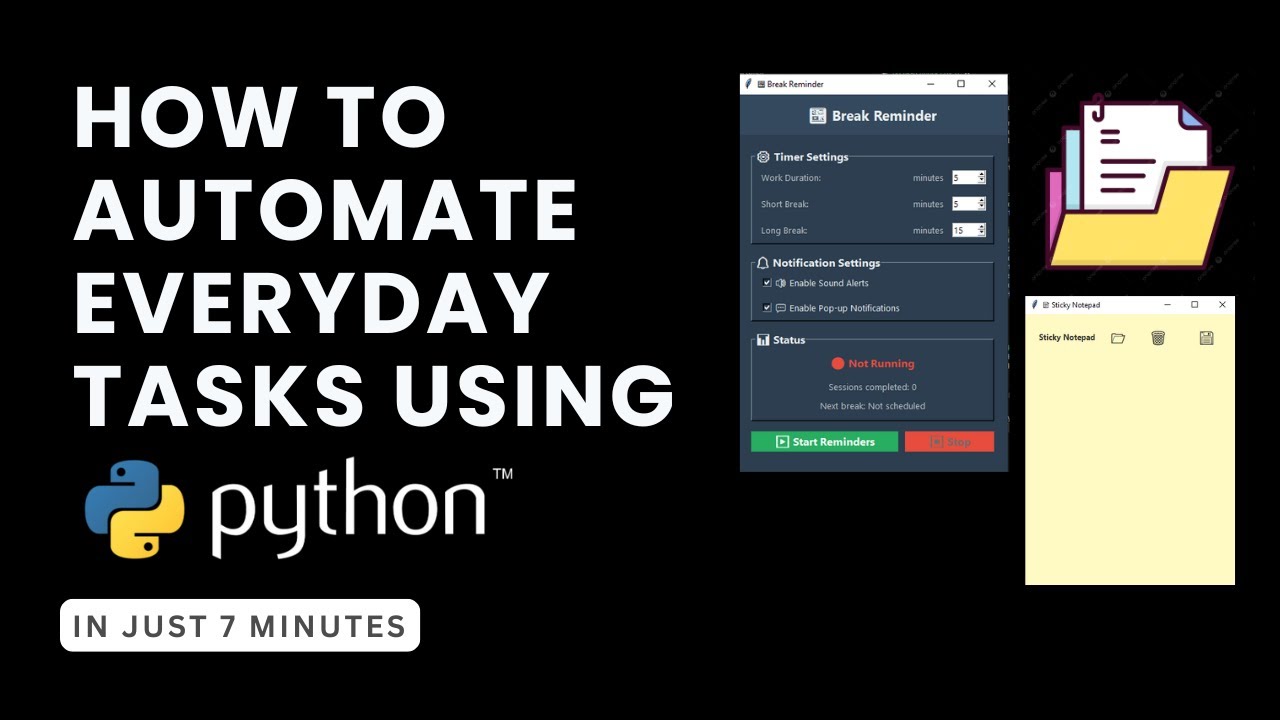
- Automatically sort downloaded files into organized folders.
- Implement real-time file system monitoring for automation.
Supercharge Your Spreadsheets: Automate Excel with Python Scripts
For many, spreadsheets are a necessary evil. Whether you're crunching numbers for work or managing a personal budget, Excel can be a massive time sink. But what if you could make Python do the heavy lifting? This video shows you exactly how to bridge the gap between Python's power and Excel's ubiquity.
The creator, John Watson Rooney, demonstrates how to connect Python scripts directly to your Excel files using a library called xlwings. It’s surprisingly straightforward to set up your environment and get the necessary packages installed for seamless integration. The real magic happens when you start building custom interfaces and automating data extraction from multiple Excel files, which can save you literally hours of manual copy-pasting. If your job involves a lot of spreadsheet work, this video is a game-changer. It’s a key piece for anyone wanting to leverage Python automation for business tasks.
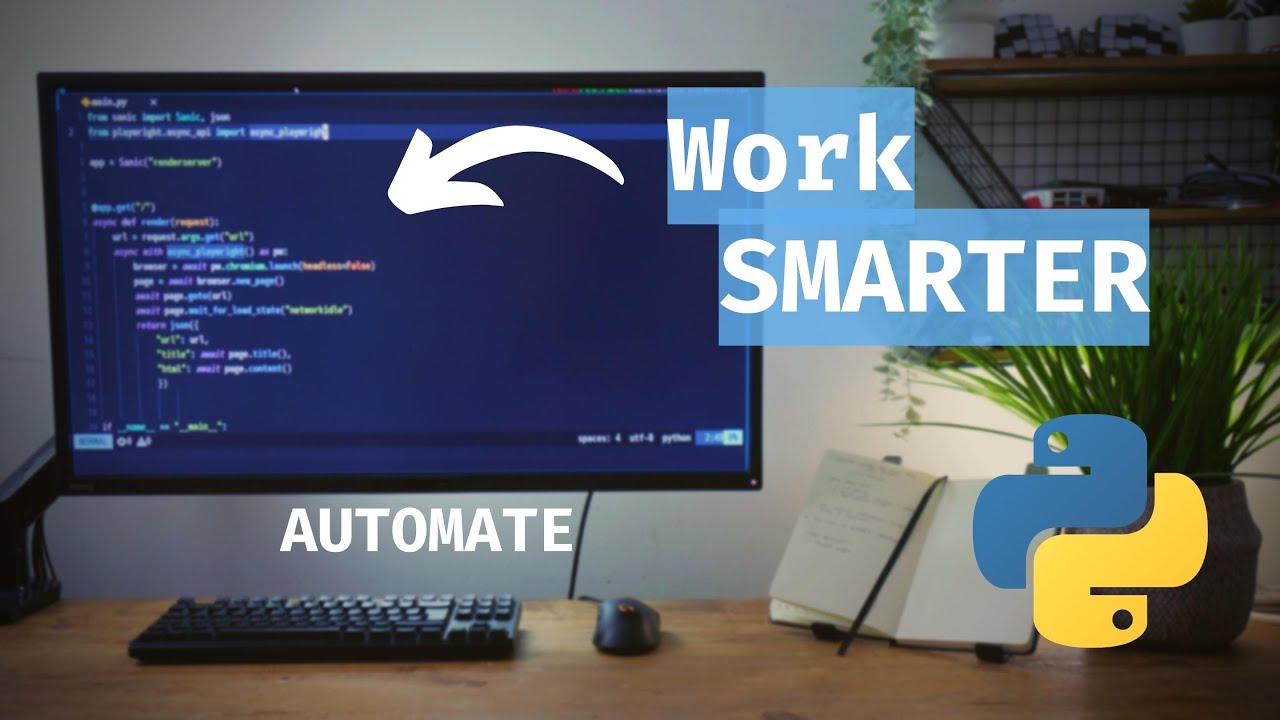
- Integrate Python scripts directly with Microsoft Excel.
- Automate data extraction and manipulation within spreadsheets.
Build Your First Automation: Organize Files by Type with Simple Python Scripting
Ready to roll up your sleeves and build something tangible? This tutorial is perfect for beginners looking for a hands-on project to kickstart their Python automation journey. It takes a common problem – the cluttered Downloads folder – and provides a clear, step-by-step solution.
The creator, Internet Made Coder, walks you through organizing your files by type, like moving all your music into a "Music" folder or pictures into a "Pictures" directory. You'll get to grips with essential Python modules like os and shutil for creating directories and moving files around. It also covers basic error handling, ensuring your script runs smoothly even if some files are already where they need to be. It's a solid, actionable example that demonstrates the power of simple scripting for everyday efficiency. You'll definitely come away feeling empowered to tackle more complex automation tasks.

- Organize your Downloads folder by file type.
- Learn to use `os` and `shutil` for file management.
Study This Video Deeper
Get an AI summary and ask questions about confusing parts in real-time.
Open in Querivo →Beyond Downloads: Advanced File System Automation Techniques
Once you've got the hang of basic file organization, you might be wondering what else is possible. This video expands on those foundational concepts, introducing more robust methods for managing your digital world. It's a great follow-up if you've enjoyed the previous file management tutorials and want to level up your skills.
The creator, Coding Is Fun, explores more sophisticated file organization strategies that go beyond simple categorization. What happens when you have files with the same name? This video tackles those tricky scenarios, covering techniques for handling naming conflicts and even dealing with duplicate files. By understanding these advanced methods, you can build much more powerful and reliable file management scripts for larger projects or more complex digital libraries. It’s a smart move to watch this if you're serious about mastering file automation with Python.

- Implement advanced file organization strategies.
- Learn to handle file naming conflicts and duplicates.
Your Next Steps
By diving into these Python automation YouTube videos, you're not just learning to code; you're learning to reclaim your time and reduce digital friction. The featured tutorials offer practical, beginner-friendly approaches to common tasks like file management and spreadsheet automation, proving that powerful productivity hacks are within reach.
We encourage you to pick one video from above and watch it on a platform that allows for deeper engagement. Use AI-powered summaries and Q&A features to clarify any confusing parts and truly absorb the material. This interactive approach will not only deepen your understanding but also help you retain the information more effectively. Come back for more curated videos on topics you want to master, and build a personalized learning path towards peak productivity.
Your Action Items
- ☐Pick one video from above and watch it on Querivo
- ☐Ask questions and check summaries while watching without breaking your flow
- ☐Use the AI chat to clarify confusing parts and deepen understanding
- ☐Come back for more curated videos on topics you want to master
Ready to transform your daily routine? These resources are your launchpad for a more efficient digital life. Start exploring these tutorials today and begin streamlining those repetitive tasks!
Turn Any YouTube Video into an Interactive Lesson
Paste any video link, get an instant AI summary, and ask questions in real-time.
Try Querivo Free →Related Videos You Might Enjoy
Looking for more perspectives on this topic? Here are some additional videos worth checking out:
Python Automation Made Easy: 10 GENIUS Tips to Simplify Everyday Tasks

Start Automating Your Life Using Python! (File Management with Python Tutorial)
This video tutorial teaches viewers how to automate their lives by managing their downloads folder using Python. It demonstrates how to write a Python script that automatically sorts downloaded files into designated image and video folders.

Automate Your Excel Tasks Using Python
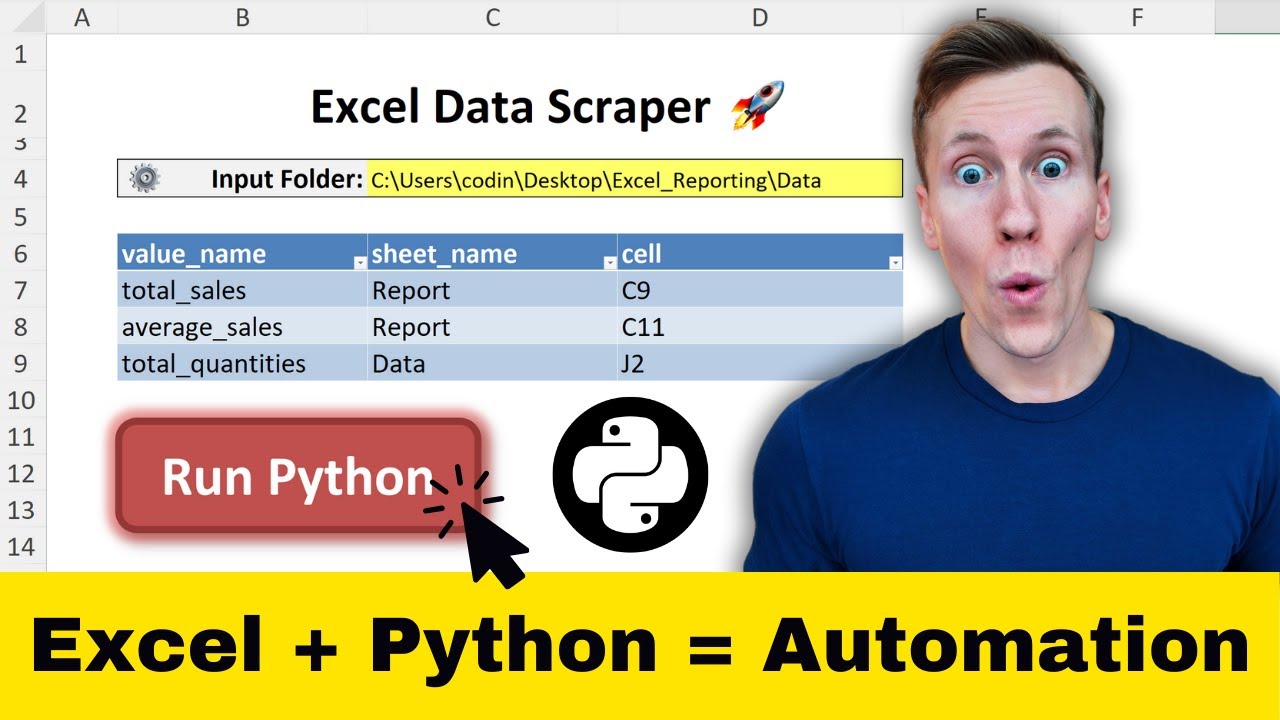
This video demonstrates how to automate Excel tasks using Python by integrating Python scripts directly into an Excel workbook. It teaches how to set up the environment, connect Python to Excel using the xlwings library, and build a custom data scraping tool.
Python for Beginners #4: Automate Your Daily Tasks (Simple Scripting Project)
This Python tutorial teaches beginners how to automate the organization of their downloads folder by file type. It covers creating functions to move files, create new directories, and handle existing files, ultimately sorting files into categorized folders like music, pictures, and documents.