Tired of drowning in repetitive tasks? Imagine reclaiming hours each week, letting Google Sheets do the heavy lifting for you. This article unlocks the power of automation.
In today's fast-paced work environment, efficiency is king. Google Sheets, a ubiquitous tool for data management, offers immense potential for automation, freeing you from manual processes and boosting productivity. This guide curates the best YouTube resources to help you master Sheets automation, from fundamental formulas to sophisticated scripting. Discover how to leverage AI, no-code platforms, and powerful scripts to automate your workflows. We'll guide you through essential concepts and practical examples from top YouTube creators, empowering you to transform your daily tasks.
Key Takeaways
- 1Unlock Google Sheets automation with expert videos.
- 2Learn AI-powered task identification.
- 3Build no-code workflows with Zapier and Make.com.
- 4Master advanced productivity tools like Copilot.
- 5Reclaim hours by automating repetitive tasks.
Who this is for
- If you're tired of manual data entry and repetitive spreadsheet work
- If you're a business owner or analyst looking to boost team efficiency
- If you're a beginner eager to explore no-code and AI for automation
Start Learning with AI-Powered Video Summaries
Get instant summaries, ask questions, and turn any video into an interactive study session.
Try Querivo Free →Identify and Automate Your Core Tasks with AI
Are you wondering which parts of your job are actually ripe for automation? It can feel like a daunting task to even figure out where to start. This video offers a surprisingly straightforward approach, leveraging the power of AI, specifically ChatGPT, to pinpoint those repetitive, time-consuming tasks that are prime candidates for automation. It's not just about finding them, but about creating a clear, actionable plan to actually automate them. You'll discover a four-step process that's designed to be repeatable, meaning once you learn it, you can apply it again and again.
The creator walks you through how to prompt ChatGPT effectively. We're talking about getting specific and asking the right questions to get the AI to analyze your job description and identify those recurring duties. Plus, you'll learn how to develop reusable prompt templates. Think of it as creating your own AI automation assistant that you can call on whenever you need to streamline a new part of your workflow. It’s a really practical way to start making your job more efficient without needing to be a coding expert.

- AI, particularly ChatGPT, can identify automatable job tasks.
- Develop a repeatable four-step process for AI-driven automation.
Study This Video Deeper
Get an AI summary and ask questions about confusing parts in real-time.
Open in Querivo →Build Your First No-Code Automation with Zapier
Feeling overwhelmed by the idea of coding? You're not alone! This video is a fantastic starting point for anyone new to automation. It introduces the world of no-code tools, with a specific focus on Zapier, showing you exactly how to connect different applications and automate simple workflows. The beauty of this is you don't need to write a single line of code. It's all about visual interfaces and intuitive setups.
You'll follow along as the creator demonstrates building a practical automation: linking Google Sheets to Gmail. This means when something happens in your sheet, like a new row being added, an email can be triggered automatically. It's a super accessible way to grasp core automation concepts like Triggers (what starts the automation) and Actions (what happens next). Plus, you'll learn how to use Dynamic Data, which is key to making your automations smart and personalized.
- Zapier enables no-code automation by connecting apps.
- Learn to create a Google Sheets to Gmail workflow with Triggers and Actions.
Streamline Your Job Search with a No-Code Workflow
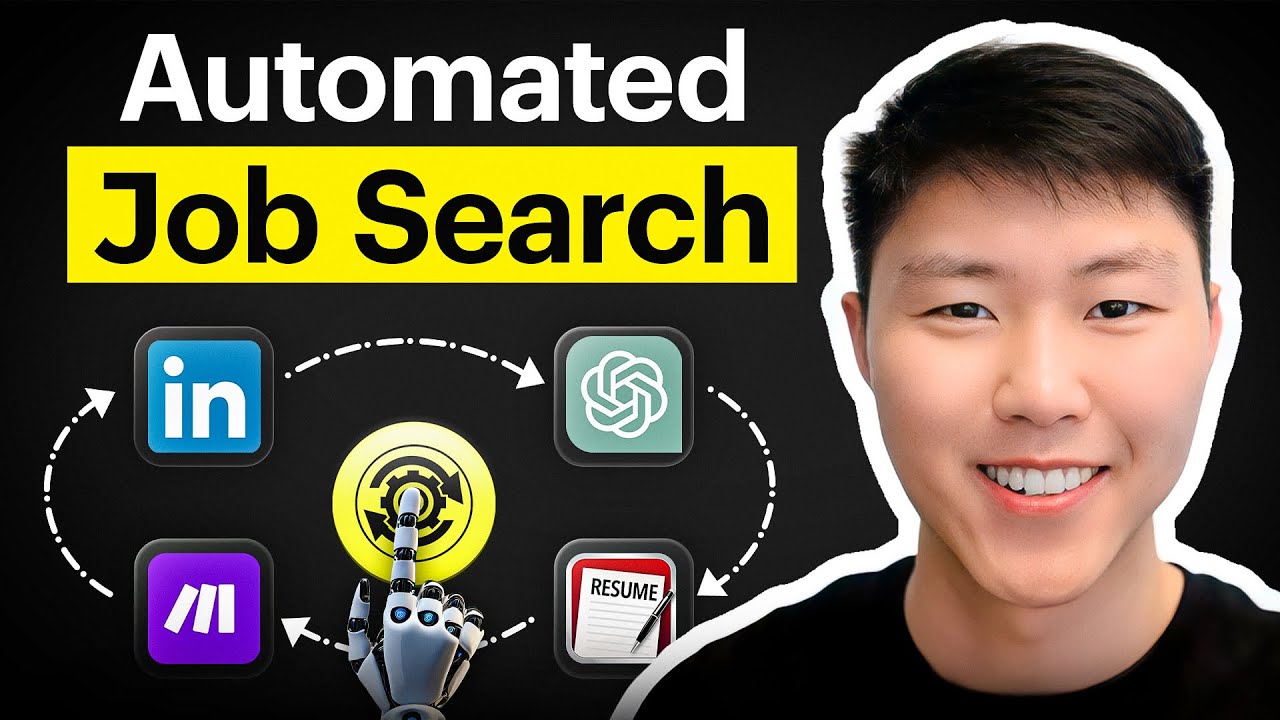
Let's face it, job hunting can be a full-time job in itself. Sifting through listings, tailoring applications, and keeping track of everything is exhausting. This video presents a smart, modern approach to tackling that process head-on, using a blend of no-code tools and AI. It’s about making the job search less of a chore and more of a streamlined, efficient operation.
You'll discover how to automate the collection of job data, pulling information from popular platforms like LinkedIn. The video guides you through using tools like Make.com (formerly Integromat) and RSS feeds to aggregate and filter job postings automatically. Imagine waking up to a curated list of relevant opportunities! And the AI integration here is pretty cool too; you'll see how ChatGPT can be used to summarize lengthy job descriptions and even give you a "job match" percentage, helping you prioritize your efforts effectively.

- Automate job data collection from platforms like LinkedIn.
- Utilize Make.com and RSS feeds for efficient job aggregation.
Unlock Advanced Productivity with Microsoft Copilot
While we're focusing on Google Sheets, it's worth noting how broader automation tools can impact your workflow, especially if you're in a Microsoft 365 environment. This video shines a light on Microsoft Copilot, an AI-powered assistant designed to boost productivity across a range of applications. It’s positioned as a way to genuinely change how you interact with your daily tools, from email to spreadsheets.
You'll see how Copilot can help manage your inbox by prioritizing emails and even handling tasks within Outlook and Teams. But it's not just about communication; the video demonstrates its prowess in analyzing documents to extract key insights or identify potential risks. For those working with data, its ability to summarize information in Excel is a real time-saver. And if you need to draft communications, Copilot can help kickstart that process too. It’s an exciting glimpse into how AI is becoming deeply integrated into our work.

- Microsoft Copilot automates tasks across the Microsoft 365 ecosystem.
- Learn its capabilities in email management, data analysis, and communication drafting.
Your Next Steps
By embracing automation through AI, no-code platforms, and smart scripting, you can significantly reduce manual effort, improve accuracy, and dedicate more time to strategic, high-value work. The resources explored offer diverse approaches to achieving this.
Your Action Items
- ☐Pick one video from above and watch it on Querivo
- ☐Ask questions and check summaries while watching without breaking your flow
- ☐Use the AI chat to clarify confusing parts and deepen understanding
- ☐Come back for more curated videos on topics you want to master
Ready to stop drowning in tasks and start working smarter? These videos provide a fantastic roadmap.
Turn Any YouTube Video into an Interactive Lesson
Paste any video link, get an instant AI summary, and ask questions in real-time.
Try Querivo Free →Related Videos You Might Enjoy
Looking for more perspectives on this topic? Here are some additional videos worth checking out:
5 Amazing Ways to Automate Your Life using Python

6 Amazing Ways Microsoft Copilot Can Automate Your Work!
This video demonstrates six practical ways to automate work using Microsoft Copilot across Outlook, Teams, Word, and Excel. It shows how Copilot can prioritize emails, analyze documents for risks and insights, summarize data, draft emails, and generate initial document outlines to save significant time.

Zapier Beginner's Guide 2025: Automate Your Work the Easy Way
This video introduces Zapier as a no-code automation tool that connects your favorite apps to eliminate repetitive tasks. It provides a step-by-step guide to building your first automation, demonstrating how to connect a Google Sheet to Gmail, and offers five pro tips to enhance your automation building skills.

Automate Your Job Search: No-Code Workflow with Make.com, LinkedIn, & ChatGPT!
This video demonstrates how to automate job searching using a no-code workflow. It shows how to pull job listings from LinkedIn, filter duplicates, extract data using RSS feeds, and then leverage ChatGPT to summarize job descriptions and calculate a "job match percentage" based on a user's profile, all stored in Airtable.