Tired of tedious manual data entry and repetitive spreadsheet tasks? Imagine reclaiming hours each week, freeing yourself from the drudgery of spreadsheets.
Key Takeaways
- 1Unlock Google Sheets & Excel automation with top YouTube guides.
- 2Master formulas, scripting, and AI for maximum efficiency.
- 3Transform your data handling from manual to automatic.
- 4Build custom solutions and conquer complex tasks easily.
- 5Save time and eliminate errors in your spreadsheet workflow.
Who this is for
- If you're drowning in manual spreadsheet updates and data entry
- If you're looking to build more robust, dynamic spreadsheet systems
- If you're a professional eager to leverage automation for productivity gains
Start Learning with AI-Powered Video Summaries
Get instant summaries, ask questions, and turn any video into an interactive study session.
Try Querivo Free →Build Your Automated Data Entry System with Ease
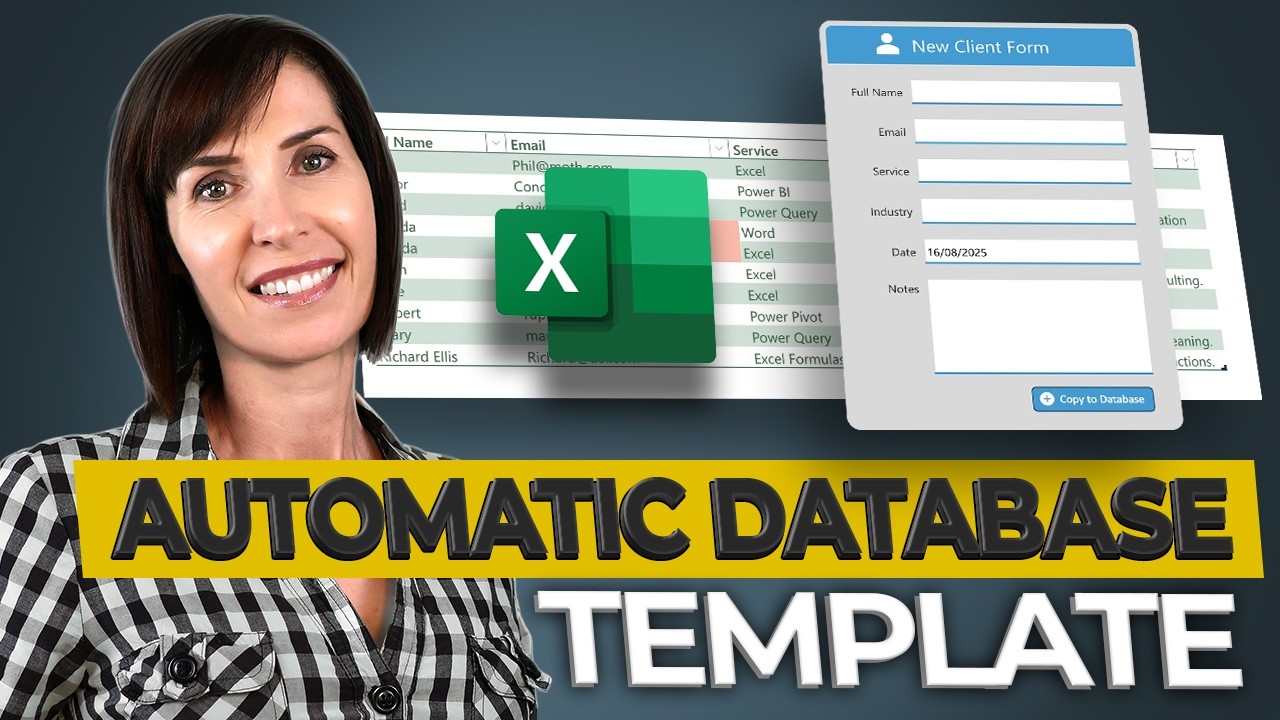
Manually entering data can be a real drag, and let's face it, it's super prone to errors. This video demonstrates a clever approach to building a structured and searchable database right within your spreadsheets, making it feel professional without needing complex software. You'll learn how to set up your data entry with clear formatting and validation rules, which is a game-changer for keeping things tidy from the start.
The creator guides you through designing intuitive forms that make data input straightforward. Plus, they show you how to build a robust table structure that makes managing your information efficient. A really neat trick they highlight is using conditional formatting to spot duplicate entries instantly. This foundational knowledge is seriously valuable, letting you adapt this system for all sorts of tracking needs, from project management to customer databases. It’s a solid way to get started with building better spreadsheet systems.
- Design intuitive data entry forms with formatting and validation.
- Implement conditional formatting for instant duplicate detection.
Unlock Powerful Automation with Scripting Fundamentals
When you think about automating spreadsheets, scripting often comes to mind. This video dives into the fundamentals of Visual Basic for Applications (VBA) within Excel, showing you just how powerful even simple scripts can be. It's a fantastic introduction if you've ever found yourself doing the same set of repetitive tasks over and over. Imagine creating your own custom functions that do complex calculations with a single command!
The instructor walks you through the VBA editor, making the process much less intimidating than it sounds. You'll see how to automate common chores, like clearing data ranges, and they even include confirmation prompts to prevent accidental deletions – smart! Honestly, it's surprisingly practical and shows you the immediate benefits of writing code to streamline your everyday spreadsheet operations. This is a great starting point for anyone wanting to go beyond standard formulas for their google sheets automation youtube journey.

- Learn to create custom functions to simplify calculations.
- Automate repetitive data clearing tasks with confirmation prompts.
Simplify Complex Spreadsheet Tasks with AI Assistance
Let's be real, some spreadsheet formulas can look like a foreign language. But what if you could just… ask your spreadsheet to do things? This video introduces the exciting world of AI-powered spreadsheet tools, and honestly, it’s a bit of a revelation. It demonstrates how Artificial Intelligence can make advanced operations accessible to virtually anyone, even if you find traditional formulas daunting. You'll explore how to manipulate data, join tables, and apply formatting just by using natural language prompts.
The potential here is huge for faster data analysis and visualization. It democratizes complex spreadsheet management, making it feel much more intuitive. You can imagine this being a total game-changer for beginners or anyone who needs to get quick insights without a steep learning curve. This approach truly embodies the spirit of google sheets automation youtube by making powerful tools available through simple, everyday language. It’s definitely worth checking out to see how AI is changing the spreadsheet landscape.

- Manipulate data using natural language prompts.
- Discover AI's potential for faster data analysis and visualization.
Master Inventory Management with Automated Excel Solutions
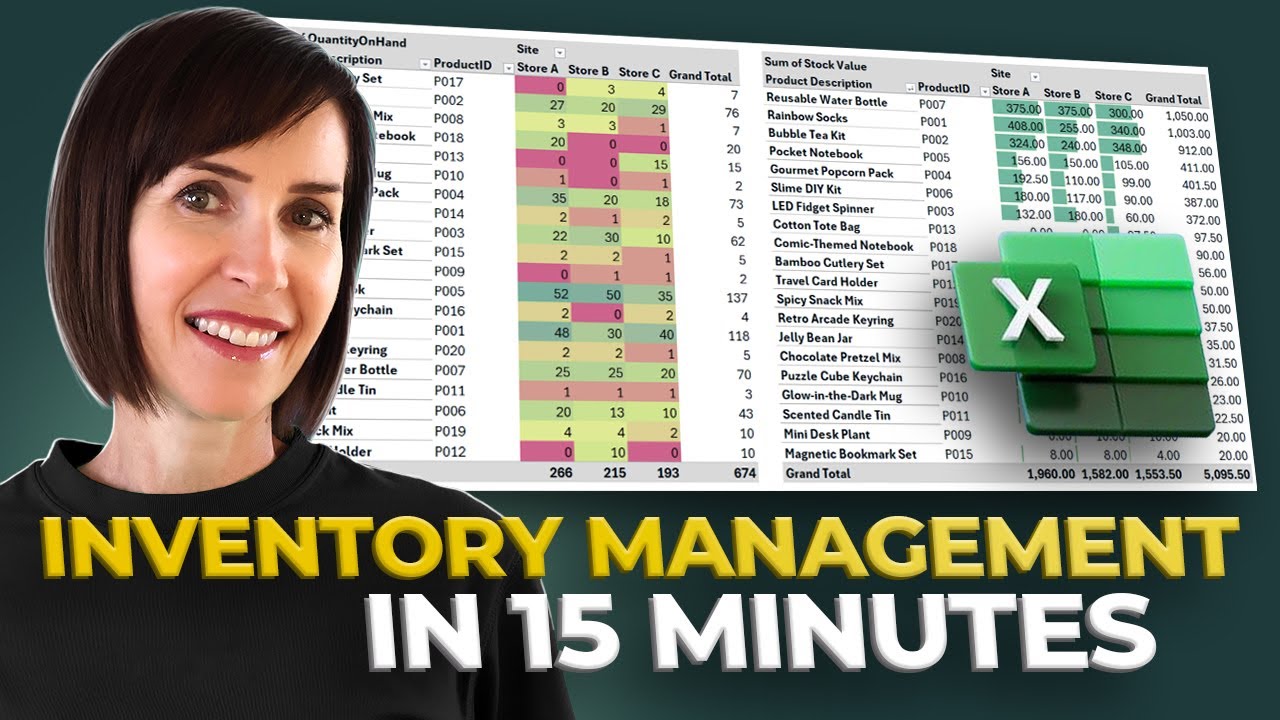
Tracking inventory can be a constant headache for many businesses. This video offers a practical, real-world application of spreadsheet automation: building a comprehensive inventory management system. It’s not just about tracking stock; it's about streamlining your entire operation. You’ll see how to design a structured product master list that keeps everything organized and implement efficient transaction recording to manage stock movements accurately.
A standout feature is the automation of reorder lists. Based on your current stock levels, the system can flag items that need replenishing, helping you manage stock proactively and avoid costly shortages. Plus, the ability to generate instant, insightful reports for better oversight is incredibly valuable. This video shows how you can use these automated solutions to really boost efficiency and accuracy in managing your business's inventory. It’s a prime example of effective google sheets automation youtube in action for a critical business function.

- Design a structured Product Master List for organized inventory.
- Automate reorder lists based on stock levels for proactive management.
Your Next Steps
Your Action Items
- ☐Pick one video from above and watch it on Querivo
- ☐Ask questions and check summaries while watching without breaking your flow
- ☐Use the AI chat to clarify confusing parts and deepen understanding
- ☐Come back for more curated videos on topics you want to master
By leveraging the techniques and tools demonstrated in these YouTube guides, you can significantly enhance your Google Sheets proficiency. From building automated databases and creating custom scripts to harnessing AI and mastering inventory management, the path to efficient, error-free spreadsheets is now clearer than ever. Start automating your spreadsheets today! Explore these recommended YouTube videos and begin transforming your workflow. Don't let manual tasks hold you back.
Turn Any YouTube Video into an Interactive Lesson
Paste any video link, get an instant AI summary, and ask questions in real-time.
Try Querivo Free →Related Videos You Might Enjoy
Looking for more perspectives on this topic? Here are some additional videos worth checking out:
The Automated Database in Excel You’ll Actually Use (Free Template)
This video demonstrates how to build a free, automated Excel database system using a simple data entry form. Viewers will learn to create a structured and searchable database that can be used for various tasks, reducing errors and saving time, with the ability to connect it to automatic reports for data insights.
Learn Excel VBA to Automate Anything
This video provides a 15-minute introduction to Excel VBA, covering how to automate tasks by creating custom functions, clearing data with a confirmation message box, and a brief mention of sending emails. It focuses on practical application within Excel.

Excel’s New AI Agent Does Your Job For You
This video introduces Excel's new AI Agent Mode, an add-in that performs complex, multi-step tasks within Excel workbooks by generating and running JavaScript code. It demonstrates how Agent Mode can create dashboards, pivot tables, modernize formulas, and even build entire workbooks from prompts, while providing detailed reports on its actions.

Create an Automated Inventory Management System in Excel (FREE Template)
This video demonstrates how to build a comprehensive inventory management system in Excel from scratch. It covers tracking stock across multiple sites, recording transactions, generating automatic reorder lists, and providing instant reports, all within a single workbook. A free template is available for download.