Tired of mind-numbing, repetitive data entry and formatting in Google Sheets? Imagine reclaiming hours each week, letting your spreadsheets do the heavy lifting so you can focus on what truly matters.
Key Takeaways
- 1Master Google Sheets automation with curated YouTube video guides.
- 2Learn App Script fundamentals for powerful customization.
- 3Automate tasks with custom functions and smart triggers.
- 4Unlock advanced formulas for dynamic data analysis.
- 5Integrate Sheets with other tools for seamless workflows.
Who this is for
- If you're a business user drowning in manual spreadsheet updates
- If you're a data entry professional looking to boost efficiency
- If you're a student or remote worker needing to manage information effectively
Start Learning with AI-Powered Video Summaries
Get instant summaries, ask questions, and turn any video into an interactive study session.
Try Querivo Free →Get Your Feet Wet: Building Blocks of Google App Script
Ever feel like you're stuck doing the same tedious tasks over and over in Google Sheets? This first video is your gateway to breaking free. It dives into the absolute basics of Google App Script, which is basically JavaScript but tailored for Google's suite of tools. You'll get a handle on how to store information using variables – think of them as little boxes for your data. More importantly, you'll learn how to actually talk to your spreadsheet from the script, reading data from cells and, even better, changing it. It's surprisingly straightforward and you'll use the Logger function a lot, which is a lifesaver for figuring out what your script is actually doing. If you've never coded before, this is a really solid place to start building that foundation for google sheets automation youtube mastery.
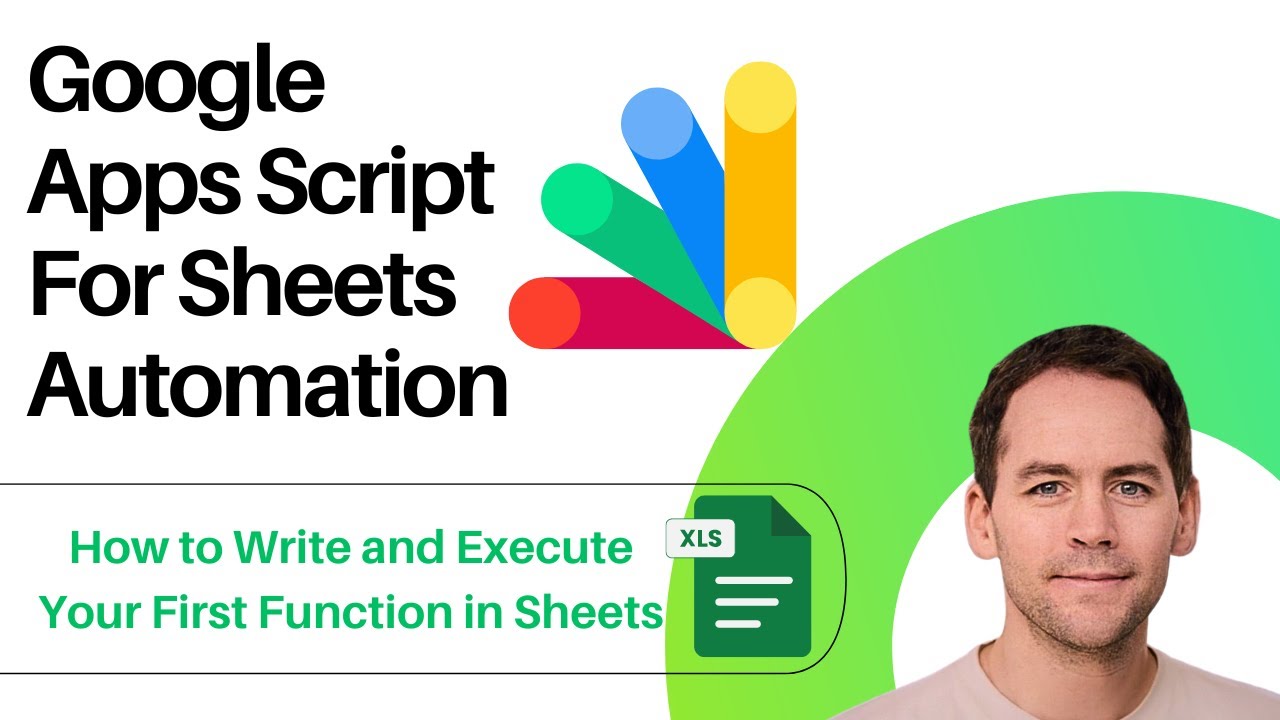
- Understand core JavaScript concepts like variables (`let`, `const`).
- Learn to read and write data directly to Google Sheets cells.
- Utilize `Logger` for essential debugging.
Study This Video Deeper
Get an AI summary and ask questions about confusing parts in real-time.
Open in Querivo →Automate the Mundane with Custom Functions and Triggers
Now that you've got a feel for the basics, it's time to make things really happen automatically. This video introduces the power of custom functions – think of them as your own personalized formulas that can do complex stuff your standard ones can't. Plus, you'll learn about triggers. What's a trigger? It’s what tells your script to run automatically, maybe every time you edit a cell or open the sheet. This is where sheets script tutorial really starts to pay off. Imagine automatically formatting new entries or calculating totals the second data is added. It's about making your spreadsheets smarter and saving yourself a ton of clicks. You'll discover how to efficiently work with multiple cells at once, which is a game-changer for larger datasets.

- Create your own reusable custom functions for complex operations.
- Set up `onEdit` and other simple triggers for automated actions.
- Process multiple cells and ranges efficiently within your scripts.
Unlock Data Power with Advanced Google Sheets Formulas
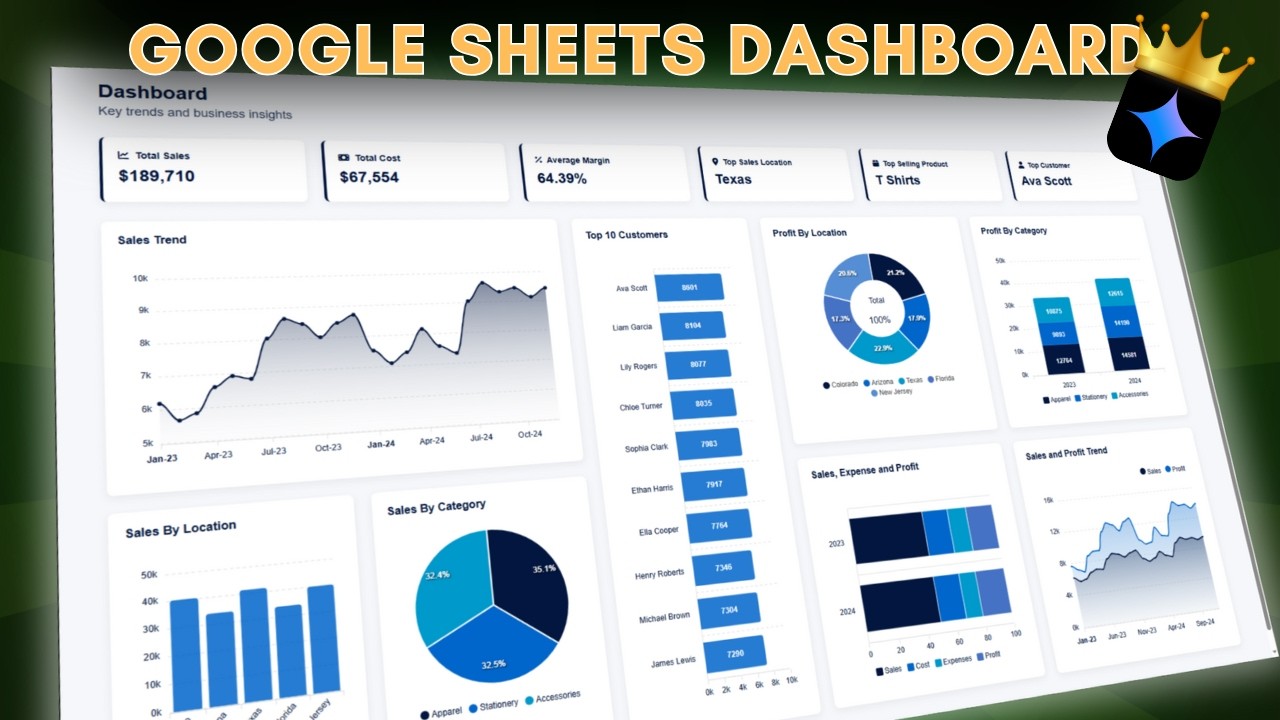
Not everyone wants to dive headfirst into coding, and that's totally fine! This video shows you how to wield the incredible power already built into Google Sheets through its advanced formulas. Forget basic SUM and AVERAGE; we're talking about functions that can sift through mountains of data and pull out exactly what you need, dynamically. You'll learn about powerhouse functions like QUERY and FILTER, which are absolute wizards at data extraction and analysis. Array formulas are also a big win here, allowing you to manipulate data in ways that expand and update automatically. Plus, there are techniques for using conditional formatting based on really complex rules. Creating self-updating dashboards that give you immediate insights? Yeah, that's what this video is all about, demonstrating next-level google sheets formulas advanced.
- Master powerful data manipulation with `QUERY` and `FILTER`.
- Leverage array formulas for dynamic, expanding data sets.
- Implement complex conditional formatting for better visualization.
Integrate Google Sheets with Everything Else
So, you've got Google Sheets humming along with scripts and fancy formulas. But what if your data needs to talk to other tools? This video opens up a whole new world by showing you how to integrate your spreadsheets with external applications and services. You'll get a peek into how Google Apps Script can interact with APIs – that's the magic that lets different software talk to each other. Think about sending automated emails when a certain threshold is met in your sheet, or pushing new customer data directly into your CRM. It’s also about pulling data into Sheets from other sources, creating a central hub for all your information. This is crucial for building truly seamless, end-to-end automated workflows, making your automate spreadsheets efforts extend far beyond just one application.
- Understand basic API interaction using Google Apps Script.
- Learn to send data from Sheets to external platforms.
- Discover methods for importing data from other sources.
Your Next Steps
By diving into these YouTube tutorials, you're not just learning new skills; you're investing in your efficiency and strategic advantage. Mastering Google App Script and advanced formulas can genuinely transform your Google Sheets from static documents into dynamic automation powerhouses. These resources offer a clear, actionable path to streamlining your daily tasks, reducing frustrating manual effort, and unlocking deeper, more valuable data insights. It's time to stop drowning in data and start making it work for you.
Your Action Items
- ☐Pick one video from above and watch it on Querivo
- ☐Ask questions and check summaries while watching without breaking your flow
- ☐Use the AI chat to clarify confusing parts and deepen understanding
- ☐Come back for more curated videos on topics you want to master
Ready to truly harness the power of google sheets automation youtube? Pick your starting point from this curated list and begin your journey to a more productive, automated workflow today.
Turn Any YouTube Video into an Interactive Lesson
Paste any video link, get an instant AI summary, and ask questions in real-time.
Try Querivo Free →Related Videos You Might Enjoy
Looking for more perspectives on this topic? Here are some additional videos worth checking out: