Tired of images that fall flat and lack that professional polish? Elevate your photography with the advanced retouching techniques that truly define professional-grade results.
Key Takeaways
- 1Master advanced photo retouching techniques.
- 2Transform landscapes with dramatic flair.
- 3Develop confidence and intentionality in editing.
- 4Achieve flawless, natural-looking skin.
- 5Create dreamy, captivating portraits.
Who this is for
- If you're struggling to get your photos to pop with professional quality.
- If you're looking to refine your editing workflow for high-end results.
- If you're an intermediate to advanced photographer ready to master complex techniques.
Start Learning with AI-Powered Video Summaries
Get instant summaries, ask questions, and turn any video into an interactive study session.
Try Querivo Free →Mastering Dramatic Landscapes with Advanced Lightroom Techniques
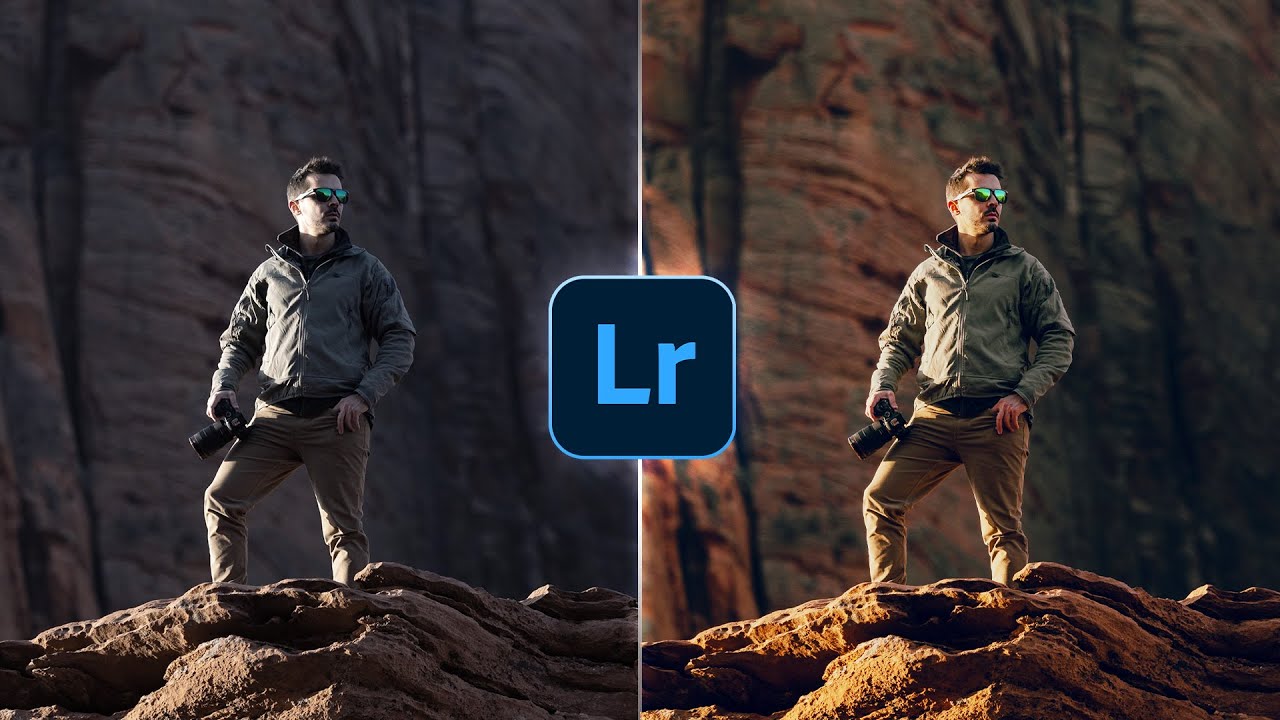
Ever look at a stunning landscape photo and wonder how they captured such depth and mood? This video dives deep into the magic behind dramatic landscape editing, specifically using Lightroom's advanced capabilities. It’s not just about making things brighter; it’s about sculpting light and atmosphere to tell a story.
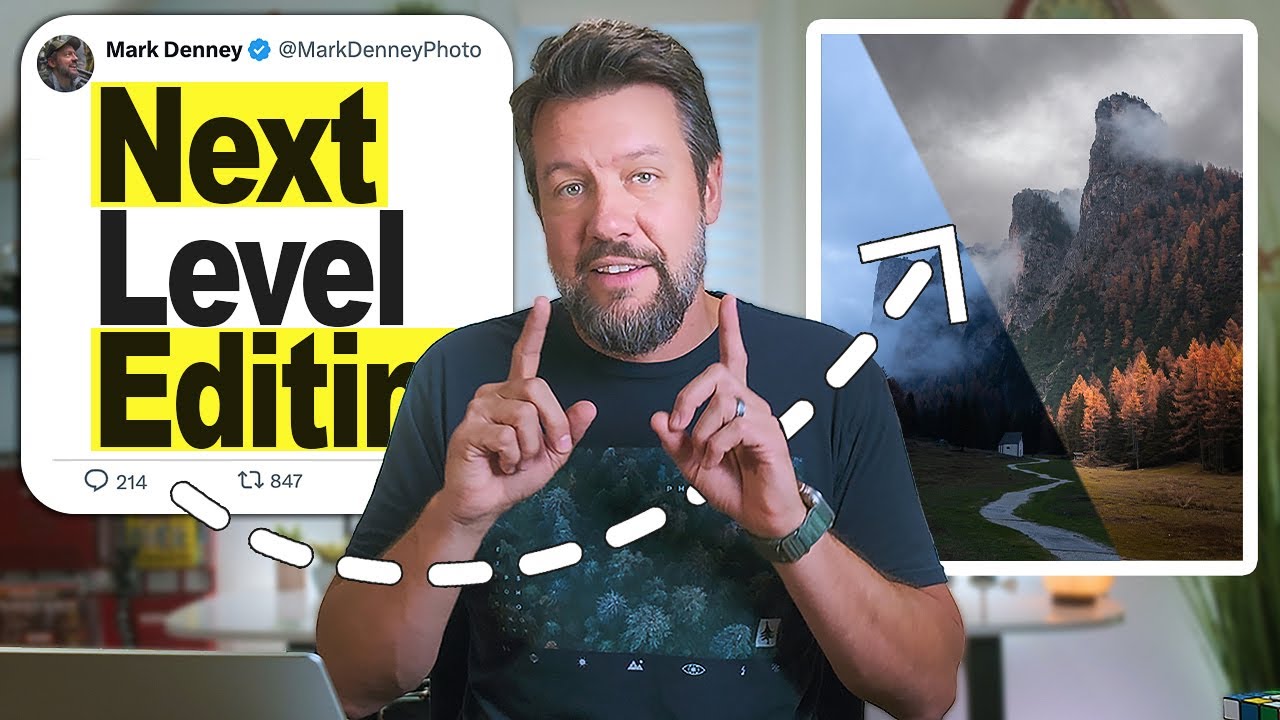
The creator, Mark Denney, really breaks down how to leverage HDR blending for that incredible tonal range that makes landscapes pop. Plus, you'll get a handle on advanced masking, which is surprisingly crucial for getting specific areas, like skies, just right. This isn't your average quick-fix tutorial; it’s a thorough guide for anyone serious about bringing out the best in their outdoor shots. You'll learn how to apply precise adjustments to really emphasize the mood you're going for.
This video is a game-changer if you're already comfortable with basic Lightroom but want to push your landscape photography to the next level. It’s perfect for photographers who find their outdoor shots sometimes look a bit flat or lack that "wow" factor they see in professional work.
- Learn advanced Lightroom techniques for dramatic landscapes.
- Master HDR blending and precise masking for impactful scenes.
Study This Video Deeper
Get an AI summary and ask questions about confusing parts in real-time.
Open in Querivo →Unlock Editing Confidence: The Art of Intentional Adjustments
Let's be honest, editing can feel like a guessing game sometimes, right? This next video tackles that head-on, focusing on building a strong editing foundation and a confident mindset. It’s all about moving beyond random slider-pulling and developing a clear vision for your images.
The creator, who goes by THAT ICELANDIC GUY., shares five really important lessons that can transform your approach. A key takeaway is understanding your tools before you start leaning on presets – something many of us are probably guilty of. You'll also learn how to spot and avoid the common pitfalls of over-editing, emphasizing subtleness and the value of stepping away to get a fresh perspective. Editing with intent, meaning knowing your desired mood and subject focus from the start, is really the core of this video. It’s about developing that instinct and assurance in your creative decisions.
If you're a beginner or intermediate photographer who feels their edits aren't quite hitting the mark, or if you just want to feel more confident behind the editing software, this video is definitely worth your time. It offers a fresh perspective on what makes an edit truly effective.

- Develop a confident editing mindset and clear vision.
- Master your tools and avoid common over-editing mistakes.
Achieve Flawless Skin: High-End Retouching with Frequency Separation
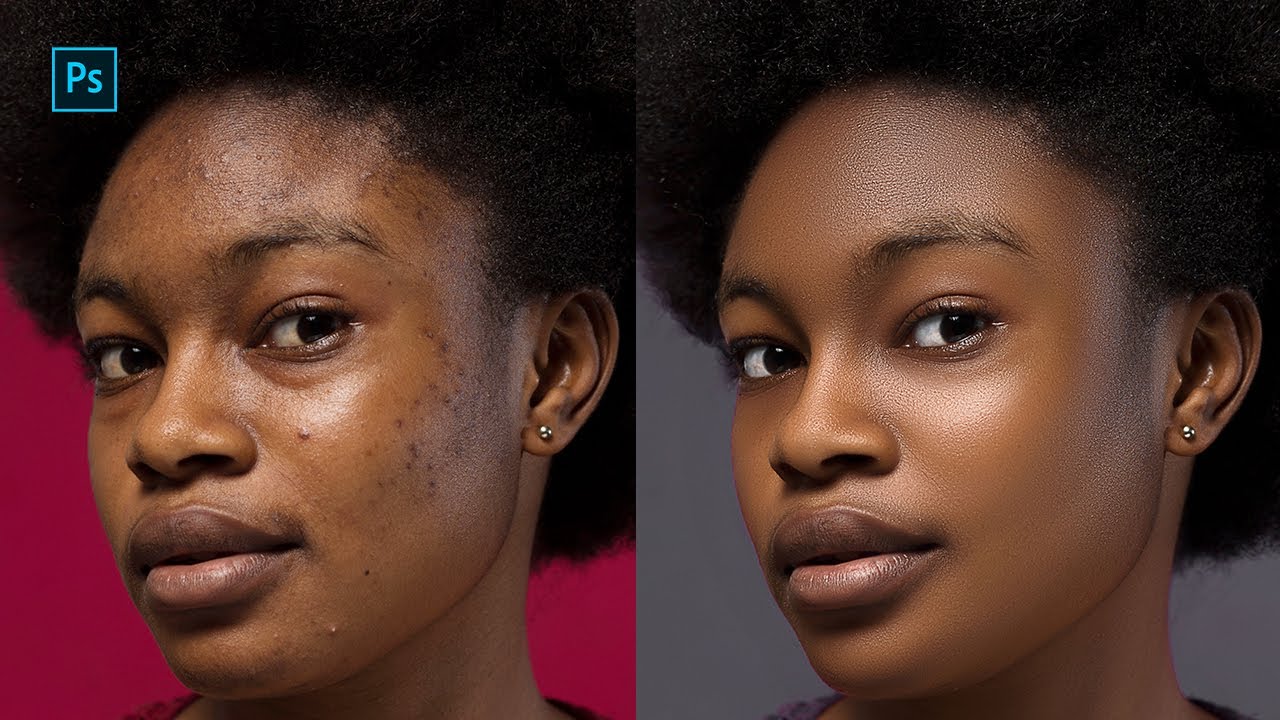
For anyone involved in portraiture, getting skin right is pretty much paramount. This tutorial walks you through professional techniques for creating incredibly smooth, yet natural-looking skin, using some advanced Photoshop wizardry. Forget that plasticky look; this is about finesse.
Ekow Dediha Photography guides you step-by-step through essential techniques. You’ll learn how to handle those pesky blemishes with the Patch Tool first. Then, the real magic happens with Frequency Separation, a method that allows you to smooth skin textures without losing detail. The Mix Brush Tool comes into play here for seamless blending, and a standout feature is the ability to edit color and texture layers independently. That level of control is what separates amateur edits from high-end professional results.
This video is a must-watch for anyone using Photoshop who wants to elevate their portrait and beauty retouching game. It’s really demystifying complex techniques, making them accessible even if you’re not a Photoshop guru yet.
- Learn professional skin retouching in Photoshop.
- Master blemish removal and skin smoothing with Frequency Separation.
Craft Dreamy Portraits with a 5-Step Photoshop Formula
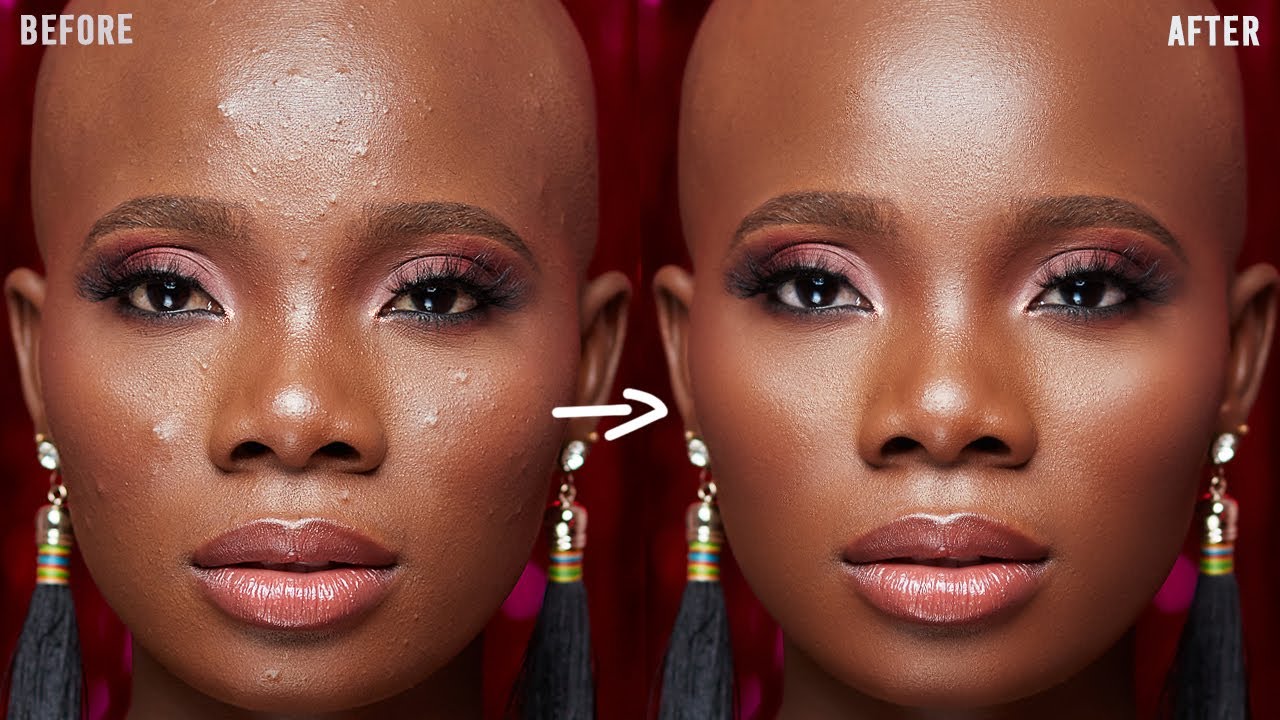
Creating portraits that feel soft, warm, and genuinely captivating is an art. This video offers a structured, five-step formula that's designed to produce aesthetically pleasing portraits with fantastic depth and subject enhancement. It’s a fantastic guide for that dreamy, almost ethereal look.
The creator from Eustace Photography starts by building a strong foundation using the Camera Raw filter. Then, they introduce a beautiful soft focus and depth of field effect with Lens Blur – a really clever way to isolate your subject. You’ll see how to apply localized color and light adjustments to really nail that dreamy aesthetic. And of course, enhancing and separating your subject for that polished final look is key. It’s a comprehensive approach that’s surprisingly easy to follow.
This tutorial is ideal for beginner to intermediate Photoshop users who are keen on portrait retouching. If you're looking to achieve that soft, warm, and inviting look in your portraits without it feeling overdone, this is definitely the video to check out. It breaks down the process into manageable, actionable steps.
- Follow a 5-step formula for dreamy, captivating portraits.
- Enhance depth, color, and subject isolation for polished results.
Your Next Steps
By integrating these advanced techniques from expert YouTubers, you can significantly elevate your photo retouching skills, moving from basic edits to professional, high-impact results across various genres. These videos offer practical, actionable advice that will genuinely improve your workflow.
Your Action Items
- ☐Pick one video from above and watch it on Querivo
- ☐Ask questions and check summaries while watching without breaking your flow
- ☐Use the AI chat to clarify confusing parts and deepen understanding
- ☐Come back for more curated videos on topics you want to master
Start practicing these techniques today to unlock your full creative potential and achieve the professional look you've been striving for. Dedicate time to rewatching these tutorials, experimenting with the techniques on your own images, and building a portfolio of your retouched work. It's about consistent practice and refinement.
Turn Any YouTube Video into an Interactive Lesson
Paste any video link, get an instant AI summary, and ask questions in real-time.
Try Querivo Free →Related Videos You Might Enjoy
Looking for more perspectives on this topic? Here are some additional videos worth checking out:
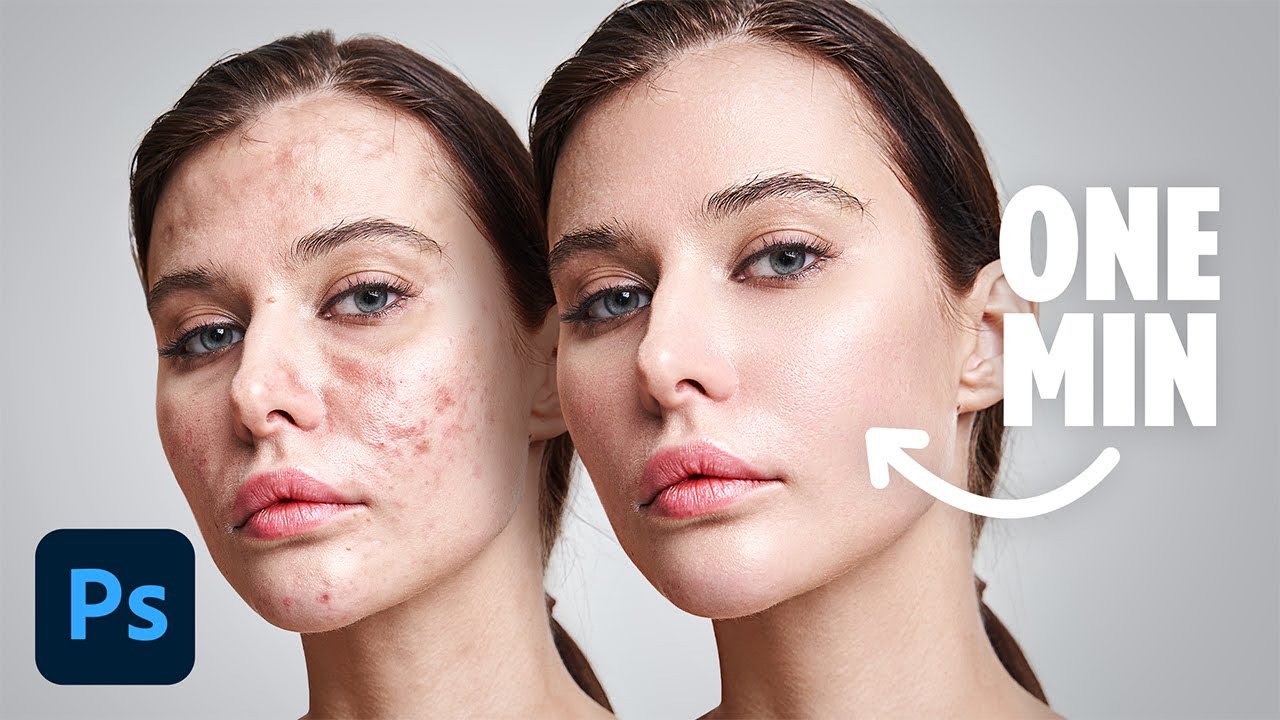
Flawless 1-Min Skin Retouch Action in Photoshop!
This video demonstrates a Photoshop technique to achieve flawless, textured skin retouching in under a minute. It focuses on creating a new skin texture from scratch using a combination of blurring and noise filters, rather than relying solely on plugins. The method allows for selective application and customization, offering a quick yet high-end result.
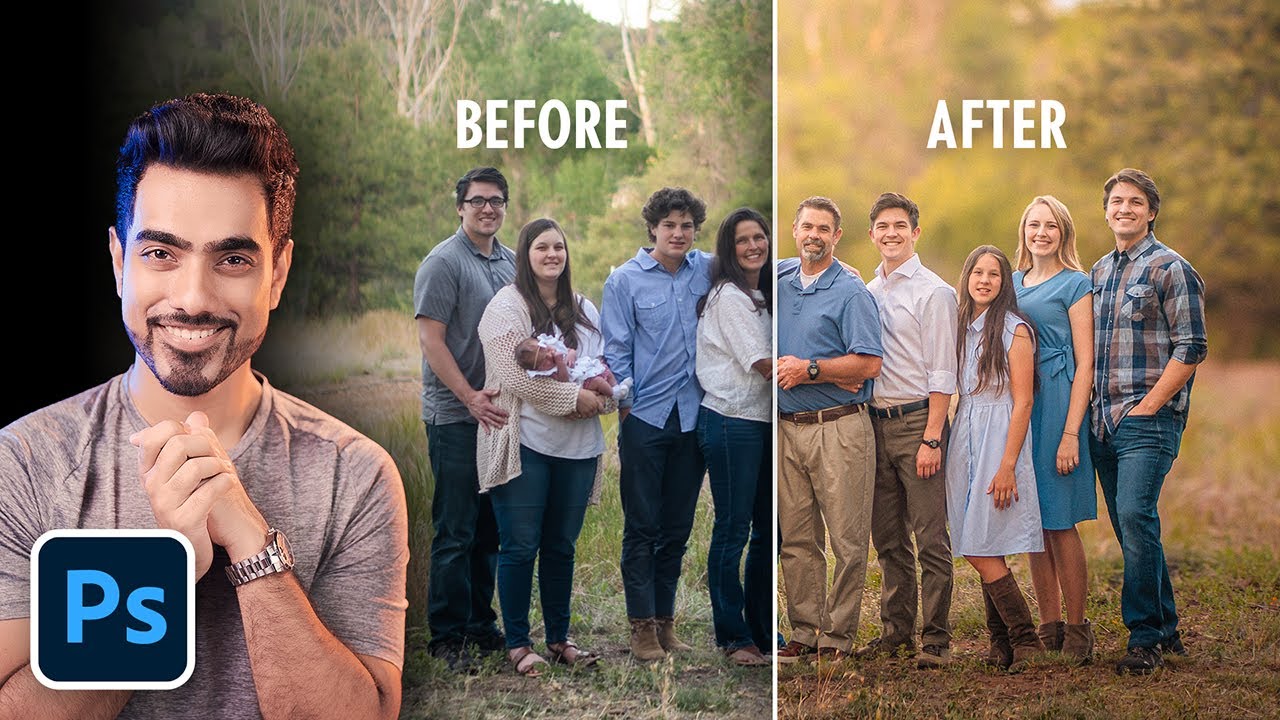
Create Soft Dreamy Portraits: 5-Step Formula in Photoshop!
This Photoshop tutorial provides a 5-step formula to create warm and soft-looking portraits or group photos. It focuses on building a good base with Camera Raw filter adjustments, creating depth of field with Lens Blur, and applying localized color and light adjustments to subjects for a dreamy aesthetic.
Create Soft Dreamy Portraits: 5-Step Formula in Photoshop!
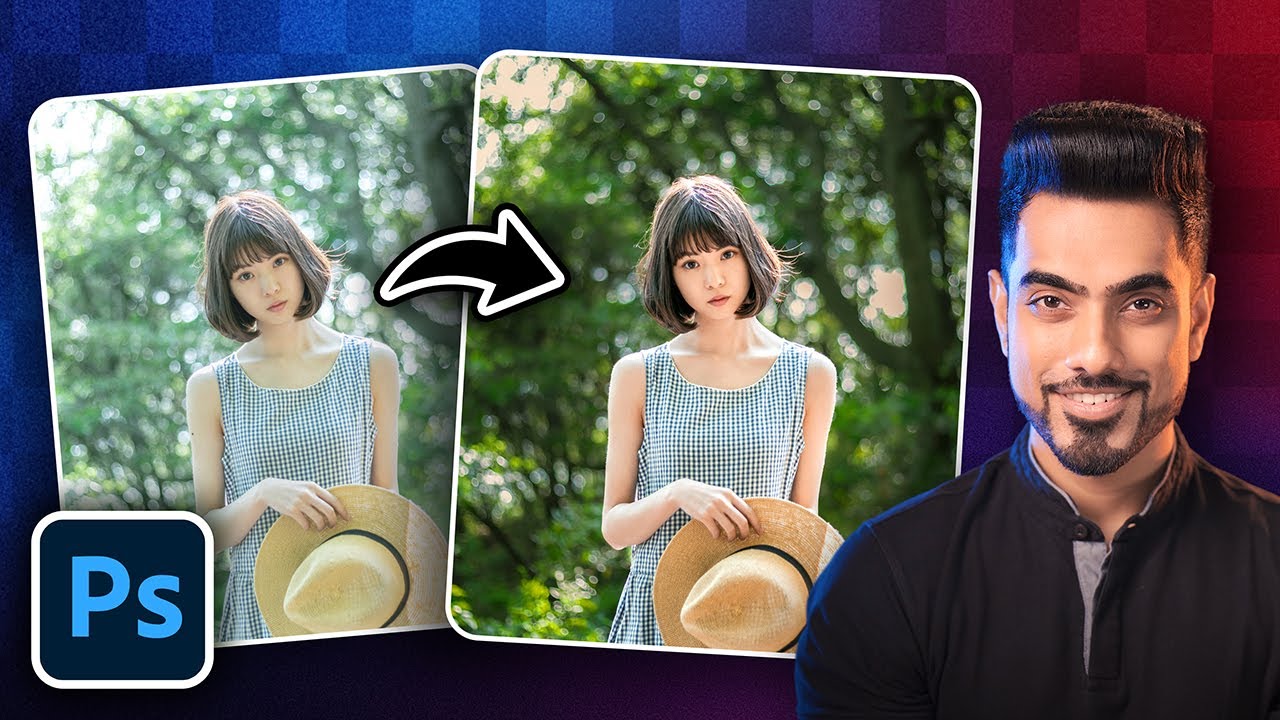
Watch with Querivo →5 Photoshop Tricks to Improve Any Portrait FAST!
This video demonstrates five quick Photoshop techniques to enhance portraits, focusing on drawing attention to the subject, improving eyes, correcting color shifts, and refining skin.
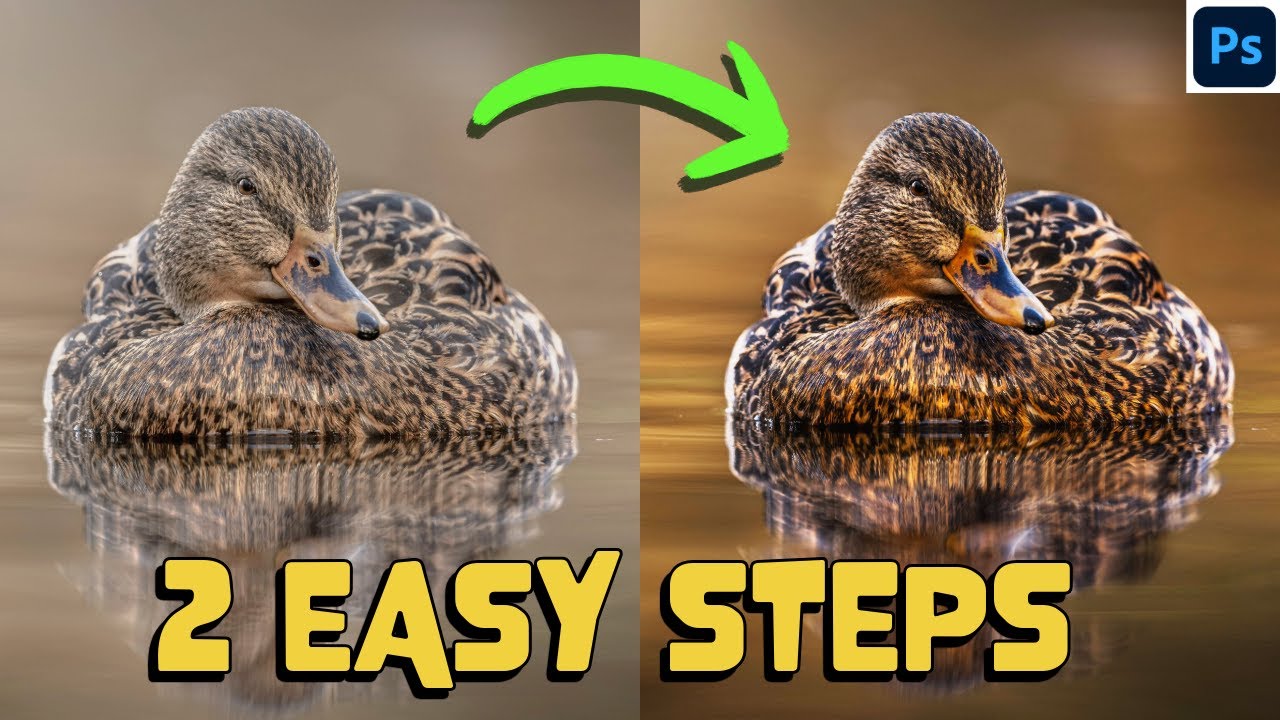
HOW to TRANSFORM your images in 2 EASY STEPS - Photoshop like a PRO
This video tutorial demonstrates a two-step Photoshop technique using adjustment layers to dramatically transform bland images into more vibrant and visually appealing ones. It focuses on selectively adding color and contrast to shadows and highlights, with an additional demonstration of how to achieve similar results in Lightroom and how to use a Wacom tablet to speed up the workflow.
How to Edit Photos in Photoshop | Raw Photo Editing, Color Grading, Skin Retouching & Saving Photos
This Photoshop tutorial guides viewers through a complete photo editing workflow, starting with RAW image adjustments in Camera Raw, followed by essential retouching techniques like frequency separation for skin, and concluding with saving images for social media.
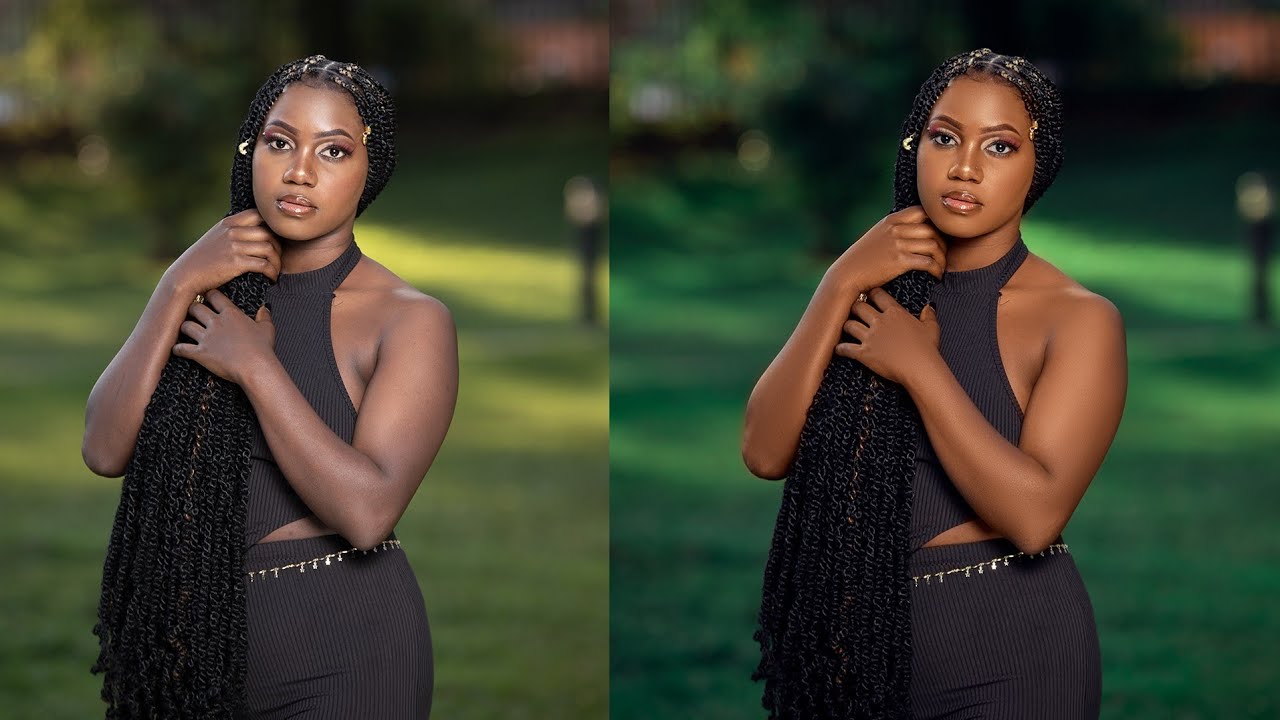
Lightroom Tutorial BASICS | Photo Editing Masterclass
This Lightroom tutorial masterclass provides a step-by-step guide to basic photo editing, focusing on a chronological process of correction, color adjustment, and finishing. The instructor walks through each panel, explaining key tools like white balance, tone sliders, Tone Curve, and HSL to achieve professional-level edits.
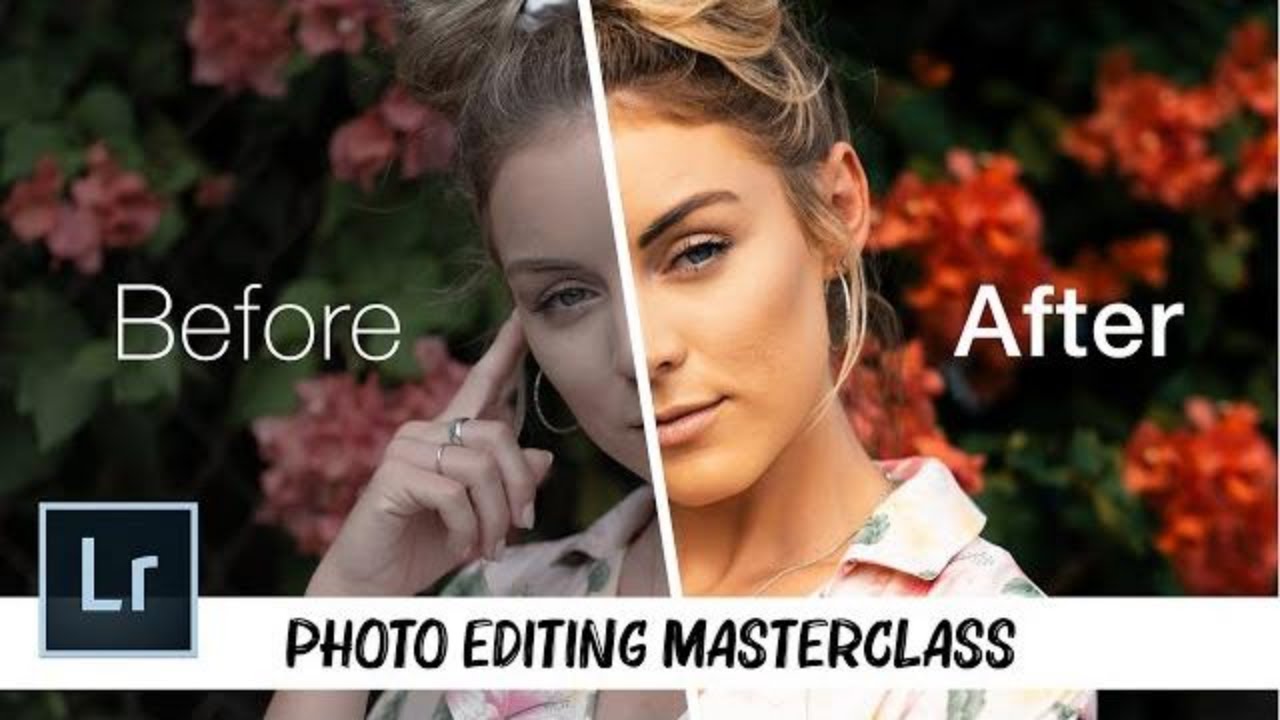
EDIT PHOTOS Like a Pro // Complete LIGHTROOM Tutorial
This Lightroom tutorial focuses on foundational photo editing techniques, guiding viewers through adjustments from exposure and white balance to advanced masking and color manipulation. The instructor emphasizes a step-by-step approach, prioritizing lighting and tone before color and curves, while also sharing workflow updates for efficiency.