Tired of feeling bogged down by repetitive design tasks? Imagine a design process that's not only faster but also more intelligent.
Key Takeaways
- 1Discover cutting-edge AI and tools for designers
- 2Learn to accelerate ideation and asset creation
- 3Streamline your Illustrator and web design workflows
- 4Master strategic AI integration for maximum efficiency
- 5Elevate your creative output with smart techniques
Who this is for
- If you're feeling overwhelmed by manual design processes
- If you're looking to integrate AI effectively into your creative work
- If you're an experienced graphic designer aiming to boost productivity
Start Learning with AI-Powered Video Summaries
Get instant summaries, ask questions, and turn any video into an interactive study session.
Try Querivo Free →Supercharge Your Design Ideation with AI-Powered Insights
Ever feel like the initial concept stage of a design project eats up way too much time? This video dives straight into how AI can dramatically speed up that crucial first phase. It’s not about letting AI take over, but using it as a smart assistant to help you understand client needs better and generate visual directions faster. You'll discover how AI can summarize briefs, even provide domain knowledge, and help refine your ideas before you even open Illustrator.
This approach is pretty game-changing for anyone looking to get to the creative core of a project quicker. The instructor shares her personal workflow, showing how tools like ChatGPT can act as brainstorming partners and even help generate critiques for your concepts. This means less time staring at a blank canvas and more time bringing your vision to life. It's a practical look at AI’s role in accelerating design, not replacing the human element, which we think is a really important distinction.

- AI can accelerate client brief analysis and knowledge acquisition.
- Use AI-generated feedback to refine concepts before detailed design work.
Streamline Your Web Design Foundation with Smart Tools and AI
Integrating design with development often means juggling a lot of different tools. This video from WPTuts looks at some genuinely helpful plugins, services, and AI tools that can make the process smoother, especially if you're working with web design elements or need efficient asset creation. You'll get a solid overview of how AI can help in prototyping and generating unique visual assets that can then be polished in Illustrator.
It’s a great guide for designers who want to leverage emerging tech to build better foundations. The creator walks you through tools for finding essential WordPress plugins, prototyping with AI, and even generating images – think of it as an efficient way to source materials or visualize concepts rapidly. Plus, understanding these complementary tools can definitely make your Illustrator work feel more connected to the broader project scope. This video really highlights how AI is becoming integral to modern web design workflows.
- Explore AI prototyping tools for rapid mockups.
- Learn about AI image generation for unique visual assets.
Integrate AI Strategically for Maximum Efficiency in Your Design Process
Feeling that 'AI app fatigue'? It’s a real thing when there are so many new tools popping up. This video tackles that head-on by advocating for a strategic approach to AI integration in your design workflow, specifically focusing on efficiency. The presenter, a Senior UX Designer at Google, breaks down how to apply AI across the Double Diamond design phases. It’s about picking the right tools and using them smartly, rather than trying to master everything.
This video is a goldmine for anyone feeling overwhelmed but wanting to harness AI's power. You'll see how AI can be used for rapid prototyping, speeding up iterations and giving you clearer visualizations of potential outcomes. It emphasizes focusing on core AI tools to maintain a cohesive and efficient workflow. For Illustrator users, this means ensuring the AI tools you adopt actually support and enhance your vector design tasks, rather than adding unnecessary complexity. It's a pretty solid framework for thinking about AI integration.

- Apply AI strategically across all design phases (Double Diamond).
- Focus on core AI tools to combat app fatigue and boost efficiency.
Boost Graphic Design Output with Essential Browser Extensions
Sometimes, the biggest workflow boosts come from the simplest tools. This video highlights a curated selection of Chrome extensions that are genuinely useful for speeding up various aspects of the design process, many of which directly benefit work done in Illustrator. Need to quickly grab a color palette from a website, identify a font, or gather visual assets for inspiration? These extensions have you covered.
You'll discover how to analyze website technologies, pick colors on the fly, and grab screenshots for mood boards or responsive testing. For graphic designers, having these tools readily available in your browser means quicker research, more accurate replication of visual elements, and a generally more efficient workflow when sourcing inspiration or analyzing competitor designs. It’s about having the right resources at your fingertips, making your entire design process, including your time in Illustrator, much more streamlined.
- Use extensions for rapid color and font identification.
- Leverage tools for efficient asset collection and analysis.
Your Next Steps
By strategically integrating AI-powered tools, smart asset sourcing, and efficient browser extensions, you can significantly boost your design workflow. This approach allows for accelerated ideation, smarter asset creation, and more streamlined execution within Adobe Illustrator, enabling you to focus on the creative soul of your work.
Your Action Items
- ☐Pick one video from above and watch it on Querivo
- ☐Ask questions and check summaries while watching without breaking your flow
- ☐Use the AI chat to clarify confusing parts and deepen understanding
- ☐Come back for more curated videos on topics you want to master
Ready to transform your design process? Start exploring the AI tools and techniques discussed and see how they can revolutionize your Illustrator workflow. Experiment with one new AI tool or browser extension this week. Bookmark these videos for future reference and integrate their insights into your next design project to experience the efficiency gains firsthand.
Turn Any YouTube Video into an Interactive Lesson
Paste any video link, get an instant AI summary, and ask questions in real-time.
Try Querivo Free →Related Videos You Might Enjoy
Looking for more perspectives on this topic? Here are some additional videos worth checking out:
Figma New AI Features to Speed Up Your Design Workflow!
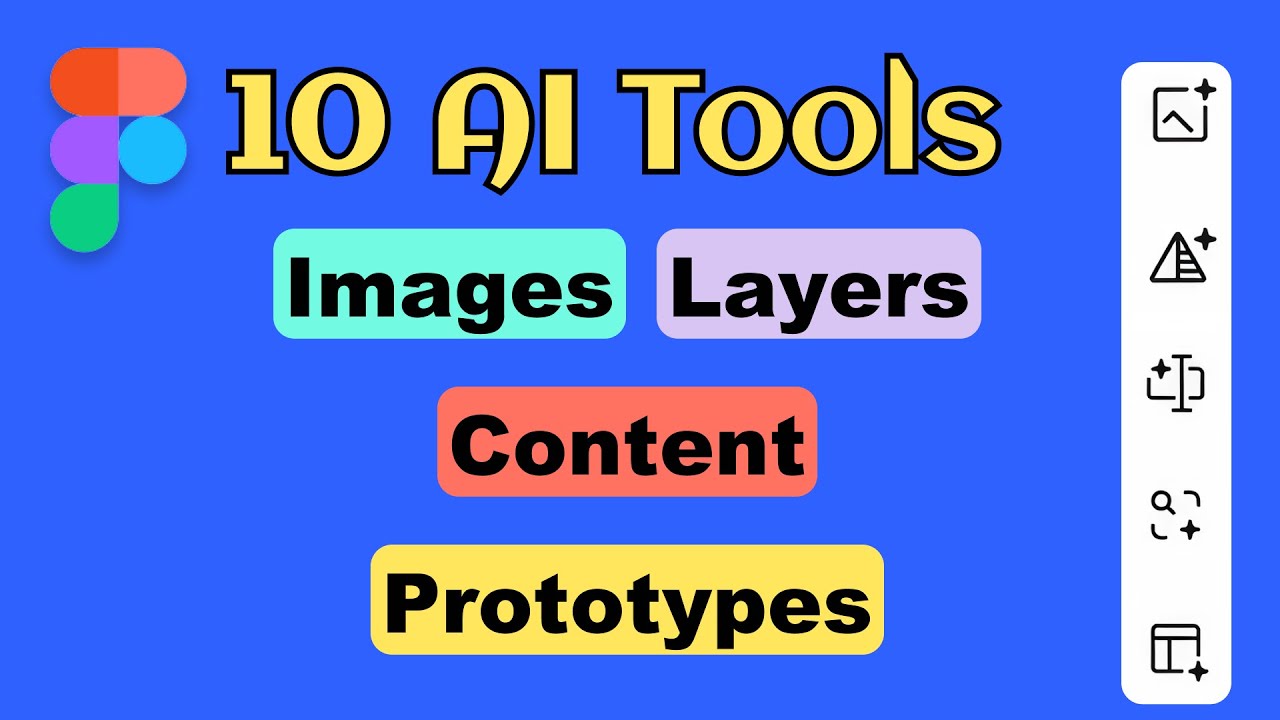
This video showcases 10 powerful AI features recently integrated into Figma, designed to significantly speed up and enhance design workflows. The instructor demonstrates practical applications of these AI tools on a mobile app, covering image generation and editing, content translation and replacement, text rewriting, layer renaming, resolution boosting, background removal, and automatic interaction creation for prototyping.
The ONLY Graphic Design Process You Need In 2025! (BOOKMARK THIS)
This video outlines a comprehensive 4-step graphic design process for 2025, emphasizing clarity on purpose and audience to guide all design decisions. It covers gathering inspiration, crafting a visual language with color and typography, and defining psychology and messaging before structuring the layout.

BOOST Your Design Workflow with Compound Paths in Adobe InDesign!
This video tutorial demonstrates how to effectively use Compound Paths in Adobe InDesign to create intricate layouts. It covers generating grids, applying them as compound paths to reveal images, resizing and regenerating images using AI, and accurately centering text frames within these complex shapes.

My Complete UI/UX Design Process for 2025 (Step-by-Step)
This video outlines Arash's complete UX design process for 2025, emphasizing a user-centered approach grounded in Design Thinking. He details how to effectively research, define problems, ideate solutions, prototype efficiently, and test with users using specific tools like UsabilityHub (implicitly, as Lisna is a known UsabilityHub product) to create functional and user-friendly products.